
To fix your chair height in just a few minutes, start by sitting comfortably with your feet flat on the ground. Adjust the chair so your knees are at a 90-degree or slightly lower angle, ensuring your thighs are parallel to the floor. Make sure your hips are level or slightly higher than your knees for proper support. Keep your back supported and shoulders relaxed. If you follow these steps, you’ll quickly improve your posture—continue to learn how to adjust everything properly.

Get comfort and recovery gear delivered free with Prime
- Fast, free delivery on millions of items
- Prime Video, Amazon Music and more included
- Member-only deals all year
Key Takeaways
- Adjust the chair height so your feet are flat on the floor and knees form a 90-degree angle.
- Ensure your hips are level with or slightly higher than your knees for proper alignment.
- Sit back fully in the chair, supporting your lower back naturally without strain.
- Use the height adjustment lever to fine-tune until your thighs are parallel to the ground.
- Confirm your arms are relaxed with wrists straight and monitor at eye level for optimal posture.
ergonomic adjustable office chair
As an affiliate, we earn on qualifying purchases.
As an affiliate, we earn on qualifying purchases.
How to Check if Your Chair Height Is Correct
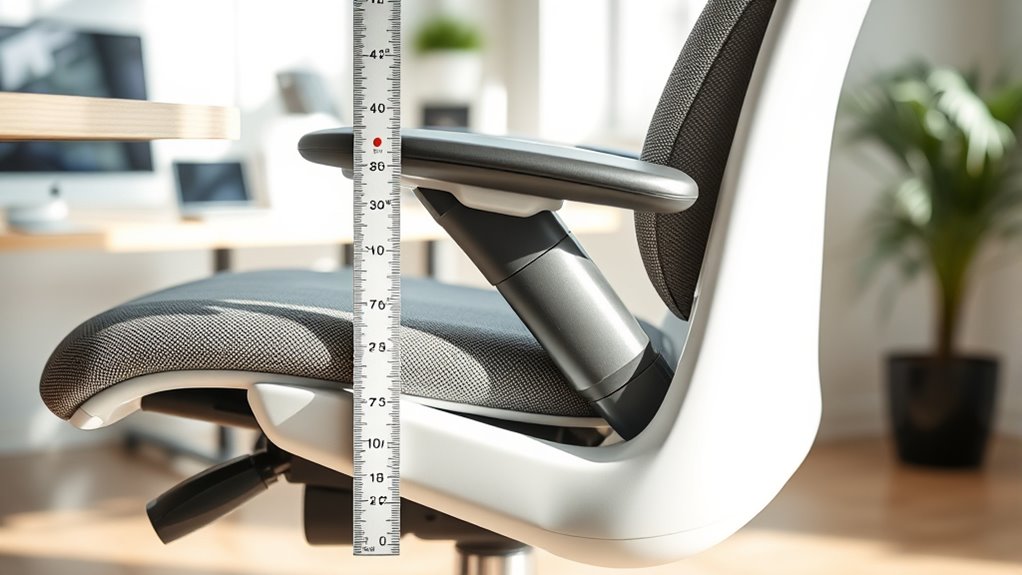
To make certain your chair height is correct, start by sitting comfortably with your feet flat on the floor. Your knees should form a 90-degree angle or slightly less, and your thighs should be parallel to the ground. Check that your hips are level or slightly higher than your knees. Your lower back should be supported naturally, with no strain or excessive slouching. If your feet don’t touch the floor, or if your knees are higher than your hips, your chair might be too high or too low. Also, ensure your wrists are straight when typing, not bent upward or downward. Adjust your position until your body feels supported and relaxed, with no tension or discomfort.
As an affiliate, we earn on qualifying purchases.
Step-by-Step Guide to Adjusting Your Chair Height
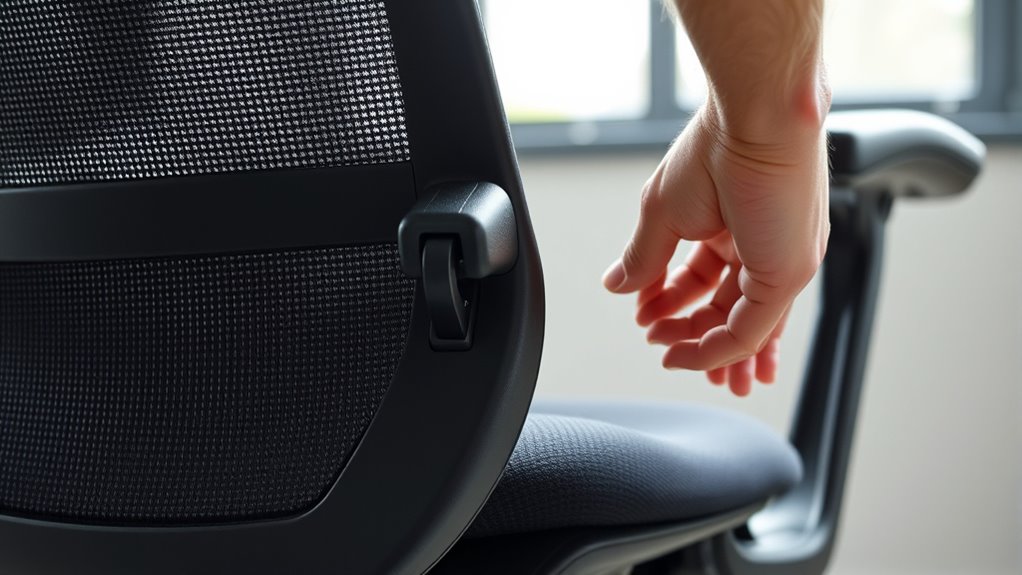
Adjusting your chair height is straightforward and essential for comfort. First, sit upright with your feet flat on the floor. Next, locate the height adjustment lever or knob usually beneath the seat. Then, follow these steps:
Adjust your chair height for comfort by sitting upright, then using the lever to find the perfect position.
- Lift or lower the lever to raise or lower the chair until your feet are flat, and your knees are at a 90-degree angle.
- Test the height by sitting back and ensuring your hips are level with or slightly higher than your knees.
- Make fine adjustments as needed, ensuring your lower back feels supported and your arms rest comfortably on your desk.
Take a moment to double-check your positioning before settling in. Proper height promotes comfort and reduces strain during long periods of sitting.
As an affiliate, we earn on qualifying purchases.
Tips for Maintaining Proper Sitting Posture
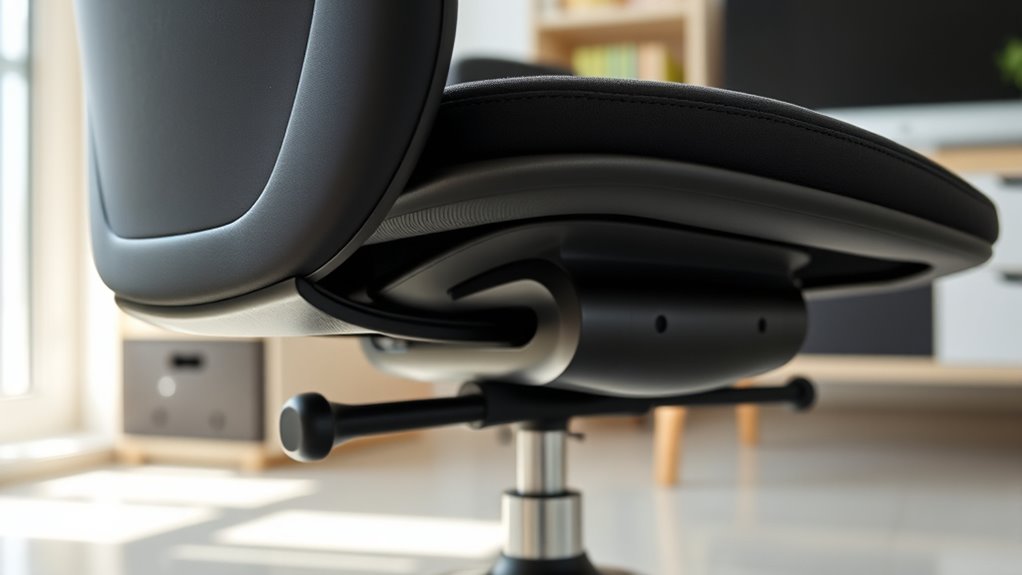
Maintaining proper sitting posture is essential to prevent discomfort and long-term musculoskeletal issues. Keep your feet flat on the floor, with knees at a 90-degree angle. Sit back fully in your chair, ensuring your lower back is supported. Keep your shoulders relaxed and avoid hunching forward. Position your monitor at eye level to prevent neck strain, and keep your elbows close to your sides, forming a 90-degree angle. Take regular breaks to stretch and change positions. Use the table below for quick reference:
| Good Posture Practice | Common Mistakes |
|---|---|
| Feet flat on the ground | Crossing legs |
| Back supported by chair | Slouching or leaning forward |
| Monitor at eye level | Looking down or up excessively |
| Shoulders relaxed | Tensing shoulder muscles |
As an affiliate, we earn on qualifying purchases.
Frequently Asked Questions
Can Chair Height Affect Long-Term Back Health?
Yes, your chair height can considerably affect your long-term back health. If it’s too high or too low, you may strain your back muscles, cause poor posture, and develop chronic pain. Properly adjusting your chair makes sure your feet rest flat on the floor, knees are at a 90-degree angle, and your spine stays aligned. Taking these small steps now helps prevent long-term back issues and keeps you comfortable throughout the day.
What Signs Indicate My Chair Height Is Wrong?
You notice your shoulders tense and your neck ache after hours of work, like a weight pressing down on you. If your feet dangle without support, or your knees are higher than your hips, your chair height is off. You might also find yourself slouching or leaning forward, trying to find comfort. These signs tell you it’s time to adjust your chair—small changes can prevent long-term pain.
Is It Better to Have a Slight Tilt in My Chair?
A slight tilt in your chair can be beneficial if it promotes better posture and comfort. You want your hips slightly higher than your knees, encouraging a natural lumbar curve. Make certain your feet are flat on the ground and your back supports your spine. Adjust the tilt so you’re not leaning forward or backward excessively. Small adjustments can improve circulation and reduce strain, making your sitting experience more comfortable and ergonomic.
Should I Adjust My Chair Height Regularly?
Yes, you should adjust your chair height regularly. Doing so helps maintain proper posture, prevents discomfort, and reduces strain on your neck and back. As you shift positions or work for long periods, your body needs different support. Take a moment every now and then to check if your feet are flat on the floor, your knees are at a 90-degree angle, and your arms are comfortably resting. Regular adjustments keep you comfortable and healthy.
Does Desk Height Influence Optimal Chair Height?
Yes, desk height directly influences your ideal chair height. When your desk is too high or low, it forces you to adjust your chair for comfort and proper posture. To find the best fit, set your chair so your feet are flat on the floor, knees at a 90-degree angle, and your hands comfortably rest on the desk. Adjust your chair accordingly for ergonomic support.
Conclusion
Don’t let improper chair height cause discomfort or long-term issues. Adjusting your chair takes just a few minutes, and it’ll make a big difference in how you feel throughout the day. Even if you think it’s too complicated or time-consuming, remember that a simple tweak can improve your posture and reduce aches. Give it a try—you might be surprised how quickly you notice the positive change in your comfort and productivity.
Halloween Picks
halloween
As an affiliate, we earn on qualifying purchases.