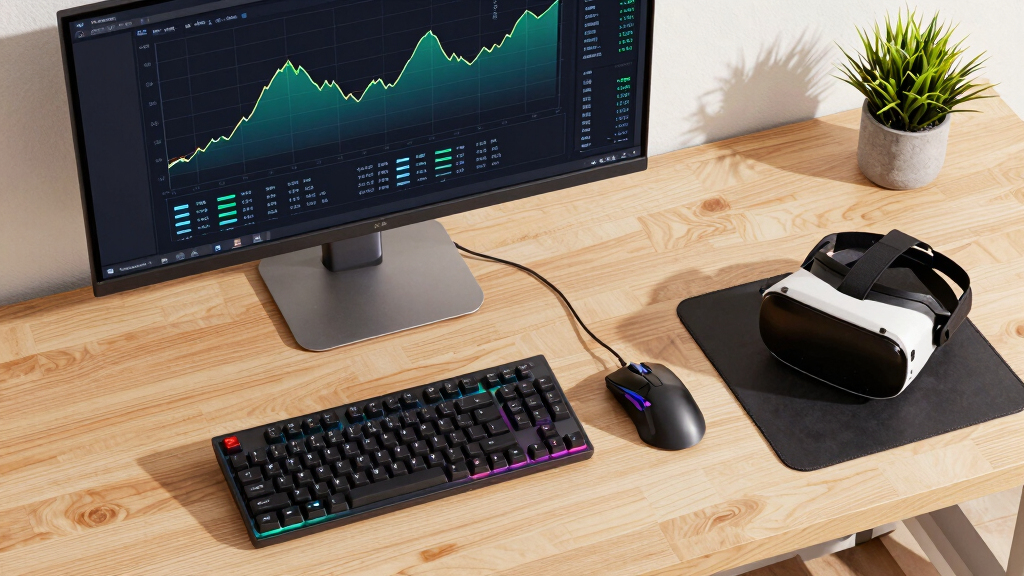
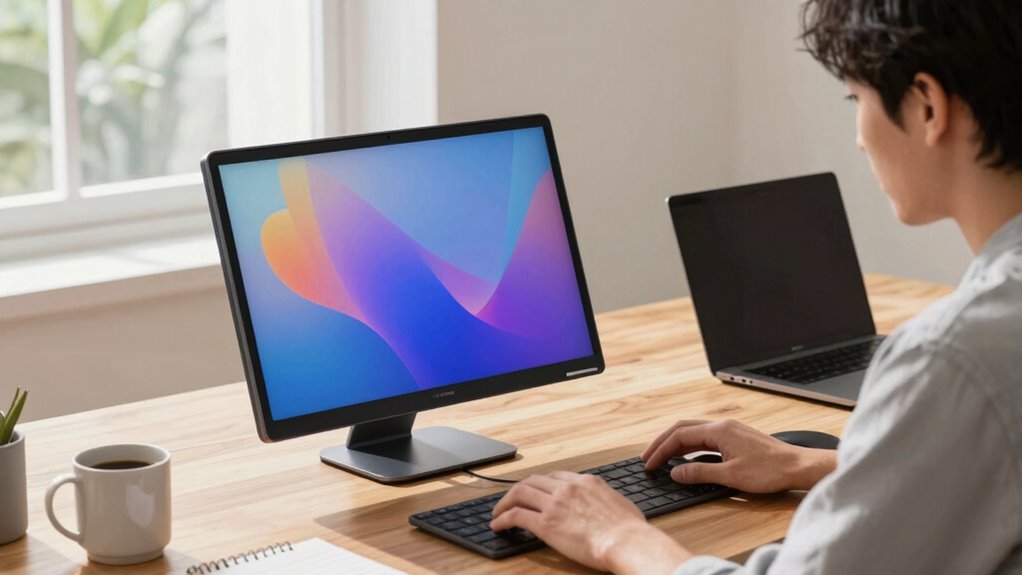
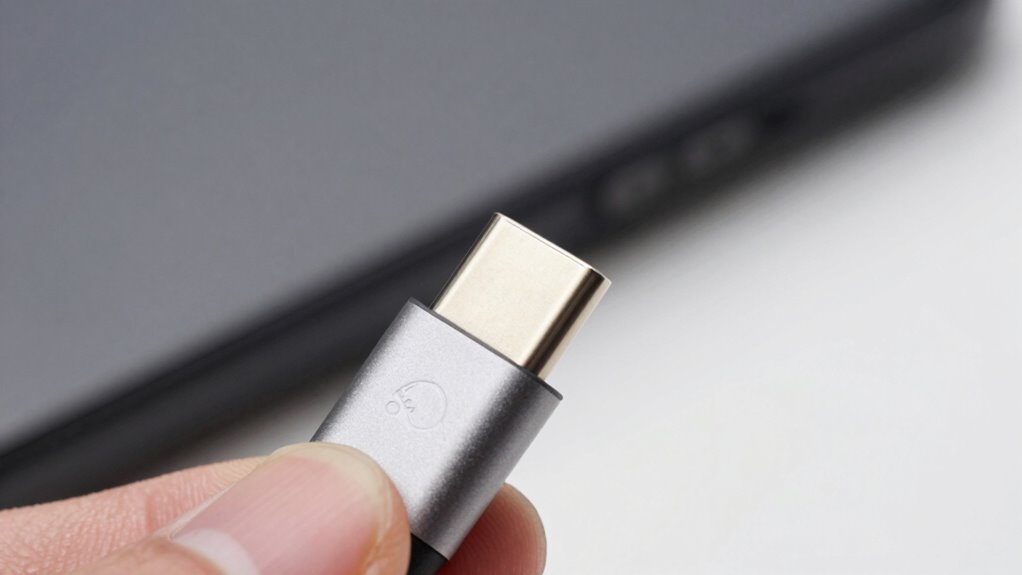
Discover why USB-C remains confusing and the key details that could trip you up if you’re not careful.
Browsing Category
Monitor & Display Know-How
54 posts
The Input Device Upgrade Order That Makes the Most Sense
Here’s a well-structured upgrade order for input devices that ensures maximum comfort and compatibility; keep reading to discover the best steps for your setup.
Bias Lighting for Work Monitors: Useful or Overrated?
Discover whether bias lighting for work monitors truly enhances your experience or if it’s just overrated, and learn how to optimize its benefits.
High CRI Explained: Why Some Desk Lights Feel Better
Discover how high CRI lighting enhances comfort and clarity on your desk, and learn why some lights feel better for your eyes and workspace.
Why Your Color Settings Look Different Every Time of Day
Discover why your color settings shift throughout the day and how to keep them consistent despite changing lighting conditions.
The Best Way to Test a Screen Without Fancy Tools
Finding simple methods to test your screen without fancy tools can save time and money, but there’s more to ensure your display stays in perfect condition.
The Secret to Reading Spreadsheets Without Eye Fatigue
A simple approach to reading spreadsheets comfortably involves tips that can prevent eye fatigue and keep you productive longer—discover the secrets below.
Why Some People Work Better on One Giant Screen
You work better on one giant screen because it helps you see…
The KVM Switch Questions Buyers Should Ask Before Shopping
KVM switch buyers should ask key questions to ensure compatibility and future-proofing, but there’s more to consider before making your choice.
Stop Chasing Specs—Start Matching Displays to Tasks
Focusing on your specific work needs rather than specs unlocks better comfort and accuracy—discover how to choose the right display for you.