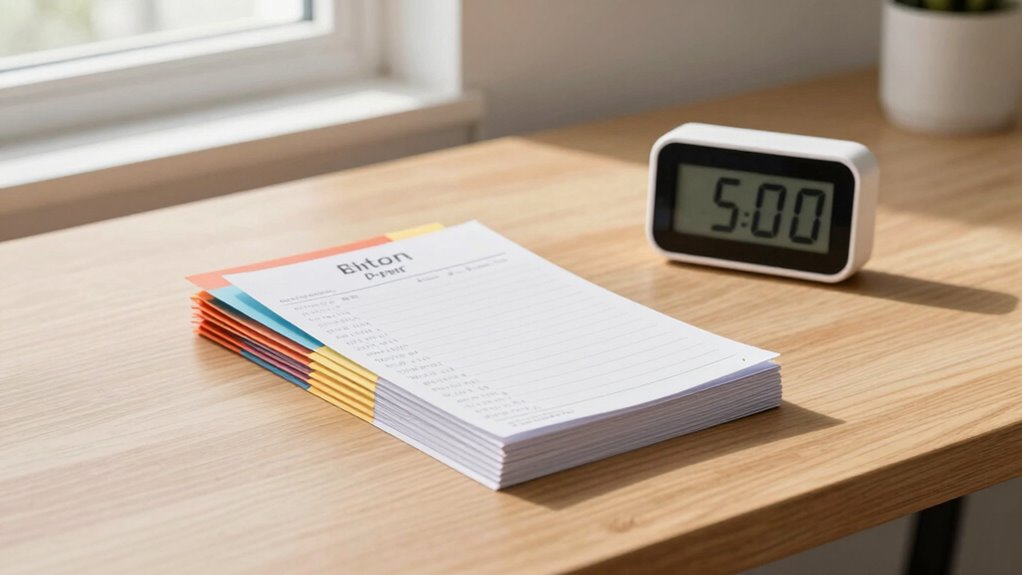

To keep your receipts organized in just five minutes a week, set up a simple digital system. Gather any new receipts, scan or photograph them quickly, and save them in clearly labeled, categorized folders—like “Groceries” or “Bills.” Name files consistently, such as “2024-04-15_Grocery,” to make searching easy later. Regular short sessions prevent clutter buildup and save time later. Stay tuned to discover how small routines can keep your files tidy effortlessly.
Key Takeaways
- Set a weekly 5-minute slot to scan and categorize new receipts into organized folders.
- Use consistent naming conventions for quick identification and easy searching later.
- Store receipts in categorized subfolders, such as bills or groceries, for streamlined access.
- Use simple apps or software to automate the conversion of physical receipts into digital images.
- Regularly review and update your system to ensure it remains efficient and clutter-free.

Have you ever struggled to find a specific receipt when you needed it most? It’s frustrating digging through piles of paper or searching through cluttered folders, especially when time is tight. The good news is, with a bit of organization, you can tame the chaos in just a week. The key is to implement effective digital filing and storage solutions that make your receipts easily accessible and manageable. Digital filing is a game-changer because it transforms scattered paper into a neat, searchable archive. Start by gathering all your receipts from the past few months—whether they’re in wallets, drawers, or piles on your desk. Once you have everything together, scan or photograph each receipt using your smartphone or scanner. Many apps and software options can help you automate this process, converting paper into clear, digital images. Once digitized, create a dedicated folder on your computer or in a cloud storage service like Google Drive, Dropbox, or OneDrive. Organize your receipts into subfolders based on categories such as bills, groceries, travel, or business expenses. This way, you’ll save time hunting for a specific receipt later on. Use descriptive file names that include dates and details—like “2024-04-15_Grocery_Store”—so you can quickly locate what you need without opening each file. Incorporating digital storage solutions also means you won’t have to worry about physical space or losing receipts to damage or misplacement. Plus, cloud storage offers the convenience of accessing your receipts from any device, anywhere. To stay consistent, set aside a specific time each day or every couple of days for scanning and organizing new receipts. This routine prevents backlog and keeps your system current. Establishing a simple and consistent system is crucial for maintaining organization over time. If you prefer physical storage solutions, designate a single, labeled folder or envelope for recent receipts, and only transfer them to your digital archive once they’re categorized. Whichever method you choose, the goal is to create a streamlined process that you can maintain over time. Within a week, you’ll notice how much easier it is to find receipts when you need them, whether for tax purposes, warranty claims, or expense tracking. The combination of digital filing and smart storage solutions will save you time, reduce clutter, and give you peace of mind, knowing your receipts are organized, safe, and ready whenever you need them.
Frequently Asked Questions
What Tools Are Best for Digital Receipt Organization?
You should use scanning apps like Adobe Scan or CamScanner to digitize your receipts quickly. These apps let you capture clear images and organize them easily. Save your receipts to cloud storage services like Google Drive or Dropbox, so you can access them anywhere and keep everything organized. This combination simplifies receipt management, saves time, and guarantees your receipts are safe and easy to find whenever you need them.
How Can I Prevent Receipts From Getting Lost?
To prevent receipts from getting lost, you should create a routine that combines receipt scanning and paper filing. Always scan your receipts immediately after purchase and store digital copies securely. Simultaneously, organize physical receipts in labeled folders or envelopes. This dual approach keeps your receipts visible and accessible, reducing the risk of misplacement. Consistency in scanning and filing helps you maintain control and guarantees your receipts stay safe and easy to find.
Should I Keep Physical Receipts or Switch to Digital?
You should switch to digital receipts for better organization. With receipt scanning, you can easily store and access your receipts without the clutter of paper storage. Digital files are less likely to get lost, and you can categorize and search them quickly. Plus, it saves space and reduces paper waste. Embracing digital receipts makes managing your expenses more efficient and keeps everything well-organized in one place.
How Long Should I Retain Different Types of Receipts?
Imagine your receipts as tiny time capsules; you should keep digital copies for at least a year for expense tracking and tax purposes. Physical receipts, however, can be discarded after a few months if you’ve digitized them. For major purchases or warranties, retain receipts for up to seven years. Digital archiving makes it easy to access receipts anytime, ensuring you’re organized and prepared for any financial review or audit.
Can Receipt Organization Help With Tax Deductions?
Yes, organizing your receipts can help with tax deductions. When you keep a digital backup of receipts, it’s easier to locate expenses during a tax audit. Proper organization guarantees you don’t miss deductible items, saving you money and reducing stress. By maintaining neat records, you streamline the process, making it simple to substantiate your claims and stay compliant with tax regulations.
Conclusion
Just like the myth of Sisyphus finding purpose in his endless task, organizing receipts each week may seem small, but it keeps chaos at bay. With just five minutes, you carve out clarity and control, transforming a formidable mountain into a manageable hill. Embrace this routine as your own quest for order—proof that even the smallest effort can echo through your financial landscape, turning disorder into harmony with timeless discipline.