If your home office is cluttered, poorly lit, and lacks ergonomic setup, it’s killing your productivity. Distractions, discomfort, and eye strain make it hard to focus and drain your energy fast. Small adjustments like organizing your space, adding natural or layered lighting, and investing in ergonomic furniture can make a huge difference. To discover how to transform your workspace into a productivity booster, keep exploring these simple yet effective strategies.
Key Takeaways
- Distractions and clutter in the workspace create a “dead zone,” reducing focus and efficiency.
- Poor lighting and uncomfortable furniture contribute to fatigue and decreased productivity.
- Lack of organization leads to mental clutter, hindering concentration and workflow.
- Inadequate ergonomic setup causes physical discomfort, draining energy and motivation.
- Absence of plants or calming elements diminishes mental clarity and overall well-being.

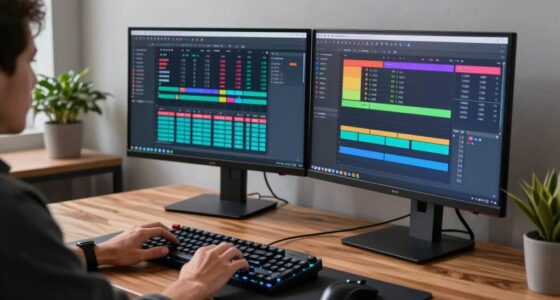
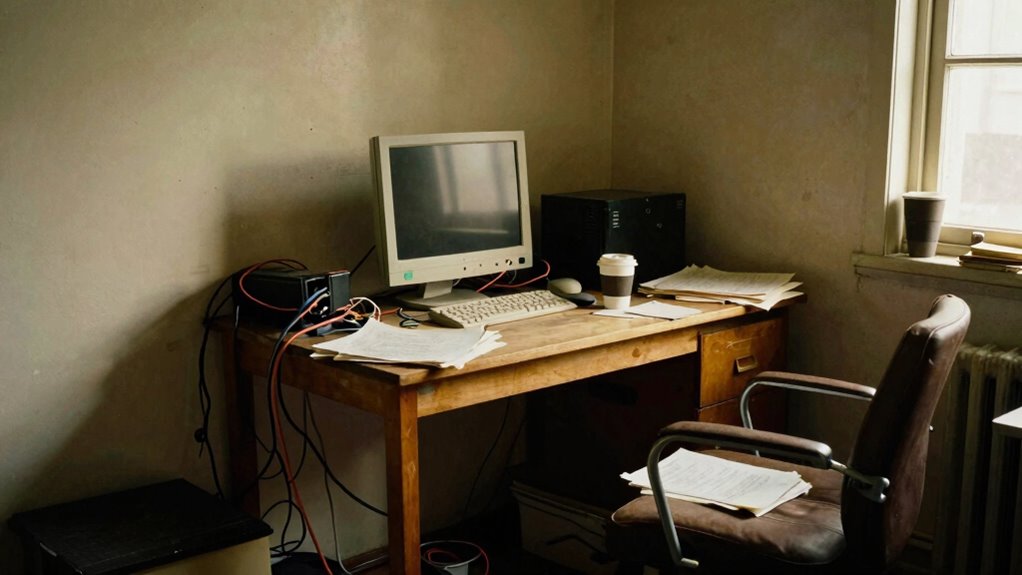
Have you ever noticed how your home office can sometimes feel like a productivity black hole? You sit down, ready to work, but suddenly, distractions take over, and your focus drifts away. One major reason is that your workspace might not be optimized for comfort or efficiency. When your environment isn’t set up right, it’s easy to lose momentum and feel drained before you even start. To turn this around, start by paying attention to your furniture and lighting. Ergonomic furniture isn’t just a luxury—it’s a necessity. An ergonomic chair and desk help you maintain proper posture, reducing strain on your neck, back, and wrists. When you’re comfortable, you can work longer without discomfort, which boosts your productivity. Investing in a good ergonomic setup also minimizes fatigue, so you stay alert and engaged throughout your work sessions. Additionally, proper lighting solutions can significantly improve your focus and reduce eye strain. Lighting solutions play a vital role in creating a productive environment. Poor lighting can cause eye strain, headaches, and fatigue, all of which undermine your focus. Natural light is ideal, so position your desk near a window if possible. If natural light isn’t an option, supplement with layered lighting—combine ambient, task, and accent lights. Bright, well-distributed lighting helps keep you awake and alert, preventing you from feeling sluggish or sleepy. Avoid harsh overhead lights or fluorescent bulbs that can cause glare and discomfort. Instead, opt for adjustable lamps with warm or neutral tones to create a welcoming and energizing atmosphere. Proper lighting not only protects your eyes but also enhances your mood, making it easier to dive into work with enthusiasm. Beyond furniture and lighting, your overall organization impacts your productivity zone. Cluttered desks clutter your mind, so keep only what’s necessary within arm’s reach. Use storage solutions that fit your workflow, and regularly tidy your space to maintain clarity. When your home office is organized and comfortable, it becomes a place where you want to focus rather than escape from. Remember, the goal is to craft an environment that minimizes distractions and maximizes comfort. Small adjustments—like upgrading your chair or adding a desk lamp—can make a significant difference. When your workspace supports your physical and mental well-being, it’s also helpful to incorporate ergonomic principles into your setup to further boost comfort and efficiency. Incorporating biodiversity-friendly elements, such as plants, can also positively influence your mental clarity and overall well-being. Regularly integrating healthy habits into your routine can further enhance your focus and productivity, especially when they promote mental well-being.

TRALT Office Chair Ergonomic Desk Chair, 330 LBS Home Mesh Office Desk Chairs with Wheels, Comfortable Gaming Chair, High Back Office Chair for Long Hours (Black)
Lumbar Support Ergonomic Design: Contours to the natural curve of the lumbar spine. The split lumbar support provides…
As an affiliate, we earn on qualifying purchases.
As an affiliate, we earn on qualifying purchases.
Frequently Asked Questions
How Can Employees Identify if They’Re in the Dead Zone?
You can tell you’re in the dead zone if your workspace clutter distracts you and hampers your focus, making it hard to manage your time effectively. When clutter piles up, your productivity drops, and tasks take longer than they should. Notice if you’re struggling to prioritize or if interruptions increase. Recognizing these signs helps you address the dead zone by decluttering, improving your workspace, and regaining control over your time management.
What Are the Long-Term Effects of Working in a Dead Zone?
You might find yourself in a dead zone for the long haul, leading to mental fatigue and decision paralysis. Over time, this drains your motivation, hampers creativity, and decreases productivity. You could also develop burnout and struggle to focus on important tasks. If ignored, these effects can diminish your overall job satisfaction and impact your career growth. It’s essential to recognize signals early and take steps to re-engage yourself before lasting damage occurs.
Are Certain Industries More Affected by the Dead Zone Than Others?
Yes, certain industries are more affected by the dead zone due to industry-specific challenges and productivity patterns. For example, creative fields like design or writing struggle with focus during these periods, while tech or finance sectors might face delays in decision-making. You’ll find that understanding your industry’s unique challenges helps you adapt your routines, minimizing the impact of dead zones and maintaining steady productivity throughout the day.
How Does the Dead Zone Impact Team Collaboration Remotely?
You might find that the dead zone acts like a double-edged sword, making team collaboration tricky. Virtual boundaries can cause communication gaps, leading to misunderstandings or missed cues. As a result, remote teams struggle to stay connected and aligned. To bridge these gaps, you need to actively foster open channels and encourage regular check-ins, ensuring everyone stays on the same page, even when physical distance creates a communication lull.
What Tools Can Help Minimize Dead Zone Productivity Loss?
To minimize dead zone productivity loss, you can leverage productivity hacks like focused work sessions and regular check-ins. Use tools like Slack or Microsoft Teams for instant communication, and project management apps like Asana or Trello to keep tasks organized. Prioritize effective time management by setting clear boundaries, scheduling dedicated work blocks, and avoiding multitasking. These strategies help keep your team engaged, connected, and productive during those tricky dead zone hours.

Airlonv LED Desk Lamp for Office Home, Eye-Caring Desk Light with Stepless Dimming Adjustable Flexible Gooseneck, 10W USB Adapter Desk Lamp with Clamp for Reading, Study, Workbench (Black)
Stepless Dimming Mode: The desk light offers effortless switching of color temperatures (2700K-6500K) and stepless dimming (1% -…
As an affiliate, we earn on qualifying purchases.
As an affiliate, we earn on qualifying purchases.
Conclusion
To stay productive, recognize the dead zone, stay alert to distractions, and set clear boundaries. Keep your focus sharp, your space organized, and your routine consistent. Don’t let the dead zone drain your energy, derail your progress, or diminish your motivation. Instead, embrace strategies that energize, empower, and elevate your work. By doing so, you’ll turn your home office into a hub of productivity, purpose, and success—every day, every task, every time.

caktraie Makeup Organizer Storage with 16 Drawers, 4 Pcs Desktop Office Supplies, Desk Organizers, Clear Accessories, Dustproof Storage Drawer and for Make Up, Jewelry, Pen, Stationary
4 Pack Desk Organizers with 16 Drawers – This Maximize space on shelves, dressers ,under the sink,and bathroom…
As an affiliate, we earn on qualifying purchases.
As an affiliate, we earn on qualifying purchases.

ErGear Height Adjustable Electric Standing Desk, 48 x 24 Inches Sit Stand up Desk, Memory Computer Home Office Desk, Black
Electric Height Adjustable Standing Desk for Comfortable Work – Switch effortlessly between sitting and standing with this electric…
As an affiliate, we earn on qualifying purchases.
As an affiliate, we earn on qualifying purchases.