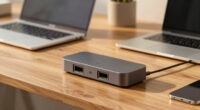
KVM monitors make more sense if you need to switch quickly between multiple computers with a single display, keyboard, and mouse. They reduce clutter and improve workspace efficiency by consolidating devices into one setup. Wireless options add flexibility, eliminate cable clutter, and extend device lifespan. Plus, adjustable displays enhance comfort during long use. If you want to discover how KVM monitors can boost your productivity and comfort, keep exploring the benefits they offer.
Key Takeaways
- KVM monitors enable seamless switching between multiple computers with a single display, keyboard, and mouse, improving workflow efficiency.
- Wireless connectivity in KVM monitors eliminates cable clutter and offers greater workspace flexibility compared to traditional docks.
- Adjustable, ergonomic features of KVM monitors promote better posture and comfort during long work sessions.
- They consolidate multiple devices into one display, reducing peripheral clutter and optimizing desk space.
- KVM monitors support long-term device durability by minimizing port wear and simplifying system management.
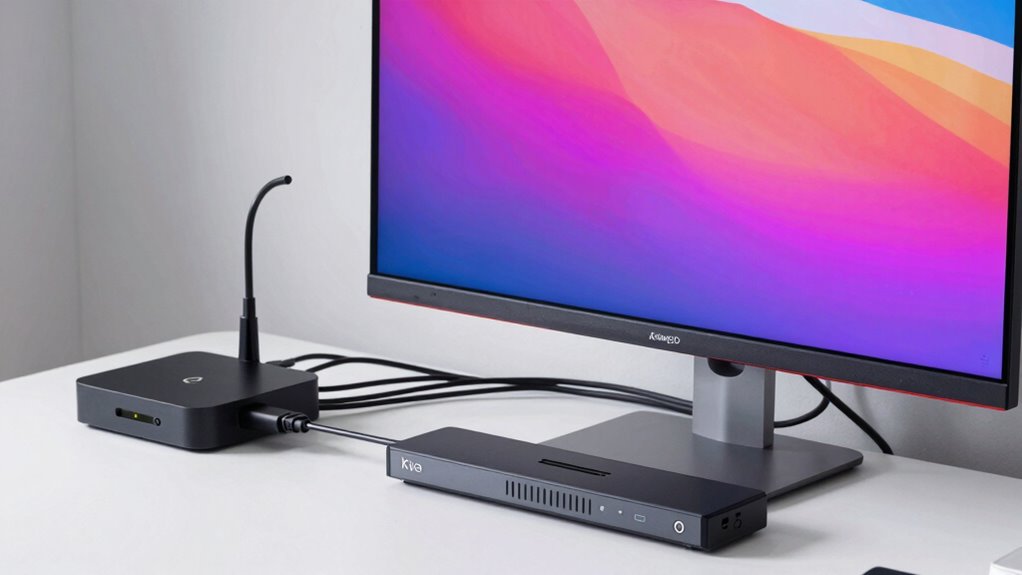
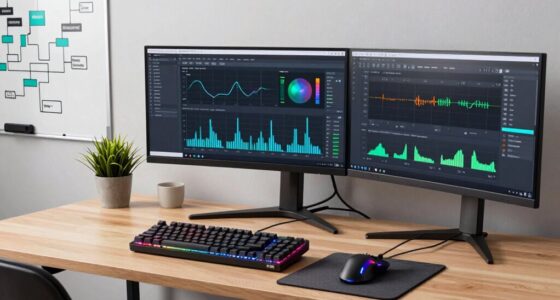
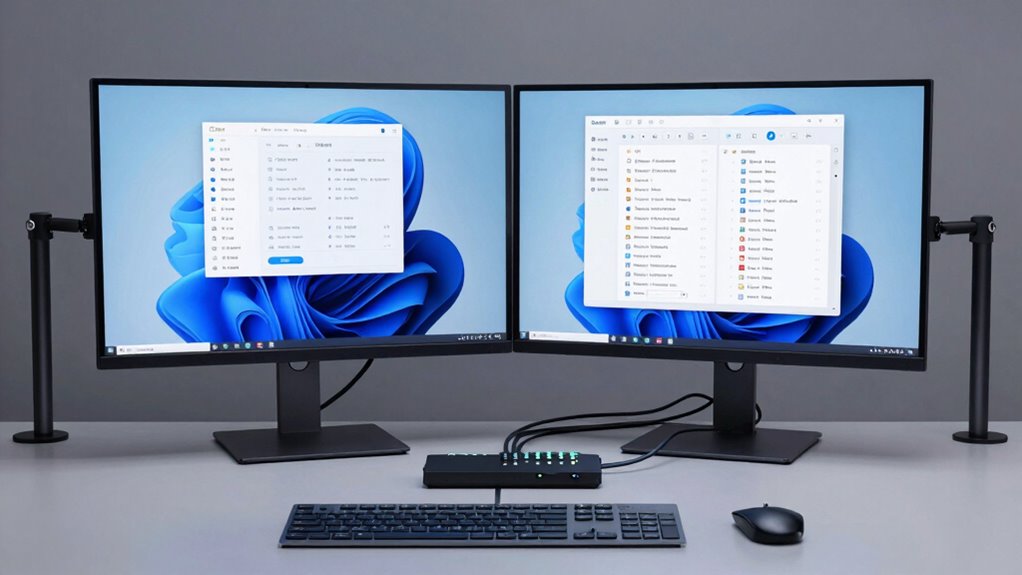
When deciding between KVM monitors and docking stations, understanding how each option enhances your workspace is essential. KVM monitors integrate the functionality of switching between multiple computers directly through the display, keyboard, and mouse, making them especially appealing if you work with several devices. Unlike docks, which primarily expand connectivity options, KVM monitors streamline the process of managing multiple systems, saving you time and reducing clutter. This setup is particularly beneficial if you need to switch frequently between laptops and desktops, as it allows you to do so seamlessly with a simple button press or keyboard shortcut.
KVM monitors simplify managing multiple devices with seamless switching, reducing clutter and enhancing workspace efficiency.
One of the key advantages of KVM monitors is their ability to support wireless connectivity. Many modern KVM solutions come equipped with wireless features, meaning you can connect your devices without cumbersome cables. This not only declutters your workspace but also provides flexibility in device placement, which is essential if you have limited desk space or prefer a clean, organized environment. Wireless connectivity also minimizes wear and tear on ports, prolonging the lifespan of your devices, and makes it easier to connect or disconnect devices on the fly. Incorporating wireless connectivity can further enhance these benefits by reducing physical limitations and increasing mobility within your workspace.
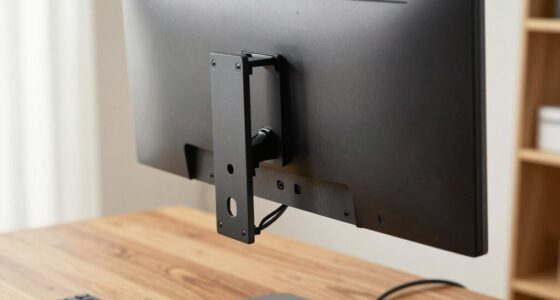
Ergonomic adjustments are another area where KVM monitors shine. Since they often come with larger, adjustable displays, you can customize the height, tilt, and orientation to suit your ergonomic needs. This helps reduce strain on your neck, back, and eyes, especially during long work sessions. Docking stations, on the other hand, typically require connecting multiple peripherals and devices through various ports, which can sometimes lead to a cluttered setup that’s harder to adjust ergonomically. With a KVM monitor, you get a more integrated, space-efficient workspace that supports your comfort. Additionally, ergonomic adjustments are crucial for maintaining long-term health and productivity in your workspace. Incorporating **the benefits of ergonomic adjustments** provided by KVM monitors can help you make a more informed decision tailored to your needs.

HDMI+Displayport KVM Switch 2 Monitors 2 Computers 8K@60HZ Dual Monitors KVM Switcher for 2 PC/Laptops Share Mouse Keyboard and 2 Screens,with USB3.0 Ports/Wired Controller EDID Adapative
【Dual Monitor HDMI + DisplayPort KVM Switch for 2 Computers】 This dual-monitor KVM switch enables you to control…
As an affiliate, we earn on qualifying purchases.
As an affiliate, we earn on qualifying purchases.
Frequently Asked Questions
Are KVM Monitors More Cost-Effective Than Docks Long-Term?
KVM monitors can be more cost-effective than docks in the long run, especially if you need to connect multiple devices seamlessly. They offer better cost savings by reducing the need for additional accessories and simplifying your workspace. While the initial investment value might be higher, their durability and integrated functionality often lead to lower maintenance costs, making them a smarter, long-term choice for users seeking efficiency and savings.
Can KVM Monitors Support Multiple Operating Systems Seamlessly?
Yes, KVM monitors can support multiple operating systems seamlessly. They often offer cross-platform compatibility, allowing you to switch between different OS environments without hassle. Many KVM monitors also support virtualization features, making it easier to manage and operate multiple systems on a single setup. This flexibility makes them ideal for users who need to work across various platforms, ensuring smooth shifts and efficient workflows.
Do KVM Monitors Require Special Hardware Connections?
Yes, KVM monitors do require some special hardware connections, but it’s usually straightforward. You need to guarantee hardware compatibility with your setup, especially regarding video input types like HDMI, DisplayPort, or VGA. Most KVM monitors support multiple input types, making it easy to connect different devices. However, double-check your hardware specs and connections beforehand; a simple oversight could delay your seamless switch between systems.
How Easy Is It to Switch Between Devices With a KVM Monitor?
Switching between devices on a KVM monitor is quite straightforward and enhances user convenience. You simply press a button or use a keyboard shortcut to toggle between connected devices, making device switching quick and seamless. This setup minimizes the hassle of unplugging and reconnecting cables, allowing you to switch effortlessly, saving you time, and keeping your workflow smooth and efficient.
Are KVM Monitors Suitable for Gaming or High-Refresh-Rate Needs?
KVM monitors can be a double-edged sword for gaming, like a sword with a dull edge. While some models offer decent refresh rate compatibility, they often can’t match dedicated gaming monitors for high-refresh-rate performance. If your gaming performance relies on ultra-smooth visuals, a specialized gaming monitor might serve you better. However, if you value device switching and multitasking, a KVM monitor can still handle moderate gaming needs comfortably.

msi Modern MD342CQPW 34in VA 3440 x 1440(UWQHD) Computer Monitor, 120Hz, 1800 Curved, Adaptive-Sync, HDMI, DP, USBC 98W Power Delivery, KVM, Height Adjustable, VESA, Speaker, 1ms, White
21:9 UWQHD 34" screen improve the way you multi-task and broaden your horizons
As an affiliate, we earn on qualifying purchases.
As an affiliate, we earn on qualifying purchases.
Conclusion
So, next time you’re torn between a KVM monitor and a dock, remember: one makes your desk look sleek and professional, while the other just might turn your workspace into a tangled spaghetti monster. If you love the thrill of unplugging and replugging cables daily, go for the dock. But if you’d prefer to keep your sanity intact and actually enjoy your tech setup, a KVM monitor might just be your new best friend—less drama, more productivity.

UGREEN 8K@60Hz HDMI Displayport KVM Switch 3 Monitors 2 Computers, Aluminum 4K@240Hz with 4 USB 3.0 Ports for 2 Computers Share Triple Monitors with 4 DP+2 HDMI+2 USB Cables/Power Adapter/Controller
KVM Switch 3 Monitors 2 Computers: This 2*Displayport + 1*HDMI KVM Switches allows you to switch effortlessly between…
As an affiliate, we earn on qualifying purchases.
As an affiliate, we earn on qualifying purchases.

Hearvo USB 3.0 HDMI KVM Switch 1 Monitors 2 Computers, 4K@60Hz KVM Switches for 2 Computers Sharing Monitor Keyboard Mouse Hard Drives Printer, with EDID Adaptive, 2USB Cable and Controller -S7232H
【KVM Switch 1 Monitors 2 Computers】This HDMI KVM Switch with two HDMI ports allows control of two computers,…
As an affiliate, we earn on qualifying purchases.
As an affiliate, we earn on qualifying purchases.