To refresh your workspace safely, start by turning off and unplugging all electronics before cleaning or reorganizing. Use soft, damp cloths for surfaces and avoid spraying liquids directly on devices. Adjust your furniture and equipment to ergonomic positions, ensuring everything is secure and within reach. Keep cords tidy with clips or ties to prevent tangles or trips. Regular decluttering and gentle rearrangements help protect your tools and create a safer, more efficient environment. Discover more tips to optimize your workspace safely.
Key Takeaways
- Turn off and unplug electronic devices before cleaning or rearranging to prevent electrical damage.
- Use soft, damp cloths for cleaning surfaces, avoiding sprays directly on electronics.
- Lift heavy furniture carefully or seek assistance to prevent damage or injury.
- Organize cables with clips or ties to prevent tangling and accidental pulls.
- Plan workspace layout to keep frequently used items within easy reach, reducing risk of mishaps.
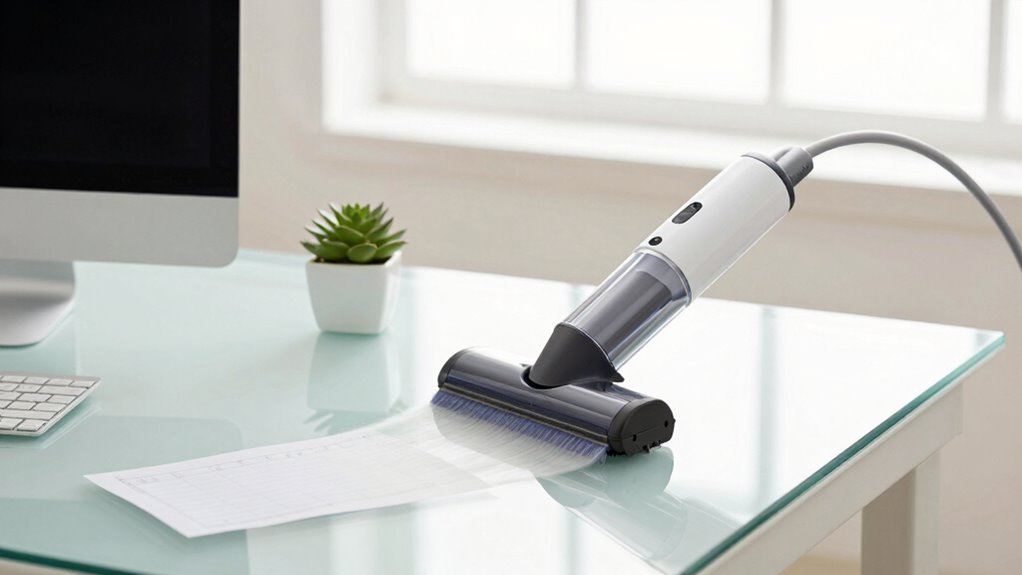
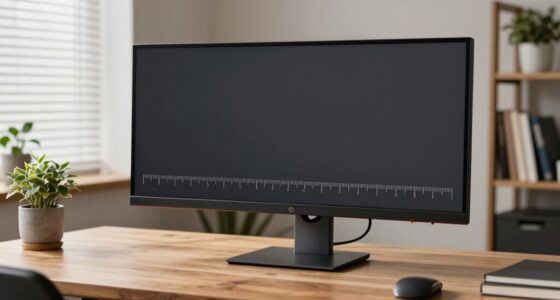
Ever wondered how to refresh your workspace without risking damage to your belongings or equipment? The key lies in making thoughtful, safe adjustments that promote a cleaner, more organized environment. Start by focusing on ergonomic adjustments. Ensuring your desk, chair, and monitor are properly aligned not only boosts comfort but also minimizes accidental spills or falls that could damage your gear. Adjust your chair height so your feet rest flat on the ground, and position your monitor at eye level to prevent strain. These small tweaks make a significant difference in safety, reducing the risk of knocking things over or causing unnecessary wear on your equipment.
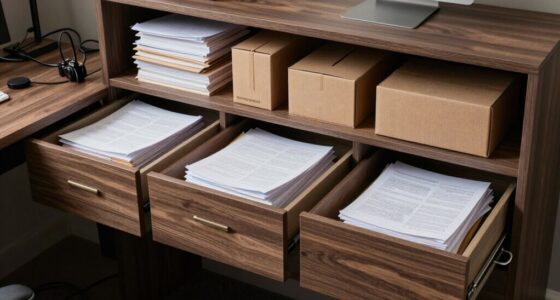
Clutter management is equally vital. A cluttered workspace increases the chance of knocking over fragile items or accidentally damaging cords and devices. Take time to declutter regularly, sorting items into categories—what you need daily, weekly, or rarely. Use storage solutions like bins, drawers, or cable organizers to keep everything neat and accessible. When you have everything in its place, you’re less likely to bump into or mishandle delicate objects. Remember to clear your workspace of unnecessary papers, supplies, or decorations that can create obstacles or distractions. Proper workspace organization can significantly prevent accidents and improve overall safety. Additionally, maintaining a tidy environment supports biodiversity by reducing waste and clutter that can contribute to environmental harm.
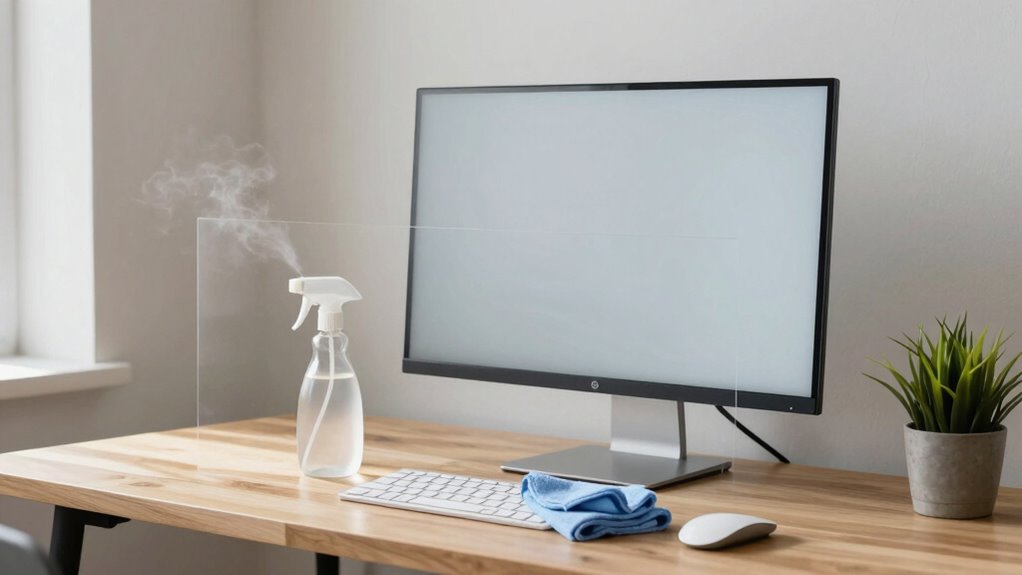
Before you start cleaning or rearranging, turn off and unplug electronic devices. This simple step prevents electrical shorts or damage if liquids are involved, and it’s a wise safety measure overall. When cleaning, use soft, non-abrasive cloths, and avoid sprays directly onto electronic components. Instead, lightly dampen the cloth to wipe surfaces safely. If you’re moving furniture, do so carefully to avoid scratches or damage to floors and walls. Lift rather than drag heavy items, and ask for help if needed to prevent strain or accidents. Incorporating proper handling techniques ensures that you protect both your workspace and yourself from unnecessary injuries.
In addition, consider the layout of your workspace. Position frequently used items within easy reach to prevent overextending or awkward movements. This practice not only enhances ergonomic comfort but also reduces the chance of dropping or damaging objects while reaching or stretching. When organizing cords and cables, use clips or ties to keep them tidy and out of the way. Tangled or loose cables are trip hazards and can pull devices off desks if yanked accidentally. Incorporating proper cable management techniques can greatly improve safety and efficiency in your workspace. Ensuring your workspace is designed with environmental sustainability in mind can also contribute to a healthier planet, aligning with principles of biodiversity and conservation.
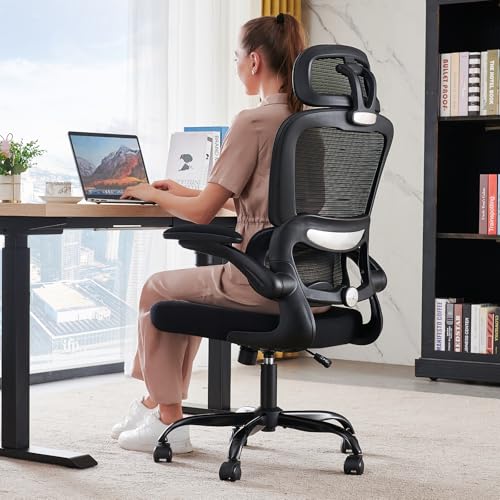
TRALT Office Chair Ergonomic Desk Chair, 330 LBS Home Mesh Office Desk Chairs with Wheels, Comfortable Gaming Chairs (Black)
Adjustable Lumbar, Not a Fixed Afterthought – Unlike flimsy plastic supports that crack or lose tension, this chair…
As an affiliate, we earn on qualifying purchases.
As an affiliate, we earn on qualifying purchases.
Frequently Asked Questions
Can I Refresh My Workspace Remotely Without Physical Access?
Yes, you can refresh your workspace remotely without physical access. Use remote access tools like VPNs or remote desktop applications to connect securely. Before making changes, guarantee your workspace ergonomics are optimized by adjusting your device settings or using adjustable peripherals remotely. This way, you maintain a comfortable, efficient environment, reducing strain and preventing damage, all without being physically present.
What Tools Are Safest for Cleaning Electronic Equipment?
Did you know that using the right cleaning tools can extend your device’s lifespan by up to 20%? For cleaning electronic equipment safely, opt for anti-static sprays designed for electronics to prevent static damage. Use soft, lint-free cloths and avoid liquids directly on components. Air purifiers help reduce dust and allergens in the environment, keeping your workspace cleaner and safer, while anti-static sprays protect sensitive internal parts.
How Often Should Workspace Refreshes Be Performed?
You should refresh your workspace at least once a month to maintain organization and cleanliness. Incorporate regular cleaning schedules to prevent dust buildup and clutter, which can affect productivity and equipment longevity. By consistently tidying up and reorganizing, you guarantee a safe, efficient environment. Keep an eye on your workspace’s condition, and perform deeper cleanings quarterly or as needed, especially after project completions or before new tasks begin.
Are There Specific Precautions for Cleaning Sensitive Documents?
Think of cleaning sensitive documents like tending to a delicate garden—you must handle each plant with care. To guarantee document protection, use soft cloths and gentle cleaning solutions, avoiding harsh chemicals. Incorporate a strict cleaning schedule that prioritizes these materials, and always store sensitive documents securely before cleaning. By taking these precautions, you safeguard your documents from damage while maintaining a tidy workspace.
How to Prevent Accidental Data Loss During Cleaning?
To prevent accidental data loss during cleaning, you should establish clear workspace organization and follow consistent cleaning schedules. Always back up important files before starting, and use designated folders for sensitive documents. Regularly update your backup copies, and avoid rushing through the cleaning process. By staying organized and disciplined with your cleaning routines, you minimize risks of accidental deletions or data mishaps, keeping your workspace safe and efficient.

XHF 120 PCS Adhesive Cable Wire Clips Black, Outdoor Christmas Light Clips, Cable Management Wire Organizer Cord Holder for Under Desk, Car, Wall, TV PC Ethernet Cable
High quality material:XHF Adhesive Cable Clips are manufactured from Strong Adhesive and PA66 nylon
As an affiliate, we earn on qualifying purchases.
As an affiliate, we earn on qualifying purchases.
Conclusion
Remember, revitalizing your workspace safely prevents costly mistakes and keeps everything running smoothly. By following proper procedures, you minimize the risk of damage and ensure a clean, efficient environment. Did you know that 60% of workspace accidents occur due to improper handling or maintenance? Staying cautious and informed helps you avoid these pitfalls, saving time and money. Keep safety top of mind, and you’ll maintain a productive, damage-free workspace every time.

Under Desk Cable Management Tray No Drill, Metal Mesh Cable Management Under Desk with Clamp Mount, 2 Hole Cable Tray with Wire Management and Cord Organizer for Home Office Standing Desk
【No Drill Mounted】Cable management tray can be assembled in as little as 3 minutes or less-simply. Side clips…
As an affiliate, we earn on qualifying purchases.
As an affiliate, we earn on qualifying purchases.

HUANUO Monitor Stand, Freestanding VESA Mount for 13 to 34 Inch Screens, Holds up to 44lbs, 5 Height Options, Swivel Desk Stand Riser With 360 Rotation, VESA 75x75mm/100x100mm
Fits Larger, Heavier Monitors: Designed with a tall 17.24″ column, this HUANUO monitor stand can support 13″-34″ monitors…
As an affiliate, we earn on qualifying purchases.
As an affiliate, we earn on qualifying purchases.