
To remind yourself to take microbreaks without apps, use physical cues like placing sticky notes or rubber bands nearby as visual reminders. Incorporate routine movements, such as reaching for your mug or adjusting your chair, to signal it’s time to stretch or change posture. Setting timers or alarms also helps create regular prompts. These simple, tangible cues make it easy to build healthy habits naturally—continue exploring how to implement these effective strategies.

Get comfort and recovery gear delivered free with Prime
- Fast, free delivery on millions of items
- Prime Video, Amazon Music and more included
- Member-only deals all year
Key Takeaways
- Use visual objects like sticky notes or rubber bands placed near your workspace as tangible reminders to take breaks or adjust posture.
- Pair habitual actions, such as reaching for your coffee mug, with prompts to stretch or change sitting positions.
- Set timers or alarms to signal regular intervals for standing, stretching, or shifting posture without relying on apps.
- Incorporate small physical movements into routines, like adjusting your chair or neck stretches, to serve as natural cues for microbreaks.
- These physical cues seamlessly integrate into daily work, reinforcing ergonomic habits and reducing fatigue without technology dependence.
Taking regular microbreaks is essential for maintaining focus and preventing fatigue, but you don’t need to rely on apps to remind yourself. Instead, you can use simple physical cues to signal when it’s time to step away for a quick break. This method is especially effective because it integrates seamlessly into your routine, promoting better ergonomic tips and posture awareness without added technology. By consciously attaching specific movements or objects to your routine, you create a natural, reliable reminder system that keeps you mindful of your body’s needs throughout the day.
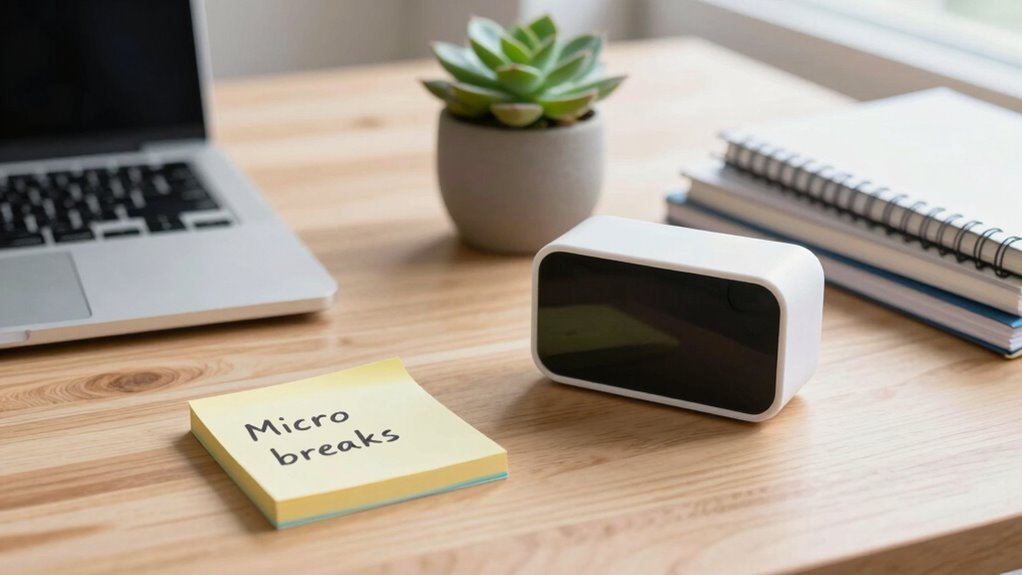
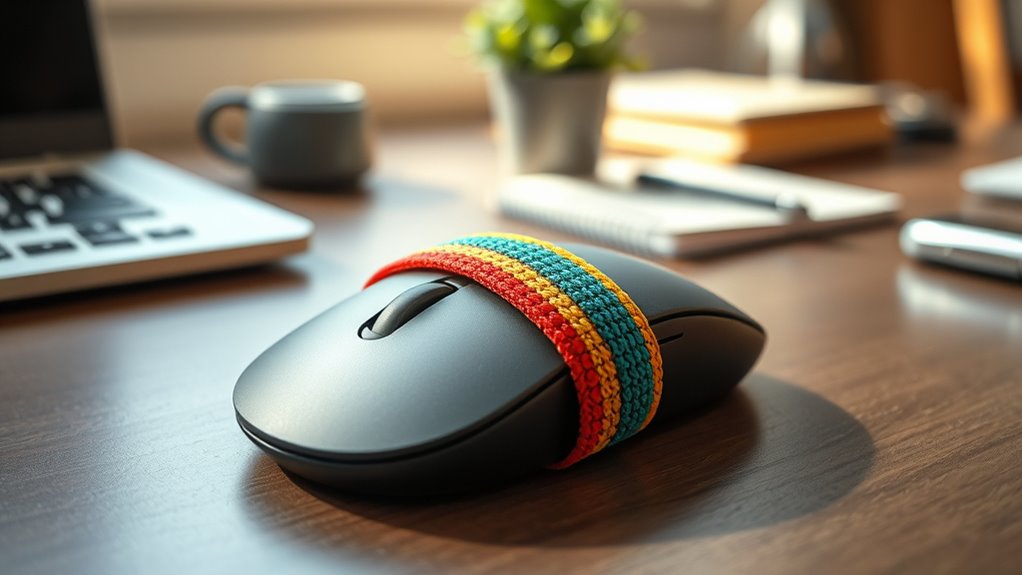
One practical approach is to use your environment as a cue. For example, place a small, inconspicuous object—like a rubber band or a sticky note—on your desk or near your workspace. Every time you see or touch this object, it serves as a reminder to stretch, change your posture, or stand up for a moment. Over time, this visual cue becomes associated with taking care of your body, reinforcing habits that improve ergonomic tips and posture awareness. This method works well because it’s immediate and tangible, making the reminder more memorable than a digital notification.
Use small objects like sticky notes as visual cues to promote regular posture checks and ergonomic awareness throughout your day.
Another effective technique involves physical movement cues. You might decide that whenever you reach for your coffee mug or click your pen, it’s time to pause. These habitual movements can be paired with a quick stretch or a posture check. For instance, each time your hand moves to grab your mouse or keyboard, you take a moment to straighten your back, roll your shoulders, or adjust your sitting position. This creates a natural rhythm that promotes better ergonomic habits without disrupting your workflow. Over time, these small adjustments become second nature, leading to better posture awareness and reduced strain.
You can also use specific time intervals as physical cues—say, every 30 minutes, you stand up and do a brief movement routine. To make this easier, you might set a timer or simply use your watch as a reminder. When the alarm goes off, you stand, stretch your legs, or perform a few simple exercises. This routine not only helps reset your focus but also encourages better ergonomic practices, reducing the risk of musculoskeletal issues caused by prolonged sitting. Additionally, understanding the horsepower of your electric devices can motivate you to take breaks, especially if you’re using electric bikes or other equipment that require attention to safety and efficiency.
sticky notes for workspace reminders
As an affiliate, we earn on qualifying purchases.
As an affiliate, we earn on qualifying purchases.
Frequently Asked Questions
Can Physical Cues Be Effective for All Types of Work?
Physical cues can be effective for many work environments, but their success depends on cue customization to fit your specific setting. For example, a specific object or movement might remind you to take breaks during desk work, while a different cue functions for manual tasks. You need to tailor cues to your work environment and habits to guarantee they trigger the desired microbreaks consistently, improving overall productivity and well-being.
How Frequently Should I Set Physical Cues for Microbreaks?
You should set physical cues for microbreaks every 30 to 60 minutes, as this is the sweet spot to prevent fatigue and boost productivity. Place cues strategically—like a sticky note or a specific gesture—where you’ll notice them regularly. Adjust break frequency based on your work intensity, but don’t let long stretches go unbroken. Consistent cue placement keeps your breaks timely and your focus sharp, like a well-oiled machine.
Are There Specific Physical Cues That Work Better Than Others?
Certain physical cues, like ergonomic adjustments and visual triggers, tend to work better for reminding you to take breaks. For example, reposition your monitor or keyboard to signal it’s time to stretch or rest. Visual triggers, such as placing a sticky note on your workspace or using a specific object, draw your attention naturally. These cues create intuitive reminders that help you maintain healthier work habits effortlessly.
How Do I Ensure Consistency With Physical Cue Reminders?
Think of consistency like planting a garden—regular care yields better growth. To strengthen your physical cue reminders, make them noticeable and linked to daily routines, reducing cue variability. Use a specific spot or action to trigger your break habit, and stick with it. Over time, these cues become habits, making your reminders automatic. Stay disciplined and patient; habit formation takes time but pays off with consistent microbreaks.
Can Physical Cues Replace Digital Break Reminders Entirely?
Yes, physical cues can replace digital break reminders entirely. By consistently using sensory triggers like a specific object or movement, you reinforce habit formation, making breaks automatic. Focus on establishing strong associations between the cue and your need to take a break. Over time, these cues will become ingrained, prompting you to pause naturally without relying on digital alerts, creating a seamless, health-conscious routine.
As an affiliate, we earn on qualifying purchases.
Conclusion
So, next time your eyes start crossing and your back screams for mercy, forget those addictive apps. Instead, embrace the “physical cue” method — because who needs another distraction when you can just use your own body as a reminder? It’s free, simple, and probably more effective (or at least less snooze-worthy). Give it a try, and maybe, just maybe, you’ll stop pretending your chair is a time machine. Or will you?
ergonomic posture reminder objects
As an affiliate, we earn on qualifying purchases.
As an affiliate, we earn on qualifying purchases.
As an affiliate, we earn on qualifying purchases.
Fall Picks
fall essentials
As an affiliate, we earn on qualifying purchases.