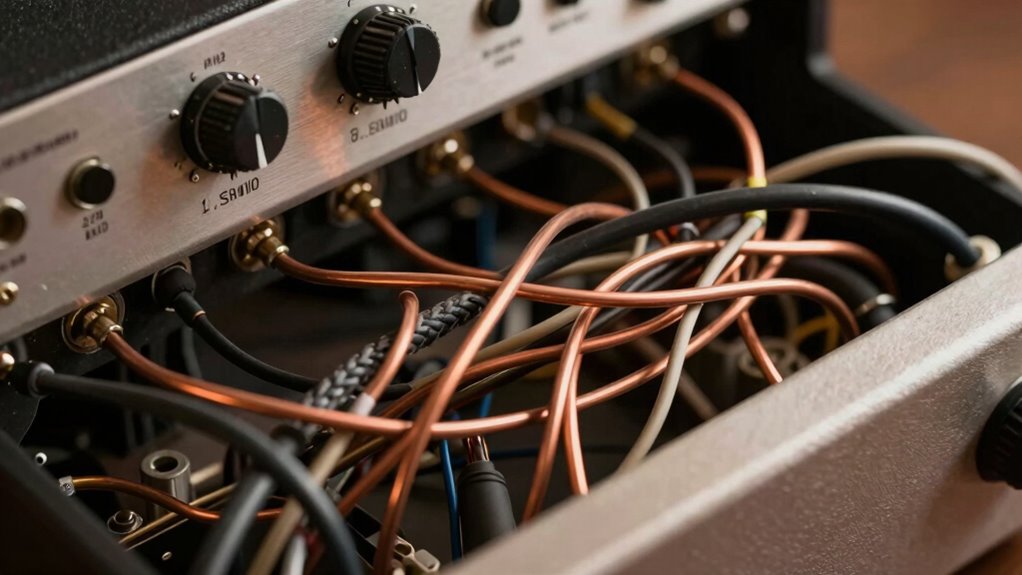

Audio buzz and hum often stem from grounding issues in your sound system. When components are connected to different ground potentials or there’s multiple grounding points, it creates a loop that picks up electromagnetic interference, resulting in unwanted noise. Properly grounding your equipment and using shielding techniques can markedly reduce this hum. Understanding how grounding works can help you fix or prevent these issues, and if you want to learn more, you’ll discover effective solutions to keep your sound clear.
Key Takeaways
- Ground loops occur when audio equipment is connected to different ground potentials, causing a hum or buzz.
- The loop acts like an antenna, picking up electromagnetic interference from nearby devices and power lines.
- Proper grounding, such as using a single grounding point or ground lift adapters, helps eliminate unwanted current flow.
- Shielded cables and correct grounding of connectors reduce external electromagnetic interference and noise.
- Repositioning equipment and using balanced connections can significantly decrease audio hum and buzz.

Ever experienced that annoying buzz or hum in your audio system? It’s frustrating, isn’t it? That persistent noise can ruin your listening experience and make you wonder what’s going wrong. In many cases, the culprit is ground loop issues, which happen when audio equipment is connected to different ground potentials, creating a loop that allows unwanted current to flow. This current can generate a low-frequency hum that’s hard to eliminate without understanding the root cause. Fortunately, there are effective ways to combat this problem, especially through shielding techniques.
Ground loop issues are a common source of audio buzz and hum. When your equipment isn’t grounded properly or shares multiple grounding points, it creates a loop that acts like an antenna, picking up interference from electrical devices, power lines, or fluorescent lights. This interference manifests as a hum that varies in pitch and volume, often changing when you move cables or turn devices on and off. To fix this, you need to break the loop or ensure all your gear shares a common ground point. Using ground lift adapters or isolating audio grounds can markedly reduce or eliminate the hum, but the key is understanding how your system is grounded and making sure it’s consistent.
Ground loop issues create hum by acting like an antenna and picking up interference from electrical sources.
Another highly effective approach involves shielding techniques. Shielding refers to protecting your audio cables and equipment from electromagnetic interference (EMI) and radio frequency interference (RFI). Quality shielded cables have a conductive layer that surrounds the internal conductors, preventing external noise from penetrating and contaminating your audio signal. When you use well-shielded cables and properly grounded connectors, you drastically reduce the chances of picking up noise from nearby electronic devices or power sources. Proper shielding doesn’t just involve the cable itself; it also means ensuring that your equipment chassis, connectors, and grounding points are properly connected to a single, solid ground. This cohesive grounding system minimizes the potential for ground loops and interference. Additionally, understanding the grounding principles involved in audio setup can help prevent issues before they occur.
In addition to shielding techniques, you can also consider repositioning your equipment—keeping audio cables away from power cords and fluorescent lights can reduce interference. Using balanced audio connections, which inherently reject common-mode noise, is another smart move. These methods, combined with proper grounding practices, can make a noticeable difference in your audio setup’s clarity. Remember, dealing with ground loop issues and implementing shielding techniques are often the most straightforward and cost-effective ways to eliminate that persistent buzz and hum. Take the time to check your wiring, use quality cables, and ensure your ground connections are solid. With a little patience and some troubleshooting, you’ll enjoy clean, hum-free sound that makes your listening experience truly enjoyable.
Top picks for "audio buzz ground"
Open Amazon search results for this keyword.
As an affiliate, we earn on qualifying purchases.
Frequently Asked Questions
Can Grounding Issues Damage My Audio Equipment Permanently?
Yes, grounding issues can damage your audio equipment permanently if safety isn’t prioritized. Poor grounding may cause electrical surges or shorts, risking harm to sensitive components. To prevent this, confirm grounding safety and check equipment compatibility before connecting devices. Proper grounding reduces noise and protects your gear. Always follow manufacturer guidelines and consider consulting a professional electrician to avoid long-term damage and ensure safe, reliable operation of your audio setup.
How Do I Identify if Hum Is Caused by Grounding or Interference?
Think of the hum as a detective’s clue. To identify if it’s caused by grounding or interference, run grounding tests—try different outlets and disconnect equipment to see if the noise stops. Check for interference sources like nearby electronics, fluorescent lights, or wireless devices. If the hum persists despite grounding tests and interference sources are ruled out, it’s likely a grounding issue. Keep investigating until you find the culprit.
Are There Safe DIY Methods to Fix Audio Hum Problems?
Yes, there are safe DIY troubleshooting methods for fixing audio hum problems. First, verify grounding safety by unplugging equipment before inspecting. Check all connections and make sure cables are properly grounded and away from interference sources. You can also try plugging your device into a different outlet or using a ground loop isolator. Always prioritize grounding safety, and if unsure, consult a professional to avoid electrical hazards.
Does Using Multiple Ground Points Increase or Decrease Hum?
Using multiple ground points can increase hum because it often creates a ground loop, allowing unwanted currents to flow between different grounding points. To reduce hum, you should aim for ground isolation by connecting equipment to a single, common ground. This minimizes potential differences and prevents ground loops. Ensuring proper grounding practices helps keep your audio signal clean and free of hum, improving overall sound quality.
What Professional Tools Are Used to Diagnose Grounding Problems?
Imagine you’re a detective solving a mystery; that’s how you approach grounding issues. You use professional tools like grounding test tools and audio ground testers to pinpoint the problem. These devices help you measure ground continuity and detect interference. By conducting thorough tests, you identify weak or faulty grounds, ensuring your audio setup is clean and hum-free. This precise method keeps your sound crisp and clear, just like solving a complex case.
Conclusion
So, next time you hear that annoying buzz or hum, don’t assume it’s impossible to fix. Grounding issues are common and usually straightforward to resolve with a little troubleshooting. Even if you’re not a tech expert, simple steps like checking connections or using a ground loop isolator can make a big difference. Don’t let frustration stop you—tackling these problems can restore clear, noise-free audio and keep your sound experience enjoyable.