
Your Wi-Fi password alone isn’t enough to keep your network secure. To boost protection, enable network encryption using WPA2 or WPA3 protocols, which are much stronger against hacking attempts. Set up a guest network to isolate visitors from your main devices. Additionally, regularly update your router’s firmware and your security software to patch vulnerabilities. Taking these steps markedly improves your network’s defenses—continue to explore more ways to strengthen your Wi-Fi security.
Key Takeaways
- Enable WPA3 or WPA2 encryption to strengthen data protection beyond just using a password.
- Set up a separate guest network to isolate visitors from your main devices and sensitive information.
- Regularly update your router firmware and security software to patch vulnerabilities and maintain defenses.
- Disable WEP and default credentials, and create strong, unique passwords for your Wi-Fi network.
- Conduct routine security checks and enable automatic updates for ongoing protection against evolving threats.
Top picks for "password enough security"
Open Amazon search results for this keyword.
As an affiliate, we earn on qualifying purchases.
Enable Network Encryption and Use a Stronger Protocol
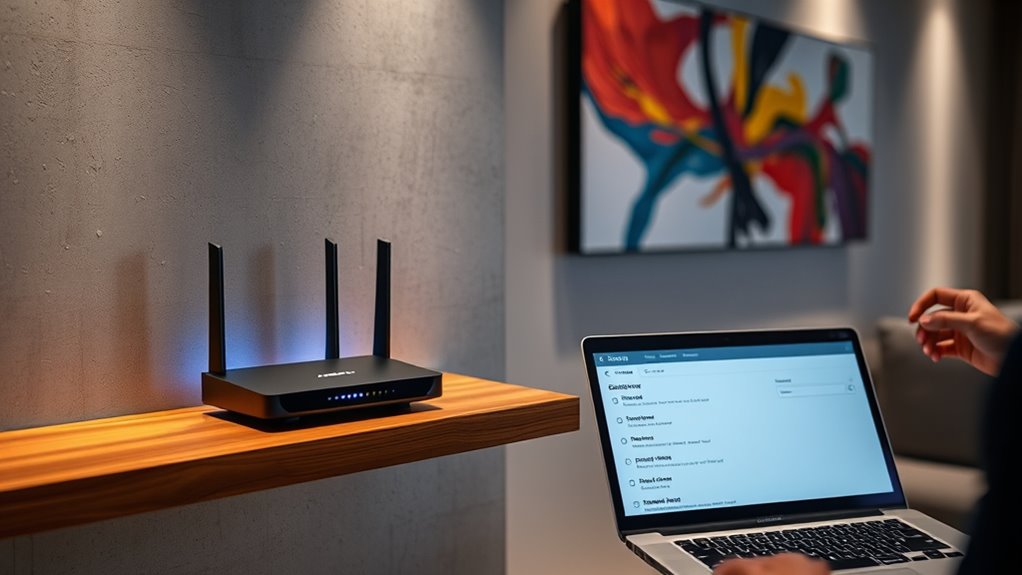
Have you updated your Wi-Fi security settings to protect your network? Enabling network encryption is essential to keep your data safe from prying eyes. Many routers default to outdated protocols like WEP, which hackers can easily crack. Switch to a stronger protocol like WPA3 or WPA2 if WPA3 isn’t available. These newer standards encrypt your data more securely, making it much harder for intruders to access your information. Access your router’s settings and look for the wireless security options. Select the highest encryption protocol offered, preferably WPA3. Don’t forget to save your settings. This simple step considerably boosts your network’s defenses, ensuring that your internet activity remains private and protected from unauthorized access.
Set Up a Guest Network for Visitors
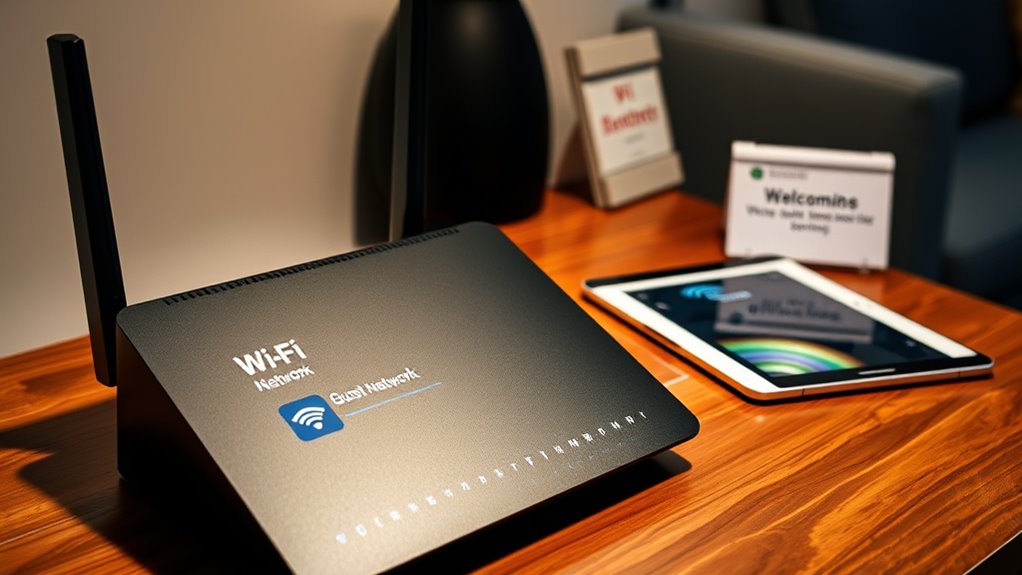
Wondering how to keep your main Wi-Fi network secure while still allowing guests to access the internet? Setting up a guest network is the answer. It isolates visitors from your personal devices and sensitive data, reducing risk. With a separate network, you can provide internet access without compromising your security. Think of it as a digital barrier that protects your private information while still being welcoming.
| Guest Network Benefit | Your Peace of Mind |
|---|---|
| Keeps main network safe | Protects your personal data |
| Limits access for guests | Prevents accidental security breaches |
| Easy to set up | Enjoy stress-free hosting |
| Customizable options | Control over guest access |
Keep Firmware and Security Software Up to Date
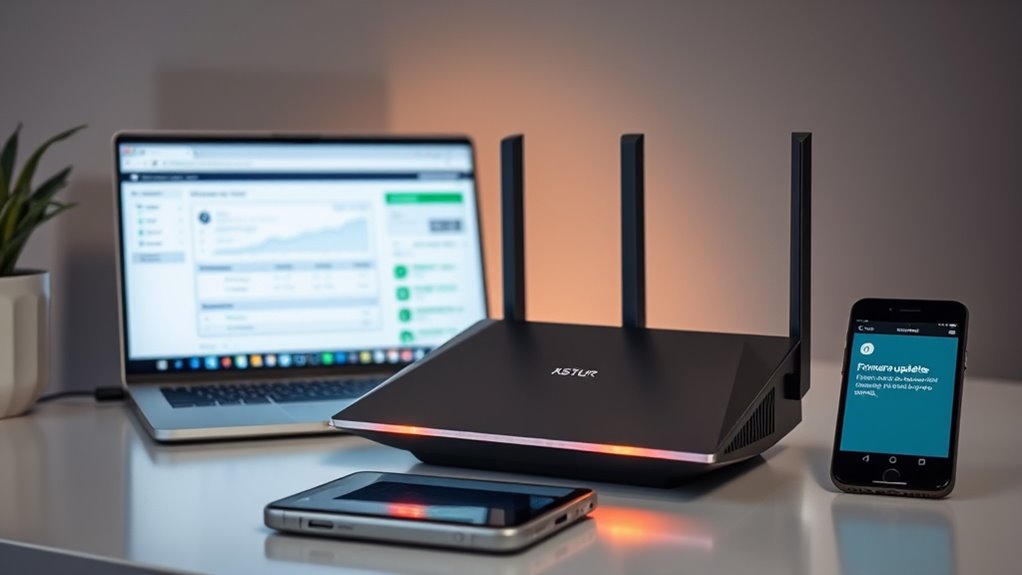
Keeping your firmware and security software up to date is essential for protecting your Wi-Fi network from the latest threats. Manufacturers regularly release updates that patch vulnerabilities and improve security features. To stay protected, regularly check for firmware updates on your router and access points, and enable automatic updates if available. Similarly, keep your security software, such as antivirus and anti-malware programs, current to detect new threats effectively. Outdated firmware or software can be exploited by hackers, putting your network at risk. Set reminders to review updates monthly, and always install updates promptly. This small step ensures your network defenses are robust against evolving cyber threats, helping you maintain a safer, more secure Wi-Fi environment.
Frequently Asked Questions
How Often Should I Change My Wi-Fi Password?
You should change your Wi-Fi password every three to six months to keep your network secure. If you notice unauthorized devices or suspect a breach, change it immediately. Regular updates prevent hackers from gaining long-term access. Use strong, unique passwords combining letters, numbers, and symbols. Also, consider updating your router’s firmware and enabling network encryption like WPA3 for added security. Staying proactive helps protect your personal information and connected devices.
Can I Disable Remote Access to My Router?
Ever wondered if you can disable remote access to your router? You definitely can. Log into your router’s admin panel, find the remote management or remote access settings, and turn it off. This prevents outsiders from controlling your network from afar. It’s a simple but effective way to boost your security. Regularly reviewing these settings keeps your network safer and gives you peace of mind.
What Are the Best Practices for Managing Multiple Devices?
To manage multiple devices effectively, set up a separate guest network for visitors to keep your main network secure. Regularly update your router’s firmware to patch security vulnerabilities. Use strong, unique passwords for each device and enable two-factor authentication where possible. Prioritize device security by disabling unnecessary services, monitoring connected devices, and organizing them into groups for easier management. This approach keeps your network safe and running smoothly.
Is It Safe to Use Public Wi-Fi Networks?
Using public Wi-Fi networks can feel like walking a tightrope over a sea of hackers, but it’s still safe if you take precautions. Always use a Virtual Private Network (VPN) to encrypt your data, avoid accessing sensitive info, and turn off sharing settings. Stick to secure websites with HTTPS, and avoid banking or shopping online on public networks. These steps keep your information guarded against lurking cyber threats.
How Do I Detect Unauthorized Devices on My Network?
To detect unauthorized devices on your network, log into your router’s admin panel and check the connected devices list. Look for unfamiliar names or IP addresses. Use network scanning tools like Fing or Angry IP Scanner to get a detailed view of all devices. Regularly monitor your network activity, set up alerts if your router supports them, and change your Wi-Fi password if you spot anything suspicious.
Conclusion
Did you know that 61% of data breaches happen because of outdated security? Just changing your Wi-Fi password isn’t enough anymore. By enabling network encryption with a strong protocol, setting up a guest network, and keeping your firmware updated, you drastically reduce your chances of falling victim. These simple upgrades make your network far more secure, giving you peace of mind. Don’t wait—take these steps today to protect your digital life from common threats.