
To save face with a quick five-minute pre-meeting setup, start by checking your tech—test your presentation slides, audio, and video to avoid glitches. Confirm all logistics like meeting links and schedules are accurate and send reminders if needed. Prepare your environment by choosing a quiet, well-lit space with a professional background. Review your agenda, key points, and any interactive tools. With these steps, you’ll project confidence and professionalism—keep going to discover even more tips.
Key Takeaways
- Perform a quick tech check on audio, video, and screen sharing to prevent glitches.
- Review the agenda and supporting materials to stay focused and prepared.
- Ensure your environment is quiet, well-lit, and professional in appearance.
- Confirm all invitation details and access links are accurate and sent to participants.
- Use the final 5-minute window for last-minute adjustments and to set a confident tone.
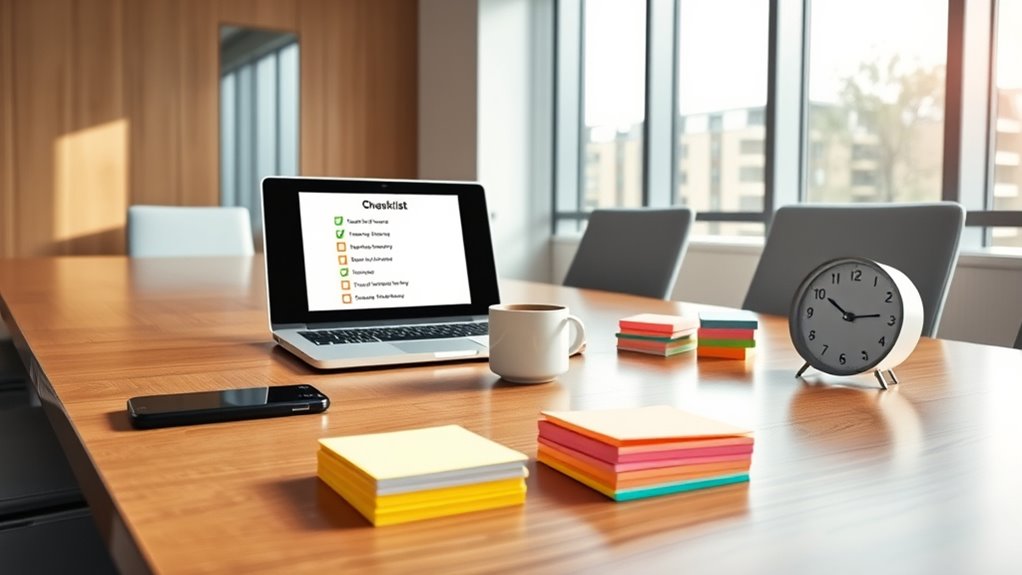
Preparing for a meeting can make or break its effectiveness, so taking a few moments to complete a pre-meeting setup checklist is essential. A quick review of your technology setup guarantees everything runs smoothly and helps you avoid embarrassing glitches that can derail the flow. Verify that your presentation slides are loaded and functioning correctly, and test your audio and video equipment to confirm they’re working seamlessly. If you’re using screen sharing, double-check that your permissions are set, and your files are accessible. These simple steps help eliminate technical hiccups, allowing you to focus on engaging your attendees instead of troubleshooting.
A quick tech check ensures a smooth, glitch-free meeting experience.
Effective technology integration is key to fostering attendee engagement. When your tools are working properly, you can leverage features like polls, chat, and breakout rooms to make the meeting more interactive. Make sure your conferencing platform is updated, and familiarize yourself with its features beforehand. This way, you can encourage participation from the start, keeping everyone involved and attentive. A well-integrated tech setup demonstrates professionalism and shows that you value your attendees’ time, which boosts their willingness to contribute.
Beyond technology, a quick review of your agenda and materials can enhance engagement. Confirm that all supporting documents are ready and shared in advance if possible. This preparation allows participants to come prepared, making discussions more meaningful. Clearly outline your goals for the meeting, and identify key points to emphasize, so you stay on track. When attendees see you’ve prepared thoroughly, they’re more likely to stay engaged and contribute actively.
Additionally, consider your environment and attire. A quiet, well-lit space free from distractions helps maintain focus. Test your camera angle and background to ensure a professional appearance. When you appear polished and confident, you set a positive tone that encourages others to participate fully.
Also, ensure your meeting invitation details are accurate and include all necessary information. A quick check of the date, time, and access links can prevent last-minute confusion. When all logistical details are clear, attendees are more likely to join promptly and prepared.
Lastly, don’t forget to check your time and invite details. Confirm that all participants have received the correct links and schedules. Send a quick reminder if necessary. This small step guarantees everyone joins on time and is ready to engage from the start.
In just five minutes, these simple preparations can elevate your meeting’s productivity. By focusing on technology integration, attendee engagement, and overall readiness, you set the stage for a smooth, successful session. Taking these quick steps demonstrates respect for your participants’ time and sets a professional tone, increasing the chances of achieving your meeting objectives.
Frequently Asked Questions
How Can I Customize the Checklist for Different Meeting Types?
You can customize the checklist by tailoring agenda planning for each meeting type, guaranteeing relevant topics are prioritized. Confirm attendee lists beforehand to avoid surprises and ensure everyone’s prepared. Add specific items like tech checks for virtual meetings or location setups for in-person gatherings. Adjust the steps based on the meeting’s purpose, making sure each checklist fits your unique needs, so you’re always ready and confident before the meeting begins.
What Tools Are Recommended for Quick Pre-Meeting Setup?
Think of your pre-meeting tools as your Swiss Army knife—compact, versatile, ready for anything. Use calendar apps like Outlook or Google Calendar to streamline agenda planning, set reminders, and invite participants instantly. Video conferencing platforms such as Zoom or Teams facilitate quick technology integration, screen sharing, and chat functions. These tools help you prepare efficiently, ensuring your meeting starts on time and stays productive with minimal hassle.
How Do I Handle Last-Minute Meeting Changes Effectively?
When last-minute meeting changes occur, stay calm and focus on conflict resolution by addressing the issues directly and diplomatically. Quickly clarify the agenda to ensure everyone’s aligned, emphasizing key points to prevent confusion. Communicate updates clearly and promptly to all participants, confirming commitments and adjusting plans as needed. This approach maintains professionalism, keeps the meeting productive, and demonstrates your adaptability under pressure.
What Are Common Mistakes to Avoid During Setup?
You should avoid common setup mistakes like overlooking tech glitches and not clarifying attendee roles. Test your equipment beforehand to prevent tech issues, and double-check that all links and materials work properly. Clear communication is key—send out agendas and instructions early to reduce attendee confusion. Don’t rush through setup; taking a few extra minutes guarantees a smooth meeting where everyone is prepared and engaged, saving face and boosting productivity.
How Can I Ensure Remote Participants Are Prepared?
To guarantee remote participants are prepared, remind them to check their virtual backgrounds for professionalism and minimize distractions. Encourage testing screen sharing before the meeting to avoid delays. You can send a quick prep email with instructions on adjusting virtual backgrounds and sharing their screens seamlessly. This proactive approach helps everyone stay focused, engaged, and ready to contribute without technical hiccups.
Conclusion
Think of your pre-meeting setup like tuning a fine instrument—you don’t want to start playing without it. When you take just five minutes to prepare, you guarantee everything’s in harmony, reducing surprises and boosting confidence. I once saw a team stumble because they skipped this step, like a musician starting without tuning. Don’t be that team. A quick setup now can make your meeting smooth, professional, and impactful—saving face and earning respect every time.