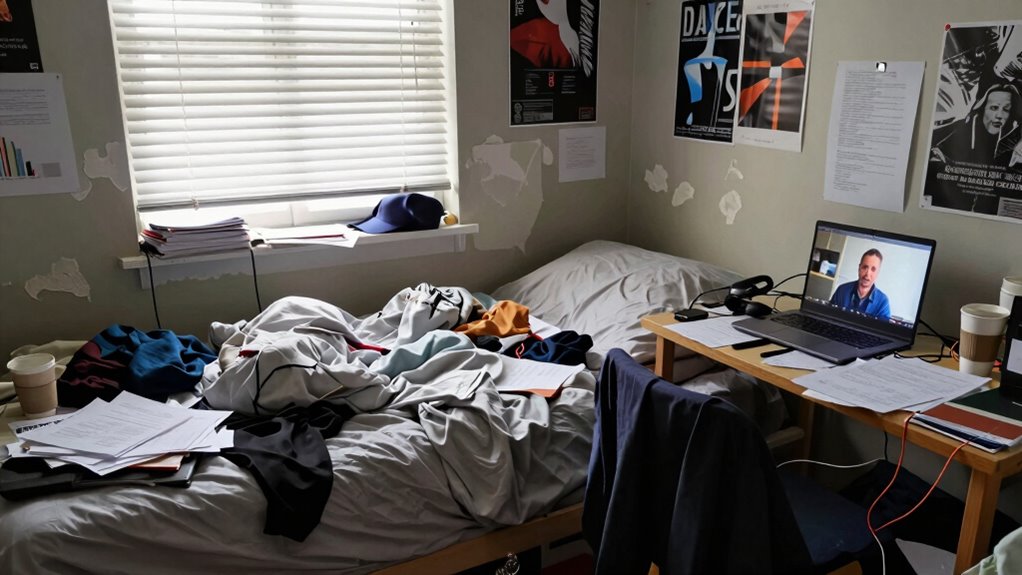

If you’re blaming Zoom for your virtual meeting issues, it’s time to look at your environment. Cluttered backgrounds, poor lighting, and noise distractions can make you appear unprofessional and lower engagement. Making simple adjustments like tidying your space, using good lighting, and minimizing tech disruptions can markedly improve your virtual presence. Your room plays a bigger role than you think—taking control of it can enhance your interactions. Keep going to discover how to transform your workspace for better meetings.

Get comfort and recovery gear delivered free — and shop member deals
- Fast, free delivery on millions of items
- Access to Prime Big Deal Days deals on October 6–7
- Prime Video, Amazon Music and more included
Key Takeaways
- Poor lighting and cluttered backgrounds can negatively impact virtual meeting quality, regardless of the platform used.
- Managing tech distractions and creating a dedicated, organized workspace enhances virtual professionalism.
- Optimizing room acoustics and minimizing noise improve audio clarity during virtual interactions.
- A tidy and well-arranged environment demonstrates respect for participants and boosts your credibility.
- Taking responsibility for your environment ensures smoother, more effective virtual meetings beyond just platform issues.
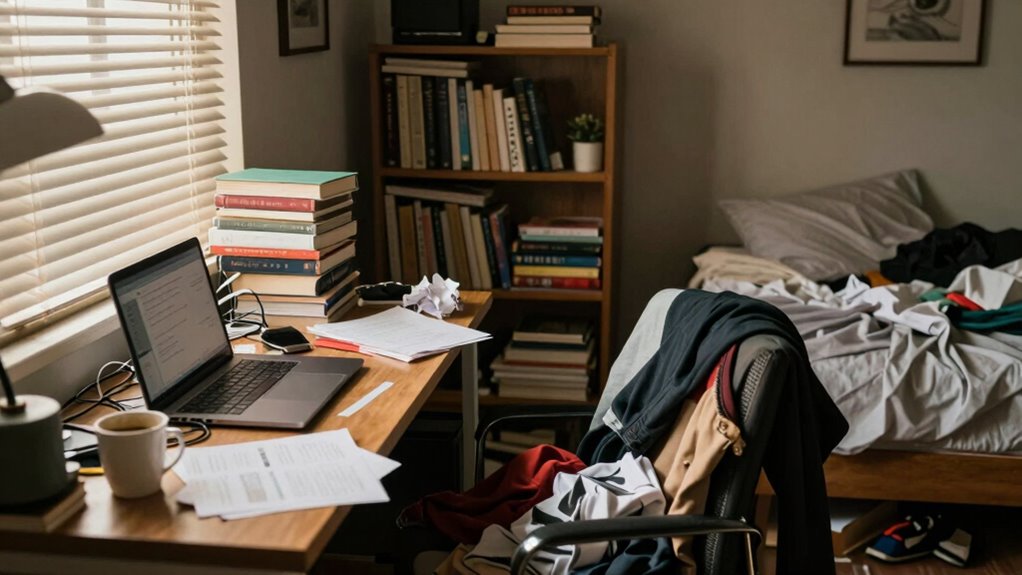
Many people blame Zoom for their virtual meeting frustrations, but the real issue often lies elsewhere—specifically, in how your room is arranged. Your environment plays a huge role in the quality of your virtual interactions. If your space is cluttered, poorly lit, or noisy, it’s no surprise that meetings feel chaotic or unprofessional. Instead of pointing fingers at the platform, focus on optimizing your room for better virtual etiquette and minimizing tech distractions. When your environment is well-organized, you appear more professional and engaged, making meetings more productive and less stressful.
First impressions matter, and your room’s setup can impact how colleagues perceive you. A clean, tidy background shows you’re prepared and respectful of others’ time. Avoid distracting clutter or personal items that might divert attention away from what you’re saying. Good lighting is equally important—natural light is best, but if that’s not possible, invest in soft, evenly distributed artificial lighting. Proper lighting ensures your face is visible and reduces the strain on viewers, helping you communicate more effectively. Remember, virtual etiquette isn’t just about what you say; it’s also about how you present yourself visually. Maintaining a professional, distraction-free environment demonstrates respect for your audience and your own professionalism.
A tidy background and good lighting boost professionalism and ensure your message is clearly seen and heard.
Tech distractions, such as notifications, open apps, or background noise, can derail your focus and disrupt the meeting flow. Before joining, close unnecessary programs and silence your phone or notifications. Use headphones with a mic to block out background noise and improve audio quality. This not only helps you concentrate but also prevents your environment from becoming a source of disruption for others. If you’re in a noisy household or shared space, consider notifying others or scheduling meetings during quieter times. Creating a dedicated meeting space, even if it’s just a corner of a room, helps signal to others that you’re in work mode, minimizing interruptions and tech distractions. Additionally, understanding workspace organization can help you set up your environment more effectively for long-term success. Proper space arrangement is a key factor in maintaining focus and professionalism during virtual meetings. Paying attention to room acoustics can also significantly improve audio clarity and reduce echo, making communication smoother.
Ultimately, your room setup directly influences your virtual etiquette and how smoothly your meetings run. Instead of blaming Zoom, take responsibility for your environment. Clear clutter, optimize lighting, and eliminate tech distractions to project professionalism and stay engaged. When your room supports your efforts, you’ll find virtual meetings become more efficient, less frustrating, and more effective. Your environment is within your control—use it to your advantage and make your virtual presence as compelling as in-person interactions.
ring light for video conferencing
As an affiliate, we earn on qualifying purchases.
As an affiliate, we earn on qualifying purchases.
Frequently Asked Questions
How Do I Identify if My Room Lighting Is Causing My Video Issues?
You can identify if your room lighting causes video issues by observing how natural light and light positioning affect your image. If your face appears shadowed or washed out, poor lighting is likely the culprit. Try adjusting your position relative to windows or light sources, ensuring the natural light evenly illuminates your face. Experiment with different light placements to find the best setup, improving your video quality markedly.
Can Rearranging Furniture Improve My Zoom Call Quality?
Rearranging furniture can ensure your Zoom call quality improves greatly, as better furniture placement enhances room organization and reduces clutter. By optimizing your space, you minimize distractions and create a clearer background, which helps your camera focus better. Think of your room as a stage—organize it thoughtfully to highlight you, not chaos. Effective room organization and strategic furniture placement ensure better lighting and a more professional appearance during your calls.
What Are the Best Background Setups for Professional Zoom Meetings?
You should choose virtual backgrounds or professional decor that reflect a tidy, uncluttered space to create a polished look. Opt for a neutral, well-lit area with minimal distractions, and consider adding plants or simple artwork for a professional touch. Avoid overly busy patterns or bright colors that can distract. A clean, organized backdrop helps convey competence and confidence during your Zoom meetings, making your setup look intentional and professional.
How Does Room Acoustics Affect My Audio During Zoom Calls?
A chain is only as strong as its weakest link, and room acoustics can weaken your audio quality during Zoom calls. Poor acoustics cause echoes, background noise, and muffled sound, making communication difficult. Soundproofing improvements and acoustic treatment options, like foam panels or rugs, help absorb sound and reduce echo. By optimizing your room’s acoustics, you’ll guarantee clearer, more professional audio, enhancing your overall virtual meeting experience.
Are There Affordable Solutions to Improve Room Aesthetics for Better Video?
Yes, you can improve your room aesthetics with budget upgrades and simple room decoration ideas. Add inexpensive furniture, like a cozy chair or bookshelf, to create a more inviting background. Use textiles such as curtains or throw blankets to soften the space and improve sound quality. Rearranging your furniture for a cleaner look also boosts visual appeal. These small changes make your video environment more professional and comfortable without overspending.
As an affiliate, we earn on qualifying purchases.
Conclusion
Remember, it’s not Zoom’s fault your room isn’t camera-ready. Your environment plays a huge role in how you come across. Did you know that 60% of video call distractions come from what’s behind you? So, instead of blaming the platform, invest a little time tidying up your space. A simple, clutter-free background boosts your professionalism and confidence. Take control of your environment—you’ll see a real difference in how others perceive you.
noise cancelling headphones with mic
As an affiliate, we earn on qualifying purchases.
As an affiliate, we earn on qualifying purchases.
As an affiliate, we earn on qualifying purchases.
Fall Picks
fall essentials
As an affiliate, we earn on qualifying purchases.