To prevent snags and maintain an organized workspace at your standing desk, use the loop method for cable slack. Evaluate the excess cord, then form uniform, gentle loops that bend easily without tight bends. Secure these loops with cable ties or Velcro straps, avoiding tight pulls. This technique helps prevent cable strain, reduces clutter, and extends the lifespan of your cords. Keep practicing, and you’ll discover more tips to keep your workspace efficient and safe.
Key Takeaways
- Form uniform, gentle loops with cable slack before securing to prevent tension and damage.
- Use cable ties or Velcro straps to snugly hold loops, avoiding tight or loose configurations.
- Regularly check and adjust loops to maintain organization and accommodate device movements.
- Secure cables away from walkways to prevent tripping hazards and workspace clutter.
- Implement the loop method consistently to extend cable lifespan and ensure a tidy, snag-free desk area.
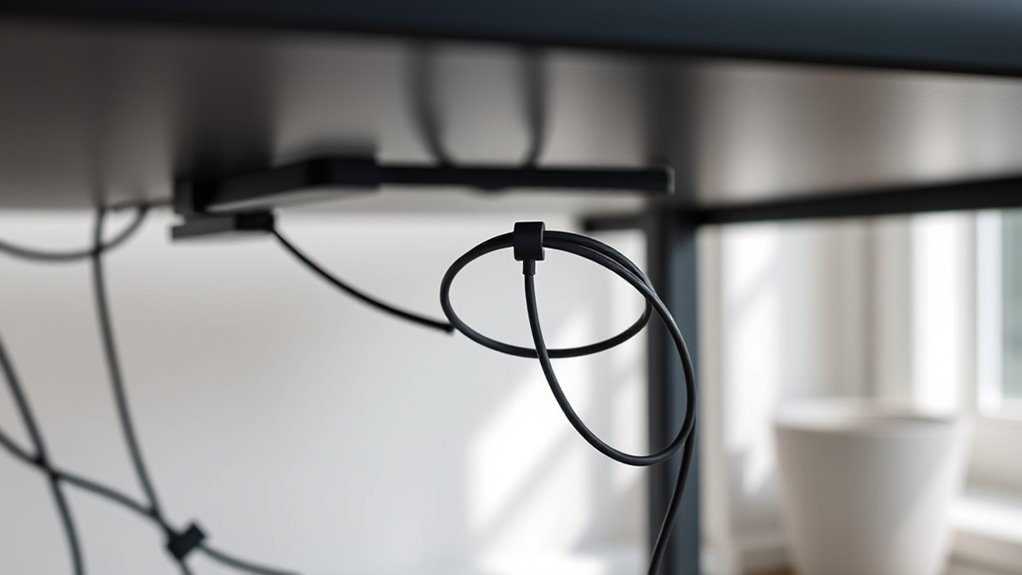
If you’re using a standing desk, cable slack can quickly become a frustrating issue that hampers your workspace efficiency. When cables are loose or poorly managed, they can tangle, snag, or even cause accidental pulls that disrupt your workflow. To maintain an ergonomic setup and guarantee smooth cable management, you need an effective method to handle excess cable length. That’s where the loop method comes into play—it’s a simple, reliable technique to prevent cable snags and keep your workspace tidy.
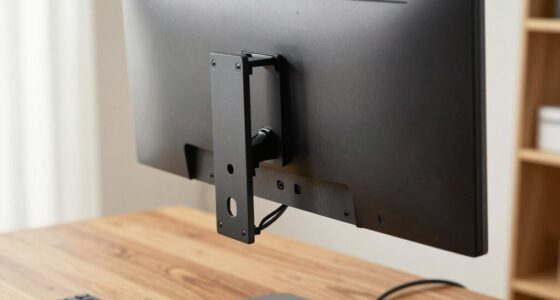
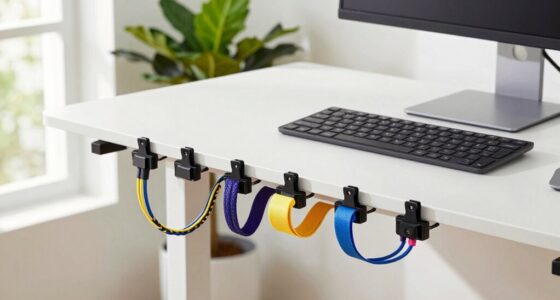
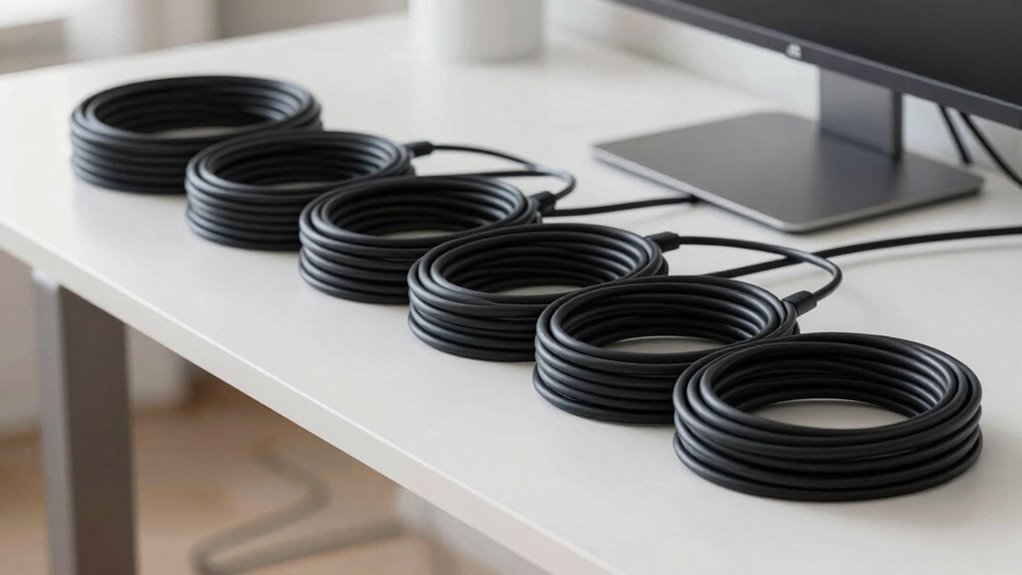
The loop method involves creating neat, controlled loops with your cables instead of letting them dangle freely. Start by unplugging your devices and evaluating how much slack each cable has. Instead of letting excess cable just pile up, guide it into a series of gentle loops, making sure they’re not too tight or too loose. The idea is to create uniform loops that can easily bend and flex without stressing the cable, reducing wear and tear over time. Once you’ve formed the loops, secure them with cable ties, Velcro straps, or reusable clips, making sure they’re snug but not overly tight. This not only keeps the cables organized but also prevents accidental pulling or yanking, which can damage the connectors or ports.
Create uniform, gentle loops with your cables and secure them to prevent strain and damage.
Implementing this loop technique considerably improves your ergonomic setup. Proper cable management minimizes clutter, allowing you to move freely without tripping over cords or dealing with tangled cables. It also helps in maintaining a clean, professional look for your workspace. When cables are neatly looped and secured, you’ll find it easier to adjust your standing desk height or shift positions without hassle. The loops serve as a buffer, accommodating cable length fluctuations as you change your working posture, which alleviates strain on the cables and connectors. Additionally, practicing organized cable management can extend the lifespan of your cables and improve overall workspace safety.
Furthermore, the loop method makes troubleshooting and device connection easier. When you need to disconnect or replace a device, you can simply release the securing straps, adjust the loops if needed, and reconnect with less fuss. This proactive approach to cable management extends the lifespan of your cables and keeps your workspace safe by avoiding accidental trips or cable damage. So, if you’re serious about an ergonomic setup that promotes efficiency and safety, adopting the loop method guarantees your cables stay organized, functional, and snag-free—making your standing desk experience smoother and more productive.

VIVO 32 inch Desk Converter, K Series, Height Adjustable Sit to Stand Riser, Dual Monitor and Laptop Workstation with Wide Keyboard Tray, Black, DESK-V000K
Create Instant Active Standing - VIVO’s desk riser provides on-demand standing throughout the day for the freedom to...
As an affiliate, we earn on qualifying purchases.
Frequently Asked Questions
Can the Loop Method Be Used With All Desk Types?
Yes, you can use the loop method with most desk types for cable management and an ergonomic setup. It’s flexible enough to adapt to different desk designs, helping you keep cables tidy and prevent snags. Just make certain your desk has enough space for the loops and that the cables aren’t strained. This simple technique improves your workspace, making it safer and more organized, no matter what kind of desk you have.
How Often Should I Check for Cable Slack Issues?
You should check for cable slack issues daily, weekly, and after any desk adjustments. Regular cable maintenance, combined with these checks, prevents snags and guarantees ergonomic tips are followed. By monitoring your cables frequently, you maintain a safe, efficient workspace and extend the lifespan of your cables. Staying proactive helps avoid disruptions, reduces wear, and keeps your workspace ergonomic and organized.
Does the Loop Method Affect Cable Longevity?
The loop method doesn’t negatively affect your cable’s longevity if you guarantee proper slack management. By creating gentle loops, you reduce strain on the cable insulation and enhance wear resistance, preventing premature damage. Just make sure the loops aren’t too tight or bent sharply, as this can cause stress points. Regularly checking for signs of wear helps maintain cable health, ensuring it stays durable and functional over time.
Are There Alternative Methods to Prevent Cable Snags?
You can consider several clever cable management tricks to prevent snags and promote a sleek, ergonomic setup. Velcro straps, cable clips, and spiral wraps organize cords, reducing tangles and tension. Using cable sleeves or conduits keeps cables contained, while adjusting cable lengths minimizes slack. These methods not only optimize your workspace but also prolong cable life, ensuring a tidy, safe, and efficient ergonomic environment.
What Tools Are Recommended for Adjusting Cable Slack?
You should use cable management tools like cable clips, sleeves, or Velcro straps to adjust cable slack effectively. These tools help keep your cables organized, reducing clutter and preventing snags, which supports an ergonomic setup. By securing excess slack, you make certain your workspace stays tidy and your cables don’t interfere with movement. Regularly adjusting and checking your cable management tools keeps your standing desk ergonomic and safe for daily use.

FLEXISPOT Standing Desk Converter 42", Extra Large Ergonomic Height Adjustable Sit Stand Desk Riser, Spacious Computer Workstation with Wide Keyboard Tray, Black
Quick Setup – Ready to Use in Minutes: Designed for convenience, this sit stand desk riser comes almost...
As an affiliate, we earn on qualifying purchases.
Conclusion
By using the loop method to manage your standing desk cable slack, you’ll prevent snags and keep your workspace safe. It’s a simple fix that can save you time and frustration. Did you know that ergonomic improvements like cable management can boost productivity by up to 15%? So, take a moment to organize your cables properly—you’ll work more efficiently and avoid costly repairs or replacements down the line. Your desk setup will thank you!

TechOrbits Standing Desk Converter - 32 Inch Adjustable Sit to Stand Up Workstation, Particle Board, Dual Monitor Desktop Riser with Keyboard Tray, for Home Office Laptop, Black 32"
Adjust to Get it Just Right: Ready to stand? Squeeze the handle and use your weight to adjust...
As an affiliate, we earn on qualifying purchases.
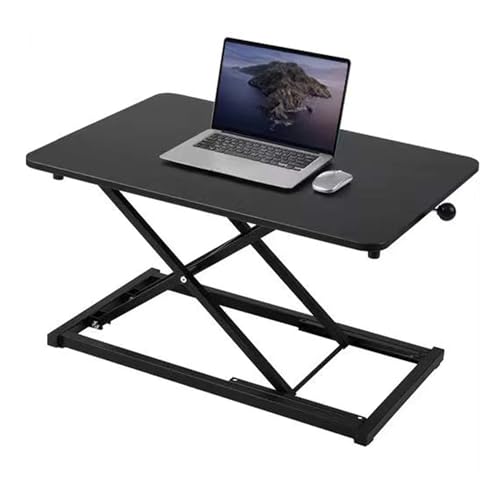
Raathionty Height Adjustable Standing Desk Converter, Computer Keyboard Stand for Desktop, Keyboard Riser for Stand Up Desk Riser, Ergonomic Sit Stand Workstations for Home Office
Minimalist design: 13.3 x 23.6-inch desktop dimensions. Simple construction requires no assembly—ready to use right out of the...
As an affiliate, we earn on qualifying purchases.