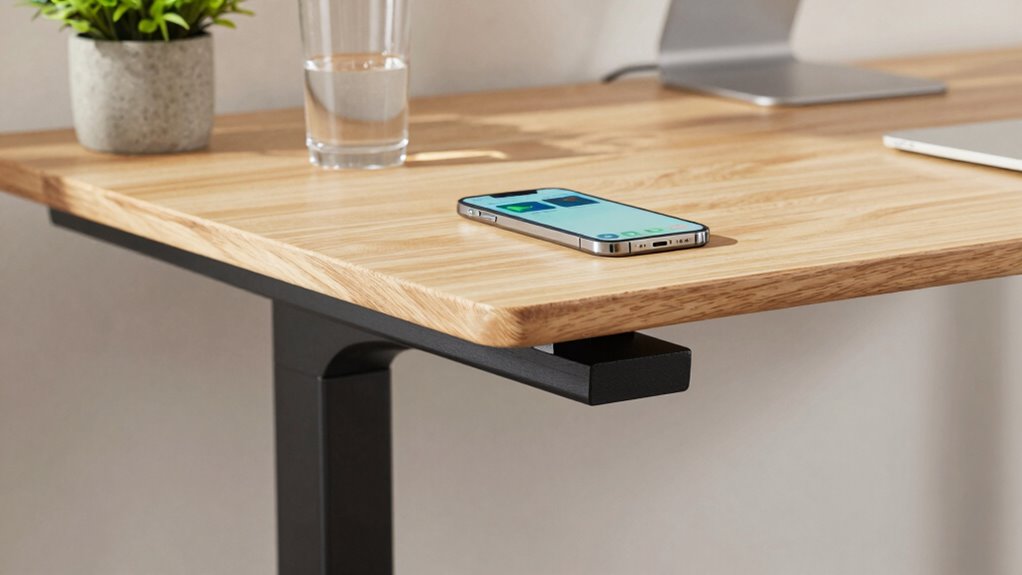

To test your standing desk’s stability, gently push from different angles to check for wobbling or shifting, ensuring the surface stays firm during use. Verify that height adjustments are smooth and lock securely without slipping. Examine the joints, welds, and materials for signs of weakness or poor craftsmanship. Make sure accessories stay secure, and the desk doesn’t wobble under added weight. Staying aware of these steps can help you choose a reliable desk—know more to make the right decision.

Get comfort and recovery gear delivered free with Prime
- Fast, free delivery on millions of items
- Prime Video, Amazon Music and more included
- Member-only deals all year
Key Takeaways
- Apply gentle pushes from multiple angles to check for wobbling or unsteadiness during movement or leaning.
- Observe if the desk surface remains steady when placing items or during use.
- Test height adjustments for smooth operation and secure locking at each position.
- Inspect joints, welds, and materials for signs of weakness or poor craftsmanship.
- Ensure accessory attachments are secure and do not cause imbalance or wobbling.
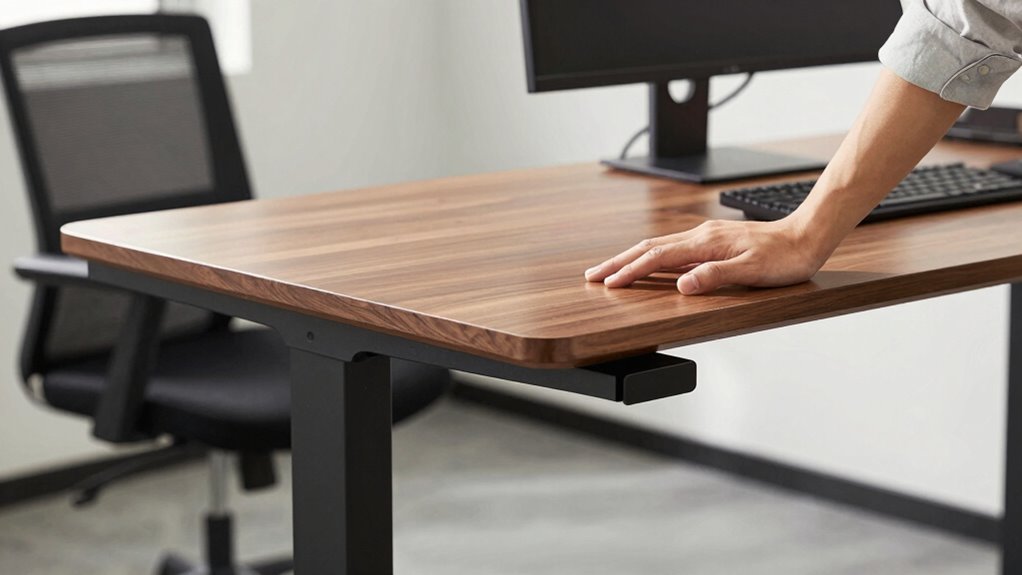
A standing desk’s stability is essential to guaranteeing a safe and comfortable workspace, especially if you plan to use it for extended periods. When testing a desk’s stability, you want to focus on how well it remains steady during daily activities, like typing, writing, or adjusting its height. A stable desk reduces wobbling and shifting, which can cause discomfort and distraction. To evaluate this, give the desk a gentle push from different angles. It shouldn’t wobble or feel unsteady when you lean on it or move items across its surface. If it wobbles, it can compromise your posture and lead to fatigue or even injury over time. Material quality also plays a critical role in overall stability and durability. Another key aspect of a stable standing desk is how easily it can be adjusted to your preferred height. Desk height adjustment features should work smoothly and lock firmly into place. When you’re testing, raise and lower the desk several times to see if the movement is fluid, and check whether it stays securely in each position. If the desk slips or shifts after adjusting, it’s a sign that the mechanism isn’t reliable. A sturdy, well-designed adjustment system ensures that you can switch between sitting and standing comfortably without sacrificing stability. This consistency helps you maintain good posture and reduces strain. Additionally, review the construction quality to ensure that the frame and joints are robust and well-made, which directly impacts long-term stability. Checking the material composition can give you insight into the desk’s overall strength and resilience. Proper manufacturing standards are crucial for ensuring that the desk remains stable over time, especially with frequent adjustments. Incorporating quality control during manufacturing can help prevent defects that might compromise stability. Consider the importance of ergonomic accessories, like keyboard trays or monitor arms, when evaluating stability. These accessories should attach securely without causing imbalance or wobbling. If your setup includes these, test how the desk handles the added weight and if the overall stability remains intact when accessories are in use. Properly mounted ergonomic accessories not only improve comfort but also contribute to the stability of your workspace. When you’re doing a standing desk stability test, pay attention to the materials and construction quality. Desks made from high-quality steel or reinforced materials tend to offer better stability. Check the joints and welds for signs of weakness or poor craftsmanship. A solid build reduces vibrations and unwanted movement, making it safer and more comfortable to work on for hours. Keep in mind that a well-designed standing desk combines durable materials with a smart adjustment mechanism and thoughtful ergonomic accessory integration. Ultimately, a stable standing desk supports your productivity and well-being. It allows you to focus on your tasks without worrying about shifting or wobbling, and it promotes proper posture when combined with ergonomic accessories. By thoroughly testing for stability, desk height adjustment reliability, and accessory compatibility, you guarantee your workspace remains safe, comfortable, and efficient for long-term use.
As an affiliate, we earn on qualifying purchases.
Frequently Asked Questions
How Often Should I Perform the Stability Test?
You should perform the stability test whenever you adjust your standing desk or notice any wobbling or unevenness. Regularly testing guarantees your setup remains safe, maximizing ergonomic benefits and user comfort. Doing this weekly or after significant changes helps prevent strain or discomfort. Staying proactive keeps your workspace stable and comfortable, allowing you to focus on your tasks without worry. Consistent checks promote long-term health and productivity.
Can Stability Tests Damage My Standing Desk?
Stability tests won’t damage your standing desk if you perform them correctly. They are designed to guarantee ergonomic benefits by confirming your desk’s stability, which helps prevent accidents and strain. Just avoid excessive force or harsh movements during testing. Considering aesthetic considerations, gentle tests keep your desk looking sleek and well-maintained. Regular, careful stability checks can enhance safety without compromising your desk’s appearance or longevity.
What Tools Are Needed for an Accurate Test?
To accurately test your standing desk, you’ll need a level or a carpenter’s square to check the desk’s surface for evenness. A tape measure helps verify your desk height matches ergonomic guidelines, while a weight or a load tester can assess stability under pressure. Make certain your ergonomic accessories are properly adjusted first, then perform the test to confirm your desk’s stability and height are ideal for comfort and safety.
Are There Specific Stability Standards for Different Desk Types?
Yes, there are specific stability standards for different desk types. For ergonomic accessories, like monitor arms or keyboard trays, stability guarantees safety and comfort. When testing desk height, standards focus on maintaining balance, preventing wobbling, and supporting weight capacity. You should check these standards based on your desk type—whether adjustable, fixed, or manual—so you can confidently select a stable, ergonomic workspace that suits your needs.
How Does Desk Material Affect Stability Testing Results?
Your desk material can make or break your stability performance like a superhero’s strength! Heavy wood or metal desks often withstand wobbling and shaking far better than flimsy plastic or thin laminate surfaces. When testing stability, denser, sturdier materials resist movement and vibrations, ensuring your standing desk stays rock-solid. So, choose a desk with quality materials, and you’ll enjoy unmatched stability that keeps your workspace steady and frustration-free all day long.
As an affiliate, we earn on qualifying purchases.
Conclusion
Now that you know how to test your standing desk’s stability, you’re better equipped to make a smart choice. Remember, a stable desk isn’t just a luxury — it’s the foundation of a productive workday. Don’t settle for shaky ground; a little effort now saves you from headaches later. Keep these tips in mind, and you’ll be standing tall with confidence, ready to take on whatever the day throws your way.
As an affiliate, we earn on qualifying purchases.
As an affiliate, we earn on qualifying purchases.
Fall Picks
fall essentials
As an affiliate, we earn on qualifying purchases.