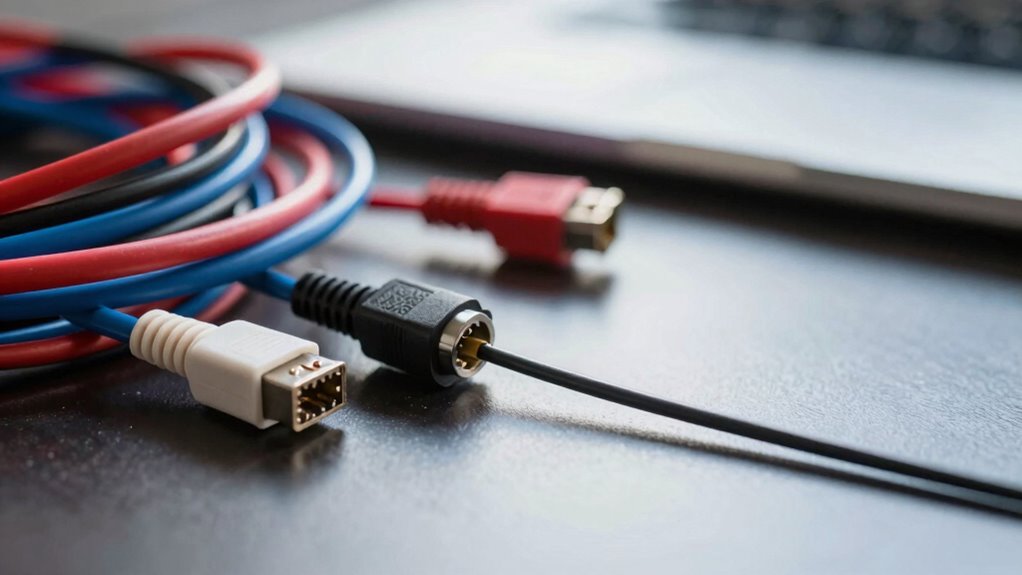

Cable length matters because longer cables cause signal weakening, interference, and higher error rates, making your setup unreliable. Resistance and capacitance increase with length, leading to slower speeds and potential dropouts. Overly long cables can cancel out signal clarity and cause random failures. Staying within recommended lengths or using signal boosters can prevent these issues. To learn more about how to optimize your connections and avoid hidden pitfalls, keep exploring.
Key Takeaways
- Excessive cable length causes signal attenuation, leading to data errors and intermittent device failures.
- Longer cables increase resistance and capacitance, degrading signal quality and causing unpredictable setup failures.
- Signal interference and noise are amplified over extended runs, disrupting communication and causing random malfunctions.
- Many setups fail because cables exceed recommended lengths, resulting in voltage drops and reduced data integrity.
- Proper cable management and adhering to length limits prevent hidden issues that cause random system failures.
Understanding Signal Degradation Over Distance

As signals travel through cables, their strength gradually weakens, making it essential to understand how distance impacts performance. The longer the cable, the more the signal diminishes, leading to potential issues like slower speeds or intermittent connections. This weakening occurs because electrical signals face resistance and interference as they move, losing energy along the way. Even high-quality cables aren’t immune; they can only carry signals effectively up to a certain length before degradation becomes noticeable. When your setup involves long runs, expect a reduction in signal clarity and strength. Recognizing this limits how far you should run cables without additional support, like amplifiers or repeaters, to maintain ideal performance. Staying aware of signal degradation helps you troubleshoot and plan better for reliable connections.
How Cable Length Affects Data Integrity

When signals weaken over longer cable runs, data integrity can suffer considerably. As the cable length increases, the signal’s strength diminishes, leading to higher chances of errors or data corruption. Longer cables introduce more opportunities for interference and noise to interfere with the transmission. To minimize data loss, consider these points:
Longer cables weaken signals, increasing errors and interference. Keep cables short for reliable data transmission.
- Signal attenuation grows with length, reducing clarity.
- Higher error rates may require retransmissions.
- Data packets can become corrupted or lost.
- Increased latency affects real-time data transfer.
- Longer cables demand better shielding or quality cables.
Understanding this relationship helps you choose the right cable length for your setup, avoiding unnecessary failures and ensuring reliable data transmission. Keeping cables as short as possible is often the simplest way to maintain data integrity.
The Impact of Resistance and Capacitance in Cables
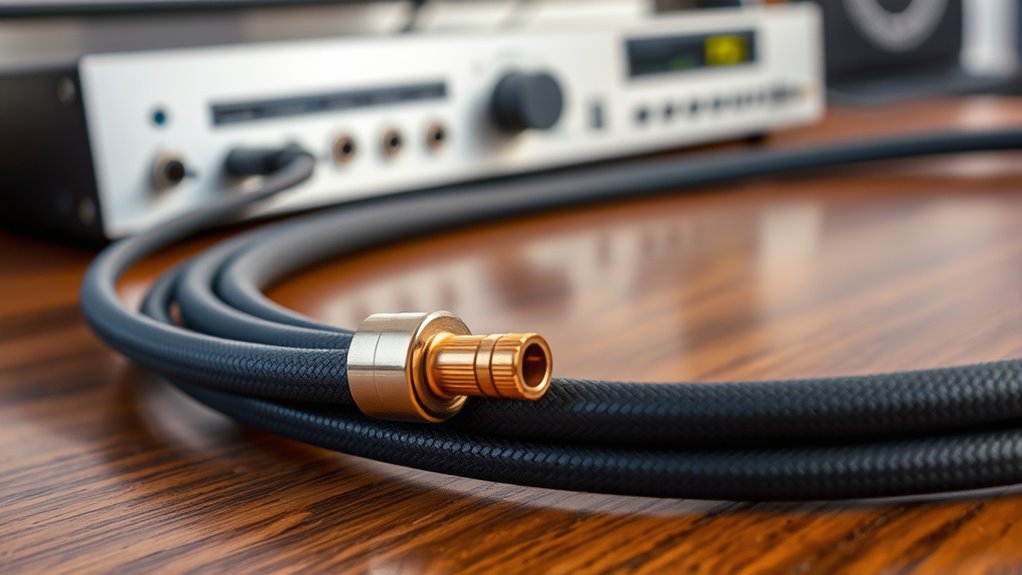
Resistance and capacitance within a cable directly influence signal quality and transmission efficiency. Higher resistance causes signal loss as electrons face more opposition, leading to weaker signals at the receiving end. Capacitance, on the other hand, stores and releases electrical energy, which can distort the signal, especially at higher frequencies. As cable length increases, both resistance and capacitance naturally grow, amplifying these effects. This results in reduced signal clarity, increased latency, and potential data errors. You might notice your setup intermittently fails or experiences degraded performance without understanding why. By understanding how resistance and capacitance impact your cables, you can better select the right length and type to guarantee ideal signal integrity and avoid unnecessary failures.
Common Symptoms of Excessively Long Cables
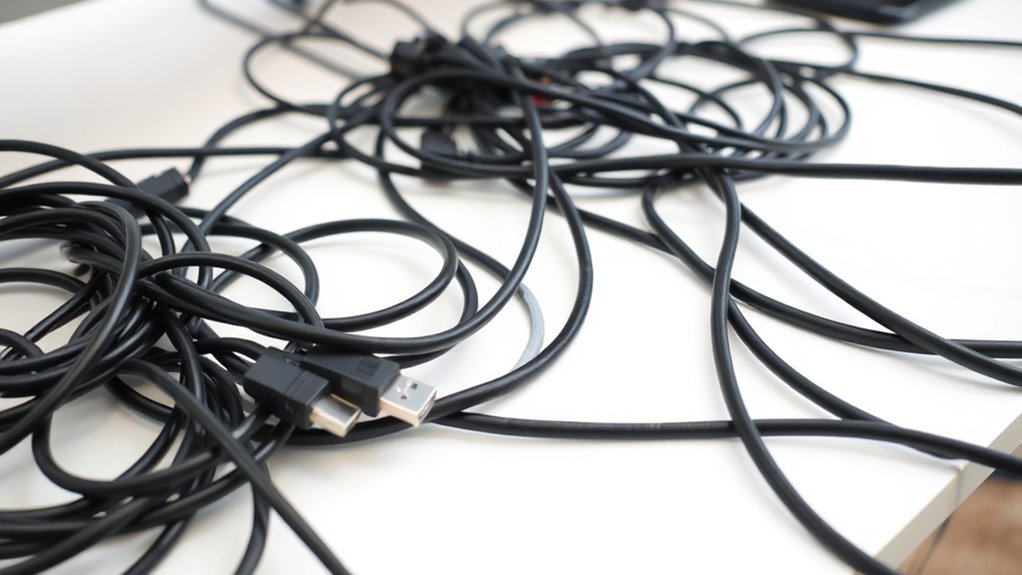
Excessively long cables often cause noticeable issues in your signal quality, making it harder to transmit data reliably. You might notice intermittent connections or lag, which can seem random. Signal degradation can also cause a drop in video or audio clarity, leading to distortion or static. Sometimes, devices won’t recognize the cable at all, or connections suddenly drop. Additionally, long cables can produce interference noise or hum, especially with analog signals.
Be on the lookout for these symptoms:
- Frequent disconnects or dropouts
- Reduced image or sound quality
- Increased latency or lag
- Static or interference noises
- Devices not recognizing the connection
Choosing the Right Cable Length for Your Setup
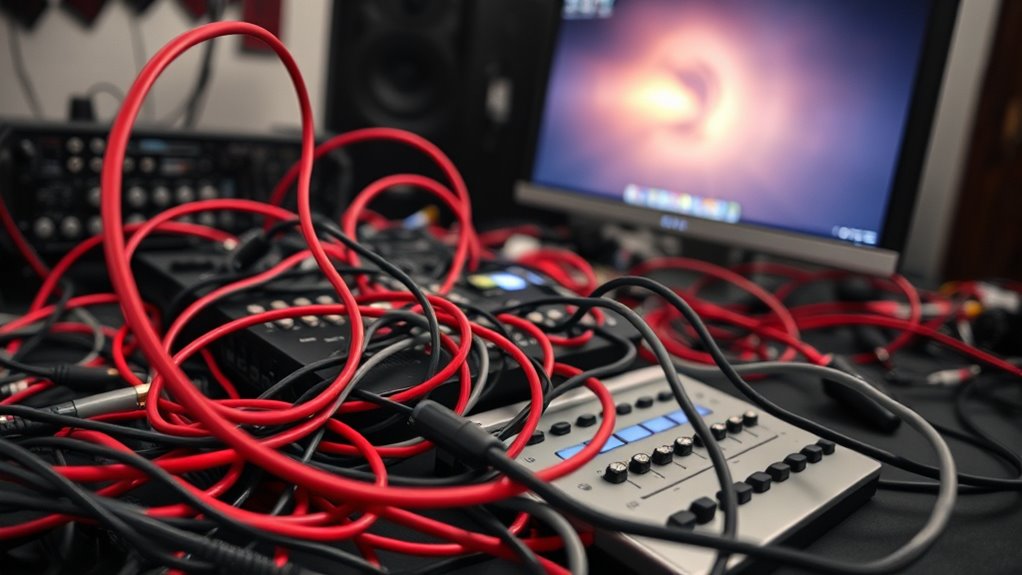
Choosing the right cable length helps preserve signal quality and prevents data loss. You also need to contemplate your physical setup to avoid unnecessary slack or tight fits. Keeping cables appropriately sized makes troubleshooting easier and keeps your workspace tidy.
Signal Integrity Preservation
To maintain ideal signal integrity, selecting the appropriate cable length is essential. Long cables can introduce noise, attenuation, and signal degradation, leading to unreliable performance. To preserve a clean, strong signal, keep your cable as short as possible without sacrificing connectivity.
Consider these key points:
- Longer cables increase the chance of electromagnetic interference
- Signal loss grows with cable length
- Use quality shielding to reduce noise
- Avoid unnecessary coiling or twists
- Regularly inspect cables for damage or wear
Choosing the right length minimizes these issues, ensuring your setup functions reliably. Proper cable management and selecting an optimal length help maintain signal clarity, preventing “random” failures and frustrating troubleshooting. Remember, shorter, well-shielded cables are your best defense against signal integrity problems.
Physical Setup Constraints
When setting up your equipment, practical space limitations and the physical arrangement of devices often dictate the cable length you can use. If your components are close together, shorter cables reduce clutter and minimize signal loss. Conversely, larger setups may require longer cables to connect devices comfortably without stretching or creating tension. It’s essential to measure the distances carefully before purchasing cables. Using cables that are too long can introduce unnecessary slack, clutter, and potential interference, while cables that are too short may strain connections or force you into awkward routing. Ensuring the right length helps maintain a clean, efficient setup and avoids unintended stress on connectors. Always plan your layout thoughtfully, considering both current needs and future adjustments.
Ease of Troubleshooting
The right cable length can markedly simplify troubleshooting efforts in your setup. When cables are too long or too short, identifying issues becomes frustrating and time-consuming. Proper length helps you quickly locate faults, reduce clutter, and avoid accidental disconnections. Shorter cables minimize the chance of signal loss or interference, making it easier to spot problems. Longer cables, if not managed well, can cause tangles that hide faults or make testing difficult.
- Easier to identify loose connections
- Less cable clutter to confuse troubleshooting
- Reduced risk of interference and signal degradation
- Quicker to isolate faulty components
- Fewer tangles that hide issues
Choosing the appropriate length streamlines diagnostics, saving you time and preventing unnecessary frustration. Proper cable management enhances overall reliability and makes future troubleshooting simpler.
Best Practices for Cable Management and Length Optimization
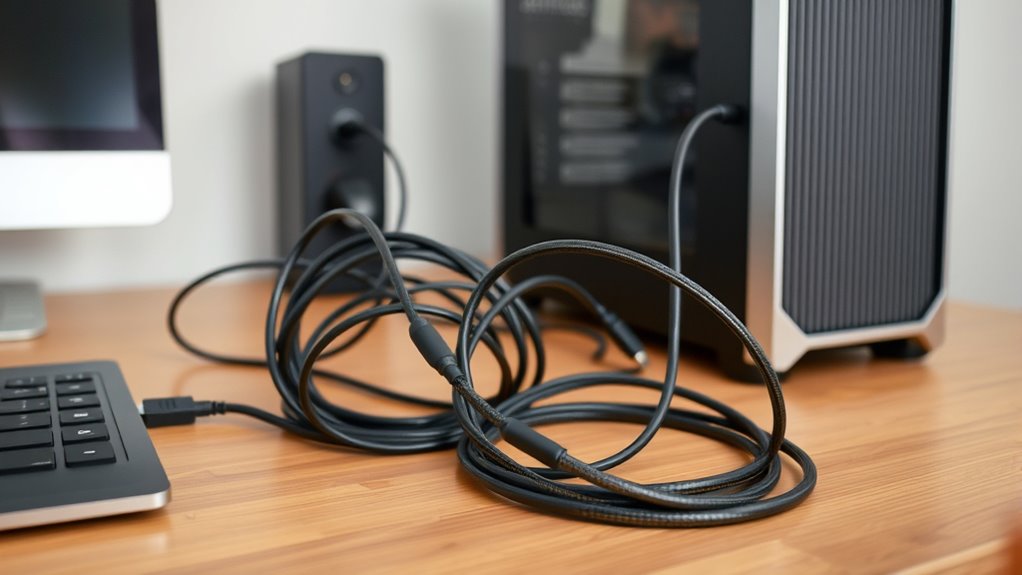
Effective cable management begins with selecting the right cable lengths for your setup. Measure the distances between devices carefully to avoid excess slack or tight pulls. Use cable ties or Velcro straps to bundle cables neatly, preventing tangles and accidental disconnections. Keep cables organized by grouping them according to function or destination, which simplifies troubleshooting and maintenance. Avoid running cables across high-traffic areas or near heat sources, as this can cause wear or signal issues. Opt for shorter cables whenever possible; they reduce signal degradation and clutter. Label each cable at both ends to easily identify connections later. Regularly inspect your setup to ensure cables remain secure and organized. Proper management not only improves performance but also prolongs the lifespan of your cables and equipment.
Tips for Testing and Diagnosing Cable-Related Issues
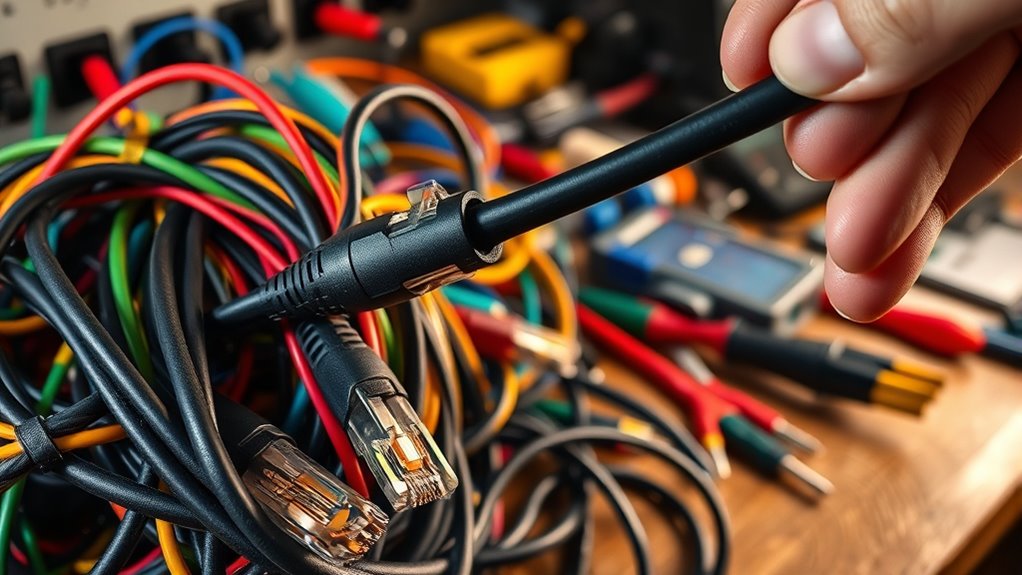
After organizing your cables properly, the next step is to guarantee they function correctly. Testing and diagnosing cable issues helps prevent unexplained failures. Start by visually inspecting cables for visible damage, such as cuts or bent connectors. Use a cable tester to verify continuity and proper wiring. Keep an eye on these key factors:
- Check for loose or disconnected connectors
- Test cables with different devices to rule out device faults
- Swap cables to identify faulty ones
- Use a multimeter to measure signal integrity
- Keep cables away from interference sources
Technologies That Can Mitigate Length-Related Problems
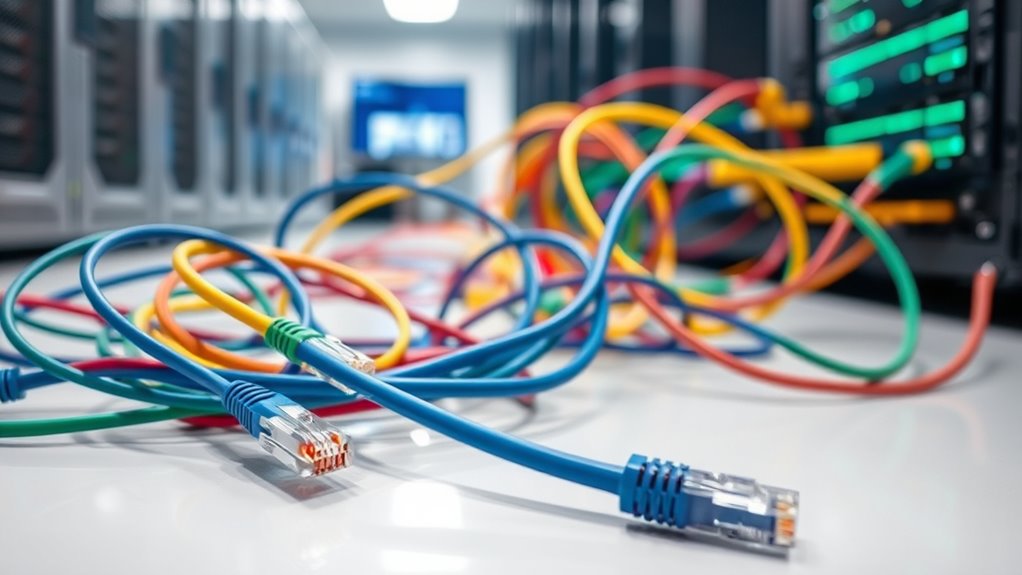
Advancements in cable technologies have introduced solutions that help overcome length-related issues, ensuring reliable signal transmission over longer distances. One key development is the use of active repeaters and signal boosters, which amplify signals before they weaken too much. Fiber optic cables are another breakthrough, as they transmit data with minimal loss over vast distances, immune to electromagnetic interference. Additionally, shielded cables reduce noise interference that can compound over long runs. Some modern cables incorporate integrated electronics that detect signal degradation and automatically adjust, maintaining quality. For critical setups, choosing high-quality cables designed for long-distance use can prevent failures. These technologies help you extend cable runs without sacrificing performance, reducing the likelihood of random failures caused by length-related signal degradation.
Case Studies: When Cable Length Caused System Failures
Long cable runs can unexpectedly cause system failures, especially when proper planning and technology aren’t in place. These failures often occur in real-world setups where overlooked cable length issues cause unpredictable problems. For example, a data center experienced intermittent network drops after extending Ethernet cables beyond recommended lengths. Similarly, audio systems in venues failed during events because long speaker cables introduced noise and signal loss. In another case, a security camera system stopped working after cables exceeded safe lengths, leading to power and signal degradation. Remember, cable length can:
- Increase signal attenuation
- Cause voltage drops
- Introduce electromagnetic interference
- Result in data errors
- Trigger system crashes or malfunctions
Ignoring these factors can turn simple extensions into complex failures. Proper planning prevents costly surprises.
Frequently Asked Questions
Can Wireless Connections Experience Similar Issues With Signal Degradation Over Distance?
Yes, wireless connections can experience signal degradation over distance. As you move farther from your router, the signal weakens, leading to slower speeds and potential drops. Obstacles like walls and furniture can also interfere, causing interruptions. To maintain a strong connection, you should stay within a reasonable range, minimize obstructions, and consider using range extenders or mesh networks if you need coverage over a larger area.
How Do Environmental Factors Influence Cable Length Limitations?
Environmental factors like electromagnetic interference, temperature, and humidity can critically limit cable length. You might find that metal objects, fluorescent lights, or wireless signals cause signal degradation over long runs. High temperatures can increase resistance, reducing performance. To guarantee reliable connections, keep cables away from potential sources of interference, and consider using shielded or higher-quality cables when running longer distances, especially in challenging environments.
Are There Industry Standards Regulating Maximum Cable Lengths for Specific Setups?
Yes, industry standards regulate maximum cable lengths for specific setups. For example, Ethernet cables typically have a 100-meter limit for ideal performance, according to IEEE and TIA standards. HDMI cables often recommend lengths under 15 meters to maintain signal quality. These standards help you avoid issues like signal degradation or data loss, ensuring your setup works reliably. Always check the specific standards for your cable type to prevent unexpected failures.
What Tools Are Best for Measuring and Verifying Cable Length Accuracy?
Imagine holding a flexible tape measure that stretches straight across your setup, or using a digital cable tester that lights up with a precise readout. These tools—like a high-quality laser distance meter or cable length tester—are your best options for measuring and verifying cable accuracy. They help you confirm the length quickly and accurately, ensuring your setup functions flawlessly without mysterious failures caused by overlooked cable length issues.
How Does Cable Quality Impact the Effects of Length on System Performance?
Higher quality cables improve system performance by reducing signal loss and interference over longer distances. When you use better-made cables, they maintain signal integrity even at extended lengths, preventing issues like data corruption or connection drops. Conversely, lower quality cables may deteriorate quickly, causing failures or degraded performance. So, investing in good cables ensures consistent, reliable connections, especially when your setup requires longer cable runs.
Conclusion
Remember, around 50 feet is often the maximum for maintaining ideal signal quality without boosters. Don’t let hidden cable length issues cause your setup to fail unexpectedly—test regularly and choose the right length. By paying attention to cable management, you can prevent frustrating outages and save time. Keep in mind, studies show that 70% of connection problems stem from improper cable lengths or poor quality, so stay proactive to keep your system running smoothly.