
To quickly reset your desk each week, set aside five minutes daily to tidy and put away items, keeping only essentials on your surface. Wipe down your workspace with microfiber cloths, organize supplies with small containers, and check that devices are charged and functioning properly. Regularly updating your digital files also helps. Consistent routines prevent clutter from piling up and keep your workspace inviting and efficient. Stick with it, and you’ll discover how easy maintaining a functional desk can become.

Get comfort and recovery gear delivered free — and shop member deals
- Fast, free delivery on millions of items
- Access to Prime Big Deal Days deals on October 6–7
- Prime Video, Amazon Music and more included
Key Takeaways
- Dedicate five minutes daily to quick tidying and organizing digital and physical clutter.
- Use designated containers and drawer dividers to quickly sort and store supplies.
- Regularly wipe down surfaces and equipment to maintain cleanliness and functionality.
- Schedule a weekly 10-minute session to review, declutter, and reset your workspace.
- Implement a consistent organization system to streamline daily and weekly maintenance routines.
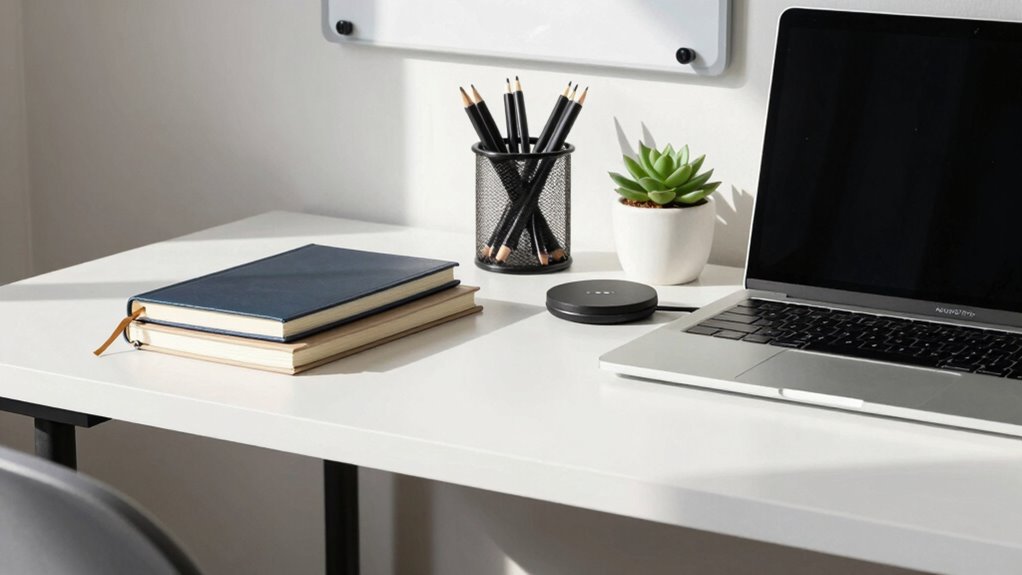
Ever feel overwhelmed by a cluttered workspace when Monday rolls around? It’s a common feeling, but the good news is, a quick weekly reset can transform your desk into a productive haven. With a few simple steps, you can maintain a functional space that fuels your focus and efficiency. The key is to make desk organization a regular habit, so you’re never drowning in chaos come the start of the week.
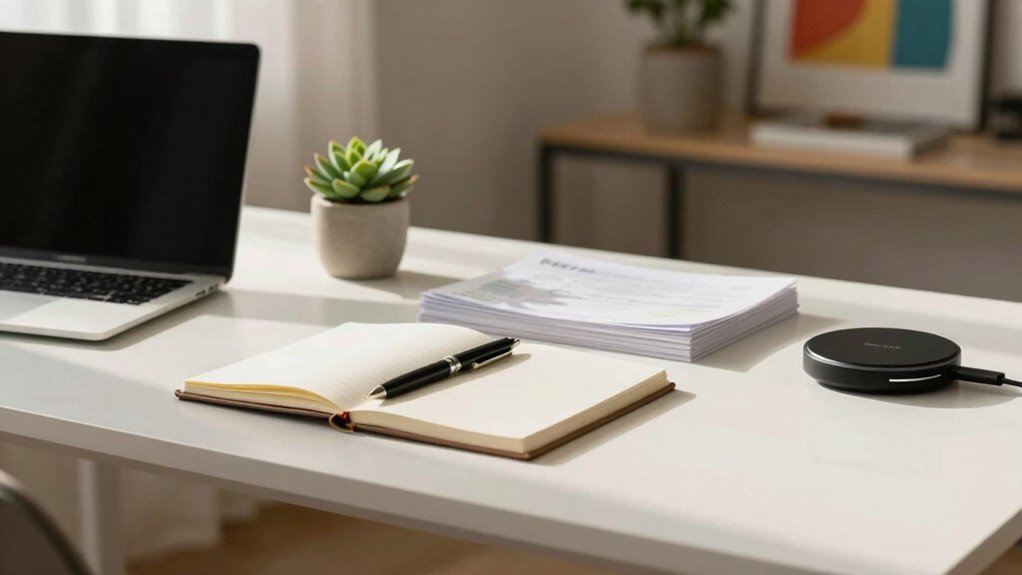
Start your reset by clearing everything off your desk. Yes, everything — papers, pens, gadgets, everything. This might seem like a lot at first, but it’s essential for a fresh start. As you sort through each item, decide what to keep, toss, or relocate. Keep only the essentials that you use daily, such as your favorite pen or a notepad. This process helps eliminate clutter, making your workspace more inviting and easier to navigate. Remember, a clean surface promotes better focus, so resist the urge to leave things scattered around. Incorporating home organization principles can further enhance your workspace setup.
Next, wipe down your entire desk, including the surface, monitor, keyboard, and mouse. Dust and dirt can build up quickly, making your workspace less inviting and even affecting your equipment. Use a microfiber cloth and a gentle cleaner to ensure everything is spotless. Once clean, organize your supplies. Use small containers or drawer dividers to keep pens, paperclips, and sticky notes in order. Group similar items together so you can find them quickly when needed. An organized desk isn’t just about aesthetics — it’s a major productivity tip that reduces time wasted searching for things. Additionally, maintaining awareness of your health and wellness can help prevent common issues like stress and fatigue that impact productivity. Regularly inspecting your workspace tools to ensure they’re functioning properly can also improve your efficiency.
Now, set up a system for ongoing maintenance. Dedicate five minutes at the end of each day to tidy up your desk. Put away papers, recharge your devices, and ensure everything is in its designated place. This routine prevents clutter from piling up and keeps your workspace primed for focus. Consider digital clutter too: tidy your desktop icons and organize files into folders. A streamlined digital environment complements your physical space, making it easier to find what you need fast. An effective organization system can help you maintain this habit effortlessly. Regularly decluttering your workspace tools can help you stay motivated and efficient over time.
Incorporating these simple steps into your weekly routine will make a huge difference. A quick desk reset is all it takes to stay on top of your workspace, boost your productivity, and start each week feeling prepared. You’ll find that a clean, organized desk becomes a powerful tool for focus and success rather than a source of stress. With consistent effort, your workspace stays functional, inviting, and ready for whatever the week brings.
microfiber cleaning cloth for electronics
As an affiliate, we earn on qualifying purchases.
As an affiliate, we earn on qualifying purchases.
Frequently Asked Questions
How Long Should a Weekly Desk Reset Typically Take?
A weekly desk reset should take about 10 to 15 minutes. During this time, you can tidy up clutter, adjust your workspace aesthetics, and guarantee your ergonomic setup remains comfortable. Quickly clearing surfaces and organizing cables helps maintain focus and productivity. Regular resets prevent buildup of mess and discomfort, allowing you to start each week with a fresh, functional workspace that promotes efficiency and well-being.
What Tools Are Essential for a Quick Reset?
Think of your desk tools as your secret weapons for a quick reset. You’ll need ergonomic accessories like a comfortable mouse and keyboard to keep you productive, plus cable management supplies to tame tangled cords. These essentials streamline your cleanup, making your space neat and functional in no time. With these tools, you won’t just reset—you’ll reset with purpose, turning chaos into calm in minutes.
How Can I Prevent Clutter From Accumulating During the Week?
To prevent clutter from piling up during the week, regularly declutter your desk and set aside a few minutes daily for tidying. Keep decorative accessories and personal mementos minimal and organized, using small trays or containers. This prevents them from cluttering your workspace. Also, establish a habit of clearing your desk at the end of each day, so your workspace stays clean, functional, and inspiring for the next day.
Should I Prioritize Digital or Physical Organization First?
Your desk’s chaos is a mountain waiting to erupt! Start with digital decluttering first; it’s quicker and creates an instant sense of order. Delete unnecessary files, organize folders, and clear your desktop. Then move to physical sorting—file papers, tidy supplies, and clean surfaces. Prioritizing digital organization first saves time and mental space, making physical sorting easier and more effective. You’ll feel in control in no time!
How Often Should I Reassess My Desk Organization System?
You should reassess your desk organization system weekly to maintain an ergonomic setup and stay productive. Incorporate decorating tips that promote comfort and focus, like adding plants or proper lighting, during your review. Regularly checking your setup helps you identify clutter and adjust your space to support your workflow. This keeps your desk functional, inspiring, and tailored to your needs, making it easier to stay organized and motivated daily.
desk organizer with small containers
As an affiliate, we earn on qualifying purchases.
As an affiliate, we earn on qualifying purchases.
Conclusion
With each weekly reset, you’re pruning a wild garden into a sleek oasis. Think of your desk as a living mosaic—clear away the clutter, and watch it shimmer with purpose. Embrace this ritual as your secret weapon, transforming chaos into calm. Before long, your workspace becomes a smooth-running engine, ready to power your week. Just like a fresh start fuels a new adventure, a quick reset keeps your desk—and your momentum—forever flowing.
drawer dividers for office supplies
As an affiliate, we earn on qualifying purchases.
As an affiliate, we earn on qualifying purchases.
As an affiliate, we earn on qualifying purchases.
Fall Picks
fall essentials
As an affiliate, we earn on qualifying purchases.