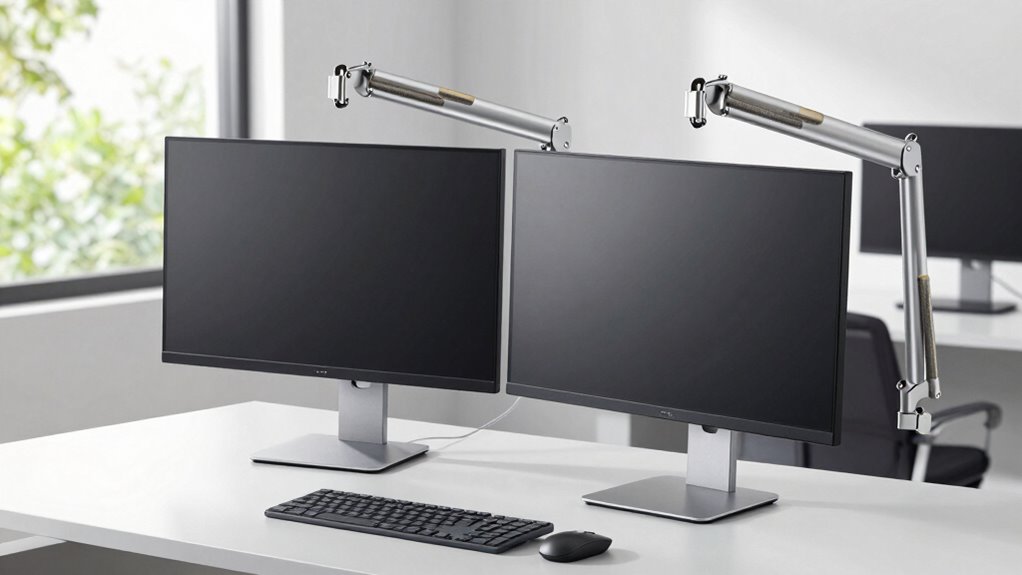

Monitor arms improve ergonomics when you use them to position your monitor at eye level, reducing neck and eye strain, and adjusting height, tilt, or rotation for comfort. They help keep your workspace organized and support long hours at your desk. However, they won’t fix poor seating posture or workspace setup. Some models may be unstable or incompatible with your desk or monitor, so choosing the right one is key. Explore further to discover how to maximize their benefits.
Key Takeaways
- Monitor arms improve ergonomics by enabling adjustable height, tilt, and rotation to reduce neck and eye strain.
- They may not enhance ergonomics if the desk setup limits proper positioning or if seating posture remains poor.
- Proper installation and high-quality build ensure stability, maximizing ergonomic benefits for long-term comfort.
- Multi-monitor or heavy displays require compatible arms with sufficient weight capacity to maintain ergonomic positioning.
- Ergonomic improvements depend on combining monitor arms with other accessories like ergonomic chairs and proper desk height.
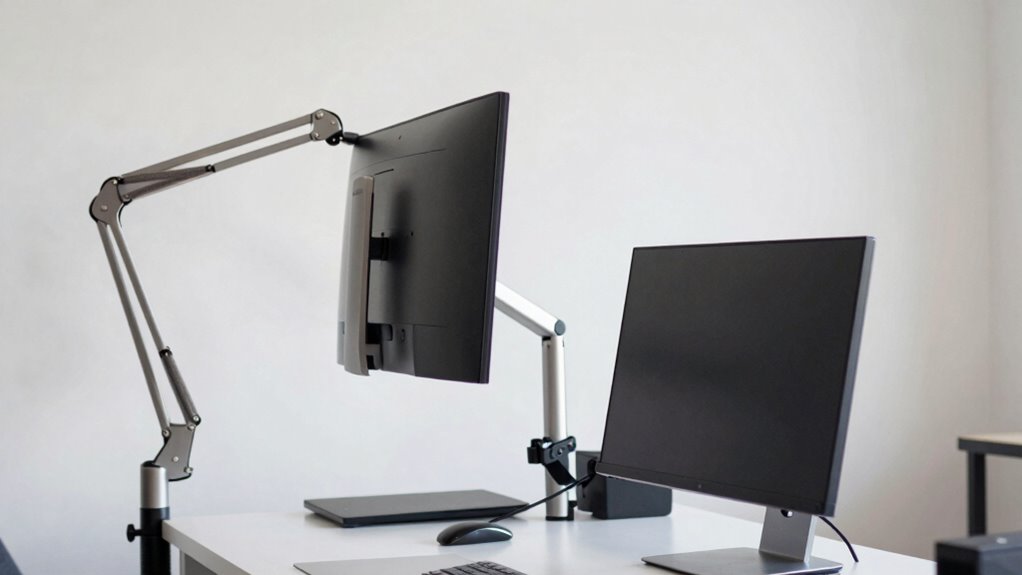
Have you ever struggled with finding the perfect viewing angle for your monitor? If so, a monitor arm might be just what you need. These devices are designed to give you more control over your workspace, allowing you to easily adjust the height, tilt, and rotation of your screen. One of their main benefits is the adjustable height feature, which helps you position your monitor at eye level. When your monitor is at the right height, you reduce neck strain and improve your posture, making long hours at your desk more comfortable. Plus, many monitor arms come with cable management systems that help keep your workspace tidy by hiding and organizing cords. This not only makes your desk look neater but also prevents tangled cables that can cause inconvenience or even damage over time.
However, monitor arms aren’t always the perfect solution. They work best when you have a dedicated workspace with enough room to mount or clamp the arm securely. If your desk is too small or if your monitor is particularly heavy, a monitor arm might not be stable or easy to install. In such cases, the adjustable height feature may be limited, and you might find yourself constantly readjusting the arm to find a comfortable position. Additionally, if your work requires multiple monitors, you’ll need to consider whether the monitor arm can support that setup, as not all arms are designed to hold multiple screens or larger displays. In some scenarios, the installation process can be complicated, especially if your desk isn’t compatible with the mounting mechanisms or if you lack the tools to set it up properly. Moreover, understanding currency and number formatting can be essential when managing budgets for ergonomic accessories or workspace setups.
While monitor arms can greatly improve ergonomics by allowing you to customize your viewing angle and height, they don’t automatically solve all ergonomic issues. For example, if you have poor seating posture or inadequate desk height, simply adjusting your monitor won’t eliminate discomfort. Also, some cheaper models may lack sturdy build quality, causing the arm to sag over time or not hold your monitor securely. If your priorities include a clutter-free workspace, make sure the arm has effective cable management features, as this can make a noticeable difference in maintaining an organized and ergonomic environment. Additionally, selecting a high-quality monitor arm can ensure better durability and stability over time. Remember that choosing the right ergonomic accessories can significantly enhance your overall comfort and productivity.
ergonomic monitor arm with cable management
As an affiliate, we earn on qualifying purchases.
As an affiliate, we earn on qualifying purchases.
Frequently Asked Questions
Are Monitor Arms Adjustable for Different Monitor Sizes?
Yes, monitor arms are adjustable for different monitor sizes. You should look for ones with versatile adjustment mechanisms, such as tilt, swivel, and height adjustments, to accommodate various monitor sizes and your ergonomic needs. Most monitor arms are compatible with standard VESA mount patterns, but checking their monitor size compatibility guarantees they can securely hold your specific monitor. This flexibility helps you customize your workspace for maximum comfort and productivity.
How Do Monitor Arms Affect Workspace Clutter?
Like a well-orchestrated symphony, monitor arms can reduce workspace clutter by hiding cables through integrated cable management, making your desk look sleek and organized. They elevate aesthetic appeal by freeing up surface space, much like a minimalist masterpiece. However, if not properly managed, cables can become tangled, diminishing the tidy appearance. Properly installed monitor arms make your workspace cleaner, more efficient, and visually pleasing.
Can Monitor Arms Support Dual or Multiple Monitors?
Yes, monitor arms can support dual or multiple monitors, enhancing your workspace with better organization and flexibility. Look for models with dual monitor compatibility, which allow you to securely hold two screens simultaneously. This multi monitor flexibility enables you to adjust each monitor’s position for ideal ergonomics and workflow. Just make certain your monitor arm is designed for the weight and size of your screens, so they stay stable and functional.
Are Monitor Arms Suitable for Standing Desks?
Yes, monitor arms are suitable for standing desks, but it’s not always straightforward. They offer ergonomic benefits by allowing you to easily adjust height, angle, and distance, reducing strain during long standing sessions. Plus, they enhance aesthetic appeal by keeping your workspace tidy and modern-looking. However, make certain the monitor arm is sturdy enough for your monitor’s weight and height, or you might face stability issues.
Do Monitor Arms Require Professional Installation?
Monitor arms typically don’t require professional installation, making them user-friendly options for improving ergonomic benefits. You can usually set them up yourself with basic tools, and they don’t negatively impact the aesthetic impact of your workspace. However, if your desk has unique features or heavy monitors, you might prefer professional help to guarantee safety and stability. Overall, monitor arms are a practical, customizable solution for better ergonomics without needing expert installation.
As an affiliate, we earn on qualifying purchases.
Conclusion
When you choose the right monitor arm, you boost your balance, banish backaches, and bring better posture into your workspace. But beware of barriers like bulky designs or poor adjustability that can hinder comfort. By being mindful and making informed choices, you’ll create a workspace that works wonders for your well-being. Remember, the right monitor arm isn’t just a tool—it’s an essential component for comfort, clarity, and continued concentration.
adjustable monitor arm for large screens
As an affiliate, we earn on qualifying purchases.
As an affiliate, we earn on qualifying purchases.
As an affiliate, we earn on qualifying purchases.