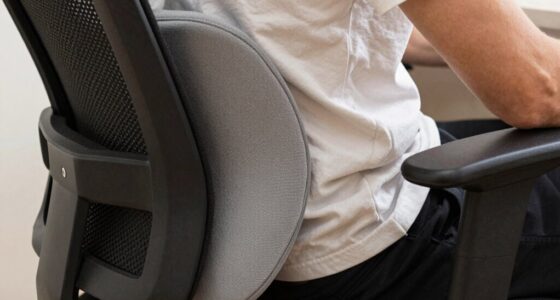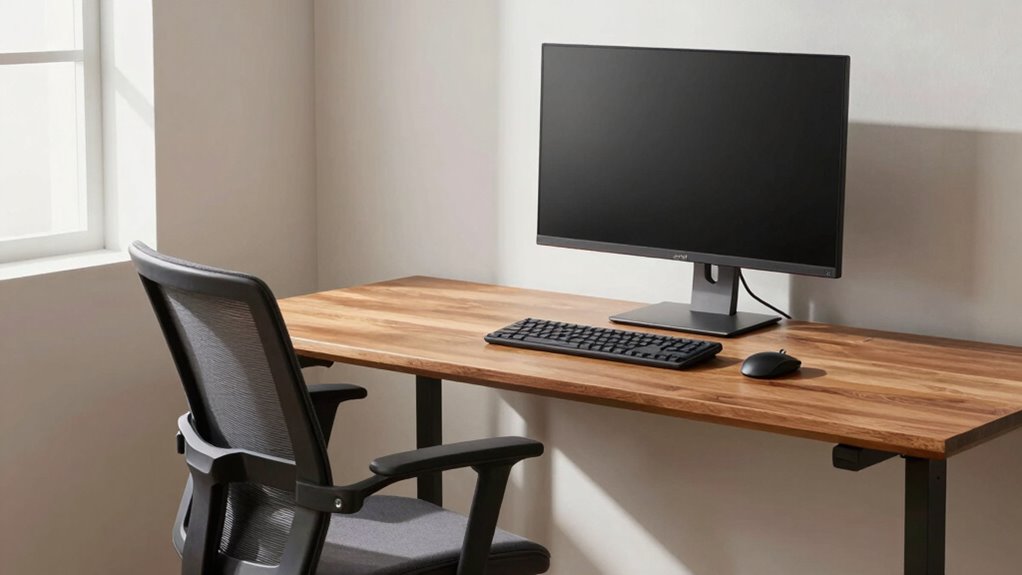

Measuring your setup once is essential to create a personalized ergonomic baseline that you can rely on for future adjustments. It helps you find the right monitor height, keyboard and mouse position, and suitable elbow angles that promote comfort and reduce strain. By establishing this reference point, you can quickly check and adjust your workspace whenever needed, preventing discomfort over time. Keep going to discover how to accurately set up your ergonomic baseline for long-term health.
Key Takeaways
- Conduct a thorough posture assessment to identify natural alignment and strain points before setting up your workspace.
- Measure key ergonomic parameters such as monitor height, keyboard and mouse placement, and elbow angles for a personalized baseline.
- Adjust equipment so that your monitor is at eye level, and your elbows are at approximately 90 degrees during use.
- Record these measurements as your ergonomic baseline to ensure consistent setup across different work sessions or locations.
- Revisit and update your baseline periodically to accommodate changes in equipment, workspace, or ergonomic needs.
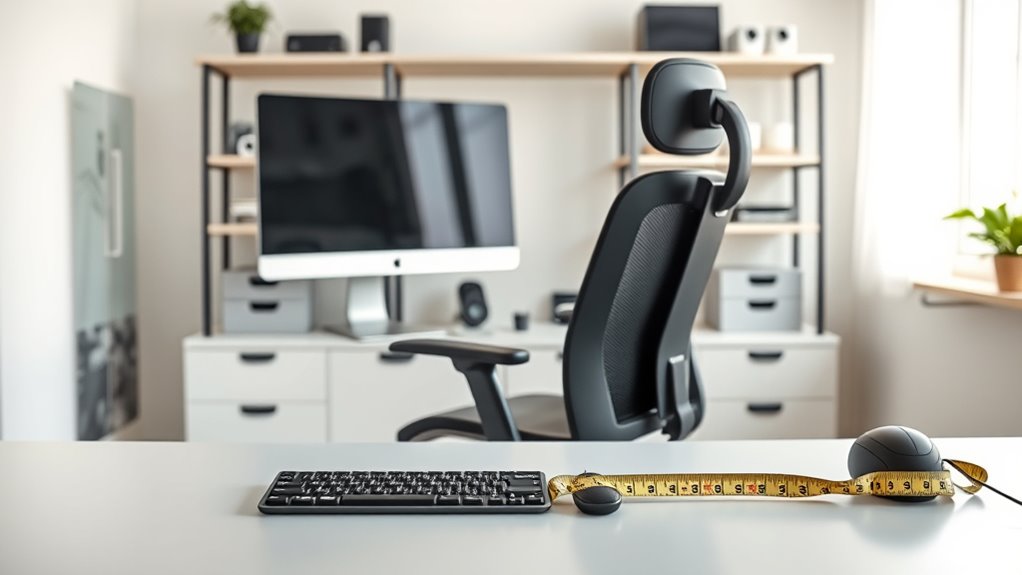
Have you ever set up your equipment only to realize later that it doesn’t quite fit or work as smoothly as you expected? It’s a common frustration, but the key to avoiding repeated adjustments lies in establishing a solid ergonomic baseline. The first step is to perform a thorough posture assessment. When you understand your natural body alignment, you can tailor your workspace to support proper ergonomics from the start. Take note of your sitting position, the angle of your elbows, the height of your monitor, and your wrist placement. Instead of rushing into setup, spend time observing how your body naturally sits and moves. This will help you identify any awkward angles or strain points that could cause discomfort or injury over time. Once you’re aware of your posture, you can make deliberate adjustments to your equipment. But don’t stop there—equipment calibration is equally important. Proper calibration ensures that your monitor, keyboard, and mouse are positioned at ideal heights and distances, reducing strain on your neck, shoulders, and wrists. For example, adjust your monitor so that the top of the screen is at eye level, preventing you from tilting your head up or down. Your keyboard and mouse should be close enough to prevent reaching or hunching, with your elbows at roughly 90 degrees. When you get these settings right, you create a workspace that promotes healthy posture, which in turn, minimizes fatigue and discomfort. Additionally, incorporating ergonomic principles into your setup can further enhance comfort and reduce the risk of musculoskeletal issues. The benefit of measuring your setup once is that it forms a reliable reference point you can reuse whenever you make changes or set up new equipment. Instead of guessing or constantly readjusting, you have a personalized baseline to guide every setup. This consistency makes it easier to maintain ergonomic standards, especially if you switch between workspaces or update your equipment. Remember, your body and work habits evolve, so periodically revisiting your posture assessment and recalibrating your setup ensures continued comfort and productivity. Once you’ve established this baseline, future adjustments become quick and straightforward—simply compare your current setup to your original measurements. Over time, this approach helps prevent chronic aches and strains that can develop from poor ergonomics. In the end, taking the time to measure your setup once provides a foundation you’ll reuse forever, saving you time, effort, and discomfort in the long run. It’s a simple but powerful step toward creating a workspace that supports your health and work efficiency, making every day more comfortable and productive.
Top picks for "measure setup once"
Open Amazon search results for this keyword.
As an affiliate, we earn on qualifying purchases.
Frequently Asked Questions
How Often Should I Reassess My Ergonomic Setup?
You should reassess your ergonomic setup every few months or if you notice discomfort, pain, or posture issues. Regularly check your posture correction and adjust ergonomic accessories as needed to stay comfortable and prevent strain. Changes in your workspace or body can affect your setup, so staying proactive ensures you maintain ideal ergonomics. Frequent reassessment keeps your workspace aligned with your needs, promoting long-term comfort and health.
Can I Adjust My Setup for Different Tasks?
Sure, you can totally tweak your setup for different tasks—who doesn’t love a good excuse to fiddle? Just remember, adjustment strategies for task-specific ergonomics are your friends. Shift your chair, reposition your keyboard, or elevate your monitor as needed. It’s about creating a flexible workspace that adapts to each activity, so you stay comfy and productive, no matter what you’re doing.
What Tools Are Best for Measuring Ergonomic Parameters?
You should use ergonomic tools like calipers, rulers, and measurement devices such as protractors and digital gauges to accurately evaluate your setup. These measurement devices help you determine proper desk height, monitor position, and chair adjustments. By selecting the right ergonomic tools, you guarantee precise measurements, making it easier to create a comfortable, efficient workspace tailored to your needs. Keep these tools handy for ongoing ergonomic assessments.
How Do I Account for Changes in My Body Over Time?
To account for changes in your body over time, regularly reassess your posture correction strategies and update your ergonomic setup. Use ergonomic accessories like adjustable chairs and monitor stands to adapt as your body evolves. Stay mindful of any discomfort or shifts in your posture, and make adjustments promptly. This proactive approach guarantees your workspace remains comfortable and supports your health, even as your body changes.
Is There a Recommended Ergonomic Baseline for Shared Workspaces?
Yes, there’s a recommended ergonomic baseline for shared workspaces. You should invest in adjustable ergonomic accessories like chairs, keyboard stands, and monitor arms to accommodate different users. Focus on workspace customization by setting up each station to fit individual needs, ensuring proper posture and comfort. Regularly reassess and tweak these setups as users’ preferences or body changes occur, promoting a healthier, more productive environment for everyone.
Conclusion
Now that you’ve measured your setup once, you’re ready to optimize your comfort and productivity. But what if I told you this simple step could uncover hidden issues you never knew existed? Stay tuned—there’s more to discover about perfecting your ergonomic baseline. Your ideal workspace isn’t just a one-time fix; it’s a journey. Keep your eyes open, because the next move could transform the way you work forever. Are you ready to take that leap?