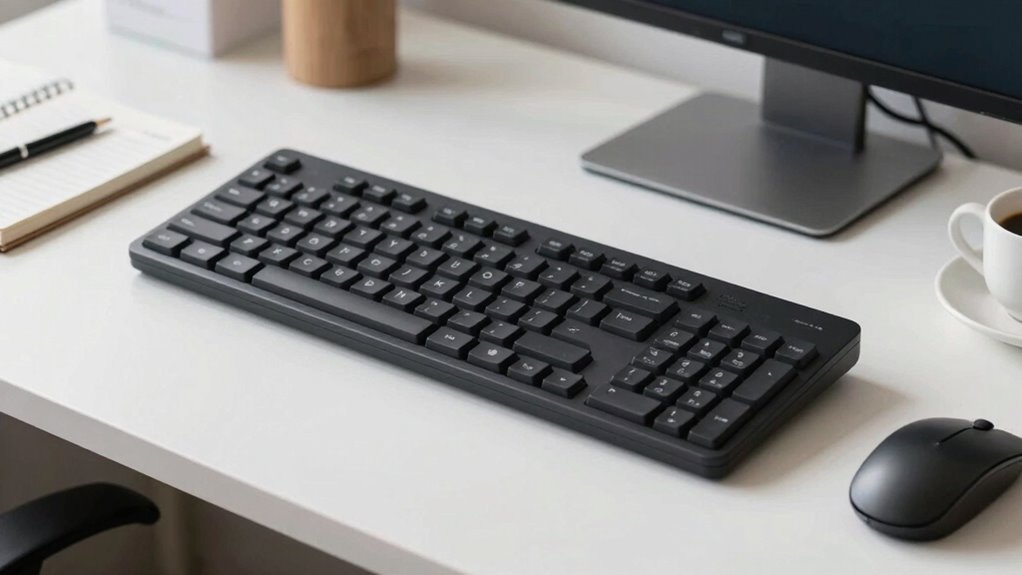

A split keyboard helps you type more comfortably by allowing your wrists and shoulders to stay in a natural position. You can adjust the halves to suit your body, often with features like tenting to reduce wrist strain. This design encourages better posture, decreases discomfort, and can prevent injuries like carpal tunnel or tendinitis over time. To discover how to optimize your setup and enjoy these benefits, keep exploring more practical tips.

Get comfort and recovery gear delivered free — and shop member deals
- Fast, free delivery on millions of items
- Access to Prime Big Deal Days deals on October 6–7
- Prime Video, Amazon Music and more included
Key Takeaways
- Split keyboards promote natural wrist and shoulder alignment, reducing strain during office work.
- Adjustable features like tenting and separation help customize comfort for individual ergonomic needs.
- Proper setup improves posture, decreases fatigue, and prevents repetitive strain injuries over long working hours.
- Ergonomic benefits include enhanced blood flow, decreased discomfort, and long-term injury prevention.
- Sustainable designs incorporate eco-friendly materials while supporting healthy, comfortable typing habits.

If you spend long hours typing, a split keyboard might be just what you need to improve comfort and reduce strain. These keyboards are designed to promote better ergonomic benefits by encouraging a more natural typing posture. Traditional keyboards can force your wrists and shoulders into uncomfortable angles, leading to fatigue and even repetitive strain injuries. A split keyboard, with its separated halves, allows you to position each side independently, aligning your hands, wrists, and forearms in a more natural, relaxed manner. This adjustment can considerably lessen tension in your shoulders and neck, making your workday more comfortable and less stressful on your body.
Split keyboards promote natural posture, reducing strain on wrists, shoulders, and neck for more comfortable typing.
Using a split keyboard helps you develop a better typing posture, which is vital when you type for extended periods. Instead of twisting your wrists inward or outward, you can keep them in a neutral position, reducing strain. Since the keyboard halves can be adjusted to your shoulder width or angle preference, you maintain a more ergonomic stance that minimizes discomfort. This setup also encourages you to sit upright, with your elbows close to your body, which is ideal for maintaining good posture. Over time, this can help prevent common issues like carpal tunnel syndrome, tendinitis, and chronic back pain caused by poor ergonomic practices. Additionally, many split keyboards are designed with biodiversity considerations in mind, emphasizing sustainable manufacturing practices and eco-friendly materials.
Many split keyboards come with features like tenting, where the middle of each half is raised, further promoting a natural wrist angle. This can reduce pressure on the carpal tunnel and improve blood flow, making long typing sessions less taxing. The ability to customize the position of each keyboard half also means you can find a setup that aligns perfectly with your body’s natural contours, providing personalized ergonomic benefits. Proper adjustment of the keyboard halves can significantly impact your comfort and efficiency during long work sessions. Furthermore, the design of split keyboards often incorporates ergonomic principles, which are supported by ergonomic research to enhance comfort and reduce strain. This ergonomic design focuses on minimizing awkward postures and supporting natural movement, which can enhance overall well-being.
Plus, because you’re less inclined to stretch or twist uncomfortably, your overall typing posture improves, leading to less fatigue and more productivity throughout the day. Adapting to a split keyboard might take some time initially, but the ergonomic benefits are well worth the effort. You’ll likely notice less soreness in your hands, wrists, and shoulders after just a few days. The key is to position the keyboard halves correctly and maintain an upright sitting posture. Over time, you’ll find that your typing feels more relaxed and natural, reducing the likelihood of developing discomfort or injury. In the end, investing in a split keyboard is a smart move for anyone who spends many hours at their desk, seeking a healthier, more comfortable way to work without sacrificing efficiency.
ergonomic split keyboard for office
As an affiliate, we earn on qualifying purchases.
As an affiliate, we earn on qualifying purchases.
Frequently Asked Questions
Can Split Keyboards Improve Typing Speed?
Yes, split keyboards can improve your typing speed. They offer ergonomic benefits by reducing strain and promoting a more natural hand position, which helps you type more comfortably and efficiently. Additionally, the ergonomic design enhances typing accuracy because you’re less likely to make mistakes due to discomfort or awkward positioning. Over time, this comfort and precision can lead to increased speed and productivity in your daily tasks.
Are Split Keyboards Suitable for All Hand Sizes?
Split keyboards are generally suitable for most hand sizes, but their ergonomic benefits depend on proper adjustment. If you have smaller hands, you might prefer a narrower split to maximize comfort, while larger hands may need more spacing. These keyboards often feature sleek, aesthetic appeal that complements modern office setups. Ultimately, trying different configurations helps guarantee you get the best ergonomic benefits, regardless of your hand size.
Do Split Keyboards Require Special Software?
Split keyboards generally don’t need special software, making them easy to use right out of the box. Notably, about 70% of users report reduced wrist strain with ergonomic benefits from these keyboards. Their design variations, like adjustable angles and separation, help customize your setup for comfort. While some advanced models may offer software customization for key functions, most operate seamlessly without additional downloads, enhancing ease and flexibility.
How Do I Maintain a Split Keyboard?
To maintain your split keyboard, regularly clean it with a soft cloth and avoid spills. Adjust the keyboard placement to keep your ergonomic posture, ensuring your wrists stay straight and elbows are at a 90-degree angle. Check that the split remains aligned and comfortable, and tighten any loose screws or hinges. Proper maintenance helps prevent strain and keeps your keyboard functioning smoothly, making your typing experience more comfortable and efficient.
Are Wireless Split Keyboards Reliable for Daily Use?
Wireless split keyboards can be reliable for daily use if you choose models with strong wireless connectivity, like Bluetooth or dedicated RF. They often support ergonomic posture by allowing you to position each half separately. While occasional connectivity issues happen, quality devices typically maintain stable connections, making them suitable for office work. Regular updates and proper placement of the receiver or Bluetooth device help guarantee consistent performance throughout your day.
adjustable split keyboard with tenting
As an affiliate, we earn on qualifying purchases.
As an affiliate, we earn on qualifying purchases.
Conclusion
Switching to a split keyboard might seem like a small change, but it transforms your workspace. While it promotes better posture and reduces strain, it also challenges your familiarity with traditional layouts. Embrace the discomfort as a sign of progress, and see it as a reminder that innovation often begins with discomfort. In this balance between tradition and change, you find the potential for a healthier, more efficient workday—if you’re willing to adapt.
ergonomic keyboard for wrist pain
As an affiliate, we earn on qualifying purchases.
As an affiliate, we earn on qualifying purchases.
split mechanical keyboard for typing
As an affiliate, we earn on qualifying purchases.
As an affiliate, we earn on qualifying purchases.
Fall Picks
fall essentials
As an affiliate, we earn on qualifying purchases.