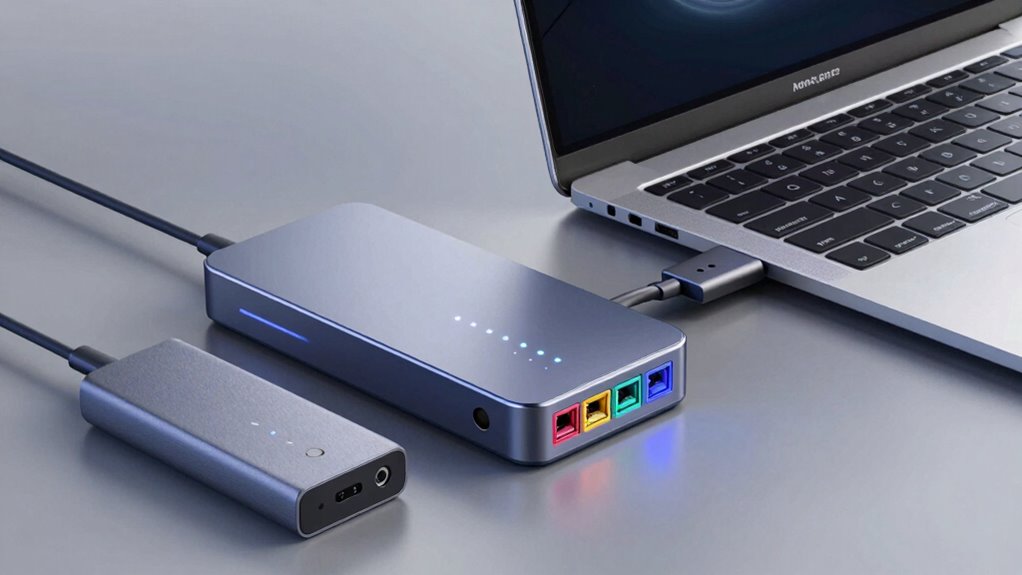

A dock is a versatile device that offers multiple ports, power delivery, and advanced features for a complete setup. A hub is more straightforward, mainly expanding USB or other ports quickly and portably, but usually without charging capabilities. An adapter is a simple connection tool that changes port types, letting you connect one device to another. To choose the right one, it helps to understand their differences—more details will clarify which fits your needs best.

Get comfort and recovery gear delivered free — and shop member deals
- Fast, free delivery on millions of items
- Access to Prime Big Deal Days deals on October 6–7
- Prime Video, Amazon Music and more included
Key Takeaways
- Hubs expand ports mainly for wired connections; docks offer additional features like power delivery and wireless support.
- Docks support multiple device types and complex setups, while hubs are simple, portable port expanders.
- Power delivery is common in docks for charging devices simultaneously; hubs rarely support charging.
- Hubs are ideal for quick, straightforward port expansion; docks suit comprehensive, multi-device environments.
- Use a hub for basic wired connections; choose a dock for integrated peripherals and advanced connectivity needs.
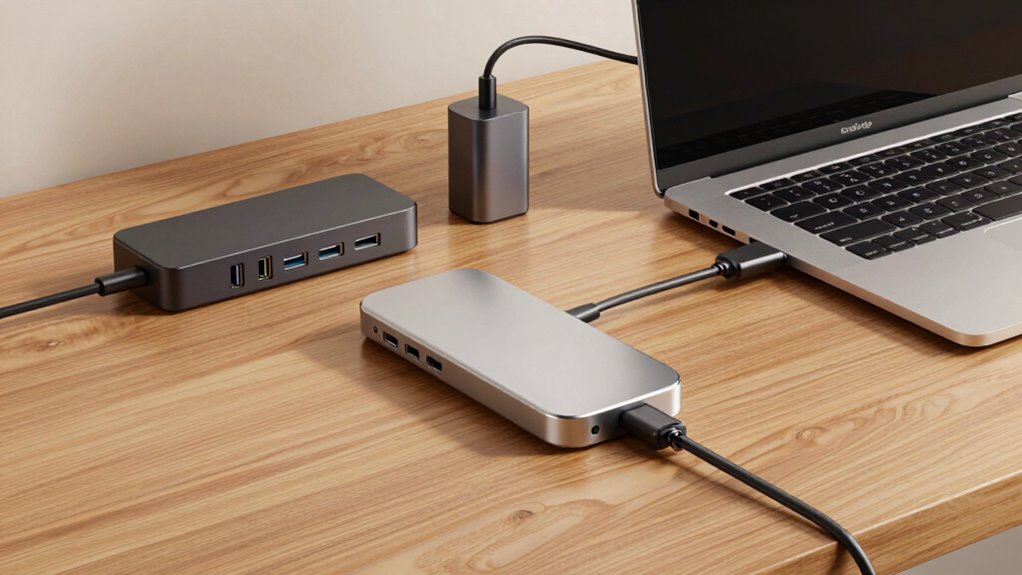
Hubs are usually simpler and more compact devices. They are primarily used to expand the number of ports available, especially USB ports, so you can connect multiple peripherals like external drives, keyboards, or printers. Unlike docks, hubs generally don’t provide power delivery or support wireless connectivity directly. They’re ideal if you already have a power source and just need more wired connections. Some advanced hubs might include features like charging capabilities or Ethernet ports, but these are less common. Hubs are perfect for quick, straightforward expansions on the go or in setups where wireless connectivity isn’t a priority. power delivery is one of the key features that distinguishes a dock from a hub, allowing for simultaneous charging and data transfer. Additionally, hubs typically do not support multi-device management, making them less suitable for complex setups that require integrated control over multiple peripherals. For users needing a more integrated solution, a dock can offer a comprehensive setup with multiple features beyond basic port expansion. Understanding the peripheral connectivity options can help determine whether a hub or dock best fits your needs. Some hubs may also lack the ability to support multiple device types, which can be important depending on your peripheral needs.
USB-C docking station with power delivery
As an affiliate, we earn on qualifying purchases.
As an affiliate, we earn on qualifying purchases.
Frequently Asked Questions
Can I Use a Dock, Hub, and Adapter Simultaneously?
Yes, you can use a dock, hub, and adapter simultaneously, but compatibility concerns may arise. Make certain your devices support multiple connections and that the ports don’t overload your system. Using all three can enhance device versatility, allowing you to connect various peripherals like monitors, keyboards, or external drives. Just double-check your hardware’s specifications to ensure smooth operation without conflicts or power issues.
Which Is More Future-Proof: Dock, Hub, or Adapter?
A dock is more future-proof because it offers better device durability and supports higher data transfer speeds, making it adaptable for future tech. While it might be pricier upfront, its longevity and enhanced features justify the investment. Hubs and adapters are cheaper but often less durable and limited in compatibility, so if you’re planning for long-term use, a dock is the smarter choice for staying current with evolving technology.
Are There Compatibility Issues Between These Devices and Different Laptops?
Think of your devices as puzzle pieces. Compatibility concerns can arise because not all docks, hubs, or adapters fit perfectly with every laptop. Some devices might have different ports or power requirements, leading to potential device interoperability issues. Before purchasing, check your laptop’s specifications and verify that the accessory supports your model. This proactive step guarantees smooth connections, avoiding frustrating compatibility problems and making your setup seamless.
Do All Docks and Hubs Support 4K or High-Refresh-Rate Displays?
Not all docks and hubs support 4K or high-refresh-rate displays, so you need to check their display resolution capabilities and device compatibility first. Some hubs might only support 1080p, while others handle 4K at 60Hz or higher. Make sure to review the specifications before buying to confirm your desired resolution and refresh rate are supported, and verify that your laptop is compatible with the device for seamless performance.
How Do Power Delivery Features Differ Among Docks, Hubs, and Adapters?
Power delivery features differ among docks, hubs, and adapters by offering varying levels of alternative connectivity and device integration. Docks typically support higher wattage, providing robust power to charge laptops and peripherals simultaneously. Hubs usually offer moderate power delivery, suitable for accessories. Adapters often provide minimal or no power delivery, focusing mainly on connection. Your choice depends on how much device integration and power support you need for your setup.
USB hub with Ethernet and charging ports
As an affiliate, we earn on qualifying purchases.
As an affiliate, we earn on qualifying purchases.
Conclusion
Now that you know the differences, you can pick the right device without getting caught in the weeds. Whether you choose a dock, hub, or adapter, remember that each has its own strengths and best use cases. Don’t let the options complicate things—sometimes, it’s just about finding the right fit. Keep your eyes open, and don’t put all your eggs in one basket; the right connection makes all the difference.
As an affiliate, we earn on qualifying purchases.
As an affiliate, we earn on qualifying purchases.
Fall Picks
fall essentials
As an affiliate, we earn on qualifying purchases.