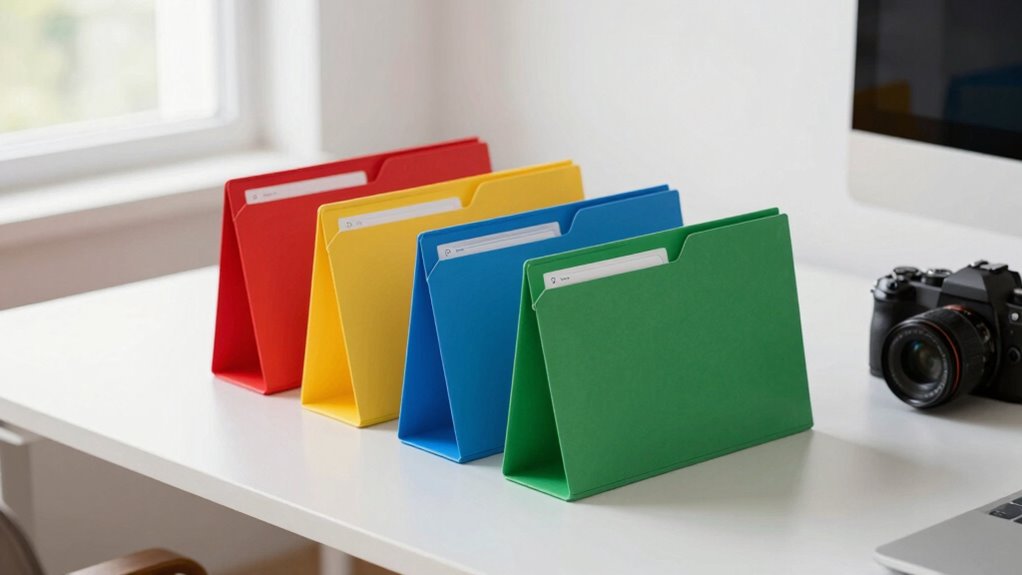

To stop your email overload, set up four simple folders: Action Needed, Waiting On, Read Later, and Archive. Sort incoming emails promptly, responding to urgent items and archiving non-essential messages. This keeps your inbox clear and prioritizes your tasks. Maintaining this system with regular reviews and discipline helps prevent overwhelm and boosts productivity. Keep practicing these steps, and you’ll discover how this organized approach can transform your email management.
Key Takeaways
- Implement a four-folder system: Action Needed, Waiting On, Read Later, and Archive to organize and prioritize emails effectively.
- Regularly sort incoming emails into these folders to prevent inbox clutter and ensure timely responses.
- Use the Archive for storing completed or less urgent emails, keeping the inbox manageable.
- Schedule dedicated email sessions and review folders consistently to maintain organization and reduce overwhelm.
- This structured approach streamlines workflow, minimizes decision fatigue, and enhances overall email productivity.
Understanding the Need for a Systematic Approach

In today’s fast-paced digital environment, managing your emails can quickly become overwhelming without a clear plan. When your inbox is cluttered, important messages get lost, deadlines are missed, and stress levels rise. A systematic approach helps you regain control and work more efficiently. Instead of reacting to every new email, you develop a method for sorting and processing messages. This consistency reduces decision fatigue and makes it easier to find what you need when you need it. Without a plan, you risk wasting time on unnecessary tasks or overlooking critical communications. Recognizing the need for a structured system is the first step toward reclaiming your time, lowering stress, and boosting productivity in your email management routine.
Setting Up Your Four Essential Folders

Creating four essential folders is the foundation of an organized email system. Start by naming them clearly: Action Needed, Waiting On, Read Later, and Archive. These categories help you quickly identify the purpose of each email. To set them up, create new folders in your email client and label them accordingly. Use the table below as a quick reference:
| Folder Name | Purpose |
|---|---|
| Action Needed | Tasks requiring your immediate response |
| Waiting On | Follow-up items awaiting others’ input |
| Read Later | Non-urgent emails for future review |
| Archive | Storage for completed or irrelevant emails |
Once set up, you’ll be ready to categorize incoming emails efficiently, reducing clutter and stress.
The Process of Sorting Incoming Emails

When sorting your incoming emails, start by identifying urgent messages that need immediate attention. Then, archive non-essential emails to keep your inbox clear and focused. This process helps you manage your workload efficiently and prevents email overload.
Prioritize Urgent Messages
To effectively manage your inbox, you need to quickly identify and prioritize urgent messages. Scan your inbox for emails marked as high priority or from key contacts. Look for clear indicators like “urgent,” “ASAP,” or specific sender labels. Focus on messages that require immediate action or are time-sensitive. Avoid getting sidetracked by newsletters or non-urgent updates. Use filters or search functions to highlight urgent items, helping you prioritize efficiently. If an email seems important but isn’t urgent, set it aside for later review. Your goal is to filter out distractions and concentrate on what truly needs your attention now. This approach ensures you address critical issues promptly and prevent important messages from slipping through the cracks.
Archive Non-Essentials
Sorting incoming emails into what’s essential and what’s non-essential is key to maintaining an organized inbox. When non-urgent messages arrive, don’t let them clutter your main folders. Instead, quickly archive these emails to keep your inbox clear and focused. Archiving isn’t deleting; it’s simply moving emails out of sight, so you can revisit them if needed. This process helps you prioritize what truly matters without losing track of important information. Set up an “Archive” folder or use your email platform’s archive feature to streamline this step. By regularly archiving non-essentials, you reduce clutter and make your inbox more manageable. Remember, the goal isn’t to delete everything but to keep your inbox streamlined and your focus sharp.
Prioritizing With the “Action” and “Waiting” Folders

Using the “Action” and “Waiting” folders helps you clearly differentiate tasks and avoid confusion. When you assign emails appropriately, your response process becomes more efficient. This system keeps your workflow streamlined and guarantees nothing slips through the cracks.
Clear Task Differentiation
When managing your inbox, clearly differentiating tasks helps you stay focused and avoid overwhelm. Use your “Action” folder for emails that require immediate attention or specific next steps. This makes it easy to identify what needs your focus right now. The “Waiting” folder is for emails awaiting responses or actions from others. By separating these tasks, you prevent confusion and ensure nothing slips through the cracks. Keep your folders distinct—don’t mix pending responses with tasks that need your direct action. This clarity helps you prioritize effectively and reduces the mental clutter that causes stress. When you see an email, decide quickly whether it belongs in “Action” or “Waiting.” Clear task differentiation streamlines your workflow and keeps your inbox manageable.
Streamline Response Workflow
To streamline your response workflow, effectively prioritize emails by leveraging the “Action” and “Waiting” folders. When an email requires your immediate response or task completion, move it to the “Action” folder. This keeps your inbox clear and highlights what needs attention today. For emails that depend on others’ input or are waiting for a reply, shift them to the “Waiting” folder. This prevents you from rechecking and wasting time on emails that aren’t ready for your response. Regularly review these folders to stay on top of tasks and follow-ups. Using “Action” and “Waiting” folders helps you focus on what’s urgent and track pending responses, reducing clutter and ensuring nothing slips through the cracks.
Archiving and Reference With the “Archive” Folder

The “Archive” folder serves as a vital tool for managing your email overload by helping you keep your inbox organized and clutter-free. When you receive important emails you’ll want to reference later, move them directly into the Archive. This keeps your inbox clear while preserving access to essential information. Use the Archive as a digital filing cabinet, categorizing emails for quick retrieval. To enhance efficiency, create labels or tags that match your reference needs.
| Action | Benefit |
|---|---|
| Move emails to Archive | Reduce inbox clutter |
| Tag or label archived emails | Easy, quick retrieval |
| Search within Archive | Find needed info instantly |
| Regularly review Archive | Maintain organization and relevance |
Clearing Out and Maintaining Your System

Keeping your email system organized requires regular upkeep and mindful management. Set aside a few minutes daily to delete unnecessary messages and process new emails promptly. Review your four folders—Inbox, Action, Waiting, and Archive—and make certain each email is in its proper place. Unsubscribe from newsletters or updates that no longer serve you to reduce clutter. Use filters and rules to automatically sort incoming messages, saving you time and effort. Periodically, perform a quick clean-up by deleting old or irrelevant emails from your Action and Waiting folders. This routine prevents backlog and keeps your system efficient. Staying disciplined with these habits ensures your email stays manageable, so you can focus on what truly matters without feeling overwhelmed by a mountain of unread messages.
Tips for Staying Consistent and Disciplined
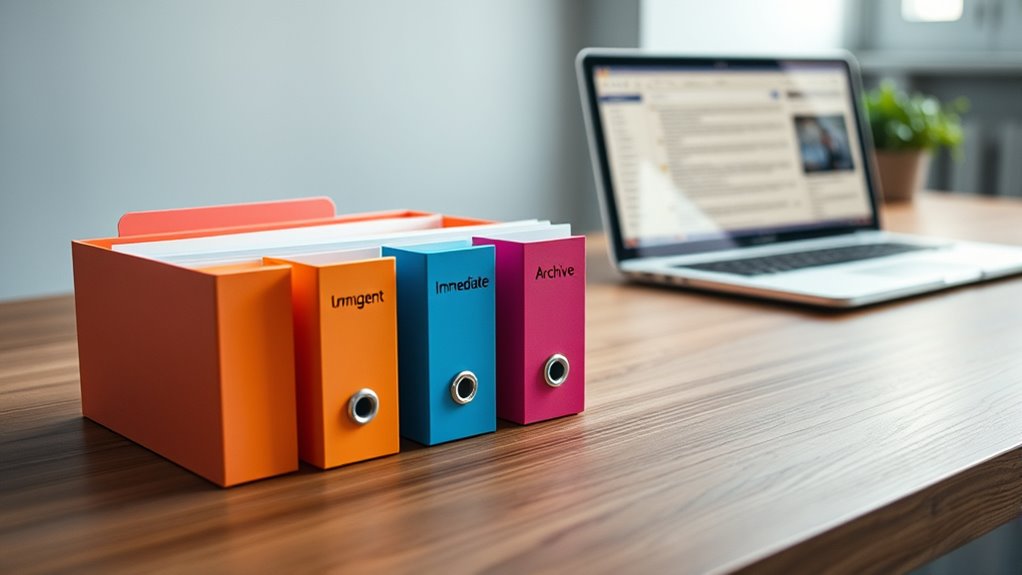
Staying consistent and disciplined with your email management can be challenging, but establishing clear routines makes it easier. Set specific times during the day to check and process emails, avoiding constant interruptions. Use reminders or alarms to reinforce these habits. Keep your system simple: stick to your four-folder method and avoid overcomplicating it. To stay on track, review your folders daily and clear out clutter. Here’s a quick visual to help:
| Action Step | Tip |
|---|---|
| Schedule email sessions | Dedicate specific times daily |
| Review folders regularly | Maintain discipline with routine |
| Avoid multitasking | Focus solely on email during sessions |
| Use reminders for consistency | Set alarms or notifications |
Benefits of Using the 4-Folder Method
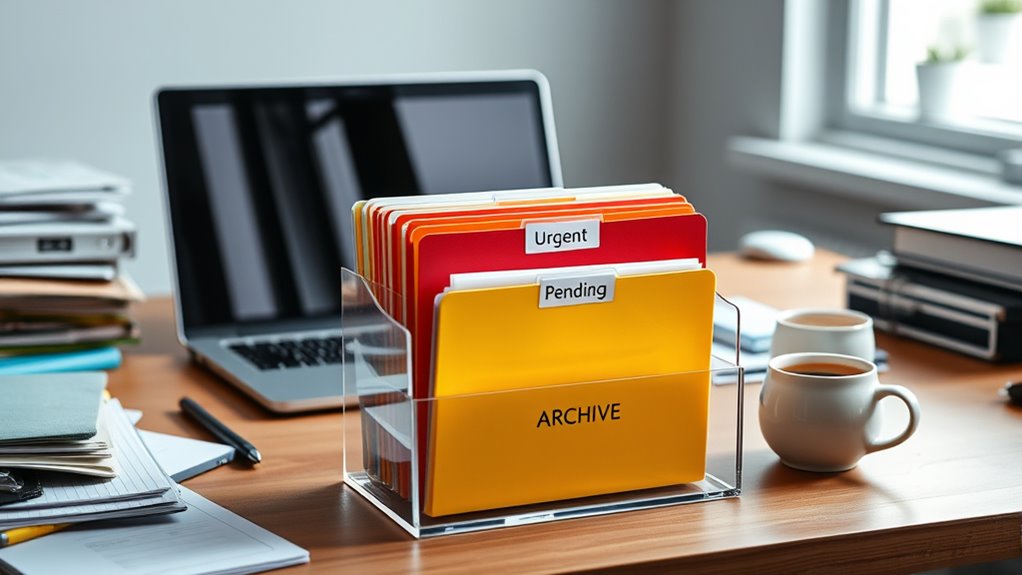
Using the 4-Folder Method streamlines your email management by helping you prioritize and organize messages efficiently. It reduces inbox clutter, so you spend less time searching for important emails. By separating messages into four clear categories—Action, Waiting, Reference, and Archive—you can focus on what needs immediate attention and defer less urgent tasks. This system keeps your inbox manageable, prevents overwhelm, and promotes consistent follow-up. You’ll find it easier to track ongoing projects and store useful information without cluttering your main inbox. Over time, this method builds better habits, making email handling feel less like a chore. Ultimately, it helps you regain control, reduces stress, and boosts your productivity by keeping your email workflow simple and structured.
Frequently Asked Questions
How Long Does It Typically Take to Implement the 4-Folder System?
It typically takes just a few minutes to set up the 4-folder system. You start by creating four folders—Action, Waiting, Archive, and Delete—and then quickly categorize your emails into these. With a little initial effort, usually around five to ten minutes, you’ll find managing your inbox becomes much faster and more organized. The key is to stay consistent with your sorting so it becomes a seamless part of your routine.
Can This System Be Adapted for Team Email Management?
Yes, you can adapt the 4-folder system for team email management. Assign each team member a set of folders, or create shared folders for common tasks like “To Do,” “Waiting,” “Important,” and “Archive.” Encourage everyone to follow the same process to keep emails organized and guarantee nothing slips through the cracks. Regularly review and adjust the system to suit your team’s evolving needs for maximum efficiency.
What Are Common Mistakes to Avoid When Using This Method?
Avoid cluttering your folders with unnecessary emails; only keep what truly needs action or reference. Don’t delay sorting emails, as backlog can quickly overwhelm you—set aside dedicated time daily. Resist the temptation to over-organize or create too many folders, which can complicate the system. Remember, 44% of professionals report feeling overwhelmed by inboxes—keep your system simple and consistent to stay productive and reduce stress.
How Often Should I Review and Reorganize My Folders?
You should review and reorganize your folders weekly to keep your system efficient. Set aside a specific time each week to delete outdated emails and move messages to the appropriate folders. Regularly reassess your folder structure to guarantee it still meets your needs. This habit prevents clutter from piling up, helps you stay organized, and makes it easier to find important emails when you need them.
Is This System Effective for Managing High Email Volumes Daily?
Yes, this system is highly effective for managing high email volumes daily. By quickly sorting emails into four clear folders—Action, Waiting, Reference, and Archive—you stay organized and focused. It prevents inbox clutter, helps you prioritize urgent tasks, and guarantees important messages aren’t overlooked. With consistent use, you’ll find it easier to handle large volumes efficiently, reducing stress and boosting productivity every day.
Conclusion
Imagine reclaiming your inbox as your sanctuary, not a battlefield. By embracing the 4-folder system, you’re not just organizing—you’re reclaiming your time and peace of mind. This simple yet powerful method transforms chaos into clarity, turning email overload into a thing of the past. So, take control now—because your best self deserves an inbox that works for you, not against you. Start today, and watch your stress melt away like snow in the spring sun.