
To prevent coworkers from interrupting with “just one quick thing,” craft an out-of-office message that clearly states you’re unavailable and set boundaries. Be polite but firm, mentioning that urgent matters can be directed to a designated contact. Suggest that minor issues wait until your return to stay focused on priority tasks. Keep your message professional and concise—if you want to explore effective wording, keep going for helpful tips.
Key Takeaways
- Clearly state that you are unavailable and cannot address quick requests during your absence.
- Encourage contacts to wait until your return for comprehensive assistance, reducing unnecessary interruptions.
- Include a reminder that urgent matters should be directed to an alternative contact or support team.
- Mention that quick inquiries are best handled upon your return to maintain focus on priority tasks.
- Use polite language to set boundaries and discourage trivial or “just one quick thing” messages.
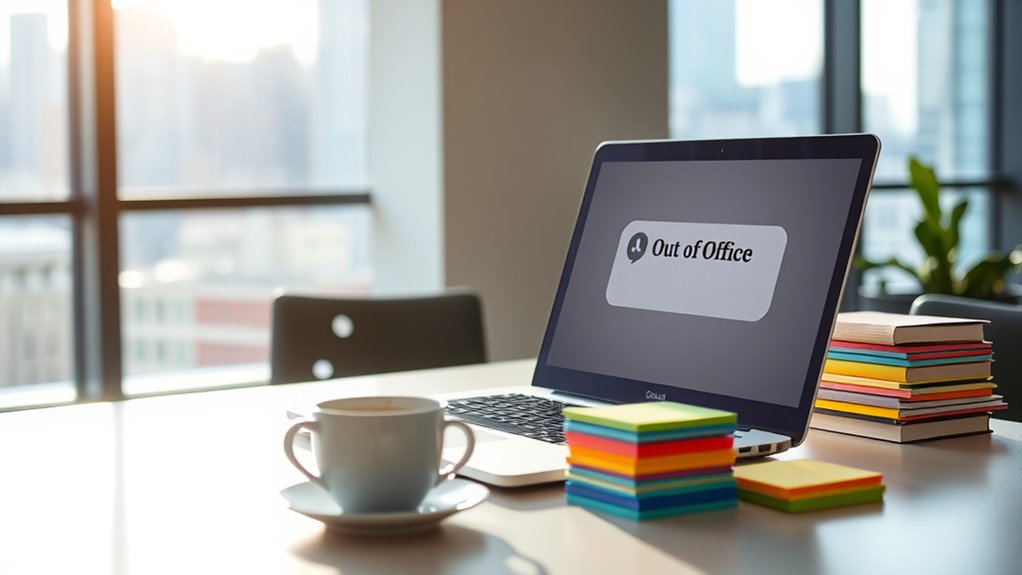
Ever wondered how to handle your email when you’re away? Setting up an out-of-office message is one of the most effective ways to manage expectations and maintain professionalism. But more than just indicating you’re unavailable, your message can also reinforce good email etiquette and help boost your productivity tips. When crafted thoughtfully, it can prevent colleagues or clients from sending “just one quick thing” that could derail your focus upon return.
First, keep your out-of-office reply clear and concise. Let recipients know exactly when you’ll be back and who they can contact in your absence. For example, “I’m out of the office until [date], with limited access to email. For urgent matters, please contact [name] at [email].” This sets boundaries and encourages people to reach out to the right person, saving you time and reducing unnecessary follow-up emails. It’s also a good idea to mention your expected response time upon your return, so people know when to expect a reply.
Keep your out-of-office reply clear, including your return date and alternative contact info.
Another key aspect is practicing good email etiquette. Your out-of-office message should sound polite and professional, avoiding any tone that might seem dismissive or abrupt. A simple thank you for reaching out and an apology for any inconvenience show respect and foster positive communication. For example, “Thank you for your message. I appreciate your patience while I’m away.” This helps maintain a courteous tone and leaves the sender feeling acknowledged, even if they don’t get an immediate response.
Incorporating productivity tips into your out-of-office message can also be beneficial. For instance, you can remind contacts that your absence is an opportunity for them to take on issues themselves or seek alternative resources. You might say, “If your matter is non-urgent, I’ll be happy to assist upon my return. In the meantime, please consult our FAQ or help center for quick answers.” This encourages self-sufficiency and prevents your inbox from becoming overwhelmed with minor inquiries, allowing you to focus on important tasks later.
Lastly, consider using automation tools to schedule your out-of-office replies ahead of time. This way, you won’t have to worry about forgetting to turn it on or off, especially during busy periods. An automated message ensures consistent communication and upholds your professional image even when you’re away.
Top picks for "office messag stop"
Open Amazon search results for this keyword.
As an affiliate, we earn on qualifying purchases.
Frequently Asked Questions
How Should I Customize My Out-Of-Office Message for Different Contacts?
You should customize your out-of-office message by using personalization strategies tailored to different contacts. Adjust your tone based on your relationship—more formal for clients, casual for colleagues. Mention specific details relevant to each group, like project names or deadlines, to show you value their time. Keep the message clear and friendly, and consider including alternative contacts if needed. This approach guarantees your message feels thoughtful and professional, fostering better communication.
What Are Some Examples of Effective Out-Of-Office Messages?
Imagine your auto reply as a friendly gatekeeper—clear, courteous, and personalized. Effective out-of-office messages include polite greetings, mention your absence, and provide alternative contacts. For example, “Hi, I’m away until Monday. For urgent issues, contact Jane at jane@email.com.” This illustrates auto reply etiquette and message personalization, reducing unnecessary follow-ups. Keep it concise, friendly, and informative to make sure your contacts feel valued and guided appropriately.
How Long Should My Out-Of-Office Message Stay Active?
You should keep your out-of-office message active until you’re fully available again, usually for a few days or until your project or trip ends. Consider your email frequency and how urgently people need your response. Keep the message tone professional but friendly, and update it if your schedule changes. This guarantees colleagues and clients know when to expect a reply and prevents unnecessary follow-ups.
Can Out-Of-Office Messages Be Automated for Multiple Email Accounts?
Think of your email as a busy intersection; automating replies across multiple accounts keeps traffic flowing smoothly. Yes, you can set up a multi account setup for automatic replies, ensuring each account responds promptly. Most email platforms allow you to configure out-of-office messages for several email addresses simultaneously, saving you time and preventing confusion. This way, you stay reachable, even when you’re away, without juggling multiple settings manually.
How Do I Handle Urgent Requests During My Absence?
When you’re absent, handle urgent requests by setting up an out-of-office message that includes instructions for priority escalation and alternative contacts. Clearly specify who should be contacted for urgent matters, and emphasize the importance of escalation procedures. This way, people know exactly how to proceed and won’t hesitate to reach out to the right person. Make sure your message is concise, so urgent issues get addressed promptly.
Conclusion
To prevent pesky prompts for “just one quick thing,” craft clear, concise out-of-office messages. Set specific, sincere signals that you’re unavailable, and steer people away from stressful, spontaneous requests. By bounding boundaries and balancing your busy day, you’ll boost productivity and preserve peace. Remember, a well-worded, warm, and witty message wards off unnecessary worries and wasted work. So, stay steadfast, set smart signals, and savor your well-deserved, worry-free work window.