
TL;DR

Get comfort and recovery gear delivered free with Prime
- Fast, free delivery on millions of items
- Prime Video, Amazon Music and more included
- Member-only deals all year
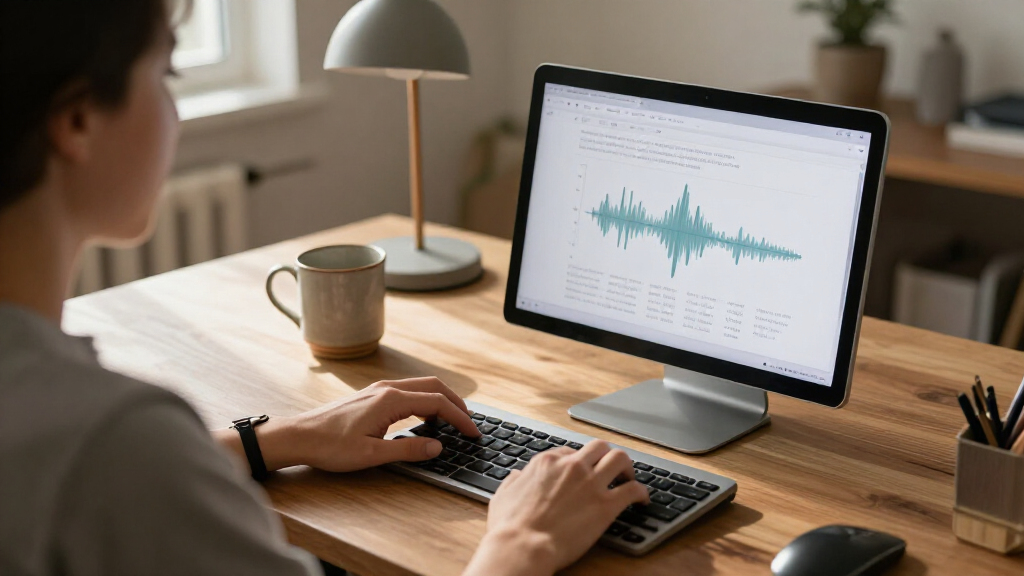
BetterWispr has introduced a free, open-source dictation app for Macs running macOS 14 or later. It records speech through a keyboard shortcut and transcribes it on the device using a selected local model; some optional features and model choices can involve external services.
BetterWispr has launched as a free, open-source dictation app for Mac, letting users speak into most text fields and insert a transcript with a keyboard shortcut. The developer says speech is processed on the Mac with built-in models, without an account or cloud transcription fallback; the app requires macOS 14 or later, and Apple Silicon is recommended.
To dictate, users focus a text field, hold Option + Space while speaking, then release the keys. The app transcribes after recording stops rather than displaying words as the user talks, according to its website. Users can switch to a toggle-style recording mode or configure another shortcut. If an app blocks automatic text insertion, BetterWispr says it copies the transcript to the clipboard instead, though some apps and secure fields may prevent automatic insertion.
The app offers nine built-in speech models from Apple Speech, Parakeet and Whisper. Language coverage varies by model: the developer says Parakeet supports English, Japanese and 25 European languages, while Whisper offers broader multilingual recognition. Users can also connect to Sarvam AI, Smallest AI or an OpenAI-compatible API. Those options are distinct from the default on-device setup and may involve sending dictation to an outside provider.
Other features include optional cleanup of English filler words, repeats and false starts; per-app writing styles; voice commands such as “new paragraph”; and a local history that can be switched off. Meeting notes can separate the user’s microphone audio from audio captured from other apps, then use Apple Intelligence or Ollama to prepare summaries, decisions and action items on the Mac. The project says it is Apache 2.0 licensed and distributes signed updates through GitHub Releases using Sparkle.
Local Dictation With User Controls
BetterWispr joins a category of speech-to-text tools aimed at people who want to dictate into their existing Mac apps rather than work inside a separate editor. Its emphasis on local processing, no required account and adjustable cleanup gives users control over where speech is handled and how closely the transcript follows their words. The open-source license also lets developers inspect or build the software, though that alone does not independently verify every privacy or security claim.
The practical trade-offs are relevant: speech processing depends on the selected model and Mac hardware, and some models must be downloaded before offline use. Users who choose an external API for transcription or rewriting should review that provider’s data practices. The app also needs microphone and accessibility permissions for recording and inserting text, and Apple Speech can require speech-recognition permission.
As an affiliate, we earn on qualifying purchases.
How The Mac App Works
The product’s central workflow is a hold-to-dictate shortcut: speak into the app, release the keys, then receive the transcript in the text field that was active. BetterWispr says model files are downloaded once and local models can work offline after installation. Its website cautions that model support and performance depend on the computer, language and installed assets.
Cleanup settings range from None, which keeps every word, to Light, which removes English fillers, repetitions and false starts. Medium can make further clarity edits using a notes model. The developer says these style and cleanup features, along with voice commands, work in English. Users can add names and terms as hints and correct words in the history or after insertion.
Meeting notes are a separate workflow from ordinary dictation: the app describes capturing the user’s microphone as “Me” and other apps as “Them,” alongside personal notes. Summaries and action items are generated with Apple Intelligence or Ollama locally, according to the product page. BetterWispr’s launch page also says its typing-speed illustration is simulated, not a benchmark, so it should not be read as measured performance evidence.
“Speech stays on your Mac.”
— BetterWispr
As an affiliate, we earn on qualifying purchases.
Performance And Data Details
The supplied product information does not include independent testing of transcription accuracy, speed, battery use or resource demands across Mac models and languages. The developer recommends Apple Silicon but does not provide comparative performance results. Its illustrative timing graphic is explicitly not a benchmark.
The source also does not provide an independent security audit or detailed technical documentation covering every data flow. Its local-processing statements describe the built-in model workflow, while users may select third-party APIs for some model functions. The exact handling of data by those providers depends on their services and settings. Compatibility may also vary: automatic insertion can fail in some apps, and language availability depends on the selected model and installed assets.
As an affiliate, we earn on qualifying purchases.
Testing The App In Practice
Users can download BetterWispr through the project’s release channel and follow its setup guide to grant permissions and install a speech model. The next practical test is how well each model handles a person’s accent, vocabulary and preferred language, along with whether automatic insertion works in the apps they use. Users can turn off cleanup or history and choose a local model where available.
The developer invites users to read the source on GitHub, report issues or build the app themselves. The supplied launch information does not set out a dated product roadmap or promise a specific upcoming release, so future changes and independent performance assessments remain pending.
As an affiliate, we earn on qualifying purchases.
Key Questions
Is BetterWispr free?
Yes. The developer says the app is free and released under the Apache 2.0 license, with no required dictation subscription, account or API key. Model files take up storage on the Mac.
Which Macs can run BetterWispr?
It requires macOS 14 or later. Apple Silicon is recommended for local model processing, but actual performance and model availability depend on the Mac and selected language.
Does it send recordings to the cloud?
The developer says built-in models transcribe speech on the Mac and there is no cloud transcription fallback. However, the app also lists optional connections to external AI providers; users who select those services should check how the chosen provider handles data.
Does text appear while I am speaking?
No. According to the product information, transcription starts after recording ends. Hold Option + Space while speaking and release to finish, or change the recording shortcut in settings.
Which languages and editing features are supported?
Language support depends on the speech model: the developer lists Parakeet options for English, Japanese and 25 European languages, and broader multilingual recognition with Whisper. Cleanup, writing styles and voice commands work in English, according to the site; users should test their chosen model with their own speech.
Source: hn
Columbus Day / Indigenous Peoples' Day Picks
long weekend sales
As an affiliate, we earn on qualifying purchases.