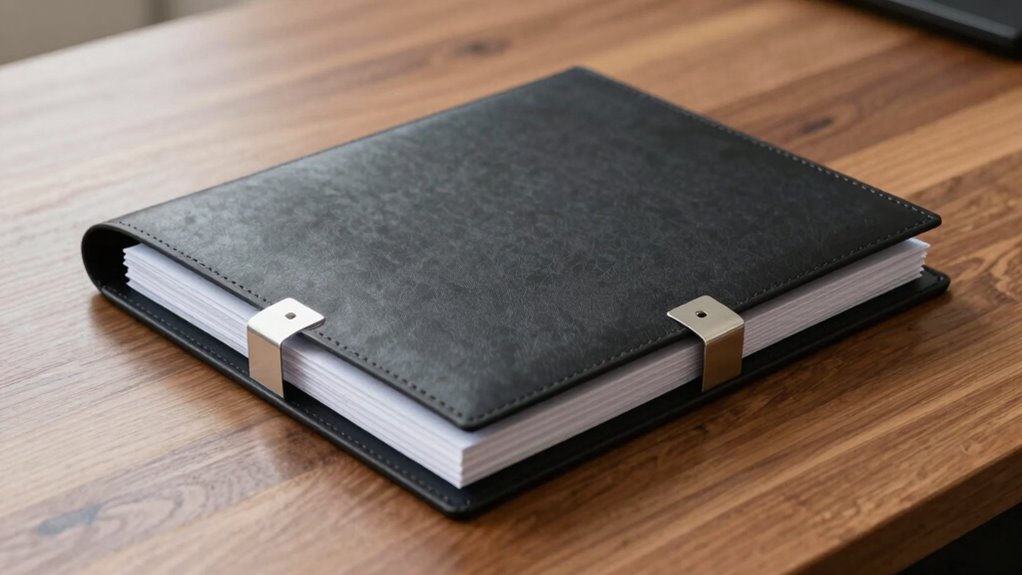

Creating an audit-friendly receipts folder starts with a simple, clear structure. Use main folders named by expense category, like Travel, Office Supplies, and Utilities. Within each, organize receipts chronologically or by vendor for quick access. Keep digital copies backed up and label files consistently, so you can find everything easily during audits. Maintain a master index to track receipts’ details. If you keep it straightforward and updated, your system will stay compliant and streamline tax time.

Get comfort and recovery gear delivered free — and shop member deals
- Fast, free delivery on millions of items
- Access to Prime Big Deal Days deals on October 6–7
- Prime Video, Amazon Music and more included
Key Takeaways
- Use clear, descriptive folder names for different expense categories (e.g., Travel, Office Supplies).
- Organize receipts chronologically within each category for easy retrieval.
- Maintain a master index or spreadsheet listing receipt details for quick reference.
- Regularly update and review folders to include new receipts and ensure accuracy.
- Keep physical receipts in labeled, organized folders that mirror your digital structure for consistency.
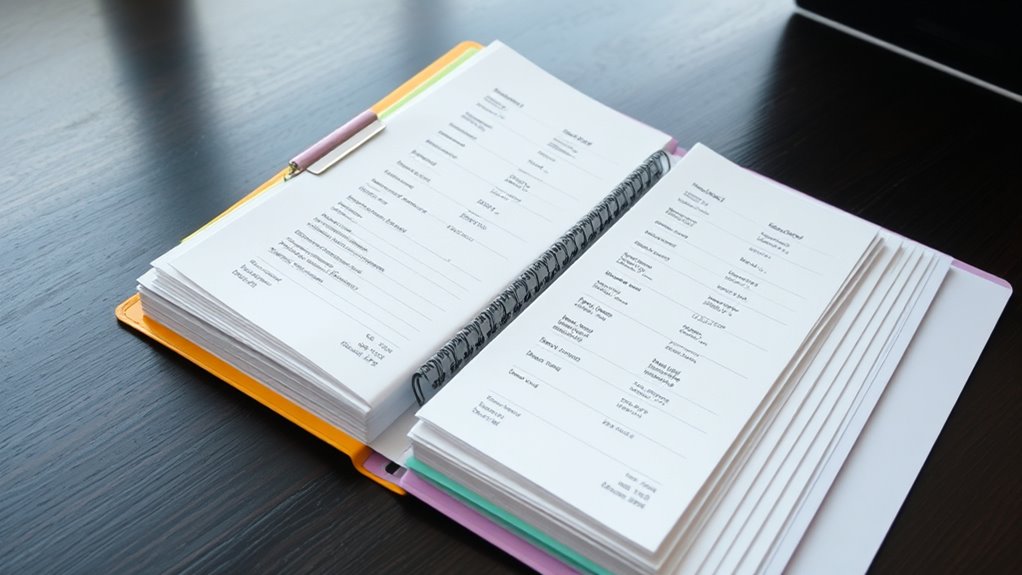
Keeping your receipts organized is fundamental for smooth audits and hassle-free record-keeping. When your receipts are properly sorted, it’s easier to prepare your tax returns and demonstrate tax compliance. A well-structured receipts folder isn’t just about avoiding penalties; it’s about gaining peace of mind and saving time during tax season. The key is creating an audit-friendly system that combines digital organization with a straightforward physical setup, guaranteeing you can find what you need quickly and efficiently. Digital organization plays an indispensable role in maintaining an effective receipts folder. Scanning receipts and saving them in clearly labeled folders on your computer or cloud storage keeps your records neat and accessible. Digital files are less prone to damage, loss, or misplacement, making them an invaluable part of a modern record-keeping strategy. Using consistent naming conventions—such as date, vendor, and expense type—further improves searchability. When your digital documents are organized systematically, you can easily retrieve any receipt needed for tax compliance or an audit review. Additionally, digital storage saves physical space and reduces clutter, which can be a significant advantage in busy work environments. Incorporating high-quality scanning tools can further enhance the accuracy and clarity of your digital receipts, making retrieval even easier. A simple structure for your receipts folder should include clear categories for different expense types. For example, separate folders for office supplies, client entertainment, travel expenses, and utilities create an intuitive hierarchy. Within each category, organize receipts chronologically or by vendor, depending on what makes the most sense for your workflow. Keeping individual receipts in order prevents scrambling through piles of paper during an audit or tax preparation. It’s also helpful to maintain a master index or spreadsheet that lists all receipts, including date, amount, and purpose, providing an overview at a glance. This systematic approach ensures you stay compliant with tax regulations and minimizes the risk of missing deductible expenses. Consistency is essential. Make it a habit to regularly scan, label, and file new receipts immediately. This ongoing process prevents backlog and ensures your records are always current. If you use digital tools like receipt capture apps, take advantage of features that automatically categorize and store your receipts. Remember, the goal is to create a simple, accessible system that streamlines your record-keeping and keeps you compliant with tax authorities. When your receipts folder is organized in this way, you’ll find managing audits less stressful, more efficient, and ultimately, more reliable. Staying disciplined with your organization means you’ll always have your documentation ready and in compliance, making tax time and audits much smoother.
As an affiliate, we earn on qualifying purchases.
Frequently Asked Questions
How Often Should I Update My Receipts Folder?
You should update your receipts folder regularly, ideally after each receipt scanning session or weekly, to keep everything organized. Consistent folder maintenance prevents clutter and guarantees you don’t miss any expenses during tax season. By setting a routine, like weekly reviews, you make receipt scanning easier and maintain an audit-friendly system. Staying proactive with updates helps ensure your folder remains accurate and ready for any financial review or audit.
What Software Can Help Organize Receipts Digitally?
Did you know 70% of small businesses use digital tools for expense tracking? You can try software like QuickBooks, Expensify, or Xero to organize receipts digitally. They let you scan or photograph receipts and store them securely in cloud storage, making it easy to access and manage your expenses anytime. These tools streamline your record-keeping, reduce clutter, and simplify audit processes. Give one a try and boost your efficiency today!
How Do I Handle Lost or Misplaced Receipts?
When you lose a receipt, don’t panic. Use receipt scanning apps to create a digital backup of your other receipts, ensuring you have a record. If you still need the lost receipt, check your email or bank statements for proof of purchase. Going forward, regularly scan receipts and organize them in a digital folder to prevent future mishaps and keep everything easily accessible for audits or reimbursements.
Can Digital Receipts Be Accepted as Proof During Audits?
Did you know 80% of businesses now accept digital receipts? You can absolutely use digital receipts as proof during audits, especially if they include a digital signature. Just guarantee your digital receipts are clear, legible, and properly stored. Digital signatures verify authenticity, making expense tracking more seamless. Keep your electronic records organized and accessible, and you’ll have no trouble validating your expenses during an audit.
What Are the Best Practices for Labeling Receipts?
You should follow clear labeling conventions to guarantee your receipts are easily categorized during audits. Use consistent receipt categorization, such as date, vendor, and expense type, to help organize your documents. Label receipts with descriptive details and avoid abbreviations that might cause confusion later. Properly labeled receipts streamline the review process, reduce errors, and ensure compliance with audit requirements, making your record-keeping more efficient and reliable.
As an affiliate, we earn on qualifying purchases.
Conclusion
By keeping your receipts folder simple and organized, you make audit time a walk in the park. When everything’s in its right place, you won’t have to hunt for documents or scramble to meet deadlines. Think of it as hitting two birds with one stone—saving time and reducing stress. Stick to a straightforward structure, and you’ll breeze through audits, proving that a little planning goes a long way in making your financial life easier.
As an affiliate, we earn on qualifying purchases.
As an affiliate, we earn on qualifying purchases.
Fall Picks
fall essentials
As an affiliate, we earn on qualifying purchases.