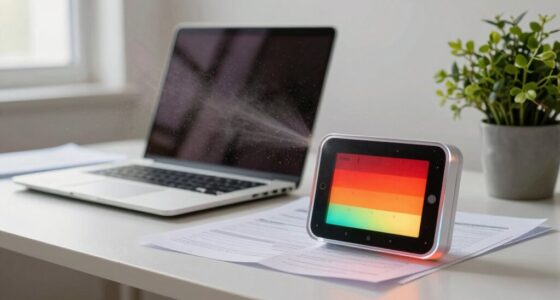
If your hands are cold at your desk, your setup might be restricting circulation or letting heat escape. Adjust your monitor to eye level, keep your keyboard and mouse close, and sit with supported, relaxed posture. Use a footrest and stay active with breaks to improve blood flow. Position your workspace near heat sources and wear warm accessories. Continuing with these tips can help keep your hands warmer throughout the day.
Key Takeaways
- Ensure your workspace is near heat sources and away from drafts to maintain consistent warmth.
- Use warm accessories like gloves, fingerless mitts, or wrist warmers proactively to insulate your hands.
- Adjust your chair and monitor height to promote proper circulation and avoid leaning forward or crossing legs.
- Take regular breaks to stretch and move, enhancing blood flow and preventing cold extremities.
- Keep feet elevated with a footrest and maintain a comfortable room temperature of 68–72°F for optimal circulation.
Assessing Your Desk Ergonomics for Better Circulation
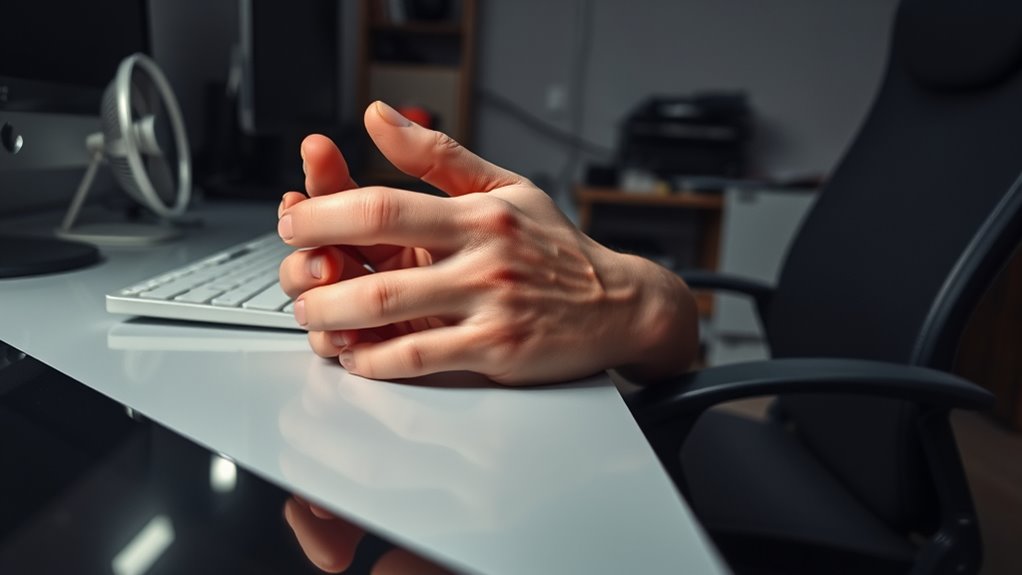
To improve circulation and keep your hands warm at your desk, start by evaluating your workspace setup. Ensure your chair supports proper posture, with your feet flat on the floor and knees at a 90-degree angle. Sit upright so your hips are higher than your knees, promoting better blood flow. Adjust your desk height so your forearms are parallel to the ground when typing, reducing strain on your shoulders and improving circulation. Keep your monitor at eye level to avoid neck tension, which can impact overall comfort. Avoid crossing your legs for long periods, as this can restrict blood flow. By making these ergonomic adjustments, you encourage better circulation, helping to keep your hands warmer and reducing discomfort during long work sessions.
Optimizing Your Keyboard and Mouse Placement
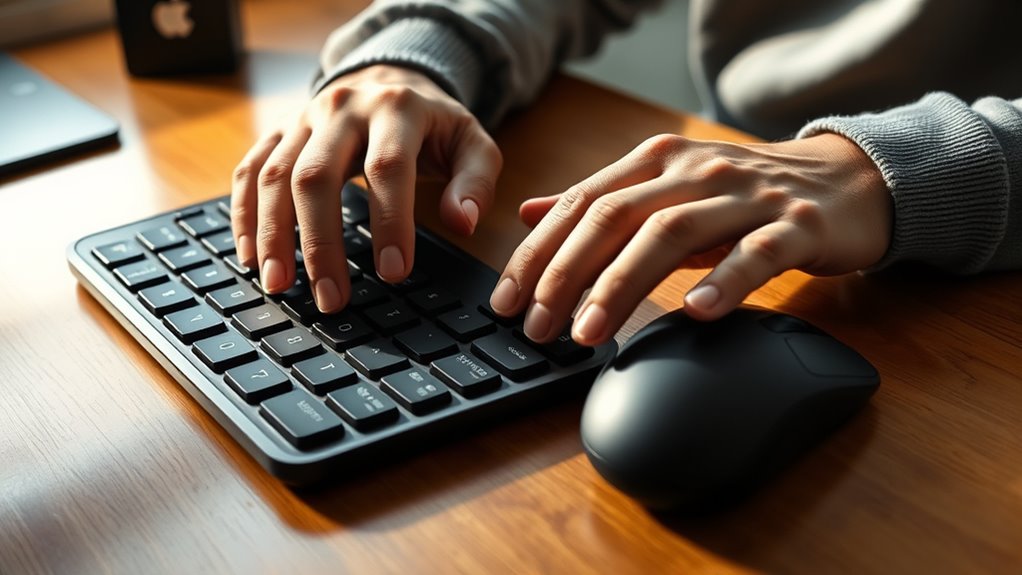
Adjusting the placement of your keyboard and mouse is essential for maintaining good circulation and preventing cold hands. Position your keyboard so that it’s directly in front of you, at a height where your elbows stay close to your sides and your forearms are parallel to the floor. Your mouse should be within easy reach, close to your keyboard, without stretching. Keep both devices at a comfortable height to avoid overextending your wrists or arms. Use a wrist rest if needed to support your wrists without bending them upward or downward. Ensure your wrists remain straight while typing and clicking. Proper placement reduces strain and encourages better blood flow, helping to keep your hands warmer during long work sessions.
Adjusting Your Workspace Temperature and Humidity
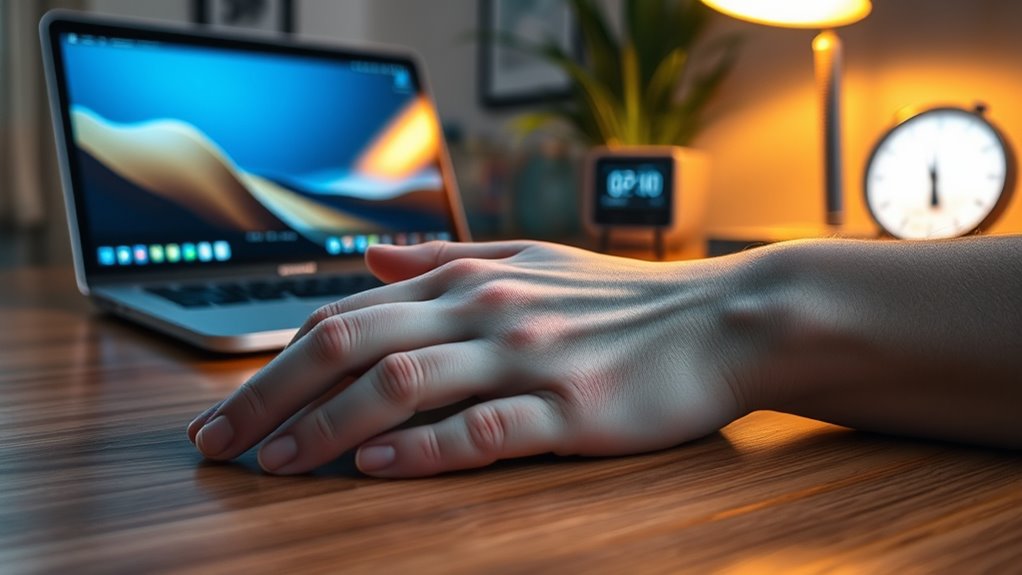
Maintaining a comfortable temperature and humidity level in your workspace is essential for keeping your hands warm and preventing discomfort. If your environment is too cold, your body constricts blood flow to your extremities, making your hands feel icy. To fix this, set your thermostat to a cozy temperature, ideally between 68-72°F. Using a space heater nearby can help without overheating the entire room. Humidity also plays a role; low humidity causes skin to dry and reduces circulation. Use a humidifier or place a bowl of water near your workspace to boost moisture levels. Keep the room well-ventilated but avoid drafts that cause temperature fluctuations. Adjusting these factors creates a warmer, more comfortable environment, helping your hands stay warm and functional throughout the day.
Incorporating Movement and Stretch Breaks Into Your Routine

Incorporating movement and stretch breaks into your routine is essential for improving circulation and keeping your hands warm throughout the day. Regular breaks prevent blood from pooling in your limbs and stimulate warmth. Take short walks, stretch your fingers, or rotate your wrists every 30 minutes. These simple actions boost blood flow, reducing cold hands and enhancing comfort. To understand the importance, consider this table:
| Movement Type | Benefits | Frequency |
|---|---|---|
| Finger stretches | Increases circulation in hands | Every 30 mins |
| Wrist rotations | Loosens joints, boosts flow | As needed |
| Standing walks | Overall blood circulation | Every hour |
Incorporate these into your routine to stay warm and alert at your desk.
Choosing Appropriate Desk and Chair Setup to Improve Blood Flow

Your desk and chair setup play a key role in maintaining good blood flow. Make sure your chair height allows your feet to rest flat and your knees to be at a 90-degree angle. Look for supportive features like lumbar support and adjustable components to keep your posture aligned and circulation flowing smoothly.
Ergonomic Chair Height
Finding the right ergonomic chair height is essential for promoting healthy blood flow while you work. When your chair is too high or low, it can restrict circulation, especially in your legs and feet. Your feet should rest flat on the ground, with knees at a 90-degree angle for ideal blood flow. Adjust your chair so your hips are slightly above your knees. Use this quick reference:
| Height Adjustment | Proper Position | Common Mistake |
|---|---|---|
| Seat height | Feet flat, knees at 90°, thighs parallel | Legs crossed or dangling |
| Backrest | Supports lower back, upright posture | Slouching or leaning forward |
| Armrests | Level with desk, shoulders relaxed | Shoulders raised or hunched |
Proper setup ensures circulation and keeps your hands warm.
Proper Desk Positioning
Choosing the right desk and chair setup can make a significant difference in maintaining healthy blood flow during your workday. Position your desk so that your elbows are at a 90-degree angle when typing or using your mouse. Keep your monitor at eye level to prevent neck strain and reduce tension that can restrict circulation. Confirm your feet rest flat on the floor or on a footrest, avoiding crossing your legs for extended periods. Sit back fully in your chair, supporting your lower back, and avoid leaning forward or slouching. Keep your wrists straight and relaxed while working to prevent constriction. Proper desk positioning promotes better circulation, reducing the likelihood of cold hands and fatigue. Adjust your setup as needed to stay comfortable and maintain ideal blood flow throughout the day.
Supportive Seating Features
Selecting a chair with supportive features is essential for maintaining healthy blood flow during your workday. Look for a chair with adjustable height so your feet rest flat on the floor, promoting proper circulation. An ergonomic design with lumbar support helps keep your spine aligned and reduces pressure on your lower back, which can restrict blood flow. A seat with adequate padding prevents discomfort and encourages you to sit upright. Armrests that are adjustable allow for relaxed shoulders, preventing unnecessary tension that can hinder circulation. Additionally, choose a chair with breathable fabric to keep you cool and comfortable. Proper support guarantees you stay active in your seated position, reducing the risk of blood stagnation and cold extremities. Your setup directly impacts circulation—make it supportive.
Enhancing Your Workspace With Auxiliary Heating Options
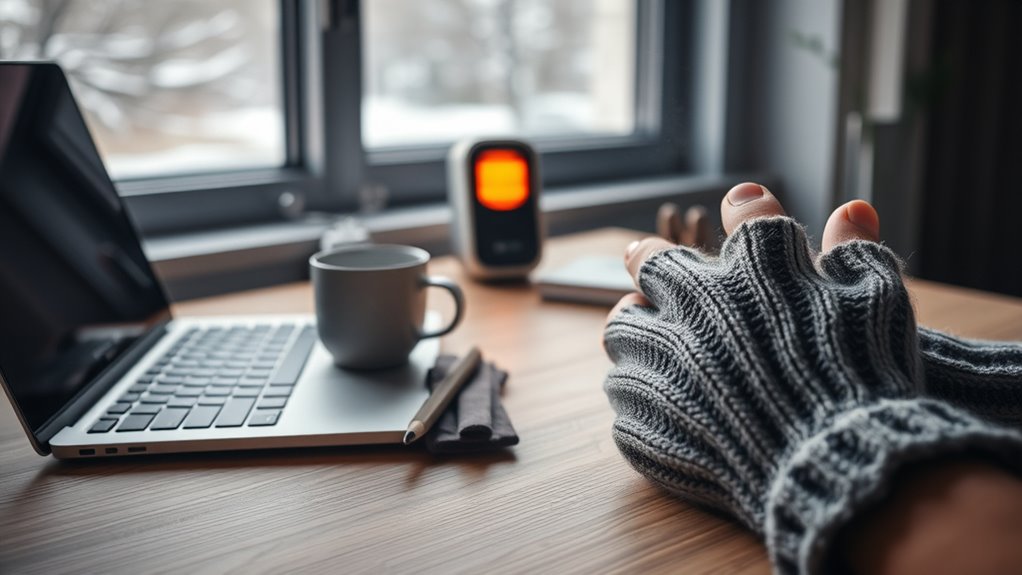
When your desk heater isn’t enough to keep your hands warm, adding auxiliary heating options can make a noticeable difference. Portable heaters, heated pads, and foot warmers are practical choices that target specific cold spots. For example, a small desk heater can supplement existing warmth, while heated gloves or fingerless mitts keep your hands mobile and cozy. Foot warmers placed under your desk can elevate overall comfort, reducing cold transfer from your feet to your hands. Here’s a quick comparison:
| Option | Benefits | Drawbacks |
|---|---|---|
| Personal heater | Fast, direct heat | Space-consuming |
| Heated pad | Targeted warmth, portable | Limited surface area |
| Foot warmer | Improves overall warmth | May require power source |
These options, used together, optimize your workspace comfort and help keep cold hands at bay.
Simple Lifestyle Changes to Keep Your Hands Warm Throughout the Day
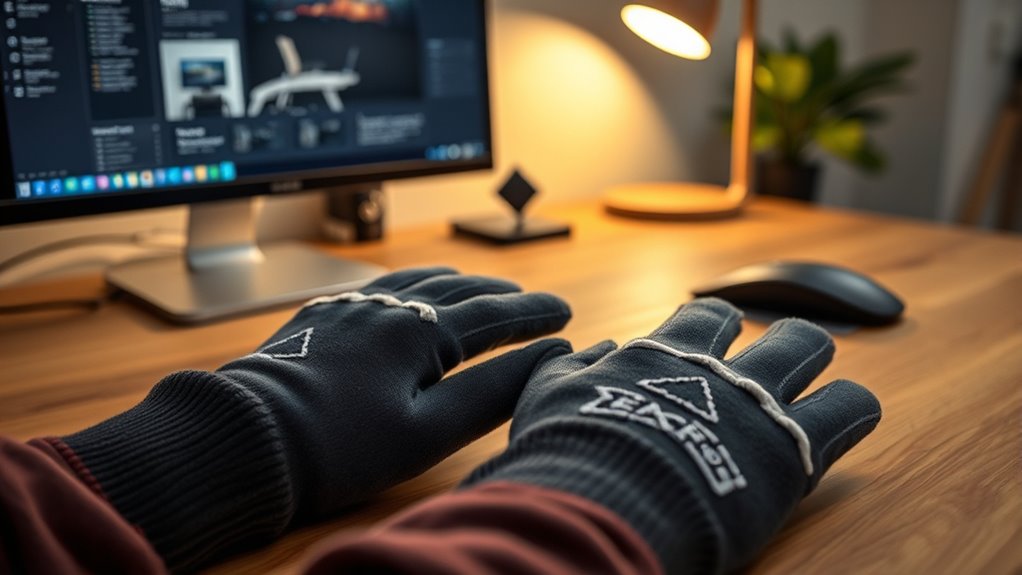
You can keep your hands warmer by adjusting your workspace to reduce drafts and improve airflow. Wearing warm accessories like gloves or fingerless mitts makes a quick difference, especially in colder environments. Remember to take regular breaks to stretch and warm your hands, preventing them from feeling stiff and chilly all day long.
Adjust Your Workspace Layout
Adjusting your workspace layout can make a noticeable difference in keeping your hands warm during the day. Position your desk near a heat source like a radiator or heater, if possible. Keep your hands closer to warm surfaces by placing your keyboard and mouse on a desk that’s not exposed to drafts or cold air flows. Avoid sitting under air vents or near windows that let in chilly breezes. Elevate your workspace to promote better circulation and reduce cold spots. Additionally, use a footrest to keep your feet warm, as warm feet help improve overall body warmth. By optimizing your layout, you’ll minimize cold drafts and create a more consistent, warm environment that helps keep your hands comfortable all day long.
Wear Warm Accessories
Wearing warm accessories is a simple way to maintain hand warmth throughout the day. Gloves, fingerless mitts, or wrist warmers can be easily added to your routine without disrupting your workflow. These accessories act as insulators, trapping heat close to your skin and preventing cold air from reaching your hands. Choose materials like wool or fleece for maximum insulation and comfort. Keep a pair of lightweight gloves at your desk for quick warmth boosts during the day. Remember, layering is key—adding accessories over your clothing creates an extra barrier against the cold. Staying proactive with warm accessories can make a noticeable difference, helping you stay focused and comfortable while working at your desk.
Take Frequent Breaks
Taking regular breaks from your desk can considerably help keep your hands warm throughout the day. When you step away, you give your body a chance to improve circulation, preventing your hands from feeling cold and stiff. Use this time to stretch your fingers and wrists, which encourages blood flow. Moving around also reduces muscle tension, making it easier for warmth to circulate through your body. If possible, do some quick walks or light exercises. Staying still for long periods can cause blood to pool in certain areas, making your hands chillier. By taking short, frequent breaks, you keep your blood moving, which helps maintain warmth and comfort. Incorporate these breaks into your routine to combat cold hands and boost overall productivity.
Frequently Asked Questions
Can Poor Circulation Cause Cold Hands Even in Warm Environments?
Yes, poor circulation can cause cold hands even in warm environments. When your blood flow is restricted, less warm blood reaches your extremities, making your hands feel cold regardless of the temperature. Factors like stress, smoking, or medical conditions can worsen circulation issues. To improve your hand warmth, try moving around more, managing stress, and staying hydrated. If symptoms persist, consider consulting a healthcare professional for proper diagnosis and treatment.
Are Certain Desk Materials More Conducive to Maintaining Hand Warmth?
Think of your desk as a warm hug for your hands. Wooden or insulated materials are more conducive to maintaining warmth because they insulate better, preventing heat from escaping. Metal surfaces conduct heat away quickly, making your hands colder. So, choose desks with wooden or cushioned surfaces to keep your hands cozy. You’ll notice a difference when your workspace becomes a comforting haven rather than a chilly obstacle.
How Does Hydration Influence Blood Flow to My Hands?
Staying well-hydrated improves your blood flow, which keeps your hands warm. When you drink enough water, your blood circulates efficiently, delivering warmth from your core to your extremities. If you’re dehydrated, blood constricts in your core to conserve fluid, reducing flow to your hands and making them feel cold. So, drink plenty of water throughout the day to help maintain peak circulation and keep your hands warmer.
Can Wearing Gloves at My Desk Help Keep My Hands Warm?
Wearing gloves at your desk can definitely help keep your hands warm, but don’t expect miracles. Sure, they trap heat and block cold air, making you look like a fancy baker or a secret agent in disguise. Just remember, if your desk setup is freezing because your heating’s broken or your keyboard is made of ice, gloves are just a temporary patch. Fix the root cause for real warmth!
Are There Ergonomic Accessories Specifically Designed to Improve Circulation?
Yes, ergonomic accessories can help improve your circulation. Look for ergonomic keyboards and mouse pads that promote better hand positioning, reducing strain. Adjustable footrests encourage movement and prevent numbness, while wrist supports keep your hands in neutral positions. Using sit-stand desks allows you to change positions throughout the day, boosting circulation. Incorporating these accessories into your workspace encourages movement and helps prevent cold hands caused by poor circulation.
Conclusion
Just like a well-tuned orchestra, your workspace should flow smoothly to keep your blood circulating. By making small adjustments—whether it’s your desk setup, movement breaks, or adding a touch of warmth—you can banish cold hands and restore your comfort. Remember, even Sherlock needed the right tools to solve mysteries; with the right workspace, you’ll keep your hands warm and your focus sharp all day long.