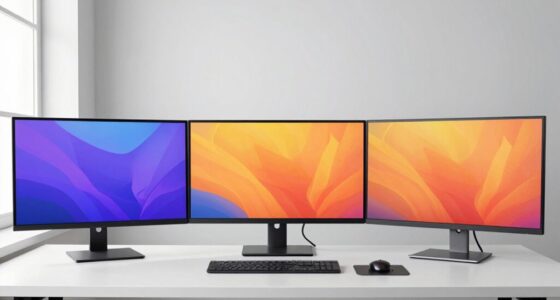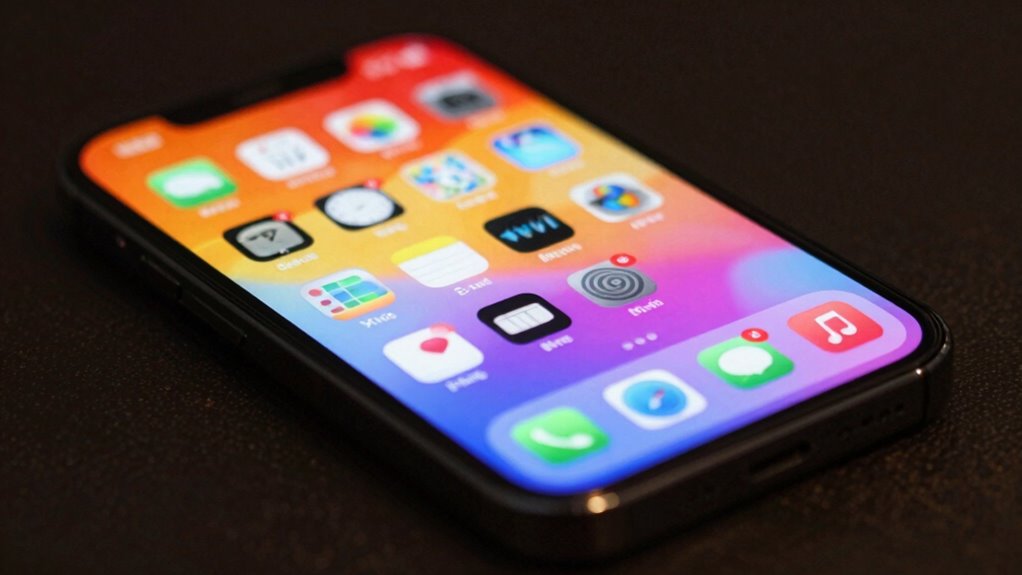

Don’t just focus on flashy specs like high refresh rates or bold color gamuts; they’re often used as marketing buzzwords. Instead, pay attention to how well the display matches your needs—like color accuracy for creatives or smooth motion for gaming. Understanding these details helps you pick a monitor that truly performs for your tasks. Keep these factors in mind, and you’ll be better equipped to make an informed choice that lasts. If you keep exploring, you’ll uncover even more ways to choose wisely.

Get comfort and recovery gear delivered free — and shop member deals
- Fast, free delivery on millions of items
- Access to Prime Big Deal Days deals on October 6–7
- Prime Video, Amazon Music and more included
Key Takeaways
- Focus on actual performance metrics like color accuracy, calibration, and refresh rates rather than marketing claims.
- Understand how specifications impact real-world use, such as professional editing or fast-paced gaming.
- Prioritize verified display tests and reviews over promotional marketing to assess true quality.
- Recognize that broader color gamuts and higher refresh rates directly improve visual experience.
- Make informed decisions based on specifications that match your specific needs, not just marketing hype.
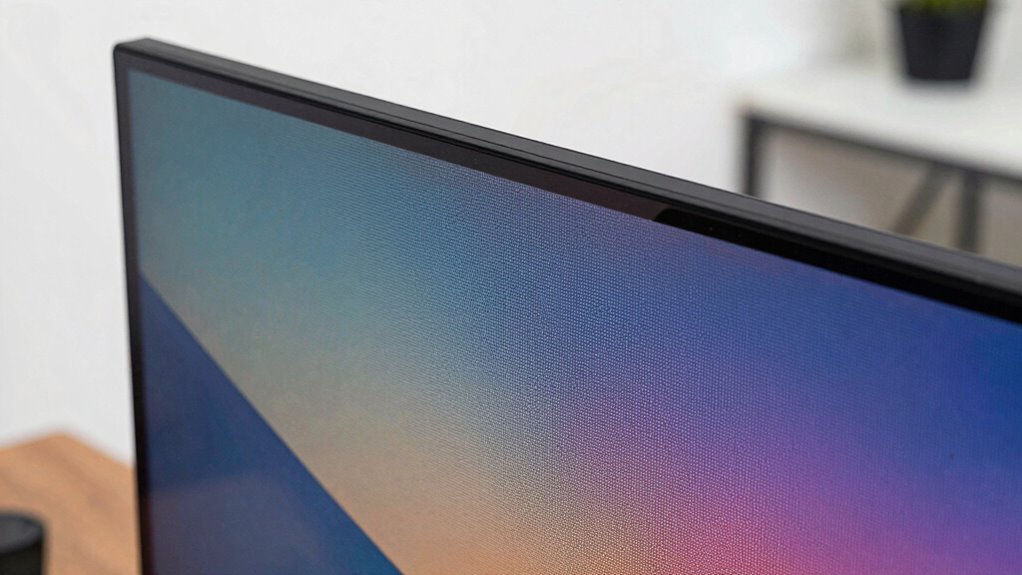
When browsing new displays, it’s tempting to dismiss specifications as just marketing buzzwords. But understanding what these numbers really mean can dramatically improve your viewing experience. Take color accuracy, for example. It’s not just a fancy term to impress buyers—it determines how true-to-life the images on your screen appear. If you’re a creative professional, gamer, or even someone who cares about visual quality, knowing about color accuracy helps you pick a display that presents colors faithfully. Look for monitors that specify wide color gamuts like Adobe RGB or DCI-P3. These metrics tell you how broad the range of colors the display can reproduce, which directly affects the vibrancy and realism you see. When a screen boasts high color accuracy, you won’t just see bright, attractive images; you’ll see images closer to what the creator intended. Recognizing the importance of display calibration can further ensure your screen displays colors as accurately as possible, especially for professional tasks. Additionally, understanding the color gamut can help you select screens capable of reproducing more vivid and lifelike colors.
Refresh rates are another essential spec often overlooked by casual buyers. A high refresh rate, such as 120Hz or 144Hz, means the display updates the image more frequently—more frames per second—resulting in smoother motion. This is especially important if you’re gaming or watching fast-paced videos. A low refresh rate, say 60Hz, can cause motion blur and make fast movements seem choppy. When you understand refresh rates, you realize that a higher number isn’t just a marketing gimmick; it can make your experience more fluid and enjoyable. For gamers, a higher refresh rate can provide a competitive edge, reducing input lag and making actions feel more responsive. For general use, a higher refresh rate can make scrolling and animations appear more seamless, reducing eye strain over long periods. Additionally, understanding the display resolution can help you choose a screen that offers sharp images and detailed visuals suited to your needs. Recognizing the refresh rate can also clarify how a display will perform during fast-paced activities, helping you make more informed decisions. Moreover, understanding the color accuracy of a display can ensure that your content looks authentic and true to life, especially important for photo editing or video production.
professional color calibration monitor
As an affiliate, we earn on qualifying purchases.
As an affiliate, we earn on qualifying purchases.
Frequently Asked Questions
How Do Display Specs Impact Daily Viewing Experience?
Display specs directly impact your daily viewing experience, especially with color accuracy and refresh rate. When color accuracy is high, you’ll see more vibrant and true-to-life images, making movies or photos more enjoyable. A higher refresh rate ensures smoother motion, reducing blurriness during fast-paced scenes or gaming. Paying attention to these specs helps you select a screen that offers clearer visuals and a more immersive experience every day.
Are Higher Specs Always Better for Casual Users?
Higher specs aren’t always better for casual users, especially if you prioritize color accuracy and smooth visuals. A higher refresh rate can make scrolling and videos look more fluid, but it’s often unnecessary if you mainly browse or watch content. Focus on displays with good color accuracy and a comfortable refresh rate; these will improve your viewing experience without overspending on specs you won’t fully utilize.
What Specs Matter Most for Gaming or Professional Work?
Think of your display as a window to your world—sharpness and clarity matter most. For gaming, prioritize a high refresh rate for smoother gameplay, and for professional work, focus on color accuracy to guarantee true-to-life visuals. These specs directly impact your experience: a fast refresh rate reduces motion blur, while accurate colors help you see details clearly, making your display a powerful tool for both gaming and creative tasks.
How Do Display Specs Affect Battery Life?
Display specs like color accuracy and refresh rate directly impact battery life. A higher refresh rate, such as 120Hz or more, consumes more power because the display updates more frequently. Similarly, displays with advanced color accuracy often use more energy to maintain precise colors. If you want longer battery life, opt for a lower refresh rate and standard color settings, as these reduce power consumption and extend your device’s uptime.
Can Lower-Spec Displays Still Provide Good Image Quality?
Did you know that around 70% of users prioritize image quality over specs? Lower-spec displays can still offer good image quality if they excel in color accuracy and refresh rate. A high refresh rate enhances smoothness, and accurate colors improve viewing experience, making it possible to enjoy sharp visuals without top-tier specs. So, don’t dismiss budget displays; they can deliver impressive visuals when chosen wisely.
gaming monitor high refresh rate 144Hz
As an affiliate, we earn on qualifying purchases.
As an affiliate, we earn on qualifying purchases.
Conclusion
So next time you’re eyeing a new display, don’t get dazzled by the specs alone—think of them as your modern-day “sword of Damocles,” always hanging overhead. Don’t let marketing fluff distract you from what truly matters: real-world performance and your specific needs. Remember, even a knight knew better than to trust shiny armor without checking if it was battle-ready. Cut through the hype and choose wisely—your eyes deserve nothing less.
monitor with wide color gamut DCI-P3
As an affiliate, we earn on qualifying purchases.
As an affiliate, we earn on qualifying purchases.
high accuracy color editing display
As an affiliate, we earn on qualifying purchases.
As an affiliate, we earn on qualifying purchases.
Fall Picks
fall essentials
As an affiliate, we earn on qualifying purchases.