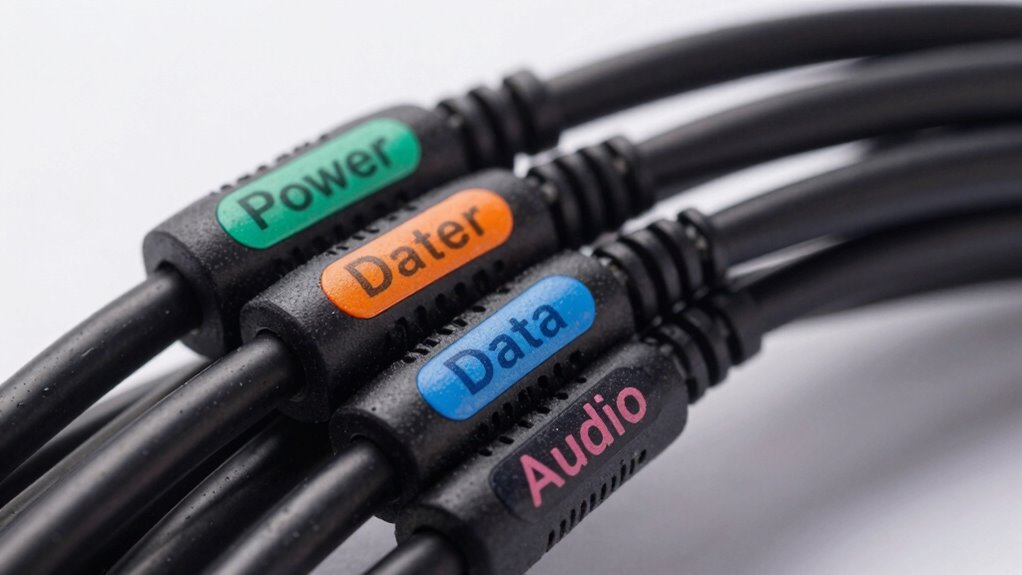

To stop guessing cable capabilities, start labeling them clearly with key features like wireless compatibility, power standards, device compatibility, data transfer speed, and connection type. Use durable, visible tags, and keep a record of what each label means. Regularly update labels as standards evolve to avoid confusion. Proper labeling saves time, reduces errors, and keeps your setup organized. If you want to master effective cable management, there’s more you can do to improve your system.

Get comfort and recovery gear delivered free with Prime
- Fast, free delivery on millions of items
- Prime Video, Amazon Music and more included
- Member-only deals all year
Key Takeaways
- Use clear, standardized labels indicating wireless compatibility, power delivery, and data transfer speeds for quick identification.
- Apply durable, visible tags that specify connection types and device compatibility to prevent mismatches.
- Maintain a labeling system chart to track cable features and update labels as standards evolve.
- Label cables with their capacity and standards to avoid guesswork during upgrades or troubleshooting.
- Organize cables with color-coded or symbol-based labels to instantly recognize their capabilities and functions.
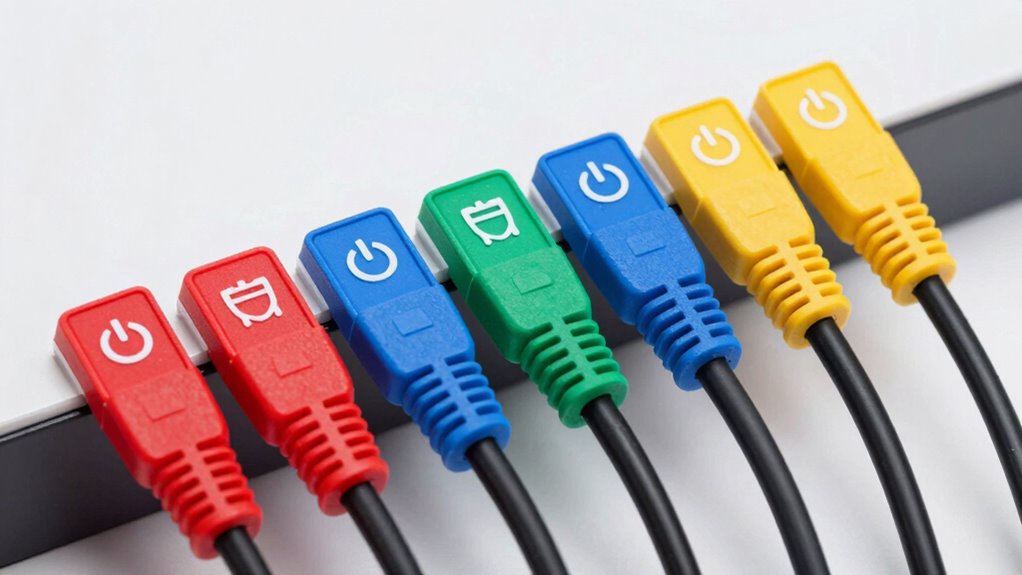
By adopting a systematic labeling approach, you make your setup more organized and safer. Use clear, durable tags or labels that specify key features such as wireless compatibility and power delivery standards. Keep a record or chart that details what each label means, especially if you manage many cables. This way, you can quickly identify the right cable for the task at hand without second-guessing or trial and error. Proper labeling also helps when troubleshooting, upgrading, or replacing cables, giving you confidence that you’re using the right one for each purpose.
Additionally, understanding the evolving cable standards can help you stay ahead in managing your technology setup effectively, ensuring compatibility and safety. Staying informed about cable capabilities is essential for adapting to new devices and avoiding potential issues caused by incompatible connections. Regularly reviewing cable compatibility information can further enhance your ability to select the best cables for your needs.
In the end, taking a few moments to label your cables with their capabilities saves you frustration and potential damage down the line. It empowers you to manage your technology more effectively, *making sure* everything runs smoothly, safely, and efficiently.
Popular right now

Bose QuietComfort True Wireless Earbuds with Active Noise Cancellation, Bluetooth 5.3, USB-C Charging, IPX4, Black

Ninja Foodi Smart 6-in-1 Indoor Grill and Air Fryer, 4 qt, FG551

Shark Rocket Pet Plus Corded Stick Vacuum, Bordeaux/Silver, HV322
As an affiliate, we earn on qualifying purchases.
Frequently Asked Questions
How Do Labeled Cables Improve Installation Efficiency?
Labeled cables improve installation efficiency by making identification quick and straightforward. You can use color coding to differentiate between cables easily, saving time during setup. Proper label placement guarantees you can always see the labels without confusion or hassle. This way, you avoid errors, reduce rework, and streamline the entire process, allowing you to complete installations faster and more accurately.
Are There Industry Standards for Cable Capability Labels?
You’ll find that industry standards for cable capability labels are as strict as a fortress wall. These standards, like TIA/EIA and ISO, guide labeling best practices to guarantee clarity and safety. Proper labeling not only helps you stay industry compliant but also streamlines installation and maintenance. By following these standards, you prevent costly errors and ensure reliable performance, making your work as efficient and foolproof as possible.
Can Labeled Cables Be Reused for Different Devices?
Labeled cables can be reused for different devices if the labeling accurately reflects their capability and guarantees compatibility. You should verify that the labels correctly indicate the cable’s specifications, like bandwidth or connector type, to prevent compatibility issues. Proper labeling helps you avoid guesswork, making it easier to match cables with suitable devices and maintain peak performance. Always double-check the labels before reusing cables for different applications.
What Materials Are Best for Durable Cable Labels?
Think of your cable labels like a trusty map—durability matters. For long-lasting labels, you want materials like polyester or vinyl, which withstand wear and tear. I once used vinyl labels on my server cables, and months later, they still looked sharp. Reliable labeling techniques involve heat-shrink tubing or laminated labels, ensuring material durability. Choosing the right materials keeps your labels legible and secure, saving you time and frustration.
How Often Should Cable Labels Be Updated or Replaced?
You should update your cable labels as part of your maintenance schedule, ideally every one to two years. Regular cable labeling guarantees accuracy, prevents confusion, and maintains safety. If labels become worn, faded, or damaged, replace them promptly. Consistent maintenance helps avoid misidentification, reduces downtime, and keeps your system organized. Make it a habit to review your labels regularly, especially during routine inspections or system upgrades.
Conclusion
By clearly labeling cable capabilities, you’re planting a compass in your tech landscape, guiding you through a sea of options. No more drifting aimlessly or guessing if a cable can handle your needs. Instead, you’ll navigate with confidence, like a sailor reading the stars. Think of these labels as your lighthouse—shining a steady beam of clarity amid the storm of tangled cords. With this simple step, your connection journey becomes smoother and more assured.