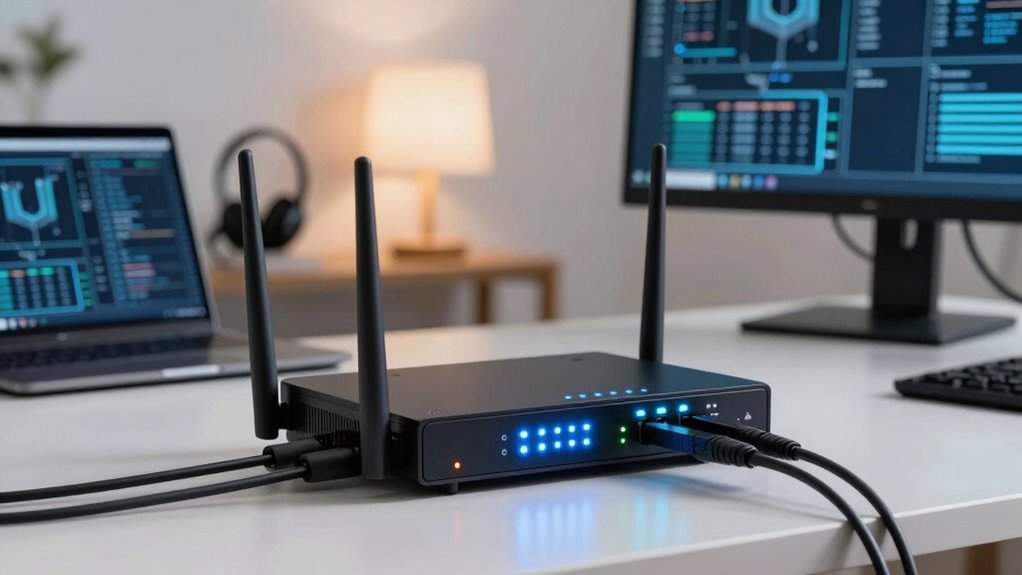
Firewall appliances matter most when you need to protect remote networks and cloud-based services from cyber threats. They act as gatekeepers, monitoring traffic, blocking malicious activity, and verifying user identities with features like multi-factor authentication. With cloud integration, they offer real-time updates and centralized management, giving you better visibility and faster responses to threats. If you want to understand how these tools can strengthen your remote work security, there’s more to discover below.
Key Takeaways
- When remote teams access sensitive data, firewalls ensure secure, monitored connections, preventing unauthorized access and threats.
- Cloud-integrated firewalls provide real-time threat intelligence and centralized control across multiple remote locations.
- Firewalls with user authentication verify identities, reducing risks of unauthorized entry in remote work environments.
- They are essential when managing multiple sites, ensuring consistent security policies and threat prevention.
- Firewalls help detect and block malicious activities early, maintaining overall network security for remote operations.
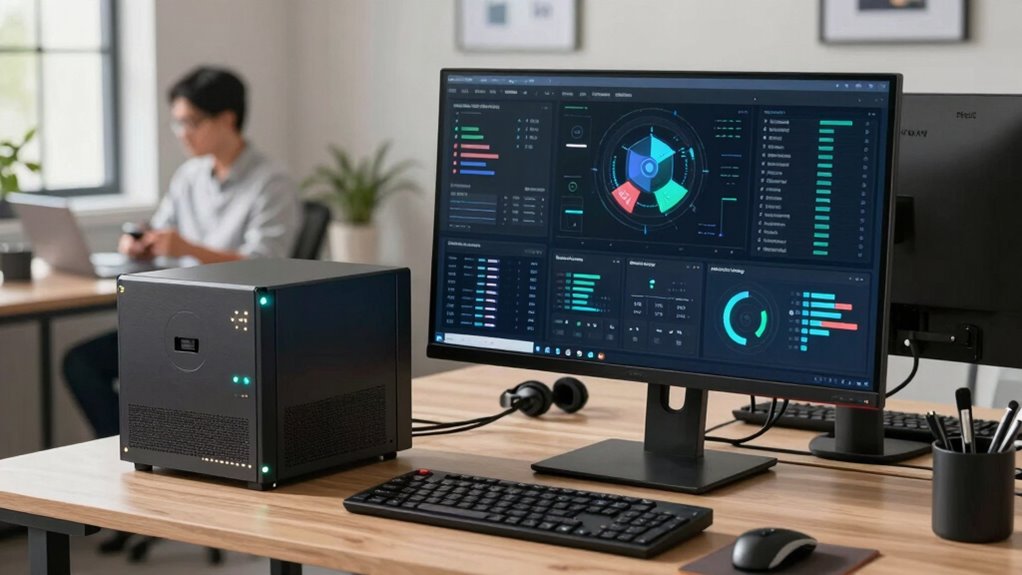
As remote work becomes more prevalent, securing your network is more important than ever. With employees accessing company resources from various locations and devices, implementing a reliable firewall appliance can be a pivotal part of your security strategy. These appliances act as gatekeepers, monitoring traffic and blocking malicious activity before it reaches your network. But beyond basic filtering, modern firewall appliances often incorporate features like cloud integration and user authentication, which are essential for maintaining security in a remote environment.
Cloud integration allows your firewall to connect seamlessly with cloud services, enabling centralized management and real-time updates. This means you can monitor and control network traffic across multiple locations from a single dashboard. If your organization relies on cloud applications or storage, cloud-integrated firewalls help guarantee that data flows securely between your network and these platforms. They can also incorporate threat intelligence updates from the cloud, keeping your defenses current against emerging threats without manual intervention. When your firewall leverages cloud integration, you gain agility and better visibility into your remote network’s activity, making it easier to identify and respond to security issues. Cloud-based security features enhance your overall protection by providing ongoing updates and threat data. Incorporating cloud integration is especially beneficial for organizations that need centralized management to simplify security oversight.
Cloud-integrated firewalls enable centralized management, real-time updates, and enhanced visibility for secure remote network operations.
User authentication is another critical feature to contemplate. In a remote work setup, you need to verify that only authorized users access sensitive data and resources. Firewall appliances that support robust user authentication mechanisms—like multi-factor authentication (MFA), single sign-on (SSO), or integration with identity management systems—help enforce this control. By tying network access to individual identities, you reduce the risk of unauthorized entry, even if credentials are compromised. This approach not only enhances security but also simplifies user management, allowing you to assign permissions based on roles and responsibilities. When combined with other security measures, user authentication ensures that your firewall doesn’t just block malicious traffic but also verifies who’s trying to get in. Additionally, implementing identity management systems can streamline onboarding and offboarding processes, reducing administrative overhead. Understanding threat intelligence and how it integrates with your firewall can further strengthen your defenses against evolving cyber threats.
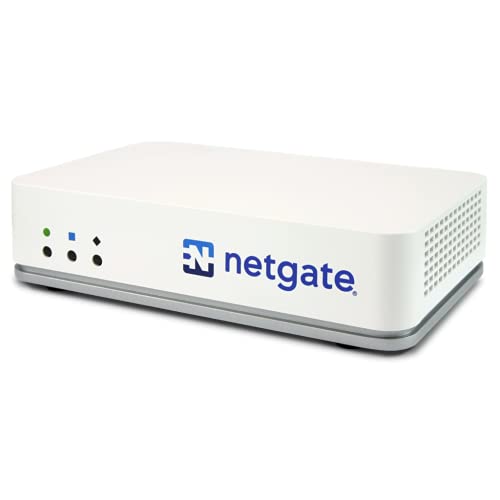
Netgate 2100 Base pfSense+ Security Gateway – Firewall, Router, VPN
- Secure Firewall, Router, VPN: All-in-one security solution
- Pre-loaded with pfSense+ Software: Easy setup and customization
- 24/7 Technical Assistance: Expert support available anytime
As an affiliate, we earn on qualifying purchases.
As an affiliate, we earn on qualifying purchases.
Frequently Asked Questions
How Do Firewall Appliances Differ From Software Firewalls?
Firewall appliances differ from software firewalls mainly in hardware versus software design. Appliances are dedicated hardware devices offering robust, always-on protection, often with cloud integration for remote management. Software firewalls run on your devices, providing flexibility, but may lack the same hardware-level security. You should consider appliances when managing multiple remote locations or needing centralized control, while software firewalls suit individual devices for basic protection.
Can Small Businesses Benefit From Dedicated Firewall Appliances?
Yes, small businesses can benefit from dedicated firewall appliances, especially when managing remote devices. For example, imagine a small retail shop that wants to control access for remote employees. A firewall appliance allows you to customize security settings and manage remote device access efficiently. This helps protect sensitive data and guarantees secure remote work. You gain better control over network security with remote device management and tailored firewall customization.
What Are the Cost Considerations for Deploying Firewall Appliances Remotely?
Deploying firewall appliances remotely involves costs like hardware, setup, and ongoing maintenance. You should consider cloud integration options, which can reduce hardware expenses and simplify management. To optimize costs, evaluate whether a dedicated appliance suits your remote work needs or if cloud-based security services offer better scalability and lower expenses. Balancing upfront investment against operational savings helps you make smarter decisions and guarantees your remote network remains secure without overspending.
How Do Firewall Appliances Impact Network Performance?
Firewall appliances act like vigilant gatekeepers, filtering traffic and shaping your network’s rhythm. They can introduce some network latency, causing a slight delay in data flow, but with proper setup, throughput optimization keeps your connection smooth. When configured correctly, they minimize performance impacts, allowing secure remote work without sacrificing speed. Think of it like a well-orchestrated dance—security and performance working seamlessly together for your network’s harmony.
Are Firewall Appliances Compatible With All Remote Work Setups?
Firewall appliances are generally compatible with most remote work setups, especially when VPN integration is involved. They help manage user access securely and efficiently across various devices and networks. However, compatibility depends on your specific hardware and software. You should verify that your firewall appliance supports your remote devices and VPN protocols. Regular updates and vendor support guarantee seamless integration, making your remote work environment safer and more manageable.

SonicWall TZ270W Wireless Gen7 Firewall | SMB Wi-Fi Security Appliance with 2 Gbps Firewall Speed, Integrated Wireless Radios, Threat Protection, and Cloud Management (02-SSC-2823)
- Device Type: SonicWall TZ270W Firewall Appliance
- Service Subscription: No Service Subscription Required
- Connectivity: Secure Wired and Wireless Connectivity
As an affiliate, we earn on qualifying purchases.
As an affiliate, we earn on qualifying purchases.
Conclusion
So, when you’re juggling remote work, a firewall appliance isn’t just a safety net—it’s a fortress protecting your digital kingdom from cyber dragons and sneaky hackers. Without it, your data’s as vulnerable as a kitten in a lion’s den. Trust me, skimping on this security can turn your remote setup into an open invitation for chaos and chaos alone. Invest in a firewall appliance—your remote work empire’s armor and superhero in one!

Cyber Smart: Five Habits to Protect Your Family, Money, and Identity from Cyber Criminals
As an affiliate, we earn on qualifying purchases.
As an affiliate, we earn on qualifying purchases.

ASUS ExpertWiFi EBG15 Gigabit VPN Wired Router, up to 3 WAN ethernet Ports + 1 USB WAN, IPS Intrusion Prevention, Layer 7 Firewall, Commercial-Grade Network Security, Remote Management with App
- Easy Setup: Setup via web browser or ASUS app
- VLAN Security: Assign VLANs for enhanced security
- Multiple WAN Ports: Up to 3 WAN Ethernet ports
As an affiliate, we earn on qualifying purchases.
As an affiliate, we earn on qualifying purchases.