When leaving your desk, log out of all work accounts, close sensitive files, and disconnect from VPNs or secure networks. Make certain your devices have up-to-date security settings and change passwords regularly. Tidy your workspace by organizing cables, reducing clutter, and unplugging unnecessary devices. Turn off or store equipment safely and check for software updates. Practicing these steps helps maintain safety and security, and there’s more to take into account for a thorough routine as you continue for maximum protection.
Key Takeaways
- Log out of all work accounts and close sensitive documents before leaving.
- Disconnect from work VPNs and secure networks to prevent unauthorized access.
- Ensure all devices are updated with the latest security patches and settings.
- Tidy the workspace, unplug unnecessary devices, and clear clutter to prevent hazards.
- Review cybersecurity and ergonomic practices to maintain a safe, secure environment for the next work session.
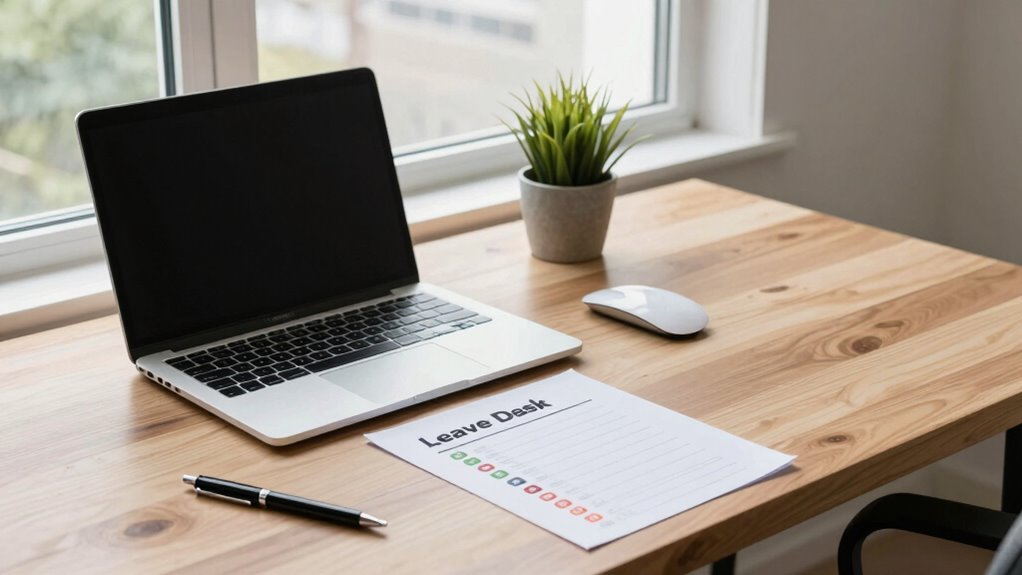
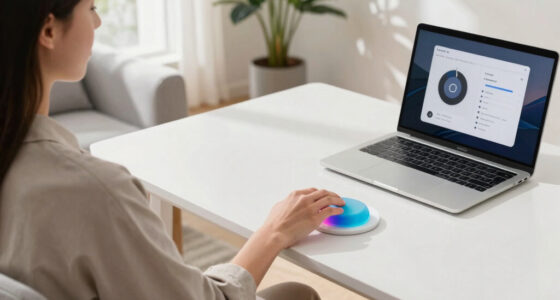
Working remotely offers flexibility, but it also requires staying vigilant about safety. As you wind down your workday, following a “leave desk” checklist helps guarantee your safety and security. First, take a moment to review your cybersecurity tips. Log out of all work accounts and close any open files or sensitive documents. This prevents unauthorized access if someone else uses your device or if your device gets stolen. Consider disconnecting from any work-specific VPNs or secure networks to avoid accidental data breaches. If your company recommends using two-factor authentication, make sure you’ve signed out of those sessions too. Regularly updating your passwords and enabling multi-factor authentication adds an extra layer of protection, so don’t skip this step in your routine. Ensuring your digital security practices are up to date is essential for safeguarding your work. Additionally, verifying the security settings on your device helps maintain your overall cybersecurity posture.
Always log out of work accounts and disconnect from secure networks to protect your data after remote work.
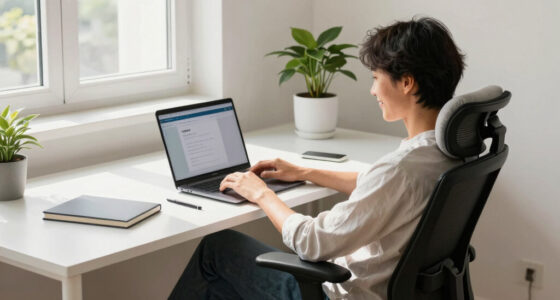
Next, shift your focus to your ergonomic setup. Proper ergonomics are vital to prevent strain and injury, especially when working long hours from home. Before you leave your workspace, adjust your chair and desk to their standard positions. Make sure your monitor is at eye level so you don’t strain your neck, and keep your keyboard and mouse within easy reach to avoid wrist stress. Organize your cables and cords to prevent tripping hazards if you need to pack up your workspace. Also, consider turning off or unplugging non-essential devices to save energy and reduce clutter. You can also optimize your workspace by adding ergonomic accessories or adjusting lighting, which can improve comfort and reduce eye strain. Incorporating health-conscious practices into your routine can further enhance your well-being while working remotely. Taking these small steps can make your workspace safer and more comfortable for future use.
Once your physical setup is in order, guarantee your environment is secure from physical hazards. Clear your workspace of any clutter or objects that could cause trips or falls. If you use a standing desk, lower it to its resting position to avoid accidental injuries. Turn off or unplug any equipment you don’t need overnight, such as printers or chargers, to minimize fire risk. If you’ve been using a personal device for work, check for any security updates or software patches before shutting down. This helps protect against potential vulnerabilities that could be exploited later. Remember, maintaining a secure environment involves more than just digital measures; a clutter-free space reduces physical risks as well.
Finally, make a habit of reviewing your security and ergonomic practices regularly, especially when leaving your workspace for an extended period. A quick mental checklist ensures you haven’t missed any critical steps. By consistently practicing these routines, you’ll create a safer and more secure remote work environment. Leaving your desk in a good state not only safeguards your work but also helps you start fresh the next day, knowing your digital and physical workspace are secure.

Marsail Ergonomic Office Chair: Office Desk Chair with High Back Mesh and Adjustable Lumbar Support Rolling Work Swivel Task Chairs with Wheel 3D Armrests and Headrest
- Fully Adjustable Headrest: 2D adjustable for personalized support
- Reclining Backrest: Adjusts from 90° to 120°
- 3D Adjustable Armrests: Customizable for comfort
As an affiliate, we earn on qualifying purchases.
As an affiliate, we earn on qualifying purchases.
Frequently Asked Questions
How Often Should I Review My Remote Work Safety Procedures?
You should review your remote work safety procedures at least once every three to six months. During these reviews, focus on maintaining good workstation organization to prevent discomfort or injury, and refresh your cybersecurity awareness to protect sensitive information. Regular check-ins help you stay current with best practices, identify potential hazards, and guarantee your workspace remains safe and secure. Staying proactive keeps your remote work environment efficient and protected.
What Tools Can Enhance Remote Workspace Security?
Think of your remote workspace as a fortress; tools like robust cybersecurity training act as your knights, defending against threats. Use strong password management tools to lock your digital doors tight, preventing intruders from slipping in unnoticed. Enabling two-factor authentication adds an extra layer of armor, making your defenses more formidable. These tools work together to safeguard your data, ensuring your remote work environment stays secure and resilient against cyber threats.
How Do I Handle Confidential Information at My Desk?
When handling confidential information at your desk, you should prioritize data encryption to protect sensitive files and communications. Always store confidential data in secure storage, such as encrypted drives or password-protected folders. Avoid leaving documents unattended, and use lockable drawers or cabinets when not in use. These practices help guarantee your confidential information stays secure and reduces risks of unauthorized access while working remotely.
What Should I Do if I Suspect a Security Breach?
Imagine your digital fortress has a crack — act fast. If you suspect a security breach, don’t hesitate; report it immediately to your IT team. Strengthen your defenses by practicing phishing awareness and changing your secure password. Stay vigilant, as quick action can contain the damage and prevent further infiltration. Remember, your proactive steps are the shield that keeps your remote work environment safe and secure.
Are There Specific Ergonomic Tips for Remote Work Safety?
To guarantee your remote work setup is safe, focus on ergonomic accessories like adjustable chairs and monitor stands to support proper alignment. Make posture adjustments regularly, keeping your feet flat on the floor, your back straight, and your screen at eye level. Take frequent breaks to stretch and move around. These steps help prevent strain and discomfort, promoting better overall health and productivity during your remote workday.

XHF 120 PCS Adhesive Cable Wire Clips Black, Outdoor Christmas Light Clips, Cable Management Wire Organizer Cord Holder for Under Desk, Car, Wall, TV PC Ethernet Cable
- High-Quality Material: Strong adhesive and PA66 nylon construction
- Versatile Usage: Suitable for USB, Ethernet, lights, and more
- Compact Size: Base 5/8" x 5/8", buckle 1/4" x 2/5"
As an affiliate, we earn on qualifying purchases.
As an affiliate, we earn on qualifying purchases.
Conclusion
By following this simple, secure, and sensible leave desk checklist, you’ll safeguard your space, strengthen your safety, and sustain your sanity. Stay vigilant, secure your station, and slip smoothly into your personal peace of mind. Remember, a secure setup isn’t just smart — it’s a sustainable, stress-free solution for seamless remote work. So, stay sharp, follow the steps, and leave your desk with confidence, knowing you’ve safeguarded your space and your sanity.

WALI Computer Monitor Stand for Desk, Adjustable Laptop Riser, up to 44 lbs
- Large Metal Shelf: Fits most screens, laptops, printers
- Supports Up to 44 lbs: Heavy-duty metal construction
- Non-slip Rubber Pads: Prevents slipping and surface damage
As an affiliate, we earn on qualifying purchases.
As an affiliate, we earn on qualifying purchases.

Logitech MK270 Full Size Wireless Keyboard and Mouse Combo – Black
- Wireless Range: Up to 33 ft reliable connection
- Comfortable Typing: Low-profile, quiet keys with full layout
- Durable Design: Spill-resistant, sturdy keys, adjustable tilt
As an affiliate, we earn on qualifying purchases.
As an affiliate, we earn on qualifying purchases.