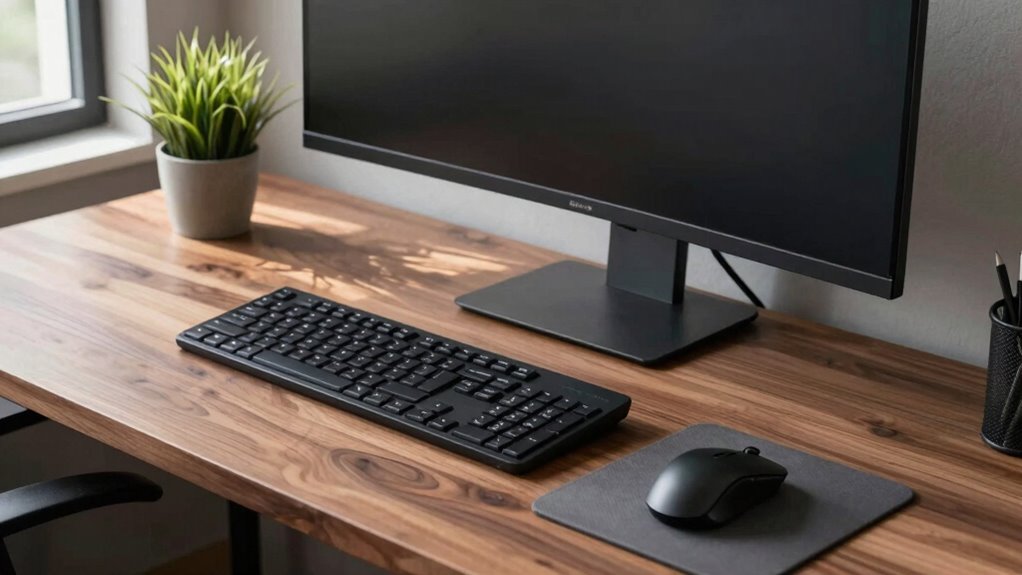

To stop fighting your workspace, organize your desk with everything you need within easy reach on the left side, including your mouse, phone, and supplies. Use ergonomic accessories like a left-handed mouse, adjustable monitor stands, and keyboard trays to support natural movements. Position lighting and monitor placement for comfort and efficiency. Designing your setup around your natural workflow minimizes strain and frustration. Keep exploring to discover more tips to create a truly comfortable and productive environment.
Key Takeaways
- Arrange tools and accessories on the left side for easy access and to support a left-handed workflow.
- Use ergonomic equipment designed for left-handed users, such as specialized mice and keyboards.
- Position your monitor slightly to the right of center to reduce neck strain and improve visibility.
- Ensure lighting sources are on the right to minimize shadows and eye strain during work.
- Design your workspace layout to minimize reaching and unnecessary movement, enhancing comfort and efficiency.

Setting up a desk as a left-handed person requires a few strategic adjustments to guarantee comfort and efficiency. Your workspace should be tailored to your needs, which means considering ergonomic accessories and lighting arrangements that support your natural movements. First, focus on positioning your essential tools so they’re within easy reach and don’t cause strain. For example, place your mouse on the left side of your keyboard, and use an ergonomic mouse designed for left-handed use to reduce wrist fatigue. An ergonomic keyboard can also help keep your arms and wrists in a natural, comfortable position, preventing long-term discomfort.
Arrange your tools on the left and use ergonomic accessories for comfort and efficiency.
Lighting arrangements play a vital role in creating an ideal workspace. As a left-handed individual, you may find that natural light or desk lamps cast shadows over your work area, especially if your lighting isn’t adjustable. To combat this, position your light source on your right side or use adjustable lamps that allow you to direct light precisely where you need it. This minimizes eye strain and prevents shadows from interfering with your focus. Consider using task lighting that’s flexible and adjustable, so you can modify the brightness and angle to suit your tasks, whether you’re reading, writing, or working on a computer.
Additionally, being aware of ergonomic principles can help you design a workspace that minimizes strain and supports long-term comfort. In addition to ergonomic accessories and lighting, think about the overall layout of your desk. Keep frequently used items, like pens, notebooks, or your phone, on the left side to minimize reaching across your workspace. Use organizers to keep clutter off your desk, which helps maintain a clear line of sight and reduces unnecessary movement. If you use a monitor, position it slightly to the right of center, so you can glance at it comfortably with minimal neck strain, and ensure it’s at eye level to prevent neck and shoulder tension.
Don’t forget about adjustable accessories like monitor stands, keyboard trays, and armrests that can be customized to fit your specific needs. These allow you to fine-tune your setup, making it more comfortable and supportive for your left-handed workflow. Remember, the goal is to create a workspace that adapts to your natural tendencies rather than forcing you into a right-handed setup. With the right ergonomic accessories and thoughtful lighting arrangements, you’ll be able to work more efficiently and comfortably, avoiding common frustrations and discomforts associated with an ill-suited workspace.
Top picks for "left hand desk"
Open Amazon search results for this keyword.
As an affiliate, we earn on qualifying purchases.
Frequently Asked Questions
How Can I Customize My Workspace for Ambidextrous Use?
To customize your workspace for ambidextrous use, you should position your mirror placement strategically so you can easily switch between hands. Invest in ambidextrous tools, like scissors or mice, to make tasks smoother. Arrange your desk items symmetrically, and keep frequently used tools within reach on both sides. This setup allows you to work comfortably regardless of which hand you’re using, maximizing efficiency and reducing frustration.
Are There Specific Desk Accessories for Left-Handed Users?
Think of your workspace as a tailor-made suit—every detail should fit perfectly. You’ll find specific left-handed accessories like ergonomic tools, mouse pads, and pen holders designed to match your needs. These accessories help you glide smoothly through your tasks, reducing strain and increasing comfort. Investing in these tools means your workspace becomes a sanctuary, supporting your natural flow and transforming frustration into effortless productivity.
What Ergonomic Tips Suit Left-Handed Desk Arrangements?
To optimize your left-handed desk setup, focus on ergonomic keyboard positioning by placing your keyboard slightly below elbow height for comfort. Use mouse placement strategies that keep your mouse within easy reach on your left side, reducing strain. Adjust your chair so your feet are flat and your wrists stay straight. Regularly switch tasks to prevent repetitive strain, and consider ergonomic accessories designed for left-handed users to support your posture.
Can I Convert a Right-Handed Desk to Left-Handed?
Yes, you can convert a right-handed desk to left-handed by adjusting mirror placement and keyboard orientation. Flip your monitor to face the left side, ensuring comfortable viewing. Rearrange your keyboard to suit your left hand, and adjust the mouse position accordingly. This setup helps you work naturally and comfortably, reducing strain. With a few simple tweaks, your workspace becomes more ergonomic and tailored to your needs.
How Do I Organize Cables for a Left-Handed Setup?
To organize cables for a left-handed setup, focus on effective cable management and cord organization. Use cable clips or sleeves to route cords along the left side of your desk, keeping them tidy and accessible. Label your cables for easy identification, and consider under-desk trays or power strips mounted on the left to reduce clutter. This approach guarantees smooth workflow and prevents tangling, making your workspace more efficient and comfortable.
Conclusion
Now that you’ve tailored your workspace to fit your left-handed needs, you might think you’re all set. But here’s the twist—you haven’t seen what’s possible when you tweak just one more element. Are you ready to open even greater comfort and efficiency? The secret lies just beyond the obvious. Stay tuned, because the next move could completely transform your entire workday. Don’t settle—your perfect setup might be closer than you think.