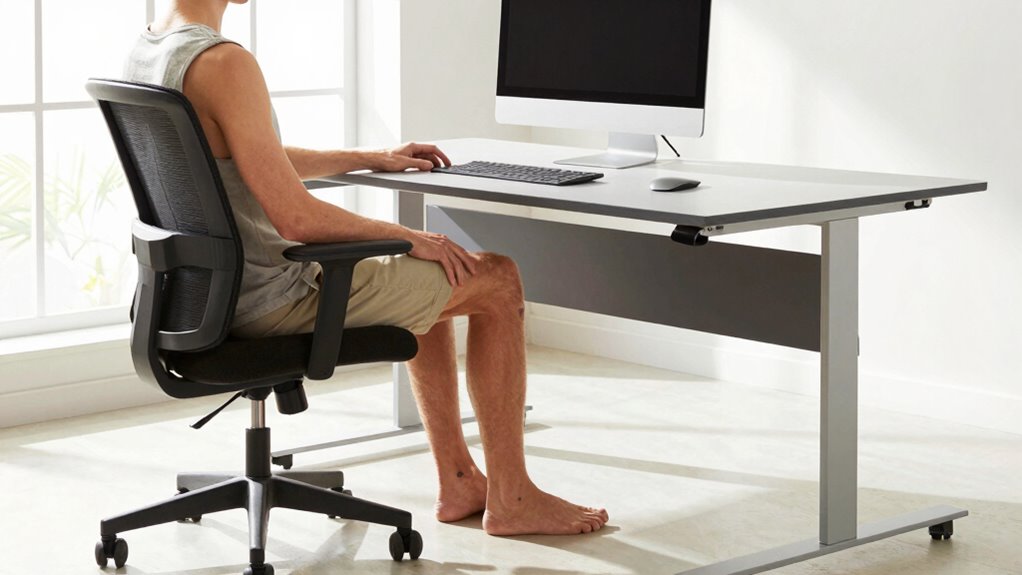

To optimize ergonomics as a tall person, focus on adjusting your chair height and monitor placement. Set your chair so your feet are flat on the floor and your knees are at a 90-degree angle, which helps with circulation and back support. Then, position your monitor so the top is at or just below eye level and about an arm’s length away to prevent neck and eye strain. Keep these tips in mind to stay comfortable and avoid strain; more details await.

Get comfort and recovery gear delivered free with Prime
- Fast, free delivery on millions of items
- Prime Video, Amazon Music and more included
- Member-only deals all year
Key Takeaways
- Adjust chair height so feet are flat and knees are at 90°, supporting proper circulation and lumbar comfort.
- Position the monitor directly in front, with the top at or just below eye level to prevent neck strain.
- Use adjustable stands or risers to elevate the monitor if needed for optimal eye alignment.
- Ensure armrests support relaxed shoulders and arms, reducing tension and musculoskeletal strain.
- Maintain proper distance (about an arm’s length) from the monitor to minimize eye fatigue and neck tilting.
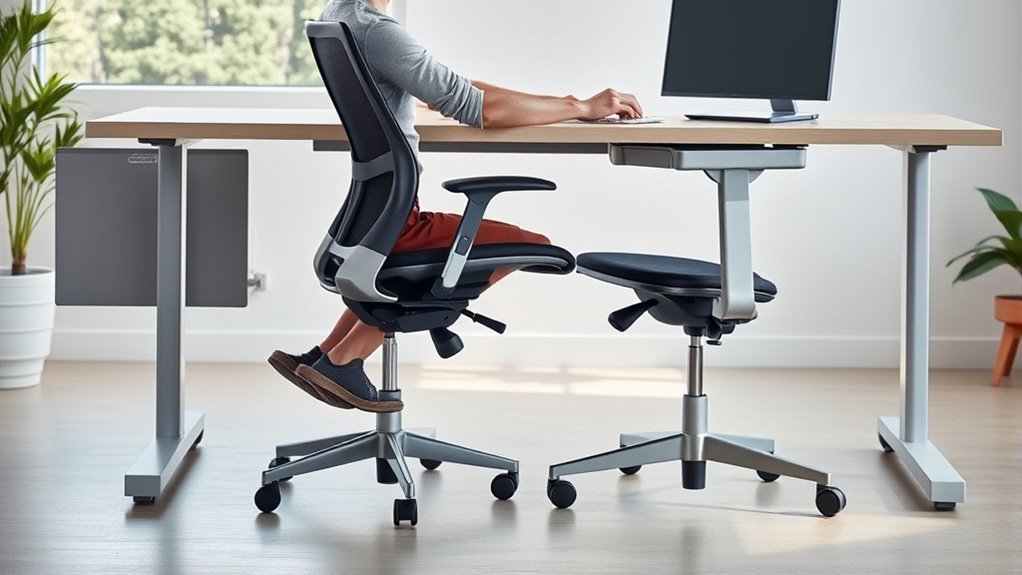
If you’re tall, finding ergonomic solutions that suit your height can substantially improve comfort and reduce strain. Two adjustments stand out as the most critical when setting up your workspace: chair height and monitor placement. Getting these right ensures that your body maintains proper alignment and minimizes the risk of discomfort or injury over time.
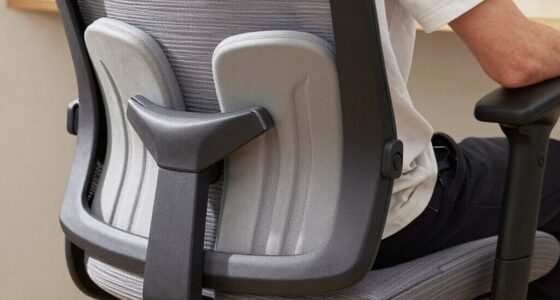
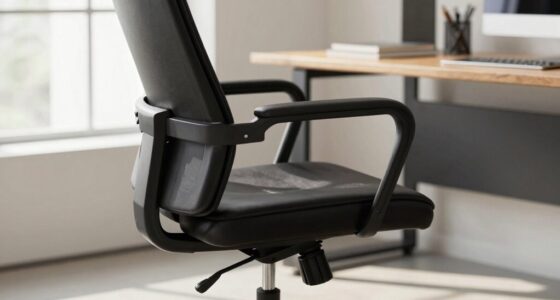
Start with your chair height. Since you’re taller than average, standard chairs might not provide the necessary support. You want your feet flat on the floor with your knees bent at roughly a 90-degree angle. If your chair is too low, you’ll feel strain in your legs and lower back; if it’s too high, your hips might be elevated, leading to discomfort. To customize your chair height, look for an adjustable chair that lets you raise or lower the seat easily. Adjust it so that your thighs are parallel to the ground, and your hips are slightly higher than your knees. This position promotes good circulation and reduces pressure on your lower back. Remember, your chair should support your entire back, especially the lumbar region, to prevent slouching. When your chair height is correct, you’ll notice your shoulders relax, and your arms rest comfortably at your sides or on armrests.
Next, focus on monitor placement. As a tall person, a standard monitor setup can cause neck and eye strain if not properly adjusted. Your monitor should be positioned directly in front of you, with the top of the screen at or just below eye level. This setup allows you to look straight ahead without tilting your head up or down. If your monitor is too low, you’ll strain your neck; if it’s too high, you’ll tilt your head back, which can lead to discomfort over time. To get this right, raise your monitor on a sturdy stand or stack books underneath if needed. The monitor should be about an arm’s length away, so you’re not leaning forward or straining to see the screen clearly. For added comfort, consider monitors with adjustable height stands or articulating arms, allowing you to fine-tune the placement easily. Proper monitor placement helps maintain a neutral neck position, reducing tension and preventing long-term musculoskeletal issues. Additionally, choosing a monitor with high color accuracy can help reduce eye strain and improve visual comfort during extended use.
adjustable ergonomic office chair for tall people
As an affiliate, we earn on qualifying purchases.
As an affiliate, we earn on qualifying purchases.
Frequently Asked Questions
How Do I Know if My Desk Height Is Suitable?
You can tell if your desk height is suitable by checking your posture alignment. When sitting comfortably, your elbows should form about a 90-degree angle, and your wrists should be straight. Your feet should rest flat on the floor, and your monitor should be at eye level. If these factors aren’t in place, adjust your desk height until your posture feels natural and supportive, reducing strain.
Are Specialized Chairs Necessary for Very Tall Individuals?
Did you know that about 10% of the population is considered very tall, making ergonomic seating a challenge? You don’t necessarily need specialized chairs; instead, explore custom chair options or ergonomic accessories tailored for tall individuals. These solutions can provide better lumbar support and seat height adjustments, ensuring comfort and proper posture without the expense of a fully custom chair. Focus on adjustable features to optimize your setup.
Can Ergonomic Adjustments Improve Long-Term Posture?
Yes, ergonomic adjustments can improve your long-term posture. By using ergonomic tools like adjustable chairs and monitor stands, you promote proper alignment and reduce strain. Focus on posture correction by ensuring your feet are flat, your hips are level, and your monitor is at eye level. Regularly adjusting your workspace helps prevent discomfort and supports healthy habits, leading to better posture over time.
What Signs Indicate My Workspace Needs Customization?
If you notice persistent neck or back pain, discomfort while working, or difficulty maintaining good posture, your workspace likely needs customization. These signs suggest you should focus on posture correction with ergonomic accessories like adjustable chairs, footrests, or monitor stands. Making these adjustments helps prevent strain, supports proper alignment, and guarantees long-term comfort, especially if you spend hours at your desk daily.
Do Adjustable Desks Benefit All Tall Users Equally?
Adjustable desks benefit most tall users by allowing personalized height adjustments, improving comfort and ergonomics. While desk aesthetics and workspace organization matter, the key is how easily you can adjust the desk to fit your height. If your desk isn’t adjustable, you might experience discomfort or strain. With an adjustable desk, you can maintain proper posture, enhance workspace efficiency, and keep your workspace organized without sacrificing style or function.
monitor riser stand for height adjustment
As an affiliate, we earn on qualifying purchases.
As an affiliate, we earn on qualifying purchases.
Conclusion
By making these two simple adjustments, you can transform your workspace into a throne fit for royalty—no more hunching or discomfort. Imagine your posture as tall as the tallest skyscraper, towering effortlessly without strain. These tweaks aren’t just small fixes; they’re the secret to feeling like you’re on top of the world every day. Just a few changes, and you’ll elevate your comfort to skyscraper heights, proving that good ergonomics truly make all the difference.
ergonomic monitor arm for tall users
As an affiliate, we earn on qualifying purchases.
As an affiliate, we earn on qualifying purchases.
ergonomic desk accessories for tall height
As an affiliate, we earn on qualifying purchases.
As an affiliate, we earn on qualifying purchases.
Halloween Picks
halloween
As an affiliate, we earn on qualifying purchases.