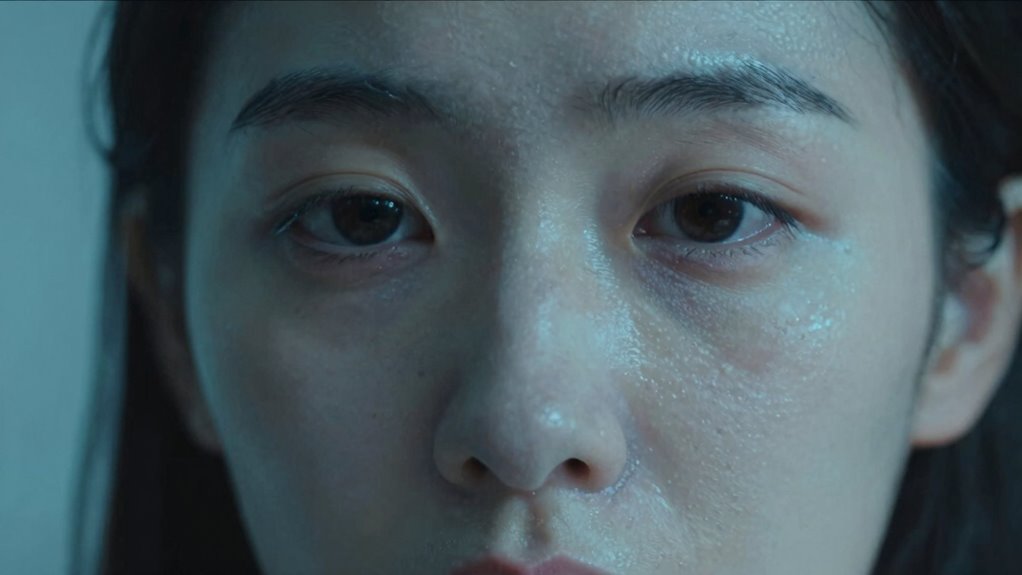

When your video footage makes you look “sick,” it’s often due to incorrect color temperature settings. If your camera’s white balance is off, it can cast cool or warm tones that make your skin appear pale or unnatural. Properly adjusting your white balance to match your lighting environment helps maintain natural skin tones and avoids that unflattering pallor. Understanding how to control these settings can transform your videos, so you’ll want to explore more about perfecting your lighting and color temperature.
Key Takeaways
- Incorrect white balance settings can cause unnatural color casts, making skin appear pale or “sick.”
- Using mismatched lighting sources (e.g., daylight vs. tungsten) without proper adjustment creates unflattering color shifts.
- Cool (bluish) color temperatures can dull skin tones, giving a washed-out or unwell appearance.
- Warm (yellowish) lighting can exaggerate redness or cause skin to look unhealthy if not balanced properly.
- Post-production errors in color grading, like improper temperature adjustments, can also make subjects look “sick.”
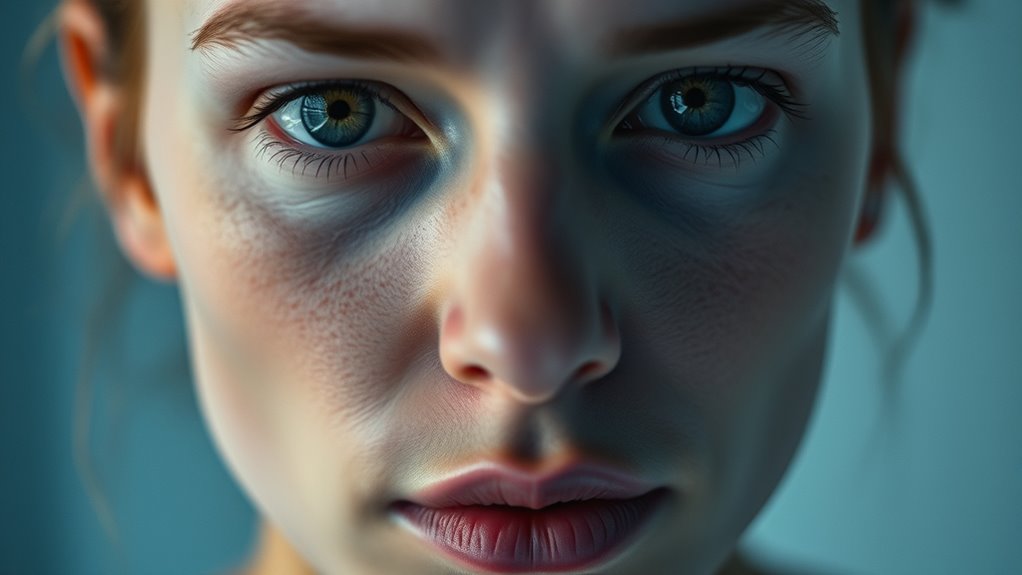
Understanding color temperature is essential for achieving accurate and visually appealing video footage. When you’re filming, the color temperature of your lighting sources can drastically influence how your subject appears on camera. If you don’t pay close attention to these settings, your footage might look off—sometimes making your subject look “sick,” pale, or unwell. To prevent this, you need to master lighting adjustments and color grading techniques that help you control and correct color temperature issues.
Lighting adjustments are your first line of defense. Different light sources emit varying color temperatures, measured in Kelvin. For instance, daylight is usually around 5600K, giving a cool, bluish tone, while incandescent bulbs tend to be warmer, around 2700K, with a yellowish hue. When you shoot under mixed lighting conditions, your footage can become inconsistent, making skin tones appear unnatural or dull. To combat this, you should set your camera’s white balance to match your lighting environment. Modern cameras often have presets for daylight, tungsten, or fluorescent lights, but manual white balance settings give you the most control. Proper lighting adjustments ensure that skin tones look healthy, vibrant, and true to life, preventing that “sick” appearance caused by overly cool or warm casts.
Color grading techniques play a crucial role in fine-tuning your footage after filming. Even with perfect lighting adjustments, some color shifts can still occur, especially if you’re working in challenging environments or with mixed lighting sources. During post-production, you can use color grading to correct color temperature discrepancies. Adjusting the temperature slider in your editing software allows you to warm up or cool down your footage, aligning the color temperature to look more natural. This step is essential for making skin tones appear healthy and avoiding the unflattering pallor that often results from improper lighting. Subtle tweaks here can make a big difference—making your subject look lively and well-rested instead of sickly or drained.
Additionally, understanding the measurement of color temperature helps you better anticipate how different light sources will affect your footage. Ultimately, mastering lighting adjustments and color grading techniques empowers you to control how your footage looks. When you understand the impact of color temperature and learn practical ways to manage it, your videos will consistently look professional and appealing. Properly calibrated lighting and thoughtful post-production corrections ensure your subjects look their best—avoiding that “sick” appearance and instead highlighting their natural vitality. This attention to detail elevates your work, making your videos more engaging, authentic, and visually pleasing.
![Lightdow 12 x 12 Inch (30 x 30 cm) White Balance 18% Gray Reference Reflector Grey Card with Carry Bag [Folded Version]](https://m.media-amazon.com/images/I/31GeGGNhEvL._SL500_.jpg)
Lightdow 12 x 12 Inch (30 x 30 cm) White Balance 18% Gray Reference Reflector Grey Card with Carry Bag [Folded Version]
Gray side: Reflectance 17.8%; Density 0.74
As an affiliate, we earn on qualifying purchases.
As an affiliate, we earn on qualifying purchases.
Frequently Asked Questions
How Does Lighting Affect My Skin Tone on Camera?
Lighting directly impacts your skin tone on camera, making it appear healthier or duller. Poor lighting can wash out your skin or give it a sickly hue, especially on lower-quality cameras. To improve your skin tone, use soft, natural light and avoid harsh or overly warm lighting. Good lighting enhances your features, making your skin look more vibrant and true to life, regardless of your camera quality.
Can Color Temperature Settings Improve My Appearance?
Feeling under the weather on camera? Adjusting your color temperature can work wonders. You’ll want to fine-tune your camera calibration to match your environment, ensuring your skin tone looks natural. Using proper color grading techniques, you can warm or cool the image to enhance your appearance. These small tweaks help you avoid looking pale or tired, making sure you come across vibrant and healthy every time you hit record.
What Are Common Signs of Incorrect Color Temperature?
You notice a white balance issue when your skin looks oddly colored or unnatural. Common signs of incorrect color temperature include a noticeable color cast—either too warm (yellow/orange) or too cool (blue)—making you look sick or washed out. If your video has inconsistent skin tones or objects don’t look realistic, it’s likely due to improper white balance settings, so adjusting these can restore natural colors and improve your appearance.
How Do I Adjust Color Temperature on Different Devices?
Adjusting color temperature is like tuning a musical instrument—you need precision. On your device, start with calibration settings or use app adjustments to change warmth or coolness. For example, smartphones often have built-in sliders, while cameras may require manual settings or LUTs. Regularly calibrate your device to guarantee consistent results. This way, you’ll avoid the “sick” look and achieve a natural, flattering tone every time.
Does Editing Color Temperature After Filming Change My Look?
Yes, editing the color temperature after filming can alter your look. When you do color grading, you adjust the warmth or coolness of the footage, which impacts how you appear on camera. Proper camera calibration helps guarantee a natural baseline, but post-production tweaks allow you to refine your appearance further. Just be careful—overdoing it can make you look unnatural or “sick,” so aim for subtle adjustments that enhance your natural skin tone.

E130 Light Meter – Accurate Lux & Color Temperature (CCT) for Any Light Source, 99-Point Light Mapping, Hold Freeze, Spectrum Mode Accurate for 420/450nm White LEDs
Accurate Lux & CCT for Any Light Source. Measure illuminance (LUX) and color temperature (CCT) accurately across LED,…
As an affiliate, we earn on qualifying purchases.
As an affiliate, we earn on qualifying purchases.
Conclusion
Understanding color temperature is like tuning a camera’s heartbeat—you control how your world feels. When you get it right, your video shines with life, warmth, and health. But when it’s off, it’s like your skin’s lost its glow, turning you pale and unrecognizable. Think of it as painting your story—choose the right hues, and your true colors will emerge. Mastering this secret keeps you from appearing “sick,” ensuring your videos always tell a vibrant, authentic tale.

2-Pack LED Video Light Kit, NiceVeedi Studio Light, 2800-6500K Dimmable Photography Lighting Kit with Tripod Stand&Phone Holder, 73" Stream Light for Video Recording, Game Streaming, YouTube
【MULTIPLE COLOR TEMPERATURE & ADJUSTABLE BRIGHTNESS】There are 3 Color temperatures (2800K, 4800K & 6500K) which offer different lighting…
As an affiliate, we earn on qualifying purchases.
As an affiliate, we earn on qualifying purchases.

DGK Color Tools Digital Kolor Pro 16:9 Large Color Calibration and Video Chip Chart, 2-Pack
SUPERIOR ACCURACY – Ensures precise color calibration with professional-grade chips, delivering consistent and reliable results for video production.
As an affiliate, we earn on qualifying purchases.
As an affiliate, we earn on qualifying purchases.