

If you’re experiencing echo on calls, fixing your room’s acoustics can make a big difference. Hard surfaces like glass, tile, or bare walls reflect sound and cause echoes, so soft materials like rugs, curtains, and furniture help absorb sound waves. Position your phone or microphone away from reflective surfaces and consider adding acoustic panels or cushions. Want to learn more about easy ways to improve your call quality? Keep exploring for helpful tips.
Key Takeaways
- Reduce echoes by adding soft furnishings like rugs, curtains, and wall hangings to absorb sound reflections.
- Rearrange furniture and place acoustic panels or foam tiles on walls and ceilings to break up sound waves.
- Position your microphone close to your mouth and away from reflective surfaces to minimize room-induced echo.
- Avoid hard, flat surfaces such as glass or tile near your workspace to prevent sound bouncing.
- Incorporate cushions, upholstered furniture, and fabric art to further dampen reflections and improve call clarity.
Understanding Why Echo Occurs During Calls
Echo during calls often happens because sound from your speaker gets picked up again by your microphone, creating a repeating loop. When you speak, your device sends your voice to the other person, but if your microphone also picks up the sound from your speaker, it feeds that sound back into the call. This cycle causes the familiar echo effect. Factors like speaker volume, microphone sensitivity, and your device’s placement influence how often this occurs. If your microphone is too close to the speaker or if you speak loudly, you’re more likely to trigger echo. Fundamentally, it’s a problem of sound feedback loops that happen when audio from your device’s output gets re-captured as input, setting off a continuous echo.
The Role of Room Acoustics in Call Quality
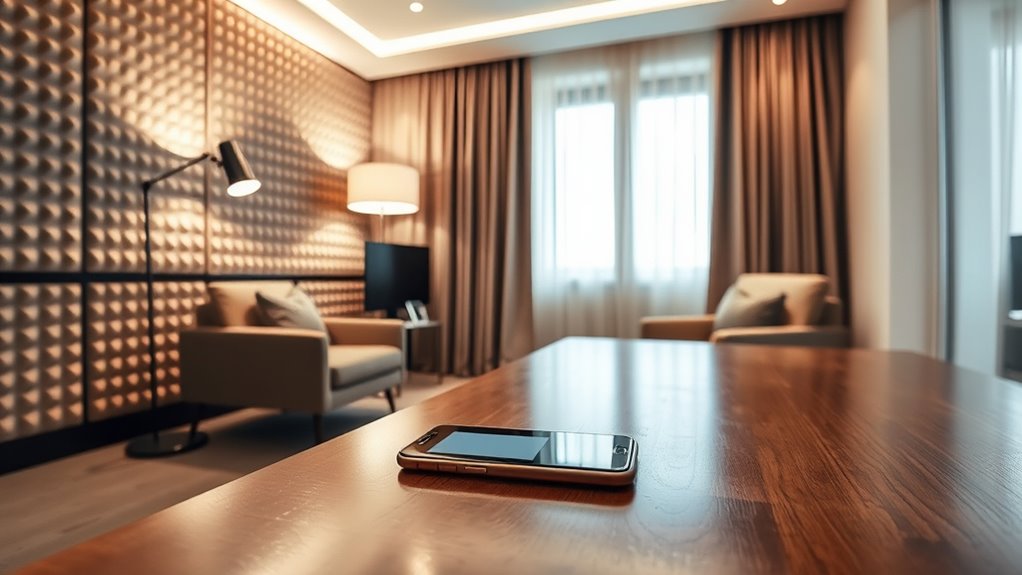
Room acoustics play a big role in call quality by affecting how sound reflects and echoes. You can improve clarity by managing sound reflection effects with simple acoustic treatment strategies. Paying attention to your room’s setup can make a noticeable difference in reducing echoes during calls.
Sound Reflection Effects
When sound waves bounce off surfaces in your environment, they create reflections that can considerably impact call clarity. These reflections cause echoes and make speech harder to understand, especially in rooms with hard, flat surfaces like glass or tile. The reflected sound arrives back at your ears slightly later than the direct sound, leading to a muddled or echoey effect. This can make voices sound distant or distorted, reducing overall call quality. Even small, unnoticed reflective surfaces can contribute to these issues. To improve clarity, you need to manage how sound interacts with your space. Recognizing the role of sound reflection effects helps you identify problem areas and take steps to minimize unwanted echoes during calls.
Acoustic Treatment Strategies
To improve call clarity, you need to carefully manage your space’s acoustics by implementing effective treatment strategies. Start by adding soft materials like rugs, curtains, or wall hangings to absorb sound waves and reduce echo. Position bookshelves or furniture strategically to break up sound reflections. Consider using acoustic panels or foam tiles on walls and ceilings, especially in larger or reflective rooms. These tools help dampen reverberations and create a more controlled environment. Avoid hard, flat surfaces that bounce sound around. If possible, place your desk away from walls or corners, as these areas tend to amplify reflections. Regularly assess your space’s acoustics and adjust treatments as needed to maintain clear, professional-sounding calls.
Identifying Common Room Problems That Cause Echo
You might notice echo if your room has lots of hard surfaces that reflect sound, like bare walls or windows. Poor room acoustics, such as a lack of soft furnishings, can also make echoes worse. Additionally, excessive background noise from appliances or chatter can interfere with call clarity, making it harder to hear and be heard clearly.
Hard Surface Reflection Issues
Hard surfaces like bare walls, glass windows, and tile floors reflect sound waves directly back into the room, creating sharp echoes that can interfere with clear communication. These reflections bounce sound repeatedly, making voices sound echoey or distant. To identify problem areas, look for rooms with hard, reflective materials. You can use the following table to see common surfaces and their effects:
| Surface Type | Effect on Sound | Solution |
|---|---|---|
| Bare walls | Sharp echoes | Add curtains or wall hangings |
| Glass windows | Reflects sound strongly | Install window treatments |
| Tile floors | Creates long reflections | Use rugs or carpets |
| Metal fixtures | Amplifies echoes | Cover with fabric or padding |
| Large open spaces | Excessive reverberation | Add acoustic panels |
Poor Room Acoustics
Poor room acoustics often stem from common design flaws that create echo issues, making speech difficult to understand. When your space has hard surfaces and minimal soft materials, sound bounces around, causing echoes. To identify the problem, check for these typical issues:
- Large, empty rooms with bare walls and floors
- Hard surfaces like glass, tile, or hardwood that reflect sound
- Lack of soft furnishings such as curtains, rugs, or furniture
- High ceilings that amplify sound reflections
Addressing these problems can profoundly reduce echo. Adding soft materials absorbs sound waves, breaking up reflections and improving clarity. Understanding these common room flaws helps you create a better environment for clear calls without needing new apps or gadgets.
Excessive Background Noise
Excessive background noise often originates from room design choices that allow sound to bounce unchecked. Hard surfaces like bare walls, glass, and hardwood floors reflect sound waves, amplifying background noise during calls. This creates a noisy environment that makes it hard for others to hear you clearly. To reduce this, add soft furnishings like rugs, curtains, or foam panels to absorb sound. Positioning furniture strategically can help break up sound paths and minimize echo. Keep your space quiet by turning off noisy appliances or relocating them away from your microphone. Remember, the goal is to dampen sound reflections and minimize external noise sources, creating a calmer environment that improves audio clarity. Fixing these room issues will make your calls more professional and less distracting.
Easy Room Adjustments to Reduce Echo

One of the simplest ways to cut down on room echo is to add soft furnishings that absorb sound. These items help dampen reflected sound waves, making your calls clearer. Start by placing rugs or carpets on hard floors—they markedly reduce echo. Next, hang thick curtains or drapes over windows to absorb sound and prevent reflections. Adding cushions or upholstered chairs can also help break up sound waves within the room. Finally, consider wall hangings or fabric art to further dampen sound bouncing around. These quick adjustments are low-cost and effective, making your space more acoustically friendly for calls. Remember, the goal is to soften the room’s surfaces to prevent sound from bouncing, ensuring your voice comes through crisp and clear.
Choosing the Right Furniture and Materials

Choosing the right furniture and materials is essential for controlling room echo, as these elements directly influence how sound is absorbed or reflected. Soft furnishings like rugs, curtains, and upholstered chairs absorb sound waves, reducing echo. Hard surfaces such as glass, metal, or bare walls reflect sound, amplifying echo. To make smarter choices, consider this table:
| Material Type | Effect on Sound |
|---|---|
| Soft fabrics | Absorbs sound, minimizes echoes |
| Hard surfaces | Reflects sound, increases echo |
| Carpets and rugs | Dampen sound, reduce reflections |
| Shelves and books | Disperse sound waves, lessen echo |
Positioning Your Phone or Microphone for Better Sound

Have you ever noticed how the position of your phone or microphone can dramatically affect sound quality? Proper placement minimizes echoes and ensures clear audio. First, keep your device close to your mouth or source of sound—about 6 to 12 inches away. Second, avoid placing it directly against reflective surfaces like walls or tables; position it slightly above or in front. Third, angle the microphone or phone toward your mouth to capture direct sound. Finally, stay consistent with placement during calls to maintain steady audio quality. Small adjustments can make a big difference, reducing room reflections and background noise. Experiment with different positions until you find the spot that offers the clearest, most natural sound for your calls.
Using Physical Barriers to Minimize Sound Reflection
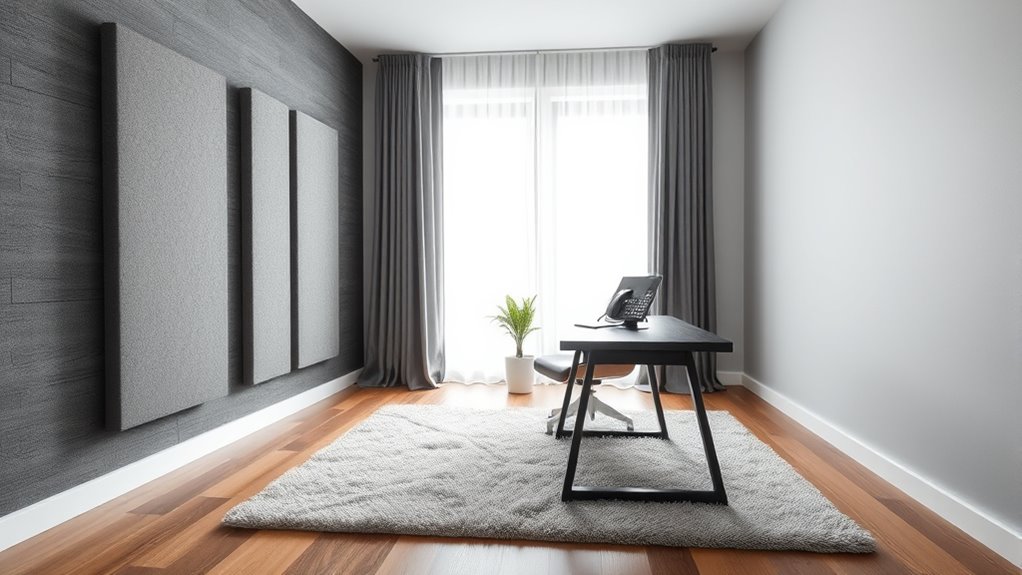
Positioning your device correctly helps reduce echoes, but sometimes physical barriers offer even more effective sound control. You can place furniture, bookshelves, or foam panels around your workspace to absorb sound waves and prevent reflections. Soft materials, like curtains or rugs, also help dampen sound bouncing off hard surfaces. Position these barriers strategically—near reflective surfaces or behind you—to create a sound-absorbing environment. Keep in mind, the goal is to break up sound waves before they reach your microphone or ear, reducing echo and improving clarity. Don’t be afraid to experiment with different arrangements to find what works best. Using physical barriers offers a simple, cost-effective way to improve your call quality without needing technical upgrades or equipment.
When to Consider Technical Solutions or Equipment Upgrades
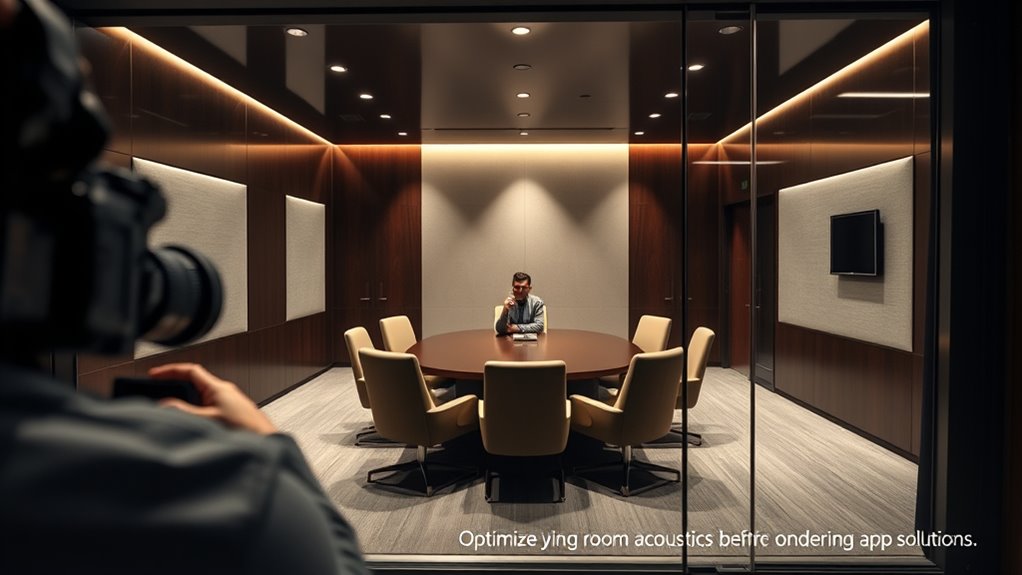
Sometimes, physical adjustments aren’t enough to eliminate echoes during calls. When you notice persistent sound issues despite rearranging furniture or adding soft materials, it’s time to think about technical solutions or equipment upgrades. You might need better microphones, noise-canceling headsets, or sound-absorbing panels with integrated technology. Here are four signs to consider upgrading:
- Echoes remain even after room modifications
- Calls are consistently distorted or muffled
- Your current equipment is outdated or incompatible
- You need clearer audio for important meetings or recordings
Investing in quality equipment can greatly improve call clarity. If your current setup isn’t cutting it, upgrading is a practical step toward professional, echo-free communication.
Frequently Asked Questions
Can Echo Be Caused by Software or App Settings?
Yes, echo can be caused by software or app settings. If your device or calling app has audio settings that are improperly configured, it can create feedback loops, resulting in echo during calls. Check your app’s audio options and disable any enhancements or noise suppression features. Also, make certain your device’s volume levels are balanced. Adjusting these settings can often eliminate the echo without needing to change the room environment.
How Do I Test if My Room Is Causing Echo?
Think of your room as a concert hall. To test if it causes echo, clap your hands loudly and listen for a prolonged reverberation. If your voice echoes or sounds hollow after you speak, your room’s surfaces are bouncing sound waves. Try speaking in different parts of the room or clapping near walls and corners, and notice any changes. These tests reveal if your space amplifies echo, helping you identify the problem area.
Are There Specific Materials That Absorb Sound Better?
You should use soft, porous materials like acoustic foam panels, thick curtains, or plush rugs to absorb sound effectively. These materials trap sound waves, reducing echo and background noise during calls. Avoid hard surfaces like glass, tile, or bare walls, which reflect sound. Positioning these sound-absorbing items strategically around your room can dramatically improve audio clarity, making your calls much clearer and more professional.
Does the Size of the Room Affect Echo More Than Furniture?
A stitch in time saves nine, and when it comes to echo, the size of your room plays a bigger role than furniture. Larger rooms tend to produce more echo because sound waves travel farther before dissipating. While furniture can absorb some sound, it’s the room’s dimensions that primarily influence echo levels. To reduce echo effectively, focus on acoustic treatments and room size adjustments rather than just furniture placement.
What Are Quick Fixes if I Can’t Change My Room?
If you can’t change your room, try quick fixes like adding soft materials such as rugs, curtains, or cushions to absorb sound. Place furniture strategically to break up sound waves and reduce echo. Use a portable sound booth or a makeshift barrier with blankets or towels around your microphone. These simple steps can substantially improve call quality by dampening echoes without needing to alter your entire space.
Conclusion
By fixing your room, you can banish echo faster than a superhero saves the day. Simple adjustments like rearranging furniture, adding soft materials, and positioning your device properly can dramatically improve call quality. Don’t let poor acoustics turn your calls into a nightmare—take control and transform your space into a sound sanctuary. When you optimize your environment, you’ll experience crystal-clear conversations that feel as smooth as silk. The power to improve is in your hands—seize it now!