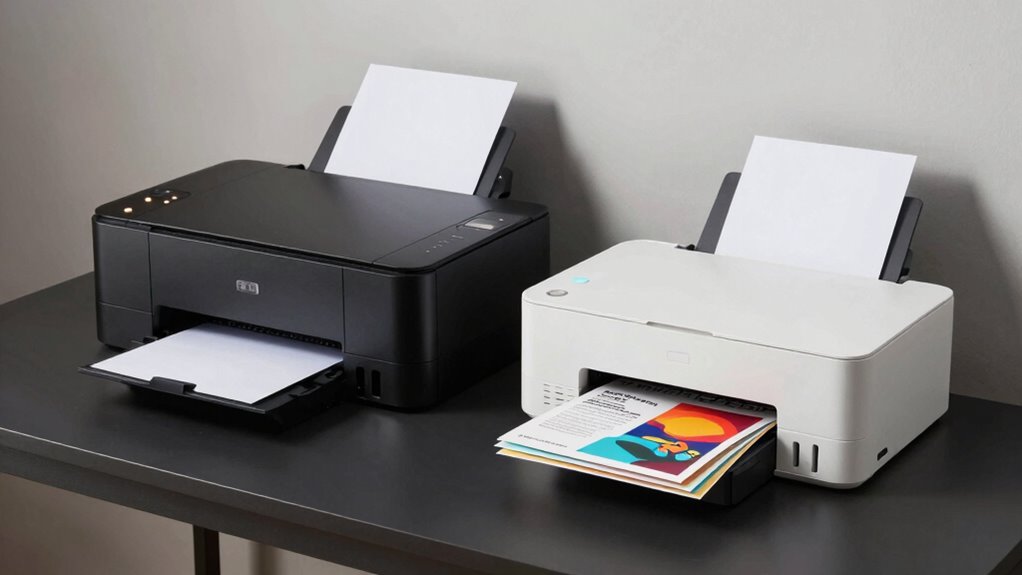

If you’re choosing between a laser and an inkjet printer for your home office, think about your printing needs. Laser printers are faster and better for high-volume, text-heavy documents, saving you time and lowering long-term costs. Inkjet printers excel at producing high-quality color images, perfect for creative projects and photos. Consider how often you print and what types of materials you use most—there’s more to discover to find the best fit.
Key Takeaways
- Laser printers are faster and more efficient for high-volume printing needs in a home office.
- Inkjet printers excel at producing high-quality color images and photos for creative projects.
- Laser models handle various paper sizes and thicker media better, offering more versatility.
- Inkjet printers may have higher long-term costs due to ink and maintenance requirements.
- Choose based on whether quick text output or high-quality color printing aligns with your home office needs.
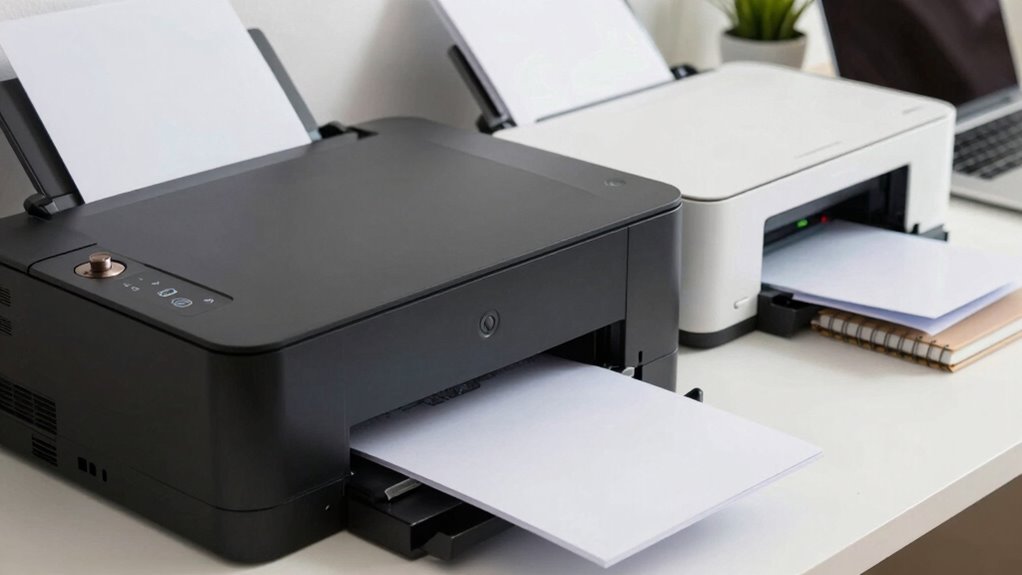
When choosing a printer for your home office, understanding the key differences between laser and inkjet models is essential. Both types serve different needs, and knowing their strengths can help you make the right choice. Laser printers are typically faster and more efficient for high-volume printing, while inkjet printers excel at producing high-quality color images and photographs. Your decision should consider what you’ll be printing most often, along with the importance of color accuracy and paper handling.
Choosing the right home office printer depends on printing volume, color needs, and paper handling preferences.
If you prioritize sharp, crisp text documents and quick turnaround times, a laser printer might be your best option. They use toner, which produces precise, clean lines ideal for professional reports, spreadsheets, and other text-heavy files. Laser printers generally handle larger paper sizes and thicker stocks better, making them more versatile for different types of paper. When it comes to paper handling, laser printers usually have larger tray capacities and more reliable feeding systems, reducing the need for frequent refills. This means less downtime and consistent output during busy work sessions. Additionally, laser printers often have longer-lasting components, which can contribute to lower maintenance costs over time. A better understanding of printing technology can also help you anticipate potential costs and compatibility issues. Moreover, laser printers tend to have lower cost per page, especially at high volumes, which can be beneficial for budget-conscious users.
On the other hand, if your home office involves a lot of photo printing or color-rich documents, an inkjet printer offers notable advantages. Inkjet models tend to deliver superior color accuracy, capturing subtle shades and gradients that laser printers might struggle to reproduce. This makes them appealing for creative projects, marketing materials, or personal photo albums. However, inkjet printers often have smaller paper trays and require more frequent refilling, which can slow down your workflow if you print in high volumes. Paper handling can be more delicate with inkjet printers, especially when dealing with specialty papers or thicker media, so you need to be mindful of the types of paper you use and ensure compatibility.
Speed is another consideration. Laser printers generally produce prints faster, especially for large batches, while inkjet printers might take longer to complete each page. If your home office workload involves printing hundreds of pages weekly, a laser printer could save you time and effort. But if your printing needs are more sporadic and include high-quality images, the enhanced color accuracy of an inkjet might outweigh the slower speed. Understanding the long-term costs associated with each type can further guide your decision-making process. It’s also important to consider print quality and how it aligns with your specific needs, especially for detailed images or professional documents. Being aware of the maintenance requirements of each printer type can also help you plan for potential repairs or replacements down the line.
Ultimately, your choice hinges on your specific requirements. Consider how much you print, the importance of color fidelity, and the types of paper you plan to use. Both laser and inkjet printers have their advantages, but understanding these core differences allows you to select the model that best fits your home office needs.
As an affiliate, we earn on qualifying purchases.
Frequently Asked Questions
How Do Maintenance Costs Compare Between Laser and Inkjet Printers?
Laser printers generally have higher upfront costs but tend to have lower maintenance costs over time compared to inkjet printers. You’ll find that toner replacement costs are usually lower per page, and toner cartridges last longer, increasing ink cartridge longevity. Inkjet printers, on the other hand, often require more frequent ink cartridge replacements, which can add up quickly, making maintenance more expensive in the long run.
Which Printer Type Is Better for Printing Photos at Home?
Think of your photos as dreams, needing vibrant colors and fine details to truly come alive. Inkjet printers, like artists with a palette, excel at producing stunning images on photo paper, offering superior color accuracy. They delicately blend shades and capture subtle nuances, making them ideal for home photo printing. Laser printers, akin to a swift messenger, focus on speed and clarity but can’t match the finesse inkjets provide for vibrant, detailed photo prints.
Can Inkjet Printers Handle Large Volume Printing Efficiently?
Inkjet printers aren’t ideal for large volume printing because their inkjet longevity is limited and they tend to print more slowly. You’ll find that their ink cartridges run out faster and require frequent replacements, which can be costly and time-consuming. If you need to print large quantities regularly, a laser printer offers better inkjet speed and longevity, making it more efficient for high-volume tasks.
Are Laser Printers More Energy-Efficient Than Inkjet Printers?
Laser printers are generally more energy-efficient than inkjet printers. They use less power during standby and printing modes thanks to better power efficiency, which helps reduce your energy consumption over time. Although laser printers might consume more energy during warm-up, their overall power efficiency makes them a smarter choice for home office setups requiring frequent printing. This energy efficiency benefits your electricity bill and environmental footprint.
How Does Print Quality Differ for Color Documents?
You’ll notice that inkjet printers usually provide better print quality for color documents, with vibrant color accuracy and smooth gradations. They excel at producing sharp details and subtle color shifts, ideal for photos and graphics. Laser printers, on the other hand, tend to deliver less precise color accuracy and slightly less sharpness, making inkjets a better choice if high-quality color reproduction is a priority in your home office.
As an affiliate, we earn on qualifying purchases.
Conclusion
Choosing between a laser and inkjet printer is like selecting a trusted partner for your home office journey. The laser, with its steady, reliable beam, symbolizes efficiency and speed, ready to handle high-volume tasks. The inkjet, with its vibrant colors, represents creativity and versatility, perfect for detailed projects. Whichever you choose, remember it’s not just a machine — it’s the brush and sword shaping your workday’s story. Make your decision wisely, and let your printer be the silent hero behind your success.
As an affiliate, we earn on qualifying purchases.
As an affiliate, we earn on qualifying purchases.