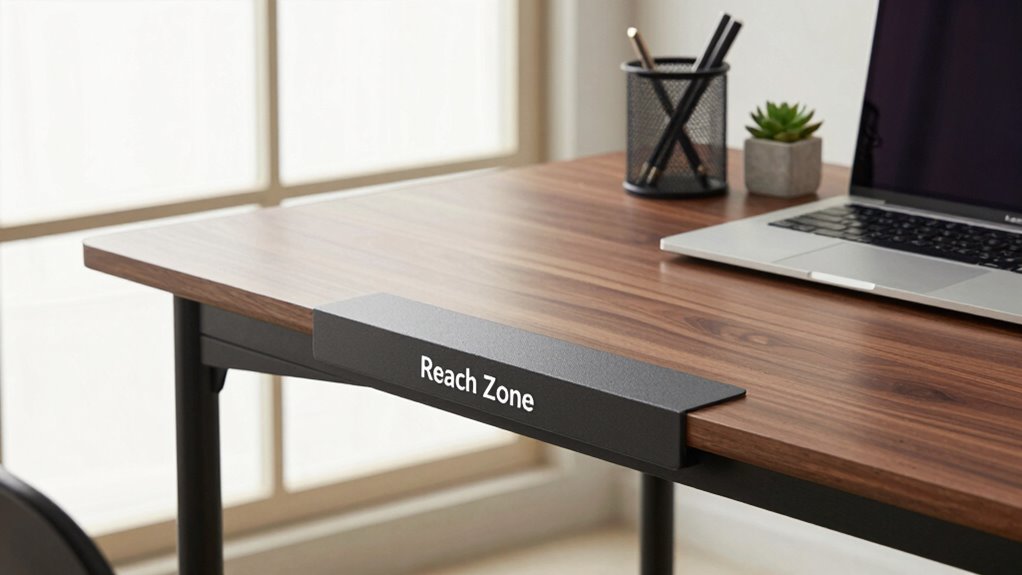

Creating a “reach zone” on your desk helps you work smarter by keeping your most-used items within easy reach. Position your keyboard, mouse, phone, and essential tools directly in front or on your dominant side to reduce unnecessary stretching. Organizing your workspace this way decreases fatigue, boosts focus, and minimizes clutter. Simple adjustments like these can turn any desk into a more efficient and comfortable space — and there’s more you can do to optimize it further.

Get comfort and recovery gear delivered free — and shop member deals
- Fast, free delivery on millions of items
- Access to Prime Big Deal Days deals on October 6–7
- Prime Video, Amazon Music and more included
Key Takeaways
- Organize frequently used items within arm’s reach to streamline workflow and minimize unnecessary movement.
- Position essential tools like keyboard, mouse, and notepad directly in front for quick access.
- Keep reference materials nearby to enhance efficiency and reduce search time.
- Incorporate ergonomic principles to improve comfort, focus, and long-term health.
- Maintain a tidy workspace with designated spots to reduce clutter and boost mental clarity.
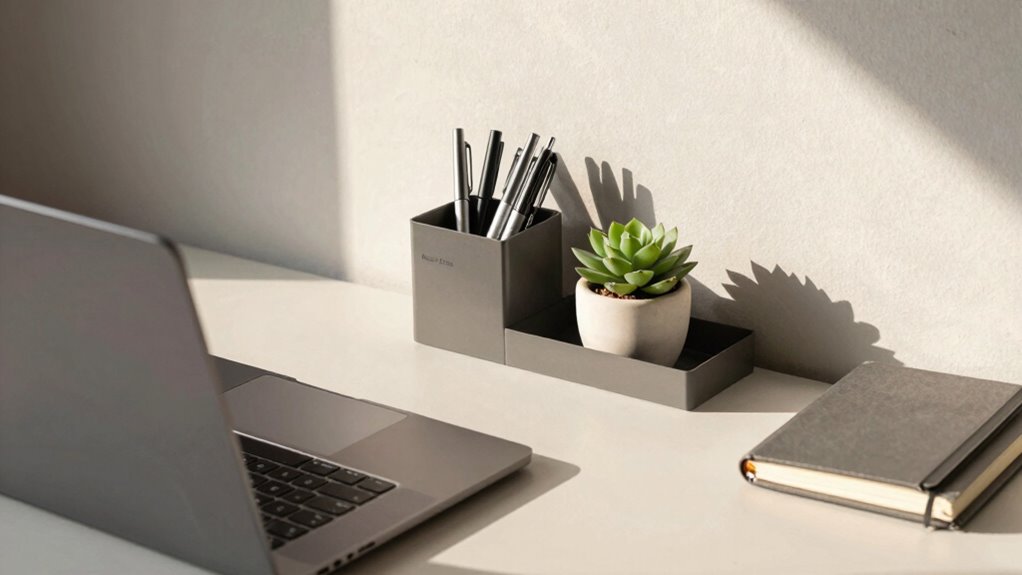
When your desk feels cluttered or uninspiring, a simple trick called the “Reach Zone” can instantly boost your workspace’s intelligence and productivity. This concept involves organizing your workspace so that the items you use most frequently are within easy reach, creating an ergonomic setup that minimizes unnecessary movement. This small shift can have a big impact, transforming a chaotic workspace into a streamlined zone that promotes focus and efficiency. When everything you need is close at hand, you save time and energy, making your workday flow more smoothly.
Organize your workspace so essentials are within easy reach to boost focus and productivity effortlessly.
The key to leveraging the “Reach Zone” is understanding which items you use daily. Think about your mouse, keyboard, notepad, phone, and any other essentials. Position these items directly in front of you or within arm’s reach, ideally on your dominant side. This setup reduces strain on your shoulders, neck, and back, leading to a more ergonomic setup that supports your health over long hours of work. When your body is properly aligned, you’ll experience less fatigue, and your concentration will improve. Incorporating this ergonomic approach into your workspace isn’t just about comfort; it’s a direct pathway to a productivity boost. Additionally, ensuring your workspace is organized with designated spots**** can further enhance efficiency and reduce distractions.
You also want to keep your workspace tidy and free from clutter outside your reach. When your desk is organized with designated spots for everything, you don’t waste time hunting for supplies or reaching across your desk to grab that missing document. The “Reach Zone” encourages you to assess your workflow and arrange your desk accordingly. For instance, if you often need reference materials, keep them close so you don’t have to get up or stretch across your workspace. This not only makes your work more efficient but also keeps your mind focused, as you’re less distracted by clutter or unnecessary movements. Additionally, understanding workspace ergonomics can help you optimize your setup to prevent strain and discomfort. Incorporating ergonomic principles into your workspace design can further support your long-term health and productivity. Paying attention to workplace organization can also make a significant difference in reducing mental clutter and promoting a clear focus during your tasks.
In addition, consider the placement of your tech accessories. Position your monitor at eye level to prevent neck strain, and keep your keyboard and mouse aligned with your body. By establishing a dedicated “reach zone” for these items, you create a seamless ergonomic setup that enhances comfort and productivity. The goal is to create a workspace where everything you need is intuitively accessible, reducing physical and mental friction. Properly organizing your workspace can make a significant difference in maintaining focus and reducing fatigue over time. Over time, this small adjustment can lead to noticeable improvements in your work quality and overall well-being.
As an affiliate, we earn on qualifying purchases.
Frequently Asked Questions
Does the “Reach Zone” Trick Work for Standing Desks?
Yes, the “reach zone” trick works for standing desks too. By maintaining an ergonomic setup, you minimize strain and improve productivity. Keep frequently used items within your reach, ideally at waist level or slightly below, to reduce unnecessary movement. Organize your desk efficiently so everything you need is accessible without overreaching. This simple adjustment helps you stay comfortable, focused, and makes your standing desk feel more functional and smarter.
Can This Trick Improve Overall Productivity?
Yes, this trick can boost your productivity by improving ergonomic benefits and encouraging workspace organization. When you stay within your reach zone, you avoid unnecessary stretching, reducing strain and fatigue. This focus fosters a smoother workflow, sharpening your efficiency. By keeping essentials close and organized, you minimize distractions, allowing your mind to concentrate fully. Ultimately, mastering the reach zone transforms your desk into a dynamic, distraction-free zone for maximum productivity.
How Do I Determine My Ideal “Reach Zone” Size?
To find your ideal “reach zone” size, start by applying ergonomic principles and organizing your workspace. Sit comfortably and extend your arms naturally; your reach should be within a 15-20 inch radius from your body. Keep frequently used items within this zone to minimize movement and strain. Adjust your chair and desk height accordingly, ensuring your elbows stay close to your sides, promoting better posture and efficiency.
Is This Trick Suitable for Small Desk Spaces?
Yes, the reach zone trick works well for small desk spaces. You can make ergonomic adjustments by organizing essential items within easy reach, reducing clutter and strain. This approach also boosts aesthetic enhancements, as it keeps your workspace tidy and visually appealing. By carefully arranging your frequently used tools and accessories in your reach zone, you maximize limited space effectively, creating a smarter, more efficient workspace that feels larger and more functional.
Are There Any Risks or Downsides to Using the “Reach Zone”?
Using the “reach zone” isn’t risk-free, but it’s manageable with proper ergonomic adjustments. If you don’t organize your workspace well, you might strain your neck or shoulders over time. The main downside is potential discomfort if you overreach or ignore ergonomic principles. To avoid this, keep frequently used items within your reach and maintain good posture, ensuring your workspace promotes comfort and reduces strain.
As an affiliate, we earn on qualifying purchases.
Conclusion
Think of your desk as a garden, where the “reach zone” is the fertile ground for your ideas to blossom. When you keep your essentials within arm’s reach, you cultivate efficiency and clarity, turning chaos into harmony. This simple trick isn’t just about organization; it’s about nurturing your productivity. So, plant your tools wisely — with intention and care — and watch your workspace—and your ideas—grow smarter and stronger every day.
As an affiliate, we earn on qualifying purchases.
ergonomic mouse and keyboard set
As an affiliate, we earn on qualifying purchases.
As an affiliate, we earn on qualifying purchases.
Fall Picks
fall essentials
As an affiliate, we earn on qualifying purchases.




![Anxiety Be Like [Heresvix]](https://worksetuplab.com/wp-content/uploads/2026/10/anxiety-be-like-heresvix-featured-260x140.jpg)