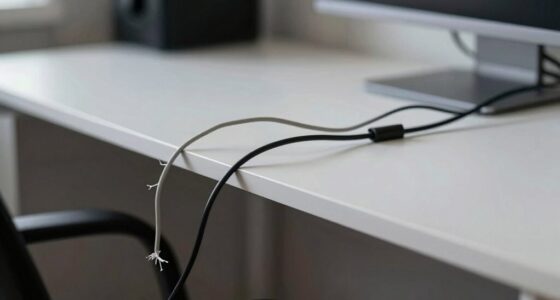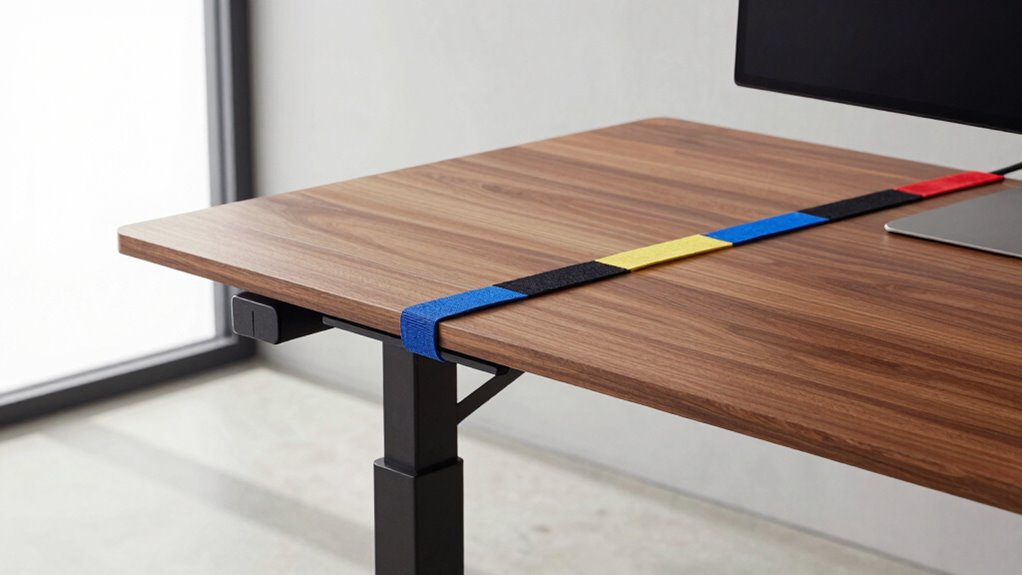

Cable planning before buying a standing desk helps you create a safe, organized, and ergonomic workspace from the start. It prevents tangled cords, awkward device placements, and clutter, which can decrease productivity and cause safety hazards. Evaluating device needs and outlet locations guarantees everything fits smoothly. Using accessories like clips and trays keeps cables tidy and accessible. Keep these tips in mind, and you’ll set up a workspace that’s efficient and safe—discover more insights as you explore further.
Key Takeaways
- Proper cable planning ensures the desk can accommodate all devices comfortably and efficiently.
- It helps identify necessary cable lengths and types, preventing future connectivity issues.
- Planning allows for integration of cable management features, maintaining a clean and organized workspace.
- It reduces the risk of tangled cords, tripping hazards, and accidental disconnections.
- Thoughtful cable setup enhances ergonomic comfort and overall workspace safety.
Are you ready to set up a standing desk that truly enhances your workspace? Before you make any purchase, it’s crucial to consider your cable planning. A well-thought-out cable plan is the foundation for an ergonomic setup and seamless workspace organization. When you overlook this step, you risk ending up with a cluttered, inefficient area that hampers productivity and causes frustration. Taking the time to plan your cables now means you’ll avoid tangled cords, accidental disconnections, and the need for costly adjustments later on.
Start by assessing your current devices and how they’ll connect to your new standing desk. Think about where your power outlets are located and how your monitor, keyboard, mouse, and other peripherals will be arranged. This helps you determine the length and type of cables you’ll need, ensuring everything fits comfortably without excess slack or tension. Planning your cable routes beforehand allows you to optimize your ergonomic setup, making sure your devices are within easy reach and at the right height. It also helps maintain a clean workspace, free from tripping hazards and unsightly cords that can distract or cause accidents. Proper cable management techniques are essential for creating a safe and efficient workspace.
Assess your devices and outlet locations to plan cable length and placement for a clean, ergonomic workspace.
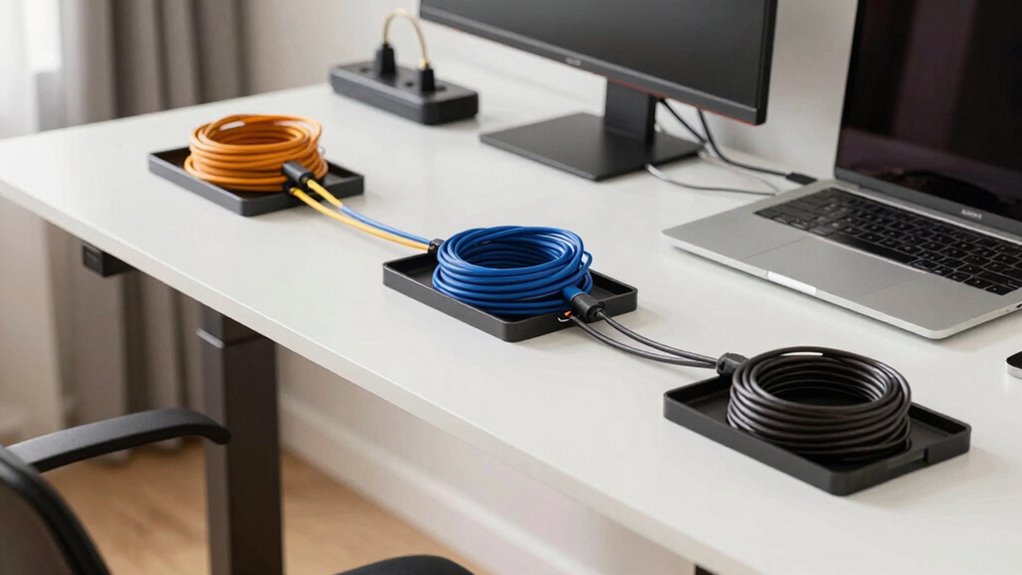
Next, consider investing in cable management accessories, such as clips, sleeves, or under-desk trays. These tools keep your cables organized, preventing them from tangling or pulling loose when you adjust your desk height. Proper cable management not only looks better but also makes it easier to identify and troubleshoot issues if something isn’t working correctly. When your workspace is organized with thoughtful cable planning, you maximize your efficiency and minimize downtime, creating a more comfortable working environment. Additionally, understanding your cable requirements can help you select the most suitable solutions for your specific setup. Being aware of your cable needs can also influence the overall safety and convenience of your workspace, especially when managing multiple devices.
Another key point is to evaluate whether your standing desk supports your cable needs. Some desks come with built-in cable management features, while others might require additional solutions. If your desk doesn’t have these features, plan for external options like cable clips or power strips mounted under or behind the desk. Also, consider using surge protectors with enough outlets and USB ports to reduce clutter and ensure all your devices are powered safely and conveniently.
under desk cable management tray
As an affiliate, we earn on qualifying purchases.
As an affiliate, we earn on qualifying purchases.
Frequently Asked Questions
How Do I Measure Cable Lengths Accurately for My Workspace?
To measure cable lengths accurately, start by planning your workspace layout, noting the positions of your devices and power outlets. Use a flexible measuring tape or wire extension to gauge distances, accounting for routing paths. Label your wires to keep track of each cable’s purpose, and make certain you add a little extra length for flexibility. This approach helps prevent tangles and makes cable management easier.
What Are the Best Cable Management Tools for Standing Desks?
Imagine your workspace as sleek and organized, with cables hidden like a secret. The best cable management tools for standing desks include cable sleeves, clips, and raceways, which conceal cables and reduce clutter. These tools not only keep your setup tidy but also enhance its aesthetic appeal. By choosing quality cable concealment solutions, you create a clean, professional look that promotes safety and productivity.
Can Cable Planning Affect the Desk’s Stability?
Cable planning can impact your desk’s stability, especially if cables are cluttered or poorly managed. When you focus on cable aesthetics and proper power distribution, you prevent cables from pulling or shifting as you move, which could wobble or destabilize your desk. Well-organized cables stay secure, ensuring your standing desk remains stable and safe during various height adjustments. Proper planning helps maintain both look and function.
How Do I Handle Multiple Device Connections on a Standing Desk?
Think of managing multiple device connections as orchestrating a symphony. You should prioritize wireless charging for devices to reduce clutter and use power adapters efficiently for essential connections. Invest in a power strip with enough outlets, and consider cable management tools like clips or sleeves to keep everything organized. This way, your standing desk stays tidy, functional, and ready for seamless shifts between devices.
What Safety Precautions Should I Consider With Cable Routing?
You should prioritize cable aesthetics and power safety by routing cables neatly using cable trays or clips, preventing tripping hazards. Avoid overloading power outlets, and guarantee cords are rated for your devices’ power needs. Keep cables away from heat sources and water to prevent damage. Regularly check for frayed or damaged cords, replacing them immediately. These precautions help maintain a safe, organized workspace and protect your devices from electrical issues.
As an affiliate, we earn on qualifying purchases.
Conclusion
Thinking ahead about cable planning is like laying a solid foundation for a sturdy house; it keeps your workspace neat and your work flowing smoothly. When you envision your ideal setup before buying, you’re designing a seamless dance floor where cables glide effortlessly without tripping you up. Don’t let tangled cords be the villain of your productivity story. Plan wisely, and your standing desk will be a harmonious stage where comfort and efficiency take center stage.
As an affiliate, we earn on qualifying purchases.
power strip with surge protector for office
As an affiliate, we earn on qualifying purchases.
As an affiliate, we earn on qualifying purchases.