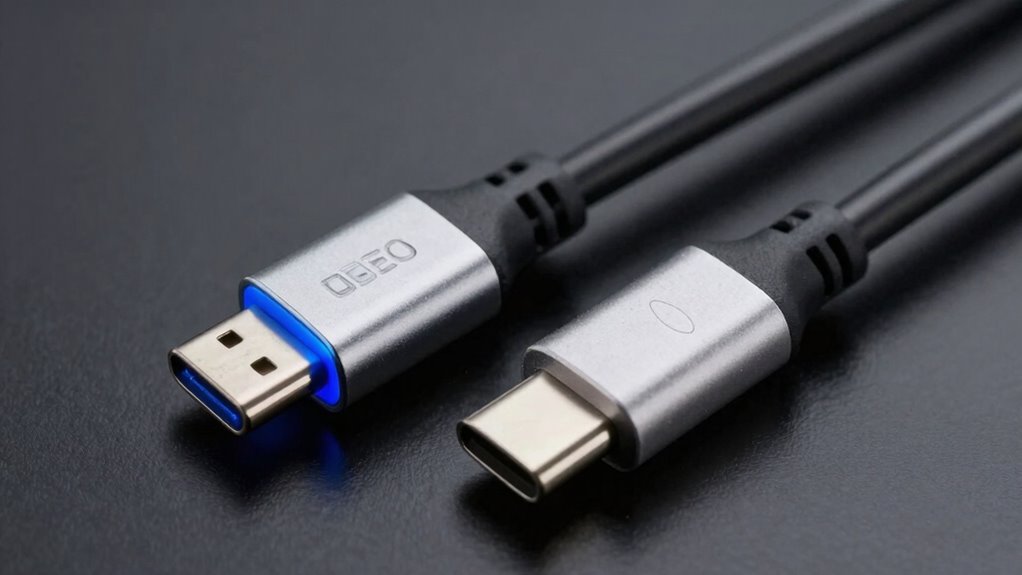
Although Thunderbolt and USB‑C ports look similar, they differ greatly in performance, compatibility, and cost. Thunderbolt offers faster speeds, higher power delivery, and advanced features but is more expensive and often limited to select devices. USB‑C is more common, affordable, and widely supported, making it suitable for everyday use. Understanding these differences can save you money and frustration, so exploring the details will help you make smarter choices for your devices.

Get comfort and recovery gear delivered free with Prime
- Fast, free delivery on millions of items
- Prime Video, Amazon Music and more included
- Member-only deals all year
Key Takeaways
- Thunderbolt ports often have a lightning bolt icon and support higher speeds (up to 40 Gbps) than most USB-C ports.
- USB‑C is widely compatible and cheaper, but performance varies depending on device and cable specifications.
- Not all USB‑C cables support full Thunderbolt features; verify specifications to avoid costly compatibility issues.
- Thunderbolt peripherals tend to be more expensive due to advanced hardware and licensing costs.
- Misleading marketing may exaggerate features; always check device labels and technical specs before purchasing.
Thunderbolt 4 external hard drive
As an affiliate, we earn on qualifying purchases.
As an affiliate, we earn on qualifying purchases.
Understanding the Physical Differences Between Thunderbolt and USB‑C
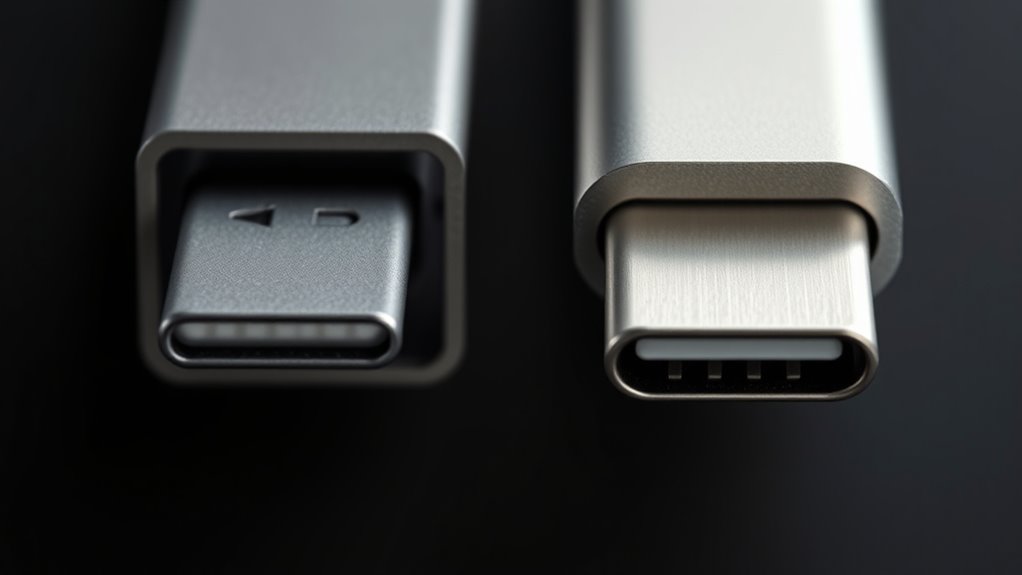
Although Thunderbolt and USB‑C ports often look similar, their physical differences are essential to understanding their capabilities. Both use the same reversible connector, but Thunderbolt ports typically have a lightning bolt icon next to them. This icon helps you distinguish between the two. Physically, Thunderbolt ports sometimes include additional hardware components inside, which may make the port slightly more robust or thicker. USB‑C connectors are standardized and used across a wide range of devices, from smartphones to laptops. Thunderbolt ports, on the other hand, are designed to support higher data transfer rates and power delivery, but these features depend on the internal hardware. Knowing these subtle physical cues can help you identify which port you’re dealing with, avoiding confusion and ensuring compatibility.
As an affiliate, we earn on qualifying purchases.
The Evolution and Development of Thunderbolt Technology
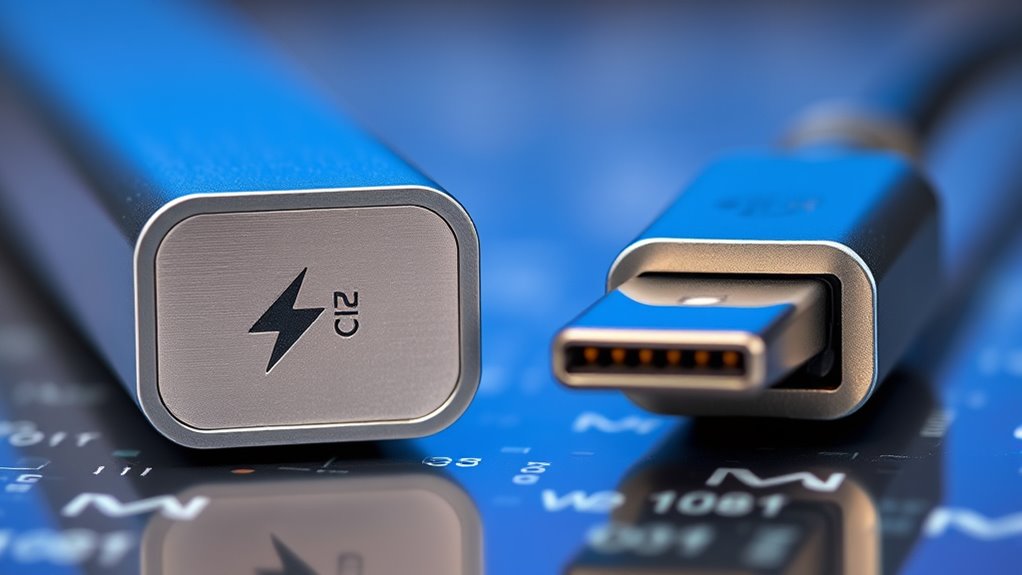
Thunderbolt technology has come a long way since its early beginnings, evolving rapidly to meet industry demands. You’ll see how technological advancements have expanded its capabilities and performance over time. Industry adoption trends reveal how widespread and influential Thunderbolt has become in today’s tech landscape.
Early Thunderbolt Origins
The development of Thunderbolt technology began in the late 2000s as a collaboration between Intel and Apple, aiming to create a high-speed, versatile connection standard. Originally called Light Peak, it was built on optical fiber technology to deliver faster data transfer rates. However, to reduce costs and improve practicality, Intel shifted to using existing copper wire technology, making Thunderbolt more compatible with current hardware. The first-generation Thunderbolt, introduced in 2011, offered speeds up to 10 Gbps and combined data, video, and power in a single port. This early phase focused on integrating Thunderbolt into Apple products, with initial support limited to Macs. Over time, it gained broader adoption, laying the foundation for future technological advancements.
Technological Advancements Over Time
Since its debut in 2011, Thunderbolt has continuously evolved, pushing the boundaries of data transfer speeds and versatility. Over time, each version has introduced significant improvements, such as increased bandwidth, daisy chaining, and power delivery. Early Thunderbolt 1 offered 10 Gbps, while Thunderbolt 4 now supports up to 40 Gbps, making data transfer faster and more efficient. These advancements have expanded its applications, from simple peripherals to high-performance devices like monitors and external GPUs. Below is a summary of key versions:
| Version | Year | Max Speed | Key Feature |
|---|---|---|---|
| Thunderbolt 1 | 2011 | 10 Gbps | Dual-channel PCIe |
| Thunderbolt 2 | 2013 | 20 Gbps | Aggregates channels |
| Thunderbolt 3 | 2015 | 40 Gbps | USB-C compatibility |
| Thunderbolt 4 | 2020 | 40 Gbps | Universal docking, security |
Industry Adoption Trends
As industry leaders and consumers increasingly prioritize high-speed data transfer and versatile connectivity, Thunderbolt technology has gained significant traction across various sectors. Its adoption is driven by demands for faster workflows and improved device interoperability. Major hardware manufacturers now integrate Thunderbolt into laptops, desktops, and external peripherals, making it more accessible. The technology’s evolution has also expanded its uses beyond consumer electronics, into professional editing, data centers, and enterprise solutions. You’ll notice:
- Increased availability in premium and mid-range devices
- Collaboration with major brands like Intel and Apple
- Compatibility improvements with Thunderbolt 4
- Growing support for daisy chaining multiple devices
This trend indicates a shift towards Thunderbolt as a standard for high-performance connectivity, even as USB-C remains more widespread.
As an affiliate, we earn on qualifying purchases.
How USB‑C Became the Universal Standard for Devices
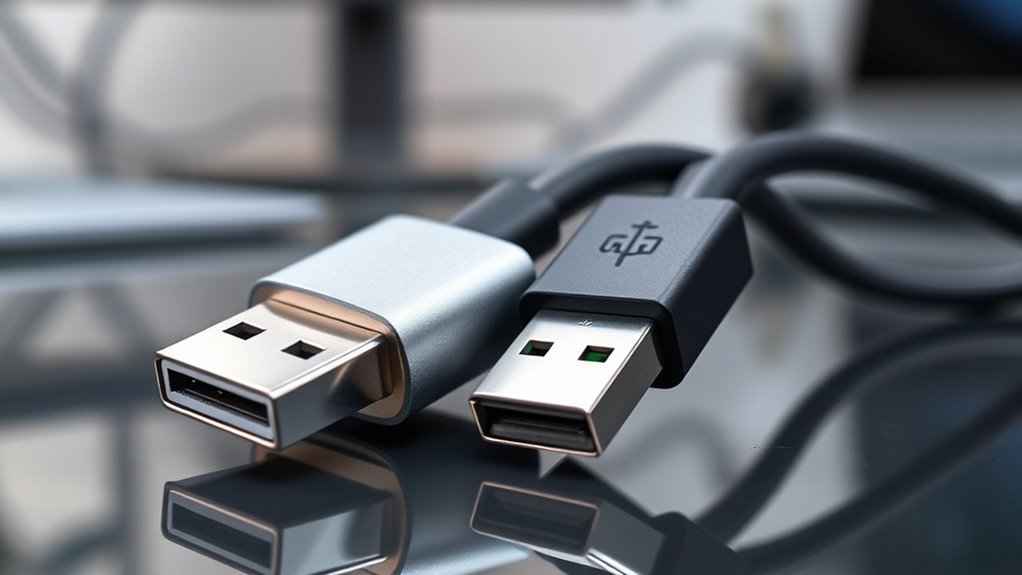
You’ve probably noticed USB-C’s widespread use across smartphones, laptops, and peripherals. Its rapid adoption is driven by its versatility and compatibility with a wide range of devices. This shift has made USB-C the industry standard, replacing older connectors and streamlining device connections worldwide.
USB-C’s Rapid Adoption
USB-C has quickly become the standard connector for a wide range of devices because of its versatility and convenience. Its universal design allows manufacturers to simplify product lines and reduce costs, encouraging widespread adoption. Businesses and consumers benefit from a single port that handles data transfer, charging, and video output. The fast adoption is driven by major tech companies, including Apple, Samsung, and Microsoft, integrating USB-C into smartphones, laptops, and tablets.
- It streamlines manufacturing processes
- Offers faster, more reliable data transfer
- Supports higher power delivery for quicker charging
- Ensures compatibility across multiple device types
This rapid adoption has made USB-C the default choice, helping create a more unified tech ecosystem for users worldwide.
Compatibility Across Devices
The widespread adoption of USB-C has solidified its status as the universal connector across diverse devices. You can now connect smartphones, laptops, tablets, and peripherals with a single cable, reducing compatibility issues. This standardization means you don’t need multiple adapters or worry about incompatible ports. USB-C supports a wide range of functionalities, from data transfer to charging and video output, making it versatile for various devices. Manufacturers increasingly design their products to include USB-C ports, ensuring that your devices work seamlessly together. This uniformity simplifies your tech setup and minimizes frustration when connecting new devices. Overall, USB-C’s broad compatibility has made it the go-to standard, streamlining how you connect and charge your gadgets across different brands and device types.
Industry Standard Shift
As technology evolved, manufacturers and consumers alike demanded a more streamlined, versatile connection standard. USB‑C emerged as the answer, offering a simple, reversible connector compatible across a wide range of devices. Its universal design meant manufacturers could standardize ports, reducing costs and complexity. Companies adopted USB‑C because it supports fast data transfer, power delivery, and video output, all in one. This adaptability helped it become the default for smartphones, laptops, and peripherals. The industry shifted because of its convenience and efficiency, making it easier for users to connect devices without juggling multiple cables. Over time, USB‑C’s versatility solidified its place as the industry standard, replacing older port types and paving the way for a more unified ecosystem.
As an affiliate, we earn on qualifying purchases.
Performance Disparities: Speed and Data Transfer Rates
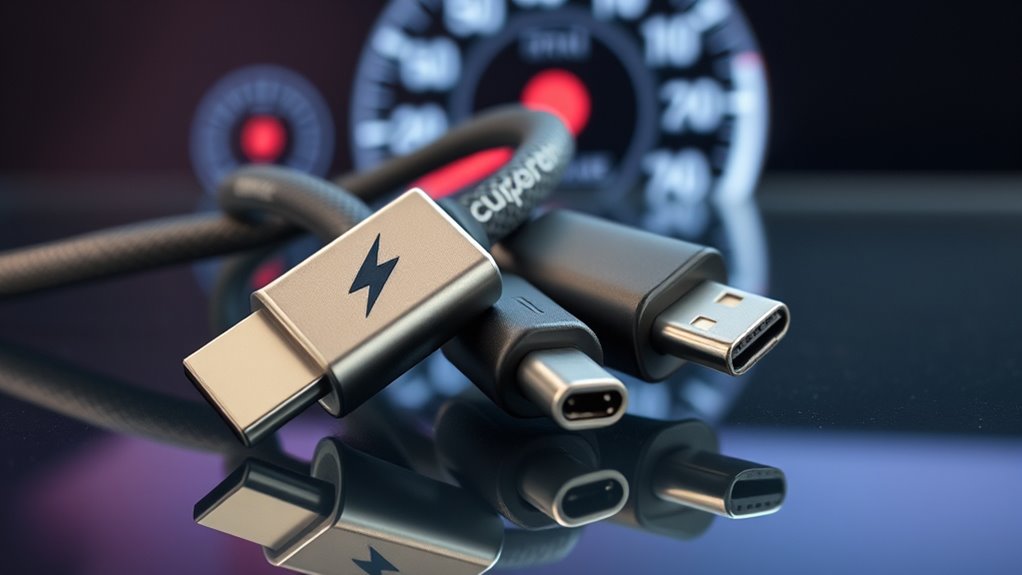
When comparing Thunderbolt and USB‑C, speed and data transfer rates often highlight the most noticeable performance differences. Thunderbolt 3 and 4 deliver up to 40 Gbps, making large file transfers and high-resolution video streaming quick and seamless. USB‑C, depending on the version, ranges from USB 3.1’s 10 Gbps to USB4’s 40 Gbps, matching Thunderbolt’s top speed in some cases. However, not all USB‑C ports support the fastest transfer rates—it’s vital to verify device specifications. If you need rapid data movement for professional workflows or gaming setups, Thunderbolt offers consistent, high-speed performance. But for everyday tasks, a high-quality USB‑C connection might suffice. Understanding these differences helps you avoid bottlenecks and ensures you get the performance you need without overspending.
Power Delivery and Charging Capabilities

While both Thunderbolt and USB‑C support power delivery, Thunderbolt generally provides higher wattage and faster charging options. This means you can charge devices more quickly with Thunderbolt-compatible chargers, especially for larger gadgets like laptops. However, not all devices or cables support the maximum power transfer, so check compatibility. Thunderbolt can deliver up to 100W, making it ideal for high-powered devices. USB‑C also supports fast charging but often with lower wattage limits depending on the device and cable quality.
Thunderbolt offers higher wattage (up to 100W) for faster device charging than USB‑C.
- Thunderbolt offers up to 100W power transfer for fast device charging
- USB‑C supports various power levels, typically up to 60W or 100W
- Faster charging reduces wait times for your devices
- Compatibility depends on device, cable, and port specifications
Compatibility and Device Ecosystem Considerations
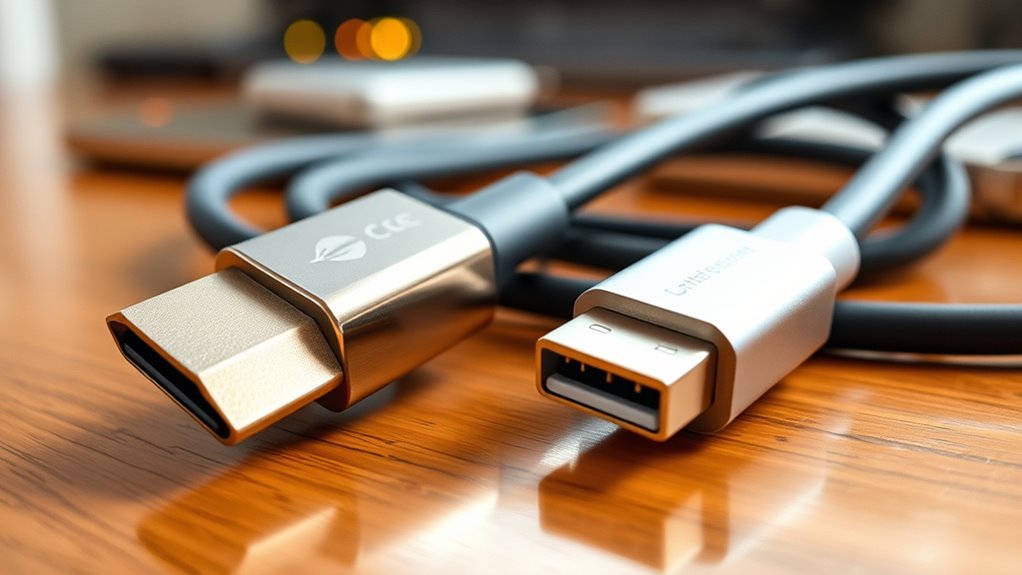
Compatibility and device ecosystems play a crucial role in determining whether Thunderbolt or USB-C will meet your needs. If your devices primarily support USB-C, you’ll find it easier to connect a wide range of peripherals like external drives, monitors, and chargers without compatibility issues. Thunderbolt, however, is more limited, mainly working with specific Thunderbolt-enabled devices and accessories. This means you might face challenges integrating your existing hardware or future-proofing your setup. Consider whether your devices already support Thunderbolt or USB-C, as compatibility varies across manufacturers and models. If seamless integration with a broad ecosystem is your priority, USB-C offers more versatility. Conversely, if you need high-speed data transfer and advanced features supported by Thunderbolt, guarantee your devices are compatible before investing.
Cost Implications of Choosing Thunderbolt or USB‑C
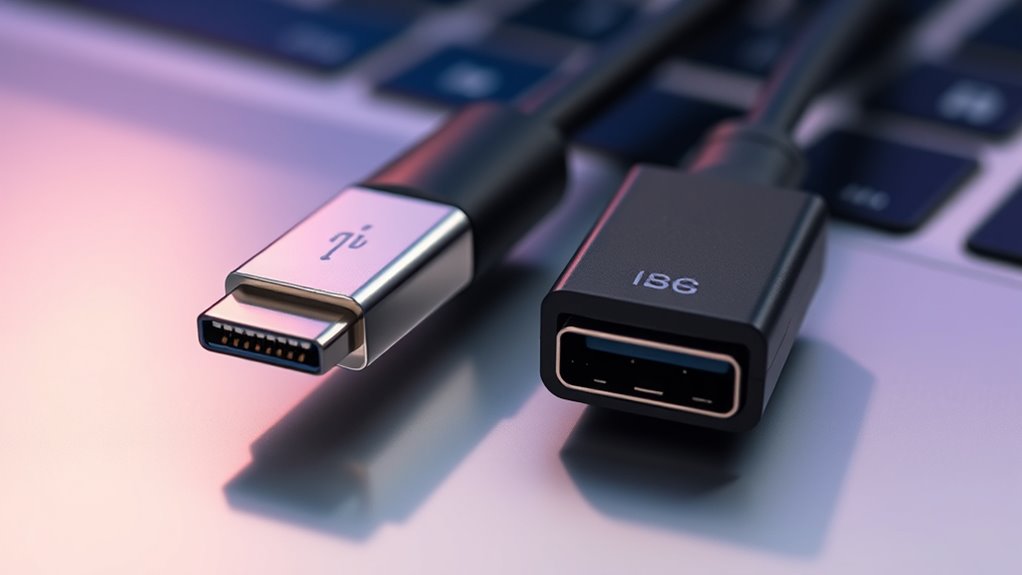
Choosing between Thunderbolt and USB-C often comes down to cost, as the price difference can be significant. Thunderbolt devices and cables tend to be more expensive because of their advanced technology and licensing fees. In contrast, USB-C accessories are generally cheaper and more widely available, making them a budget-friendly option. When selecting your setup, consider these cost factors:
- Higher initial investment for Thunderbolt peripherals
- Additional expenses for Thunderbolt-compatible cables
- Cost savings with USB-C accessories and cables
- Potential future expenses due to limited Thunderbolt device compatibility
While Thunderbolt offers superior performance, it comes with a premium price tag. If cost is a priority, USB-C provides a more economical choice without sacrificing basic functionality.
Common Misconceptions and Marketing Tricks
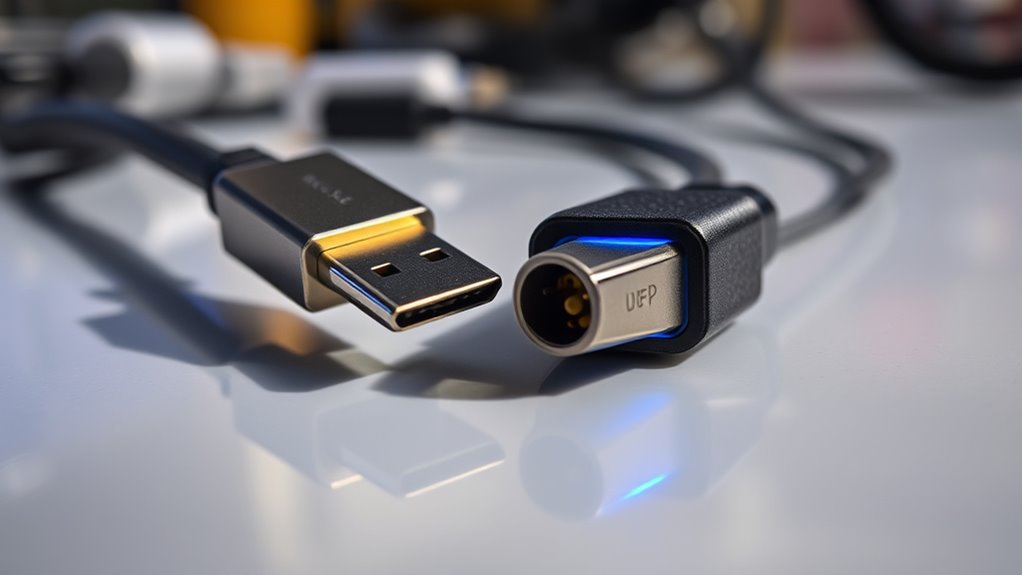
Many marketing claims about Thunderbolt and USB-C can be misleading, making it hard to distinguish fact from hype. Companies often highlight fast data transfer or power delivery without mentioning limitations or compatibility issues. For example, a device may boast Thunderbolt branding but only support certain features on specific ports or systems, leading you to believe it’s universally compatible. Some marketers use terms like “super-fast” or “professional-grade” without backing them up with real performance metrics. Additionally, branding can be used to inflate perceived value—selling a USB-C cable as “Thunderbolt-compatible” even if it only supports basic functions. It’s vital to look beyond marketing language, read specifications carefully, and verify actual capabilities before making assumptions or purchases.
Tips for Consumers to Make Informed Choices
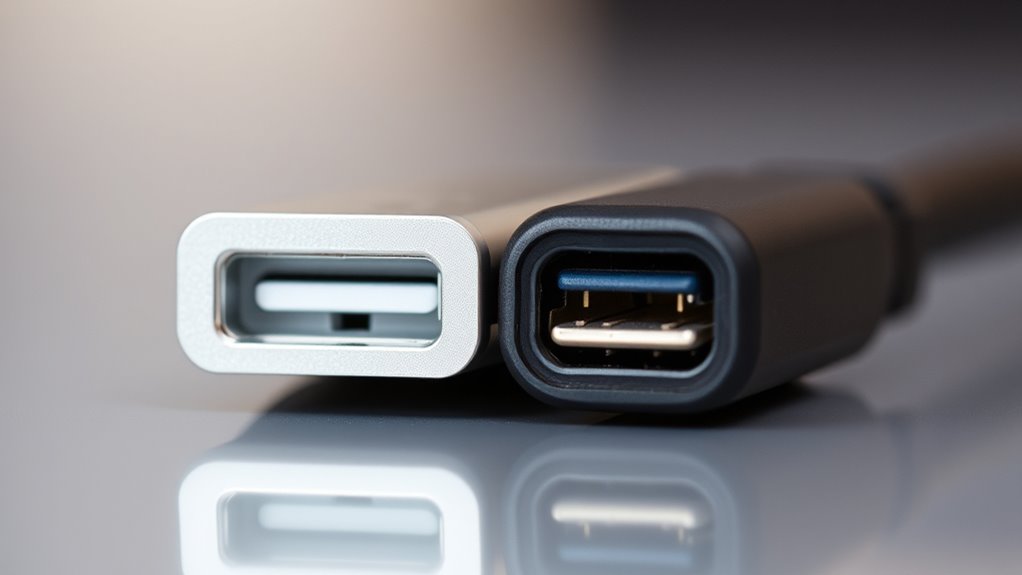
To make informed choices between Thunderbolt and USB-C, it’s essential to carefully review product specifications rather than rely solely on marketing claims. Look for official labels or logos indicating compatibility and standards, such as Thunderbolt 3 or 4, or USB 3.1/3.2. Check the port’s data transfer speeds and power delivery capabilities—these details tell you what the device can truly do. Don’t assume that all USB-C cables support the same features; verify the cable’s specifications. Additionally, consider device compatibility with your equipment to avoid bottlenecks. Finally, read reviews or expert comparisons to understand real-world performance.
Carefully check specifications and labels to ensure device compatibility and performance.
- Confirm certification labels
- Compare data transfer speeds
- Verify cable specifications
- Read user reviews for real-world insights
Frequently Asked Questions
Can I Use Thunderbolt Devices With Usb‑C Ports?
Yes, you can use Thunderbolt devices with USB-C ports, but only if the port supports Thunderbolt 3 or Thunderbolt 4. Not all USB-C ports are compatible, so check your device’s specifications. If it supports Thunderbolt, you’ll get faster data transfer and better performance. If it doesn’t, the device will work as a regular USB-C, but you won’t access Thunderbolt’s full capabilities.
Are All Usb‑C Cables Suitable for High-Speed Data Transfer?
Not all USB-C cables are suitable for high-speed data transfer. Some are designed for charging only, lacking the necessary wiring for fast data, video, or audio transfer. To guarantee you’re getting high-speed performance, look for cables labeled as USB 3.1, USB 3.2, or Thunderbolt-compatible. Using the wrong cable can slow down your device, cause connection issues, or even damage your equipment. Always check the specifications before purchasing.
Do All Thunderbolt Ports Support Daisy Chaining?
Imagine a chain of glowing lights, each link connecting your devices seamlessly. Not all Thunderbolt ports support daisy chaining, so you need to check your specific port’s capabilities. If your device has Thunderbolt 3 or 4, you’re likely good to go, but older versions or USB-C ports without Thunderbolt don’t support chaining. Always verify your port’s specs before trying to link your gadgets into a smooth, flowing network.
Is Thunderbolt More Future-Proof Than Usb‑C?
Yes, Thunderbolt is more future-proof than USB-C because it offers faster data transfer speeds, supports higher resolutions, and is more adaptable for upcoming technology. You’ll benefit from Thunderbolt’s robust performance with advanced peripherals and multiple displays, making it a better investment for long-term use. While USB-C is versatile, Thunderbolt’s capabilities guarantee you stay ahead as technology evolves, giving you peace of mind and better value over time.
How Do I Identify if My Device Supports Thunderbolt?
To identify if your device supports Thunderbolt, check the port for a lightning bolt symbol next to the USB-C connector. You can also look up your device’s specifications online or in the user manual, as Thunderbolt support is usually listed there. If you’re unsure, visit the manufacturer’s website or contact customer support. Supporting Thunderbolt means your device can handle faster data transfer and daisy chaining multiple devices.
Conclusion
Choosing between Thunderbolt and USB‑C is like steering through a busy marketplace filled with vibrant stalls—each promises something different. By understanding their physical differences, performance, and costs, you can steer confidently through the crowd. Think of it as picking the right tool from a well-stocked shelf to build your perfect tech setup. With this knowledge, you’ll make smarter choices, ensuring your devices connect smoothly and efficiently, turning a confusing maze into a clear, bright path forward.
Halloween Picks
halloween
As an affiliate, we earn on qualifying purchases.