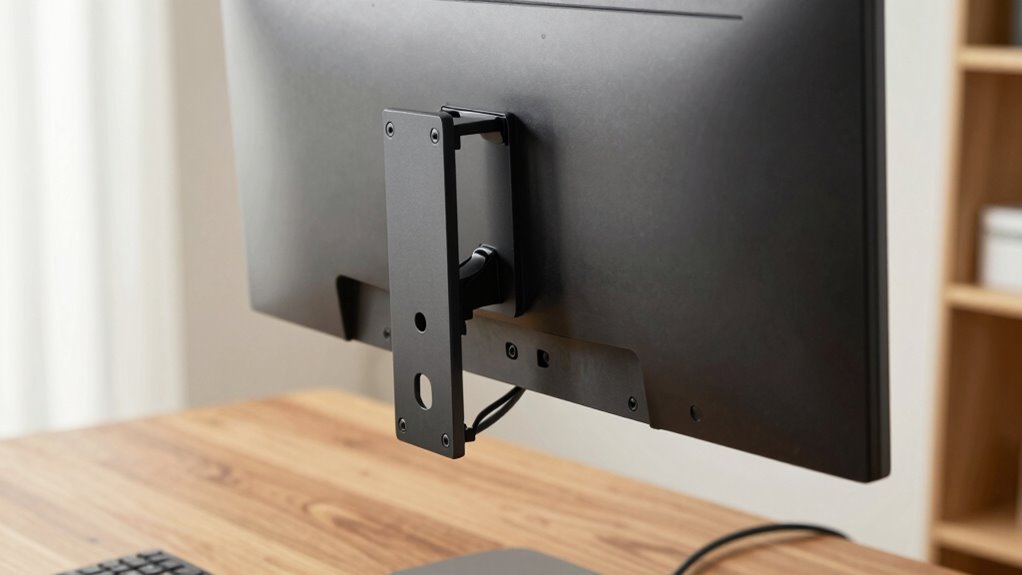

VESA mounting is a small but vital standard that helps you attach monitors securely and flexibly, keeping your desk tidy. It involves universal hole patterns on the back of screens and matching mounts, making setup simple and compatible across brands. Whether you choose wall, desk, or articulating mounts, VESA guarantees a clean, organized workspace. To learn more about how this tiny standard can transform your setup, keep exploring the details behind VESA mounting.
Key Takeaways
- VESA mounting is a universal standard for attaching monitors to mounts, ensuring compatibility and a clean, clutter-free desk setup.
- It uses standardized hole patterns (e.g., 75x75mm, 100x100mm) for secure and easy monitor attachment.
- Different mount types (wall, desk, articulating) provide flexible positioning to improve ergonomics and workspace organization.
- Proper compatibility involves matching VESA patterns, weight limits, and device sizes for safe, stable mounting.
- Innovations like adjustable arms and cable management enhance modern, streamlined workspaces with VESA mounts.

WALI TV Wall Mount Articulating LCD Monitor Full Motion 15 inch Extension Arm Tilt Swivel for Most 13 to 32 inch LED TV Flat Panel Screen with Mounting Holes up to 100x100mm (1330LM), Black
Wide Compatibility: The WALI Full Motion TV Wall Mount for most 13 to 32 inches flat panel screen…
As an affiliate, we earn on qualifying purchases.
As an affiliate, we earn on qualifying purchases.
What Is VESA Mounting and How Did It Start?
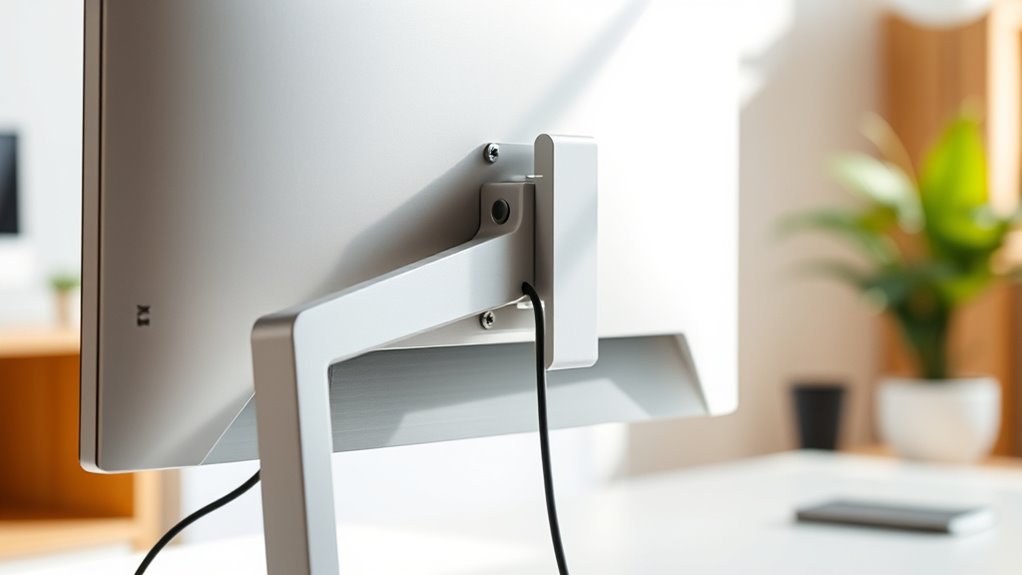
VESA mounting is a standardized system designed to attach monitors and displays securely to various mounts and arms. It was created to simplify how screens connect to mounting solutions, replacing the need for custom brackets. The system originated in the early 2000s when the Video Electronics Standards Association (VESA) developed a universal pattern of mounting holes on the back of monitors and TVs. This standardization made it easier for manufacturers to produce compatible mounts and for consumers to customize their setups. Before VESA, each monitor or TV had its unique mounting system, causing compatibility issues. The goal was to create a straightforward, reliable way to mount screens, promote flexibility, and reduce clutter, making workspace organization more manageable and professional-looking.

Amazon Basics Single Computer Monitor Stand with Cable Management, Height Adjustable VESA Desk Arm Mount, Fully Adjustable Tilt and Rotation, Steel, Black, Fits 13-30" Screens
Desk-mounted single-monitor stand fits most screens 13 to 30 inches and up to 22 pounds; fits desks 0.8…
As an affiliate, we earn on qualifying purchases.
As an affiliate, we earn on qualifying purchases.
The Key Components of VESA Mounts
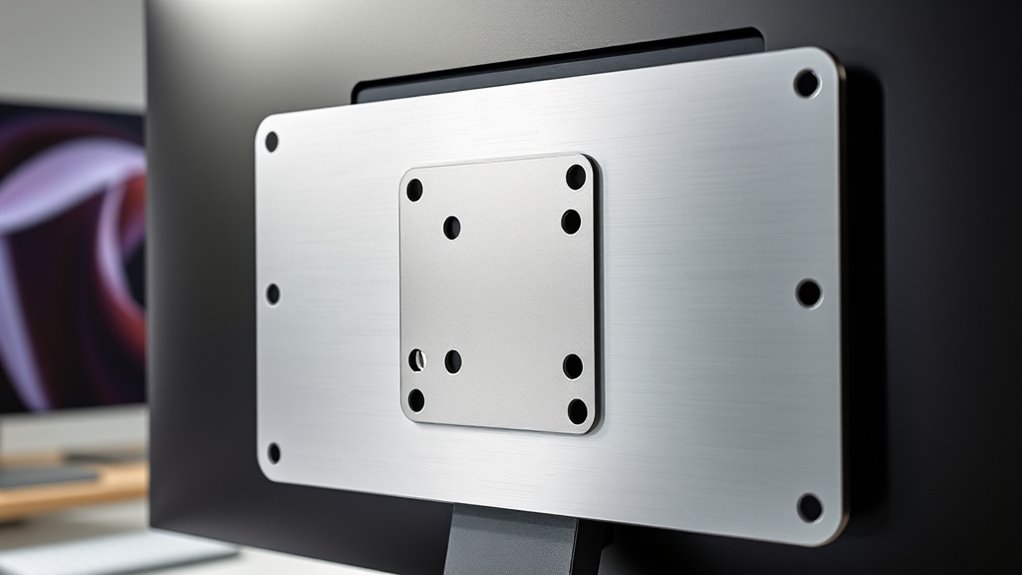
Understanding the key components of VESA mounts helps you choose the right setup. The mounting plate design determines how securely your device attaches, while connection interface types affect compatibility. Knowing these details guarantees your mount fits perfectly and functions reliably.
Mounting Plate Design
The mounting plate is a essential component that guarantees your monitor or TV securely attaches to the mount. Its design focuses on compatibility and durability, featuring a flat surface with pre-drilled holes arranged in specific patterns. These patterns match the VESA standards, ensuring your device fits perfectly. The plates are typically made from sturdy materials like steel or aluminum to support weight and resist stress. Some designs include multiple hole configurations to accommodate various VESA sizes, from 75×75 mm to 200×200 mm or larger. The thickness and construction quality influence stability and longevity. A well-designed mounting plate allows easy attachment and detachment, reducing the risk of damage. Overall, its design plays a crucial role in providing a secure, reliable connection between your device and the mounting system.
Connection Interface Types
Connection interface types serve as the critical link between your monitor or TV and the mounting system, ensuring a secure and stable fit. These interfaces vary based on the monitor’s design and the mount’s compatibility. The most common types include VESA mounts with four-hole patterns, which attach via screws. Some models use slot-style designs for easier adjustments, while others rely on quick-release mechanisms for convenience. Understanding these types helps you choose the right mount for your device, avoiding compatibility issues. Here’s a quick overview:
| Interface Type | Description |
|---|---|
| VESA Mounting | Standard four-hole pattern for secure fit |
| Slot Mounts | Allow adjustable positioning |
| Quick-Release | Enable easy detachment and attachment |
| Clamp Mounts | Secure devices using clamping mechanisms |

WALI Single Monitor Mount for 13-34 inch Screens, Adjustable Gas Spring Single Monitors Arm, Regular Screen up to 32 inch, 26.4lbs, Computer Monitor Stand for Desk, VESA 75/100mm (GSMP001N), Black
Compatibility: The WALI Single Monitor Arm is designed to fit most flat or curved LCD/LED screens ranging from…
As an affiliate, we earn on qualifying purchases.
As an affiliate, we earn on qualifying purchases.
How VESA Standards Ensure Compatibility
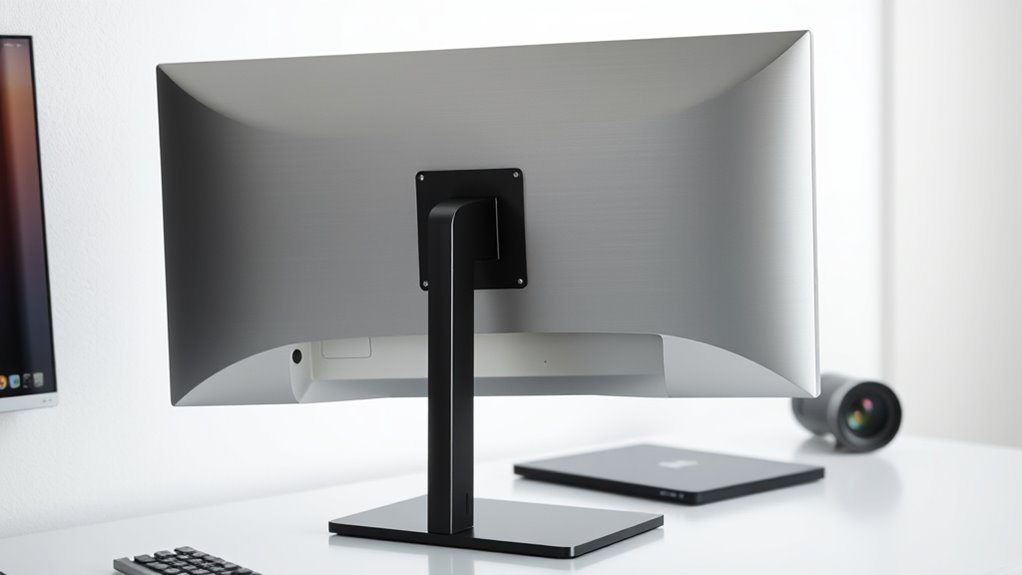
VESA standards guarantee compatibility by defining universal mounting hole patterns and sizes that manufacturers follow precisely. When you choose a monitor or mount, these standards assure they’ll fit together without guesswork. VESA specifies exact measurements for hole spacing, typically 75x75mm or 100x100mm, making sure mounts and screens align perfectly. This uniformity means you don’t have to worry about buying incompatible accessories or adapters. Manufacturers adhere strictly to these standards, ensuring consistent quality and fit. As a result, you can confidently mix and match different brands and models, knowing they’ll work together seamlessly. VESA’s standardized approach simplifies your setup process, reduces frustration, and guarantees that your mounting solution will be reliable and secure.

ErGear Single Monitor Arm, Fully Adjustable Monitor Mount for 13–34 Inch Screens, Fast Install Computer Monitor Stand with Tool-Free VESA Mount, Cable Management, Holds 19.8 lbs, Max VESA 100x100mm
Ultrawide Compatibility: The ErGear heavy-duty monitor arm is compatible with most 13″–34″ flat or curved monitors up to…
As an affiliate, we earn on qualifying purchases.
As an affiliate, we earn on qualifying purchases.
Different Types of VESA Mounts and Their Uses

Different types of VESA mounts are designed to meet various needs, offering flexibility for different environments and preferences. Wall mounts are perfect if you want to save space and keep your monitor off your desk, ideal for small rooms or minimalist setups. Desk mounts, often adjustable, let you position your monitor at the perfect height and angle, improving ergonomics during long work sessions. Articulating mounts feature extendable arms, allowing you to pull the screen closer or push it back, which is great for collaborative work or shared spaces. Fixed mounts keep your display in a static position, offering stability and simplicity. Ceiling mounts are available for specialized setups, such as presentation screens or overhead displays. Each type caters to specific needs, enhancing your workspace’s functionality and comfort.
Advantages of Using VESA Mounts in Your Workspace

Using VESA mounts can help keep your workspace tidy by freeing up desk space. They also allow you to position your monitors at the perfect height and angle, making your setup more comfortable. These benefits can boost your productivity and reduce strain throughout your workday.
Enhanced Desk Organization
By mounting monitors on VESA-compatible arms or brackets, you can considerably declutter your workspace and create a more organized environment. This setup frees up valuable desk space that would otherwise be occupied by bulky stands or multiple devices. With monitors elevated or positioned at ideal angles, you eliminate cable clutter and reduce the need for extra accessories, making your desk look cleaner and more streamlined. VESA mounts also let you customize your layout easily, allowing you to switch or rearrange screens quickly without hassle. This flexibility helps you maintain a tidy workspace, reducing distractions and making it easier to find what you need. Overall, VESA mounting promotes a neater, more efficient environment that boosts productivity and keeps your desk clutter-free.
Improved Ergonomic Setup
VESA mounts substantially enhance your ergonomic setup by allowing you to position monitors at the perfect height, angle, and distance. This flexibility helps reduce neck and eye strain, making your workspace more comfortable and efficient. By customizing monitor placement, you can maintain better posture and prevent common discomforts caused by poor ergonomics. Plus, adjustable mounts enable quick adjustments for different tasks, whether you’re working on detailed design or reading long documents. This setup encourages healthier habits and boosts productivity.
- Achieve ideal eye level to minimize neck strain
- Adjust monitor angles for glare reduction
- Save desk space for a cleaner look
- Switch between seated and standing positions easily
Step-by-Step Guide to Installing a VESA Mount

Installing a VESA mount might seem intimidating at first, but breaking it down into simple steps makes the process straightforward. First, gather your tools—usually a screwdriver and the mounting hardware included. Next, locate the VESA mounting holes on your monitor and align the mounting plate accordingly. Secure the plate to the monitor using the provided screws, ensuring they’re tight but not overtightened. Then, attach the VESA bracket to the wall or arm, following the manufacturer’s instructions. Carefully connect the monitor to the mounting arm or wall bracket, making sure it’s securely fastened. Finally, double-check all screws and connections for stability. Take your time during each step to ensure a safe, secure installation that allows for easy adjustments later.
Tips for Choosing the Right VESA Mount for Your Needs
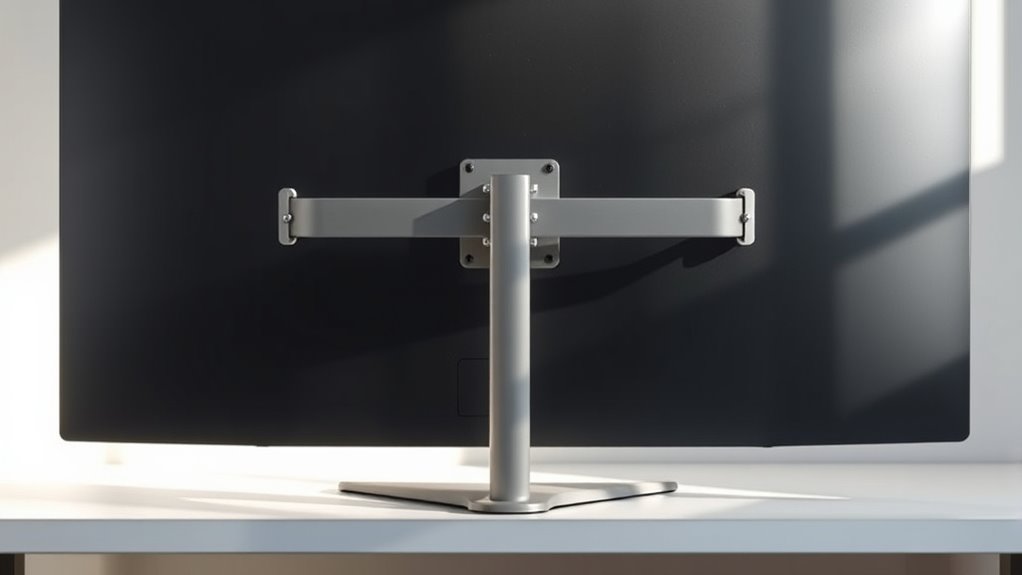
When selecting a VESA mount, you need to make certain it’s compatible with your device’s size and mounting patterns. Consider the different mounting styles available, like fixed, tilting, or full-motion, to match how you use your setup. Making the right choice guarantees stability, ease of use, and a comfortable viewing experience.
Compatibility With Devices
Choosing the right VESA mount starts with ensuring compatibility with your device. First, check your monitor or TV’s VESA pattern—measure the distance between mounting holes in millimeters (e.g., 100×100). Then, confirm the mount’s weight capacity can handle your device’s weight. Compatibility also depends on the size; some mounts are designed for specific screen sizes. Additionally, verify if your device’s ports or cables won’t interfere with mounting or adjustment.
- Confirm the VESA pattern matches your device’s measurements
- Ensure the mount’s weight limit exceeds your device’s weight
- Check if your device size fits within the mount’s supported range
- Verify that cables or ports won’t obstruct mounting or movement
Mounting Style Options
Are you wondering which mounting style best suits your workspace or viewing preferences? VESA mounts come in various styles, each offering different benefits. Fixed mounts keep your monitor in one position, perfect if you want a simple setup. Adjustable mounts, like tilt or swivel, let you customize the angle for comfort or glare reduction. Full-motion mounts provide maximum flexibility, allowing you to move your monitor in multiple directions. Desk mounts clamp to your desk, saving space and offering easy adjustments. Wall mounts are ideal for clean, minimal setups. Consider how much movement you need, your space constraints, and ergonomics when choosing a style. Picking the right mounting style ensures a comfortable, clutter-free workspace tailored to your needs.
Common Challenges and Troubleshooting VESA Mounts
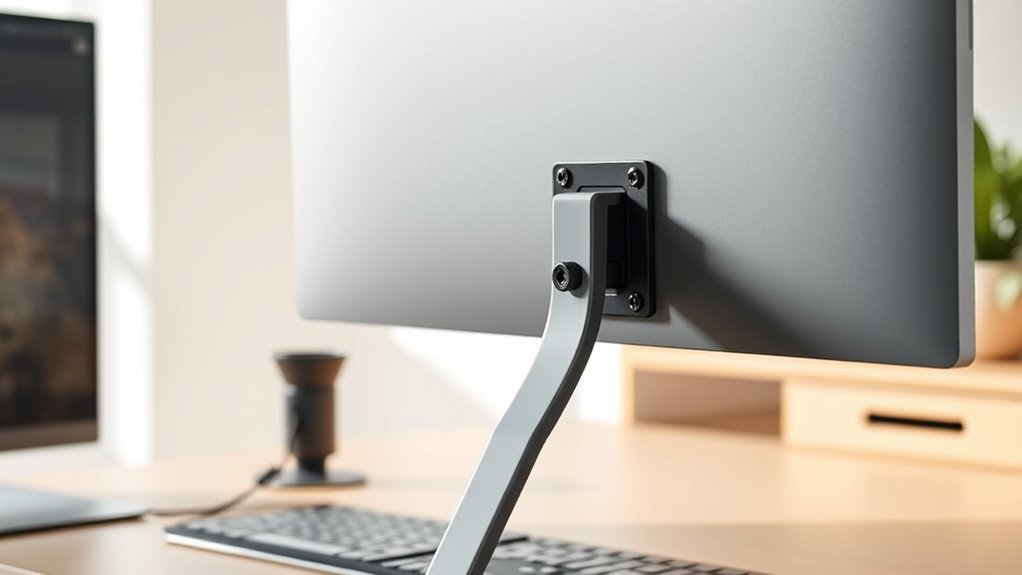
VESA mounts can sometimes present challenges during installation or use, but most issues can be resolved with simple troubleshooting. If your monitor isn’t mounting properly, check that all screws are tightened securely and that the mount is compatible with your device. Loose connections can cause wobbling or instability. If the monitor won’t sit flush, ensure the VESA plate is aligned correctly and snapped into place. For uneven movement, verify that the arm’s joints are tightened and lubricated if needed. Sometimes, weight imbalance causes difficulty in adjusting the mount. Troubleshooting common problems involves inspecting the mounting surface for stability and ensuring all components are compatible and properly assembled.
- Confirm compatibility with your monitor and mount
- Tighten all screws and joints securely
- Check for proper alignment during installation
- Ensure the mounting surface is sturdy
Innovative VESA Mount Solutions for Modern Setups
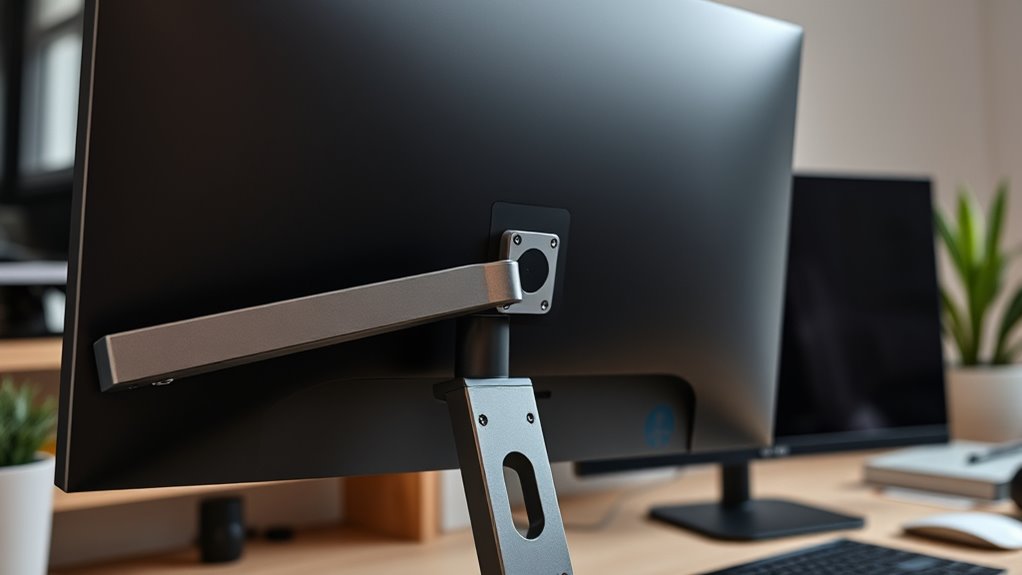
As modern work and entertainment setups evolve, innovative VESA mount solutions are transforming how you customize your displays. Adjustable arms let you effortlessly switch between sitting and standing, improving comfort and ergonomics. Articulating mounts provide flexible positioning, so you can tilt, swivel, or rotate your screens to reduce glare and strain. Slim, low-profile mounts create sleek, minimalist desks by hiding cables and hardware behind the display. There are even motorized VESA mounts that automate adjustments, ideal for dynamic environments. Magnetic mount adapters simplify installation for non-standard monitors. These innovations make it easier to optimize space, enhance productivity, and create personalized viewing experiences. By embracing these solutions, you turn your setup into a versatile, clutter-free workspace tailored precisely to your needs.
Future Trends and Developments in VESA Mounting
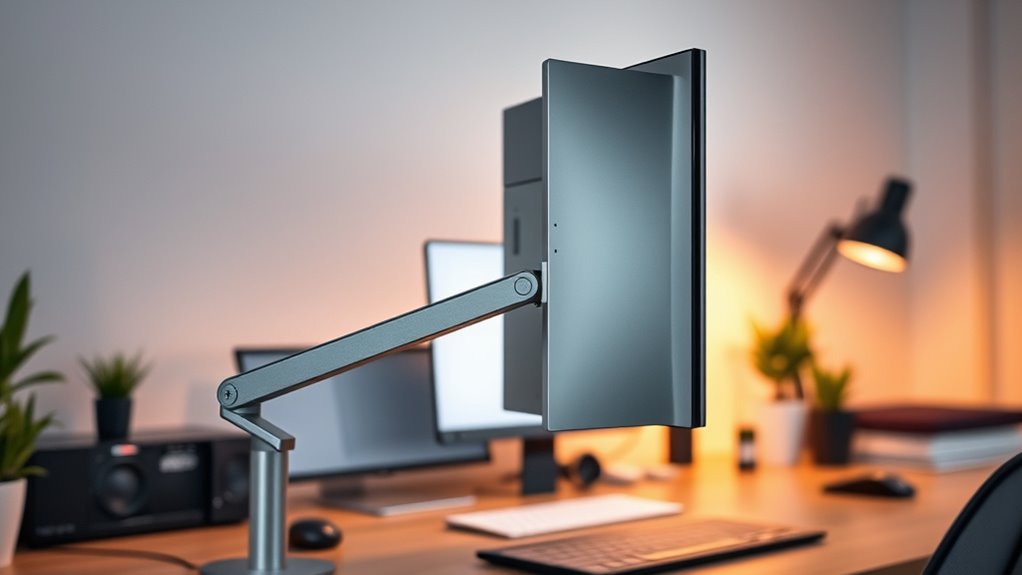
Advancements in technology and user preferences are driving the next wave of innovation in VESA mounting systems. Expect lighter, more versatile designs that support a wider range of devices, including ultra-thin monitors and portable displays. Smart mounting solutions with integrated cable management and wireless charging will become more common, reducing clutter. Adjustable and modular mounts will allow easier customization for ergonomic setups. Additionally, future VESA standards may incorporate more sustainable materials and enhanced durability, ensuring longevity. You’ll also see increased compatibility with emerging tech like flexible screens and AR/VR headsets. These developments aim to improve user experience, make installations simpler, and keep your workspace sleek and efficient. Staying ahead means embracing these trends for a more adaptable, clutter-free environment.
Frequently Asked Questions
Can VESA Mounts Support All Monitor Sizes and Weights?
VESA mounts can support most monitor sizes and weights, but they don’t cover everything. You need to check the VESA pattern and weight capacity listed by the manufacturer. Smaller monitors often use 75x75mm or 100x100mm patterns, while larger ones might require bigger patterns and higher weight limits. Always verify your monitor’s specifications to confirm compatibility, avoiding potential damage or unsafe mounting.
Are VESA Mounts Compatible With All Monitor Brands?
Think of VESA mounts as universal adapters, like a key that fits many locks. They are compatible with most monitor brands, but not all. You need to check if your monitor has VESA-compatible holes, usually on the back, and match the mount’s specifications. This way, you guarantee a smooth fit, just like finding the right key for your lock, making your setup clean and efficient.
How Do I Know if My Desk Can Handle a VESA Mount?
To know if your desk can handle a VESA mount, check its surface and structure. Look for a sturdy, flat area that can support the weight of both the monitor and the mount. Make certain your desk has enough space and, if possible, measure the thickness and material strength. If unsure, consult your desk’s manufacturer or a professional to confirm it can safely support a VESA mount setup.
Do VESA Mounts Interfere With Monitor Ports or Cables?
VESA mounts usually won’t interfere with your monitor ports or cables if you choose the right size and placement. Think of the mount as a gentle breeze that guides your cables neatly aside, not a storm that disrupts them. Just make certain your cables are long enough and routed properly before installing. With careful planning, you can enjoy a clutter-free setup without sacrificing access to your monitor’s ports.
Can VESA Mounts Be Used for TVS as Well?
Yes, you can use VESA mounts for TVs as well. Most modern TVs come with VESA mounting holes, making it easy to attach them to compatible wall mounts or stands. Just check your TV’s VESA pattern and weight limit to guarantee the mount is suitable. Using a VESA mount helps you save space, achieve a cleaner look, and position your TV precisely for ideal viewing angles.
Conclusion
VESA mounting might seem simple, but it’s a game-changer for clean, flexible workspace setups. By ensuring compatibility and offering versatile options, VESA standards support your productivity and organization. Some say it’s just a standard, but in reality, it’s a breakthrough that keeps our desks clutter-free and efficient. Embracing VESA can truly revolutionize how you work—proof that small innovations often make the biggest difference.