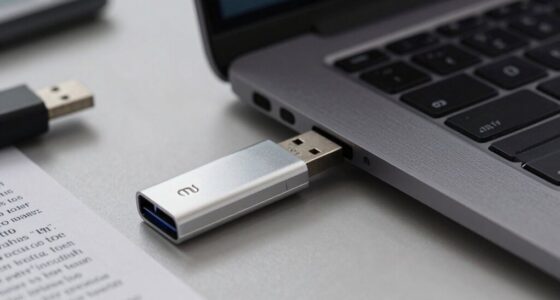
Before you travel, tackle these seven risks to protect your device and data. Avoid connecting to public Wi-Fi without a VPN, update your software, and secure networks with strong passwords. Use ergonomic accessories and proper setup to prevent strain, and keep your laptop in a padded case to avoid physical damage. Regular backups and device security are also essential. Fixing these issues now helps prevent costly mistakes. Keep going to discover how to make your setup even safer and more comfortable.
Key Takeaways
- Use a VPN and connect only to secure, trusted Wi-Fi networks to prevent data interception.
- Enable strong passwords, two-factor authentication, and keep software updated to protect against cyber threats.
- Carry ergonomic accessories like portable stands, external keyboards, and mice to maintain proper posture.
- Regularly back up data and keep hardware secure with padded cases to prevent physical damage or theft.
- Adjust your workspace for comfort by setting screens at eye level and maintaining straight wrists during use.
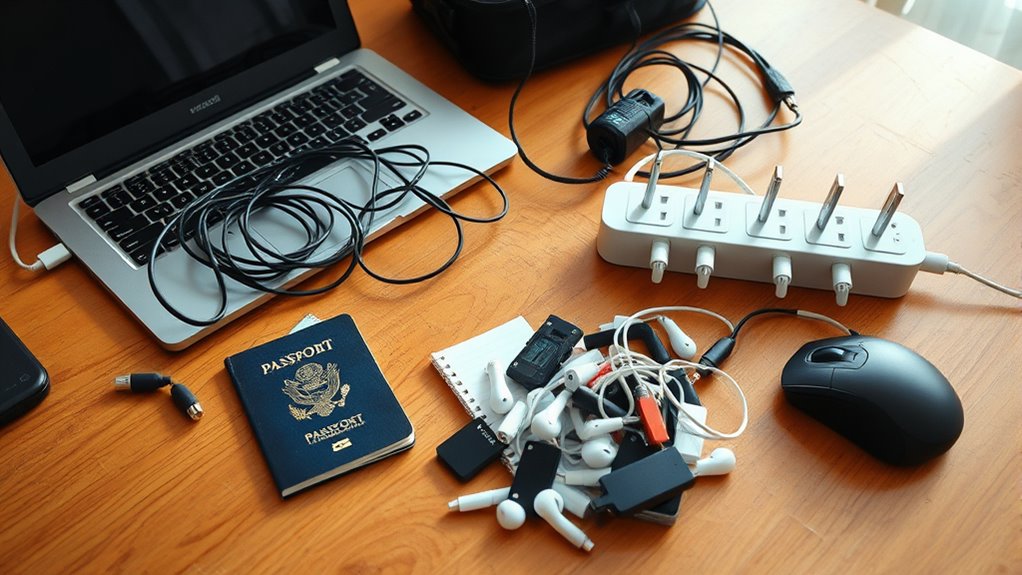
Traveling with your laptop can expose it to various security and performance risks that you might not consider. One of the biggest concerns is security vulnerabilities. When you connect to unfamiliar Wi-Fi networks, your device becomes vulnerable to hacking, data interception, or malware attacks. Public hotspots lack strong encryption, making it easy for cybercriminals to access sensitive information you might think is protected. If you haven’t set up proper firewalls or enabled VPNs, your data could be exposed to prying eyes. Additionally, leaving your laptop unattended in public places increases the risk of theft or tampering. It’s essential to secure your device with strong passwords, two-factor authentication, and encryption to minimize these vulnerabilities and protect your personal information.
Beyond digital threats, ergonomic concerns also deserve attention. When you’re on the move, it’s tempting to work from uncomfortable spots—café tables, beds, or cramped airplane seats. Poor posture in these settings can lead to neck, shoulder, and wrist pain, especially if your setup isn’t ergonomically sound. Carrying a heavy laptop bag or trying to work on a tiny tray table can strain your body over time. To mitigate this, pack a lightweight, ergonomic accessory like a portable laptop stand or an external keyboard and mouse. This allows you to set up a more comfortable workspace, reducing strain and fatigue. Make sure your screen is at eye level and your wrists are straight while typing; small adjustments like these can prevent long-term health issues. Additionally, modern ergonomic accessories can help maintain proper posture and comfort during your travels.
Another ergonomic concern is the internal health of your device. Traveling often involves jostling and rough handling, which can cause hardware issues or loosen connections inside your laptop. Regularly check that your device is functioning properly before you leave. Keep your software updated to patch security vulnerabilities, and back up your data in case of hardware failure or theft. Using a sturdy carrying case with padding helps protect your laptop from physical damage during transit.
![SODI [Ultra Compact] Foldable & Portable Laptop Stand for Desk, Lightweight Tablet Stand for Business Travel, Library, Cafe, 6 Level Height Ergonomic Aluminum Computer Holder for 10-16" Laptops](https://m.media-amazon.com/images/I/41g00aPVGaL._SL500_.jpg)
SODI [Ultra Compact] Foldable & Portable Laptop Stand for Desk, Lightweight Tablet Stand for Business Travel, Library, Cafe, 6 Level Height Ergonomic Aluminum Computer Holder for 10-16" Laptops
【Innovative & Ultra Compact】 The SODI Bi-foldable laptop stand weighs only 185g (iPhone 16 Pro weighs 199g) and…
As an affiliate, we earn on qualifying purchases.
As an affiliate, we earn on qualifying purchases.
Frequently Asked Questions
How Can I Protect My Laptop From Theft During Travel?
To protect your laptop from theft during travel, always keep it in sight and secure it with physical security like a lock or hidden compartment. Enable laptop encryption to safeguard your data if stolen. Avoid displaying your device in public, and use hotel safes or secure bags when not in use. Staying vigilant and combining physical security with encryption guarantees your device and information stay safe.
What Are the Best Security Apps for Travel Laptops?
You should use security apps that include password managers and biometric locks. Password managers help you create and store strong, unique passwords for all your accounts, reducing the risk of hacking. Biometric locks, like fingerprint or facial recognition, add an extra layer of protection, making it harder for unauthorized people to access your device. Together, these apps keep your travel laptop safer from theft and unauthorized access.
Should I Back up My Data Before Traveling?
Yes, you should back up your data before traveling. Use data encryption to protect sensitive files and store copies in cloud storage for easy access and safety. This way, if your device gets lost or stolen, you won’t lose important information. Backing up guarantees you have a secure, accessible copy of your data, giving you peace of mind and quick recovery options while on the go.
How Do I Secure Public Wi-Fi Connections?
Public Wi-Fi connections can feel like open invitations for hackers to steal your data. To stay safe, always use a trusted VPN security service and guarantee Wi-Fi encryption is enabled. This creates a secure tunnel for your data, making it almost impossible for cybercriminals to intercept your information. Never log into sensitive accounts without these protections—your personal info is worth more than you think!
What Travel Accessories Can Enhance Laptop Safety?
You can enhance your laptop safety with key travel accessories like screen protectors and keyboard covers. Screen protectors prevent scratches and reduce glare, keeping your display in top shape, while keyboard covers guard against dust, spills, and germs. These simple additions make your device more durable during travel, ensuring your laptop stays safe and functional no matter where your journey takes you. Just slip them on before you leave for added peace of mind.

Lenovo Laptop Carrying Case T210, 15.6-Inch Laptop and Tablet, Sleek Design, Durable and Water-Repellent Fabric, Business or School, GX41L83769 Casual Toploader – Eco Black
Durable and Weatherproof T210 ECO Topload: Made of high-quality snow yarn polyester, this bag is designed to be…
As an affiliate, we earn on qualifying purchases.
As an affiliate, we earn on qualifying purchases.
Conclusion
Don’t leave your trip vulnerable. Protect your data, safeguard your device, and prevent unexpected setbacks. Secure your files, double-check your security settings, and stay prepared for anything. Because your peace of mind depends on it. Because your safety matters. Because your journey should be worry-free. Take these steps now, fix these risks today, and travel with confidence tomorrow. Your adventure awaits—make sure you’re ready for it.

TECKNET Wireless Keyboard and Mouse Combo, Mini Cordless Computer Keyboard and Mouse Set 2.4GHz, Silent Adjustable 1600 DPI, Quiet Click, Lag-Free for Computer, Laptop, PC, Windows, Mac, Chrome OS
【Powerful Wireless 2.4 GHz Connection】The wireless keyboard and mouse combo utilizes 2.4G wireless technology to ensure a stable…
As an affiliate, we earn on qualifying purchases.
As an affiliate, we earn on qualifying purchases.

ExpressVPN: VPN Fast & Secure
Kill switch: Network protection stops all internet traffic if the VPN can’t connect
As an affiliate, we earn on qualifying purchases.
As an affiliate, we earn on qualifying purchases.