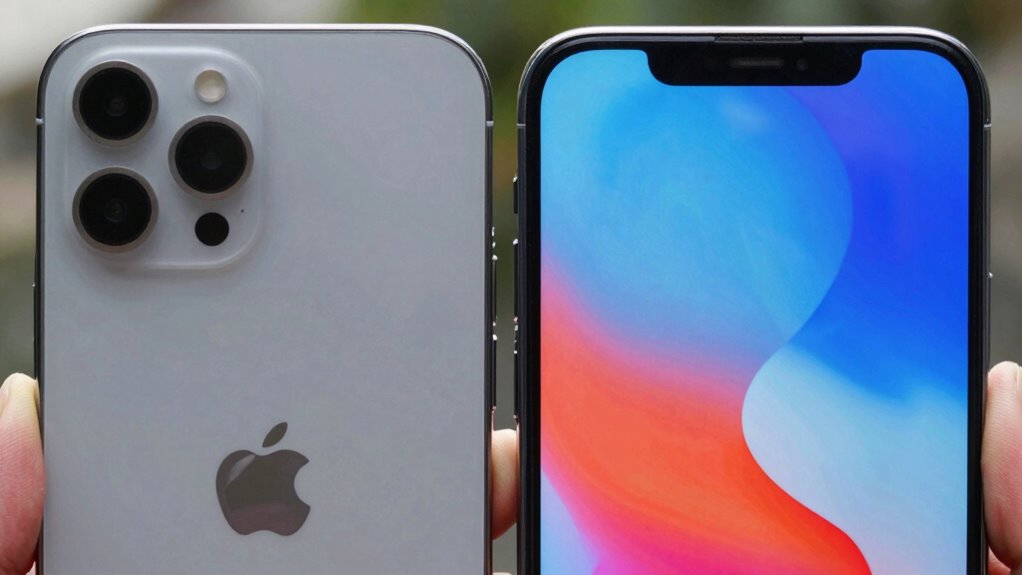

Choosing between matte and glossy screens involves balancing glare management with visual quality. Matte screens diffuses light, reducing reflections and making them better outdoors or in bright environments, but they tend to dull colors. Glossy screens boost vibrancy and sharpness but reflect more light, causing glare in bright settings. Your environment and usage habits influence which is better. Keep exploring, and you’ll discover how to pick the perfect display for your needs.

Get comfort and recovery gear delivered free — and shop member deals
- Fast, free delivery on millions of items
- Access to Prime Big Deal Days deals on October 6–7
- Prime Video, Amazon Music and more included
Key Takeaways
- Matte screens reduce glare and reflections, making them ideal for bright or outdoor environments, while glossy screens enhance color vibrancy indoors.
- Glossy displays offer brighter, more vivid images but reflect more ambient light, increasing glare in well-lit or outdoor settings.
- Matte surfaces diffuse light, minimizing reflections but can dull colors; glossy screens produce richer images but are more prone to glare.
- Environmental lighting and usage conditions determine the best choice: matte for glare reduction, glossy for vivid visual quality.
- Proper environmental adjustments and screen choices balance glare tradeoffs and optimize viewing comfort based on specific needs.
Understanding the Basics of Matte and Glossy Finishes

Matte and glossy screens differ primarily in how they reflect light, which affects how images appear on the display. Matte screens have a textured finish that diffuses light, reducing reflections and glare. This finish helps you see the screen clearly in bright environments, even when lights are shining directly on it. Glossy screens, on the other hand, have a smooth, reflective surface that enhances color vibrancy and sharpness. They produce richer images but are more prone to reflections from ambient light, which can obscure content. Choosing between them depends on your environment and preferences. Matte finishes prioritize minimizing reflections, while glossy screens focus on delivering vivid visuals with more depth and contrast. Understanding these basics helps you decide which finish suits your usage better.
How Glare Affects Screen Visibility in Different Environments
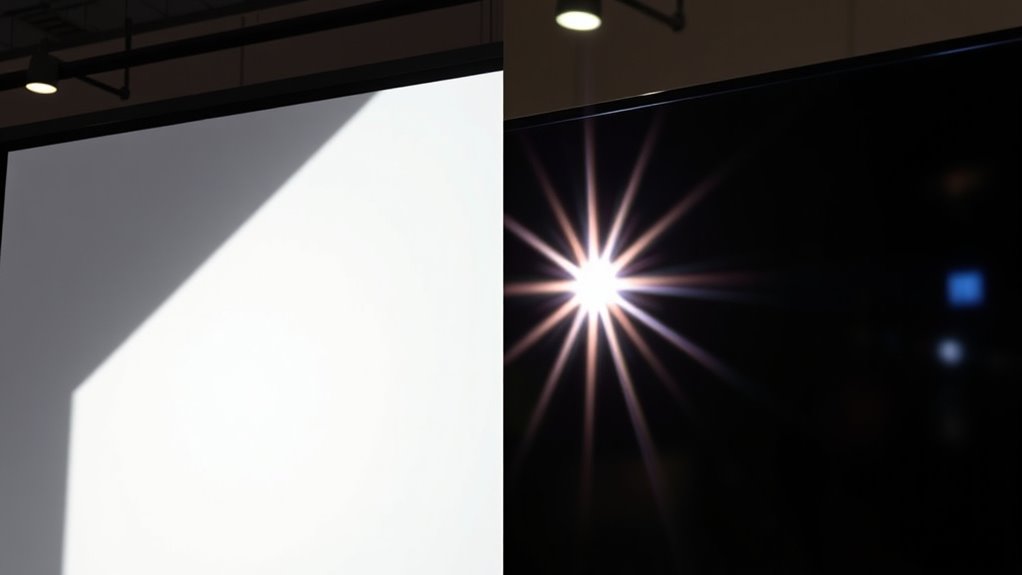
Glare from ambient light can make screens hard to see, especially in bright environments. When you’re outdoors, reflections become even more distracting and can block your view entirely. Inside, managing glare is essential to prevent eye strain and maintain clear visibility, whether through positioning or screen type choices.
Ambient Light Impact
Ambient light considerably influences how well you can see your screen, especially when glare becomes a factor. Bright environments can wash out the display, making details hard to distinguish. If you’re in a dim room, reflections on a glossy screen may cause eye strain or distraction. Imagine these scenarios:
- Sitting near a window with sunlight pouring in, causing glare on a glossy surface.
- Working in a brightly lit office, where ambient light diminishes screen contrast.
- Using your device outdoors under direct sunlight, where glare on a matte screen reduces visibility.
- Viewing your screen in a room with uneven lighting, creating unpredictable reflections.
Your environment’s light levels determine whether glare hampers your experience or barely affects your viewing comfort. Adjusting screen type based on ambient light can greatly improve visibility.
Outdoor Visibility Challenges
When you take your device outdoors under direct sunlight, glare becomes a significant obstacle to clear visibility. Glossy screens tend to reflect more light, creating bright spots that make it hard to see what’s on your display. This reflection can wash out screen details, forcing you to tilt or reposition your device constantly. Matte screens, however, diffuse incoming light, reducing reflections and glare, but sometimes dull the image contrast. Bright environments with high ambient light increase these challenges, making glossy screens less practical outdoors. You might find yourself squinting or adjusting angles to see your screen clearly. To improve outdoor visibility, choosing a screen with an anti-reflective coating or using a shade can help, but glare remains a primary concern, especially with glossy finishes.
Indoor Glare Management
Indoor glare can substantially hinder your screen visibility, especially in brightly lit rooms or spaces with strong artificial lights. It creates reflections that wash out images and make reading difficult. To manage this glare, consider these factors:
- Position your screen perpendicular to windows or light sources to minimize direct reflections.
- Use curtains or blinds to control sunlight intensity and reduce harsh reflections.
- Adjust room lighting, opting for softer or indirect lights instead of bright, direct lamps.
- Choose screen finishes—matte over glossy—that diffuse light and cut down on glare.
The Brightness and Color Reproduction Differences
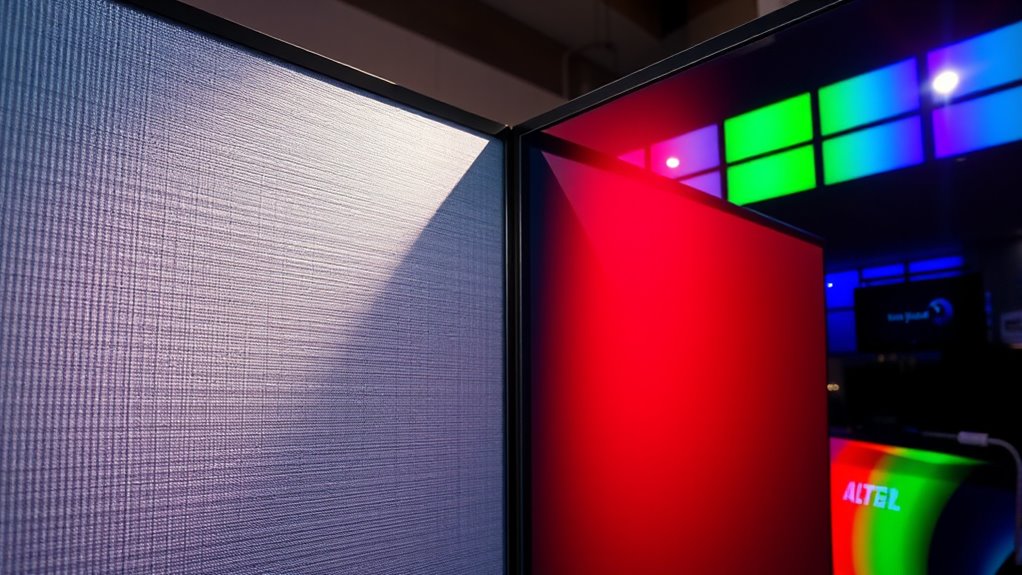
You’ll notice that glossy screens often deliver brighter images and more vivid colors, while matte screens tend to be more subdued. This difference can impact how accurately colors appear, especially in professional work. Understanding these brightness and color reproduction variations helps you choose the right screen for your needs.
Color Accuracy Variations
Matte and glossy screens differ markedly in how they handle brightness and color reproduction, affecting overall color accuracy. With matte screens, colors often appear muted and less vibrant due to surface diffusion, making subtle shades harder to distinguish. Conversely, glossy screens tend to produce richer, more vivid colors thanks to their reflective surface. To visualize this:
- On a matte screen, a bright red may look subdued, like a faded crimson.
- On a glossy screen, the same red bursts with intensity, almost like fresh paint.
- Skin tones on matte displays can seem dull and flat.
- Glossy screens showcase warmer, more lifelike hues, enhancing color depth.
Your choice impacts how accurately colors are represented, especially in professional editing or color-sensitive tasks.
Brightness Levels and Glares
Because glossy screens reflect more ambient light, they often appear brighter and more vibrant in well-lit environments, but this can also lead to distracting glares that hinder visibility. This increased brightness can make images and videos pop, enhancing color richness and detail. However, the glare can be a constant distraction, especially if you’re working outdoors or near bright windows. Matte screens, on the other hand, tend to absorb ambient light, reducing glare and making content easier to see in bright settings. While they might not seem as striking as glossy displays, matte screens often provide more consistent brightness without reflections. Your choice depends on whether you prioritize vivid visuals or glare-free viewing, especially in high-light situations.
Reflection and Fingerprint Resistance in Matte vs. Glossy Screens
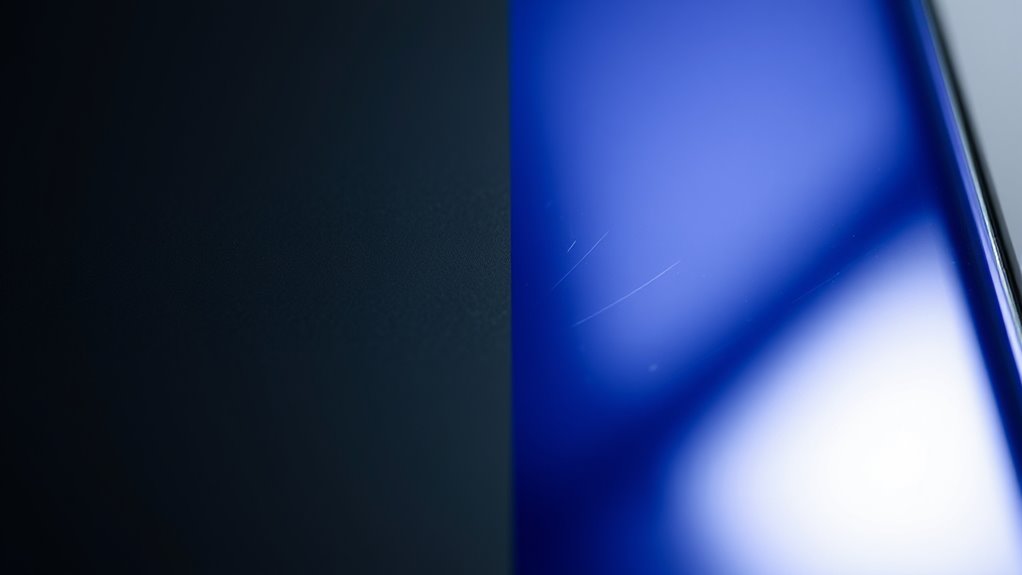
When it comes to managing reflections and fingerprints, the choice between matte and glossy screens makes a significant difference. A matte screen, like a frosted window, diffuses light to hide reflections, making it easier to see in bright environments. It also resists fingerprints better, so smudges stay less visible. Conversely, a glossy screen acts like a mirror, revealing every smudge and fingerprint, which can be frustrating to keep clean. Imagine:
- Matte surface with a soft haze, hiding fingerprints.
- Glossy surface with shiny smudges reflecting light.
- Fingerprints on a glossy screen standing out like dark spots.
- Matte screen showing minimal smudges even after handling.
Your choice affects how clean your screen looks daily, especially in well-lit or touch-heavy use.
Impact on Eye Comfort During Extended Use

Reflections and fingerprints can be distracting, but they also influence how comfortable your eyes feel during long hours in front of the screen. Glossy screens tend to produce vibrant images that can reduce eye strain initially, as colors appear richer and more immersive. However, their reflective surfaces may cause glare, forcing you to squint or reposition frequently, which can lead to eye fatigue over time. Matte screens, while slightly duller in appearance, diffuse light and minimize reflections, helping you maintain a more consistent visual experience. This reduces the need for constant adjustments and lowers eye strain during extended use. Ultimately, if you spend long periods staring at your screen, a matte finish can promote greater eye comfort by decreasing glare-induced fatigue.
Durability and Maintenance Considerations
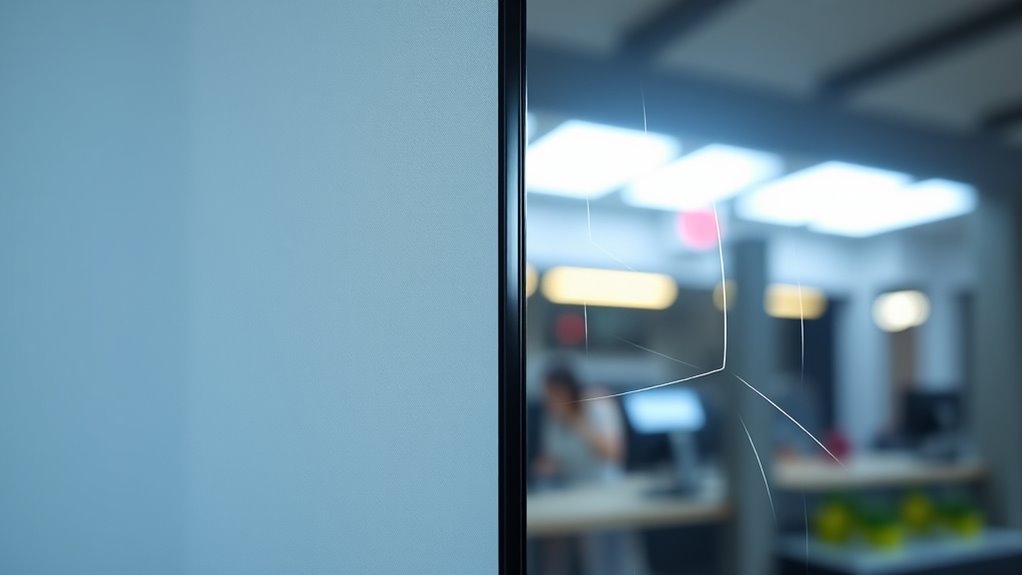
While both matte and glossy screens require regular care, their durability and maintenance needs differ. Matte screens tend to resist fingerprints better, but their textured surface can trap dust and dirt, making cleaning tougher. Glossy screens, on the other hand, show fingerprints and smudges more easily but are smoother and easier to wipe clean. Consider these points:
Matte screens resist fingerprints but trap dust; glossy screens show smudges but are easier to clean.
- Matte screens often require gentle cleaning with soft cloths to prevent surface damage.
- Glossy screens can be cleaned quickly with a microfiber cloth, but need frequent wiping to remove fingerprints.
- Matte coatings may wear down over time, reducing their anti-glare properties.
- Glossy surfaces are more prone to scratches, which can be less noticeable but still affect appearance.
Your choice impacts how much upkeep you’ll need and how long your screen stays looking its best.
Suitability for Various Activities and Settings
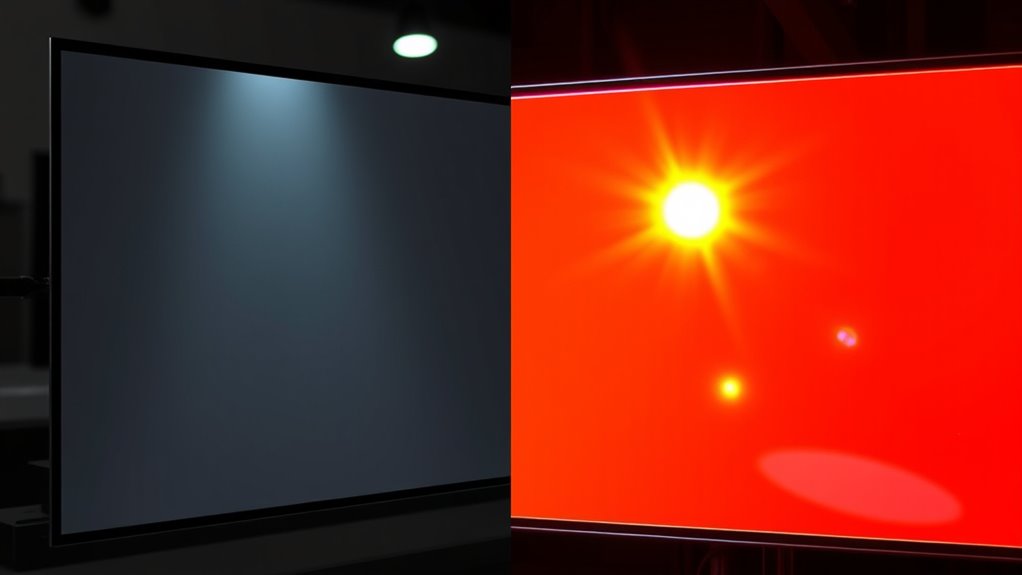
Choosing between matte and glossy screens depends heavily on the activities and environments in which you’ll use your device. If you work outdoors or in brightly lit spaces, a matte screen is usually better because it reduces glare and reflections, making it easier to see your content clearly. On the other hand, if you’re editing photos, watching videos, or gaming indoors with controlled lighting, a glossy screen can enhance color vibrancy and contrast, delivering a more immersive experience. For professional tasks like graphic design, a glossy display often provides richer details. Consider your setting and primary activities carefully: matte screens excel in bright, reflective environments, while glossy screens thrive in controlled, indoor spaces where visual quality is paramount.
Cost and Availability of Matte and Glossy Options
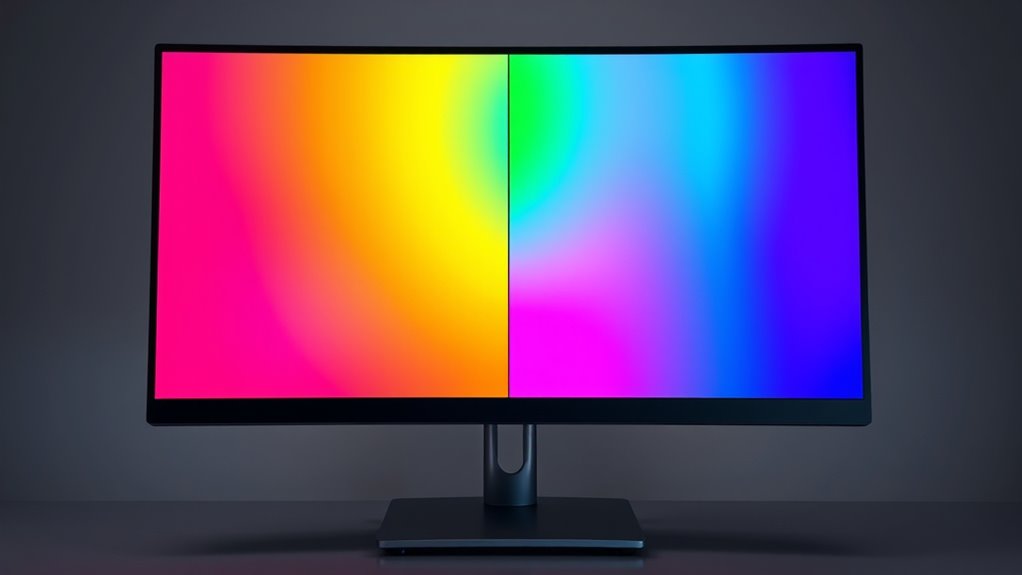
When comparing matte and glossy screens, cost and availability can considerably influence your decision. Matte screens tend to be more budget-friendly and easier to find, especially in lower-end models. In contrast, glossy screens often come with a premium price tag, mainly found on high-end or specialized displays. Here’s what you might encounter:
- Matte screens are widely available across all price ranges, from affordable laptops to professional monitors.
- Glossy screens are typically included in premium devices, giving a sleek look but limiting options at lower prices.
- Matte options are often customizable with different coatings, making them more versatile.
- Glossy screens are less common in budget models but dominate high-end consumer electronics.
Your choice may ultimately depend on what’s accessible within your budget and preferences.
Making the Right Choice Based on Your Usage Habits

Your choice between matte and glossy screens should align with how you use your device daily. If you work outdoors or in bright environments, a matte screen reduces glare and minimizes reflections, making it easier to see your display. On the other hand, if you prefer vibrant visuals for gaming or media consumption indoors, a glossy screen enhances color richness and contrast. Consider your habits:
| Usage Environment | Preferred Screen Type | Reason |
|---|---|---|
| Bright, outdoor | Matte | Less glare, clearer view |
| Indoor, gaming | Glossy | Richer colors, contrast |
| Mixed | Depends on priority | Balance glare reduction vs. color vibrancy |
Frequently Asked Questions
Are Matte Screens More Prone to Scratches Than Glossy Ones?
No, matte screens aren’t more prone to scratches than glossy ones. Matte surfaces have a tougher, anti-glare coating that can resist scratches better if you handle your device carefully. However, they might show fingerprints and smudges more easily, which can be mistaken for scratches. To keep your screen in top shape, avoid abrasive cleaners and use a soft cloth. Proper care extends the life of both matte and glossy screens.
How Do Matte and Glossy Finishes Affect Color Accuracy?
Matte screens tend to reduce color vibrancy slightly because their anti-glare coating diffuses light, which can dull some colors. Glossy screens, on the other hand, offer more vivid and accurate colors due to their reflective surface that enhances contrast and saturation. If color accuracy is essential for your work, a glossy finish might be better, but if you need reduced glare, matte screens can still provide decent color reproduction with some compromises.
Can Screen Protectors Alter the Glare Properties of Matte or Glossy Screens?
Think of screen protectors as sunglasses for your device; they can definitely change the glare properties. Applying a matte screen protector will reduce reflections, much like sunglasses cut glare from bright sunlight. Conversely, a glossy protector might enhance sharpness but increase reflections. So, if glare bothers you, opt for a matte protector. If clarity and vibrant visuals are your priority, a glossy one might suit you better.
Do Matte Screens Mitigate Eye Strain Better Than Glossy Screens?
Matte screens generally reduce eye strain better than glossy screens because they minimize glare and reflections, which can cause you to squint or strain your eyes over time. If you spend long hours on your device, a matte finish can help you stay more comfortable and focused. However, keep in mind that matte screens may slightly dull image quality, so consider your priorities when choosing between the two.
Are There Hybrid Screen Options Combining Matte and Glossy Features?
Yes, hybrid screens do exist, blending matte and glossy features for a unique experience. Imagine a display that reduces glare in bright environments while still offering vibrant colors and sharp images. These screens often have a semi-matte finish, giving you the best of both worlds. They’re perfect if you want to minimize reflections without sacrificing visual quality, making your viewing experience smoother and more comfortable in various lighting conditions.
Conclusion
Choosing between matte and glossy screens ultimately depends on your environment and habits. Remember, “Beauty is in the eye of the beholder,” so pick the finish that suits your needs best. If you work in bright settings, matte can cut glare, but if vibrant colors matter most, glossy might be your best bet. Consider your comfort and activities—making the right choice guarantees you enjoy your screen without unnecessary frustration.
Fall Picks
fall essentials
As an affiliate, we earn on qualifying purchases.