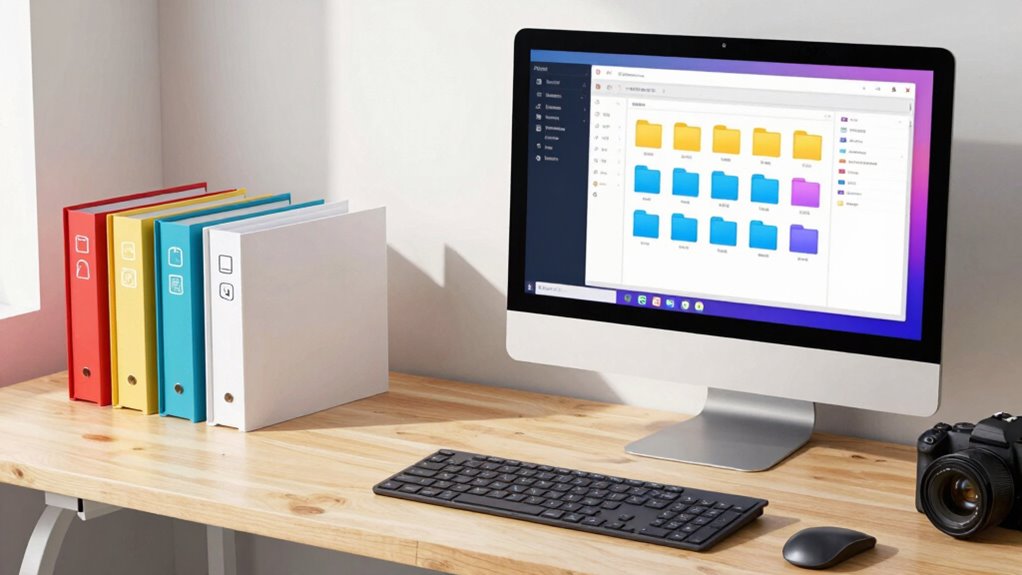

To make finding work ridiculously easy, create a clear folder hierarchy centered around your projects and priorities. Use descriptive, consistent naming conventions with dates and status labels to identify files instantly. Keep active work in dedicated folders and archive completed tasks separately. Regularly review and tidy your folders to remove outdated files and merge redundancies. Sticking to a standardized system will streamline your workflow. Keep going to discover more ways to optimize your organization.
Key Takeaways
- Create a clear hierarchy with main folders for active projects and separate folders for archives.
- Use descriptive, standardized naming conventions with dates and status prefixes for quick identification.
- Prioritize frequently accessed folders and files at the top level for immediate access.
- Regularly review and clean up folders to remove outdated files and merge redundant ones.
- Incorporate consistent labeling for project stages (Draft, Review, Final) to streamline workflows.
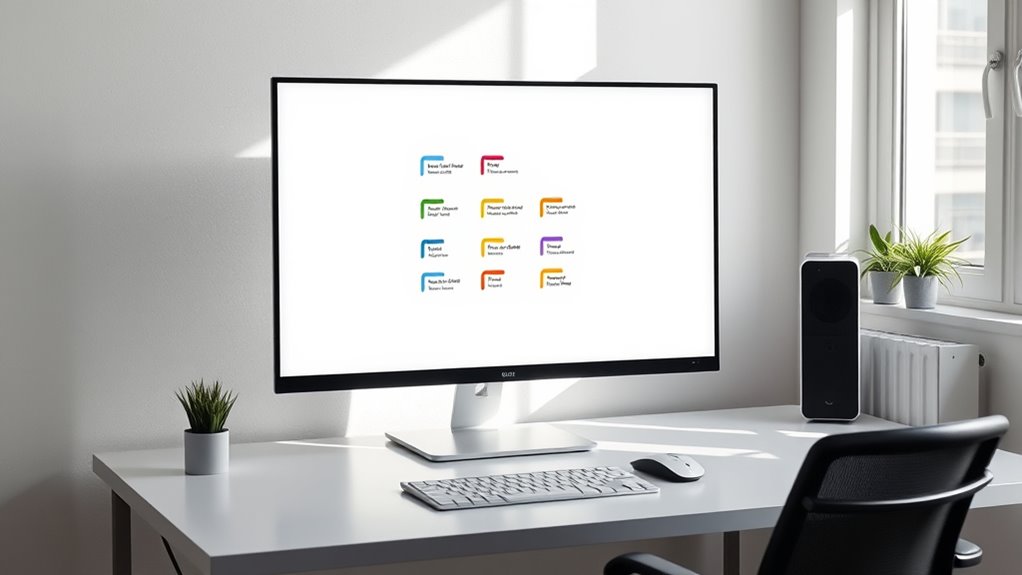
Having an organized folder structure can considerably boost your productivity by helping you find files quickly and avoid unnecessary stress. When your files are scattered or poorly named, it wastes time searching or opening unnecessary folders. Creating a system that’s intuitive and consistent makes all the difference. Start with clear naming conventions that reflect the content of each file or folder. For example, include dates in a YYYY-MM-DD format to keep files chronological, or use descriptive keywords that immediately tell you what’s inside. This way, when you’re searching for a specific document, you can identify it at a glance without opening multiple files.
Prioritization strategies are equally important in folder organization. Focus on your most frequently accessed work first, creating dedicated folders for those projects or tasks. For example, have a main folder labeled “Current Projects” and subfolders for each active client or task. Less urgent or completed work can go into archived folders, keeping your workspace clean and clutter-free. This hierarchy ensures you’re always working within a structure that emphasizes what matters most, reducing the time spent browsing irrelevant files. When you combine these strategies with consistent naming conventions, locating your work becomes nearly automatic.
To keep your folder structure working effectively, make it a habit to review and tidy up regularly. Delete outdated files, merge redundant folders, and update naming conventions if needed. The goal is to maintain a system that adapts to your evolving workload without becoming overwhelming. Use clear, standardized naming patterns across all folders and files to ensure uniformity. This consistency eliminates confusion and makes bulk searches more effective. For example, prefix project names with statuses like “Draft,” “Review,” or “Final” to instantly understand a file’s stage. Implementing consistent naming conventions and regular maintenance streamline your workflow and minimize the mental effort required to stay organized.

Avery File Folder Labels with TrueBlock Technology, Permanent Adhesive, 2/3" x 3-7/16", Laser/Inkjet, 150 Labels (08593)
- Organized file labels: Uniform white labels for clear text
- Reliable printer feed: Sure Feed technology for smooth printing
- Reusability: TrueBlock technology covers previous labels
As an affiliate, we earn on qualifying purchases.
As an affiliate, we earn on qualifying purchases.
Frequently Asked Questions
How Often Should I Review and Update My Folder Structure?
You should review and update your folder structure every three to six months. Regularly check your folder naming and archiving strategies to guarantee they still meet your needs. If you notice clutter or difficulty finding files, it’s time for a refresh. Keeping your system current helps maintain efficiency, prevents outdated organization, and ensures your folders support your workflow seamlessly. Consistent reviews make managing files effortless and stress-free.
What Tools Can Help Automate Folder Organization?
You can use tools with automatic tagging and AI sorting to automate your folder organization. Programs like Adobe Bridge or Eagle filter files automatically based on metadata and content, saving you time. Cloud storage services like Google Drive and Dropbox also offer AI-powered sorting features. These tools help you keep your folders tidy, find files faster, and reduce manual effort, making your workflow much more efficient.
How Do I Handle Shared Folders With Multiple Users?
Imagine opening a shared folder and everything’s perfectly organized—no chaos. To handle shared folders with multiple users, you set up shared access with clear permission management. Assign roles like viewer, editor, or admin to control who can view, modify, or manage files. Regularly review permissions to prevent mishaps, and use collaboration tools that sync seamlessly. This way, everyone stays on the same page, and your work remains efficient and stress-free.
Can a Folder Structure Improve Team Collaboration?
Yes, a well-organized folder structure can improve team collaboration. By using cloud storage, everyone accesses the latest files seamlessly, reducing confusion. Incorporate version control within your folders to track changes and avoid overwriting work. Clear naming conventions and consistent hierarchy make it easy for team members to find and update files quickly, fostering efficient teamwork and minimizing misunderstandings.
What Are Common Mistakes to Avoid in Folder Organization?
Avoid inconsistent folder naming, confusing file naming conventions, and neglecting clear organization. Keep folder naming consistent, using logical, descriptive labels. Follow file naming conventions that include dates, versions, and keywords to guarantee clarity. Don’t overcrowd folders, ignore naming standards, or create unnecessary subfolders. Organize systematically, maintain consistency, and label thoughtfully. Doing so helps prevent confusion, saves time, and keeps your workspace efficient.

Gawerk 5-Section Vertical Desktop Organizer, 5-Section Mesh File Folder Stand Sorter for Office Home Classroom Organization
- Dimensions: 9.25" L x 8.78" W x 7.28" H
- Space-saving design: Keeps desktop organized and clutter-free
- Easy access: Open design for quick document retrieval
As an affiliate, we earn on qualifying purchases.
As an affiliate, we earn on qualifying purchases.
Conclusion
A well-organized folder structure can boost your productivity by up to 50%, according to recent studies. When your files are easy to find, you spend less time searching and more time actually working. Remember, simplicity is key—use clear labels and consistent naming conventions. With a straightforward system, you’ll stay focused and efficient, making your workday smoother and more manageable. Start today, and watch your productivity soar as your files become effortlessly accessible.

Geovision GV-Control Center | Integrated Security Management Software for Comprehensive, and efficient Central Operation
- Portable CMS Software: Runs from a USB drive
- Remote DVR Control: Manage DVR settings remotely
- Remote Desktop Access: Access local DVR desktops remotely
As an affiliate, we earn on qualifying purchases.
As an affiliate, we earn on qualifying purchases.

SUPVAN E11 Keyboard & Bluetooth Label Maker Machine with 4 Tapes, Black
- Quick Printing via Keyboard: Print labels directly from keyboard for speed
- Custom Designs with App: Create personalized labels using Bluetooth app
- Long-lasting Rechargeable Battery: 1200mAh battery lasts up to one month
As an affiliate, we earn on qualifying purchases.
As an affiliate, we earn on qualifying purchases.