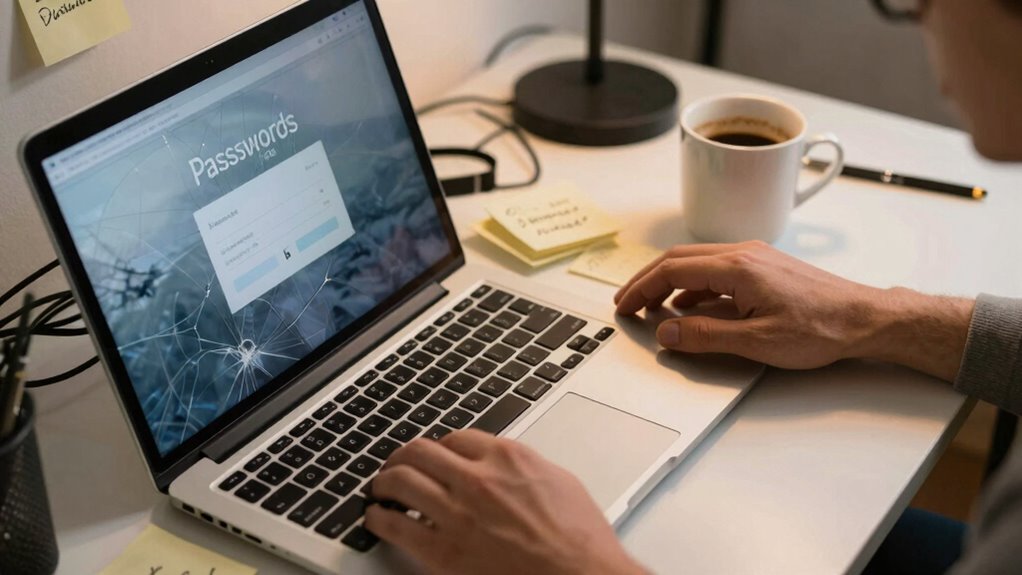

Even with strong security setups, poor password habits can still break your defenses. Reusing passwords across sites makes breaches more likely and easy for hackers to exploit. Storing passwords insecurely or relying solely on biometrics creates vulnerabilities. Your everyday habits, like choosing weak passwords or skipping security reviews, weaken overall security. If you keep conscious of these issues, you’ll discover how small changes can protect you better and strengthen your defenses over time.

Get comfort and recovery gear delivered free with Prime
- Fast, free delivery on millions of items
- Prime Video, Amazon Music and more included
- Member-only deals all year
Key Takeaways
- Poor password practices, like reuse or weak passwords, undermine even robust security systems.
- User habits, such as insecure storage or sharing, create vulnerabilities despite strong setups.
- Overreliance on biometric security without layered safeguards can lead to breaches.
- Neglecting regular security reviews or updates weakens defenses over time.
- Inconsistent or careless behaviors diminish the effectiveness of technological security measures.
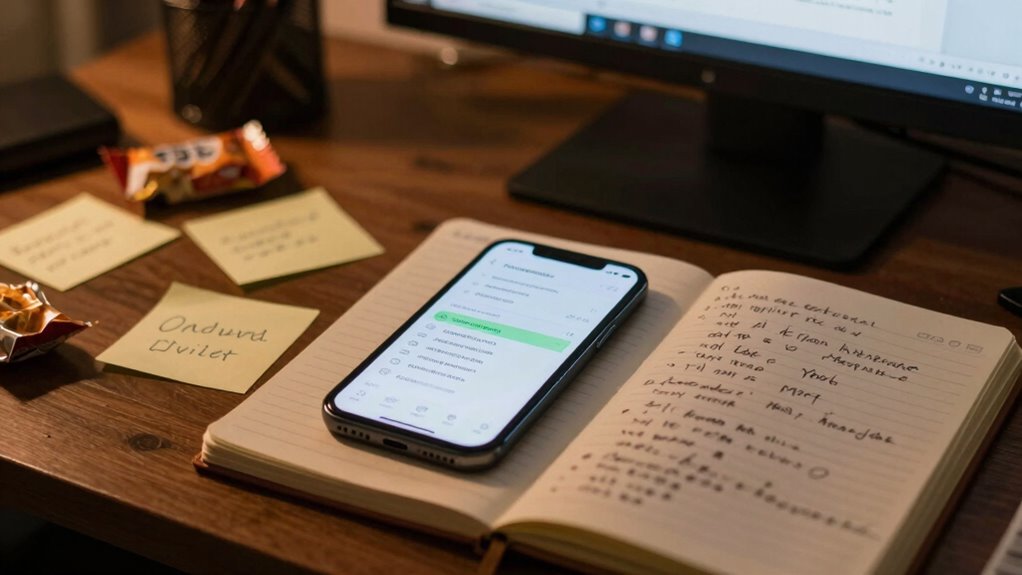
Even with strong security setups and the latest tools, your password habits can still undermine your defenses. No matter how advanced your security measures are, behaviors like password reuse and ignoring biometric vulnerabilities can open doors for cybercriminals. If you tend to use the same password across multiple sites, a breach on one platform can cascade into problems elsewhere. Attackers often exploit this habit by scanning for compromised passwords in data dumps, then trying them on other accounts. This practice makes it easier for hackers to gain access without needing to crack complex encryption. Even a single weak or reused password can become the weak link in your security chain, negating the effectiveness of multi-factor authentication or advanced firewalls.
Weak password habits can undermine even the strongest security measures, leaving you vulnerable to cyberattacks.
Biometric vulnerabilities also pose a real threat, even though many see biometric data—like fingerprints or facial recognition—as foolproof. These systems can be tricked or bypassed with high-quality reproductions, photos, or sophisticated hacks. For example, fingerprint scanners may be fooled by lifted prints or molds, and facial recognition can be tricked with photos or videos. When you rely solely on biometrics without additional safeguards, you create a false sense of security. Cybercriminals are continuously developing new methods to bypass biometric protections, which means you shouldn’t depend on them alone. Instead, combining biometric authentication with strong, unique passwords provides a layered defense that’s tougher to crack.
Your habits around password management also matter. Many people tend to store passwords insecurely—either writing them down, saving them in plain text files, or relying on easily accessible browsers. These behaviors make it easier for someone to access your accounts if they gain physical or digital access to your devices. Using a password manager helps, but only if you use it consistently and securely. Weak master passwords or neglecting to enable additional security features can undermine even the best tools. Additionally, being aware of cybersecurity best practices can help you develop habits that protect your digital assets more effectively. Developing strong password creation habits is a crucial part of this, ensuring that each account has a unique and difficult-to-guess password. Remember, no matter how sophisticated your security setup, neglecting good password hygiene and biometric awareness can still leave you vulnerable. Practicing regular security reviews can help identify potential weaknesses before they are exploited.
Ultimately, your security isn’t just about having the right tools; it’s about your habits. Avoid reusing passwords across multiple accounts, stay informed about biometric vulnerabilities, and adopt secure management practices. When you do, you’re creating a more resilient defense that can stand up to the evolving tactics of cyber threats. Even with the latest technology, your everyday choices and behaviors play a crucial role in keeping your digital life safe. Developing good cybersecurity habits can significantly reduce your risk of falling victim to attacks.
best password manager for security
As an affiliate, we earn on qualifying purchases.
As an affiliate, we earn on qualifying purchases.
Frequently Asked Questions
How Often Should I Change My Passwords for Optimal Security?
You should change your passwords every three to six months for maximum security. Regular password renewal helps prevent unauthorized access, especially if a breach occurs without your knowledge. Incorporate strong, unique passwords for each account and update them regularly as part of your security practices. This routine minimizes risks and keeps your online information protected. Remember, consistent updates are key to maintaining a robust security setup.
Are Password Managers Completely Safe to Use?
Did you know 81% of data breaches involve weak or stolen passwords? Password managers are generally safe when you use a strong master password, as they securely store and encrypt your credentials. However, if your master password is weak or compromised, your entire password storage is at risk. Always choose a complex, unique master password, and enable two-factor authentication for added security.
What Are Common Mistakes People Make With Password Creation?
You often make mistakes with password creation by choosing simple, easily guessable passwords or reusing them across sites. To improve, focus on increasing password complexity with a mix of uppercase, lowercase, numbers, and symbols. User education is key—learn why strong, unique passwords matter and avoid shortcuts. This way, you’re better protected, and your accounts stay secure even if one site gets compromised.
How Can I Remember Multiple Complex Passwords Easily?
Think of yourself as Sherlock Holmes, using password pattern recognition and mnemonic techniques to crack the code. Create memorable phrases or acronyms that link to your passwords, making them easier to recall. Break complex passwords into chunks or patterns, and associate them with familiar images or stories. This way, you’ll remember multiple passwords effortlessly, just like Holmes solves mysteries—by recognizing patterns and making clever connections.
Do Two-Factor Authentication Methods Vary in Security?
Yes, two-factor authentication methods vary in security. Biometric authentication, like fingerprint or facial recognition, offers high security because it’s hard to replicate. Others, like SMS codes, can be vulnerable to interception. Even with complex passwords, combining them with strong second factors boosts protection. So, choosing a multi-layered approach, especially with biometric options, substantially enhances your account security compared to simpler methods.
multi-factor authentication security devices
As an affiliate, we earn on qualifying purchases.
As an affiliate, we earn on qualifying purchases.
Conclusion
Even with all the modern security tools at your fingertips, your habits can still be the Achilles’ heel. It’s like trying to keep a secret in a town full of gossip; your good setup can easily fall apart if you’re not vigilant. Remember, no matter how advanced your system, consistent good habits—like avoiding “password123”—are your best defense. So, don’t be a knuckle-dragger when it comes to cybersecurity. Stay savvy, stay secure.
biometric security bypass protection
As an affiliate, we earn on qualifying purchases.
As an affiliate, we earn on qualifying purchases.
As an affiliate, we earn on qualifying purchases.
Fall Picks
fall essentials
As an affiliate, we earn on qualifying purchases.