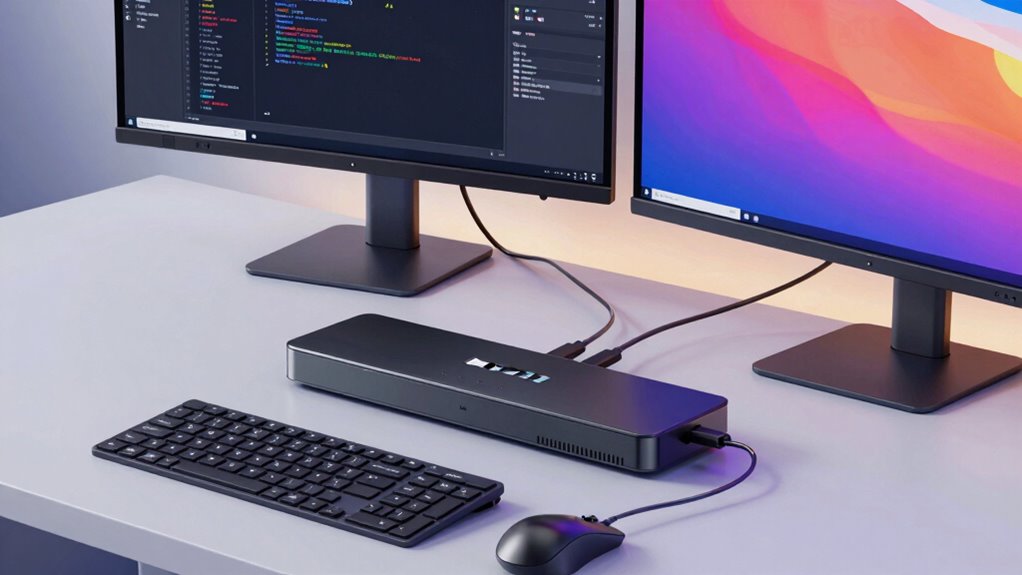
A KVM switch lets you control multiple computers with just one keyboard, monitor, and mouse, saving space and reducing clutter. It allows seamless switching between machines either with a button or keyboard shortcut. Many models support remote access, so you can manage your systems from anywhere securely. Additionally, they help enforce user permissions and guarantee security. If you want to discover how these features work together hassle-free, continue exploring.

Get comfort and recovery gear delivered free — and shop member deals
- Fast, free delivery on millions of items
- Access to Prime Big Deal Days deals on October 6–7
- Prime Video, Amazon Music and more included
Key Takeaways
- KVM switches allow one keyboard and monitor to control multiple computers seamlessly.
- They enable quick switching between connected systems with minimal effort or disruption.
- Remote management features support controlling computers over a network securely and remotely.
- High performance ensures smooth visuals and responsiveness during fast workflows.
- User permissions and security protocols prevent unauthorized access and ensure compliance.
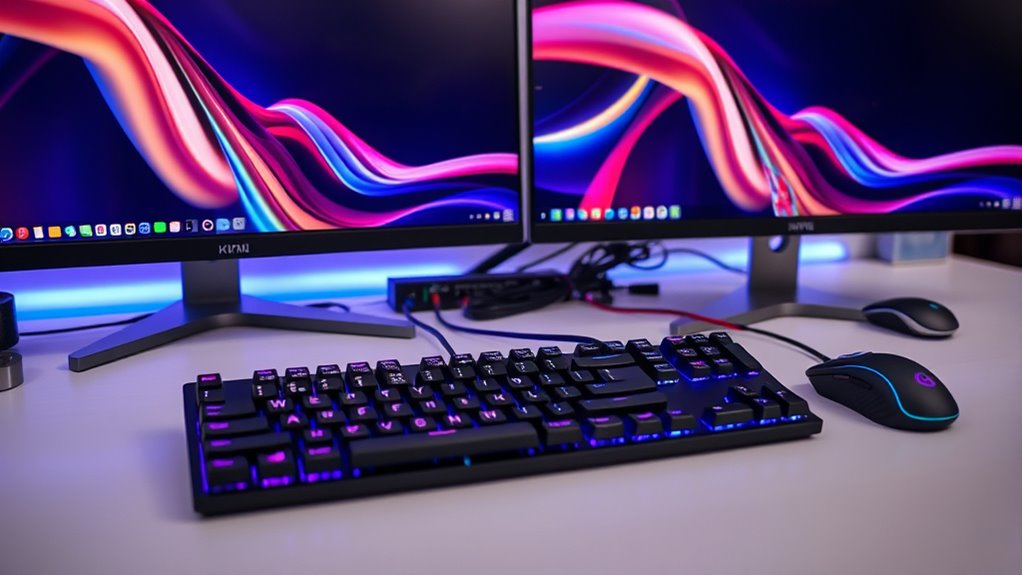
A KVM switch allows you to control multiple computers with a single keyboard, video monitor, and mouse, making your workspace more efficient. This device is especially useful if you work with several servers or computers and want to switch seamlessly between them without cluttering your desk with extra peripherals. By connecting all your machines to the KVM switch, you can toggle control with the push of a button, saving time and reducing the hassle of managing multiple setups.
In environments where remote management is essential, a KVM switch becomes even more valuable. Some models support remote access, allowing you to control connected computers from anywhere within your network or even over the internet. This feature is indispensable for IT professionals or system administrators who need to troubleshoot or monitor systems outside of regular working hours or from different locations. When selecting a KVM switch with remote management capabilities, ensure it supports secure connections. This means it should employ robust security protocols, such as encryption and authentication, to prevent unauthorized access and keep your sensitive data safe. Proper security measures are critical, especially if you’re managing critical infrastructure or confidential information, as they help safeguard your network against potential cyber threats.
Additionally, high refresh rates in KVM switches can improve the responsiveness and visual clarity when switching between computers during fast-paced workflows or multimedia tasks. The right KVM switch will also allow you to set permissions, so only authorized users can switch between computers or access specific systems. This layered security approach not only prevents unauthorized use but also ensures compliance with organizational policies and industry standards.
KVM switch with remote management
As an affiliate, we earn on qualifying purchases.
As an affiliate, we earn on qualifying purchases.
Frequently Asked Questions
Can KVM Switches Connect Multiple Monitors Simultaneously?
Yes, some KVM switches can connect multiple monitors simultaneously, supporting various monitor configurations like dual or even triple displays. When choosing a KVM switch, guarantee it supports your desired video resolution to maintain display quality. You’ll want a model compatible with your monitor setup and capable of handling high resolutions to avoid lag or quality loss. This way, you can seamlessly switch between computers without sacrificing your multi-monitor workspace.
Do KVM Switches Support Audio and USB Devices?
Yes, many KVM switches support audio compatibility and USB device support, letting you seamlessly connect your speakers, microphone, and peripherals. Imagine switching effortlessly between two computers, with audio and USB devices following your command—no extra cables needed. This integration simplifies your workspace, ensuring your sound and USB devices work smoothly across multiple systems. Look for models that explicitly mention audio and USB support to enjoy this hassle-free experience.
How Secure Are KVM Switches Against Data Breaches?
KVM switches offer moderate security but aren’t foolproof against data breaches. You can enhance security by choosing models with advanced encryption methods that protect data transmitted between devices. Additionally, implementing physical security measures, like locking the switch in secure areas, reduces unauthorized access. Keep firmware updated and disable unused ports to mitigate vulnerabilities. While they help streamline setup, always assess your security needs to determine if a KVM switch fits your environment.
Are There Wireless KVM Switch Options Available?
Yes, wireless KVM switch options are available, offering wireless connectivity for your setup. These switches enable remote access, allowing you to control multiple computers without physical cables. You simply connect to the KVM over Wi-Fi or other wireless means, giving you flexibility and convenience. Keep in mind, though, that wireless KVMs may introduce latency or security concerns, so choose models with strong encryption and reliable wireless technology to guarantee smooth and secure operation.
What Is the Typical Lifespan of a KVM Switch?
A typical KVM switch lasts around 5 to 10 years, depending on durability factors like build quality and usage frequency. To extend its lifespan, you should follow maintenance tips such as keeping it clean, avoiding power surges, and ensuring proper ventilation. Regularly checking connections and updating firmware also help maintain peak performance, so your switch remains reliable for years to come.
As an affiliate, we earn on qualifying purchases.
Conclusion
Switching between two computers with a KVM switch makes your workspace cleaner and more efficient. You might worry about compatibility issues, but modern KVM switches support a wide range of devices and setups. By investing in one, you streamline your workflow and reduce clutter, proving that simplicity doesn’t sacrifice functionality. Embrace this tech upgrade, and you’ll find managing multiple systems becomes effortless—without the drama or hassle you might expect.
As an affiliate, we earn on qualifying purchases.
As an affiliate, we earn on qualifying purchases.
Evergreen bestsellers Picks
bestsellers
As an affiliate, we earn on qualifying purchases.