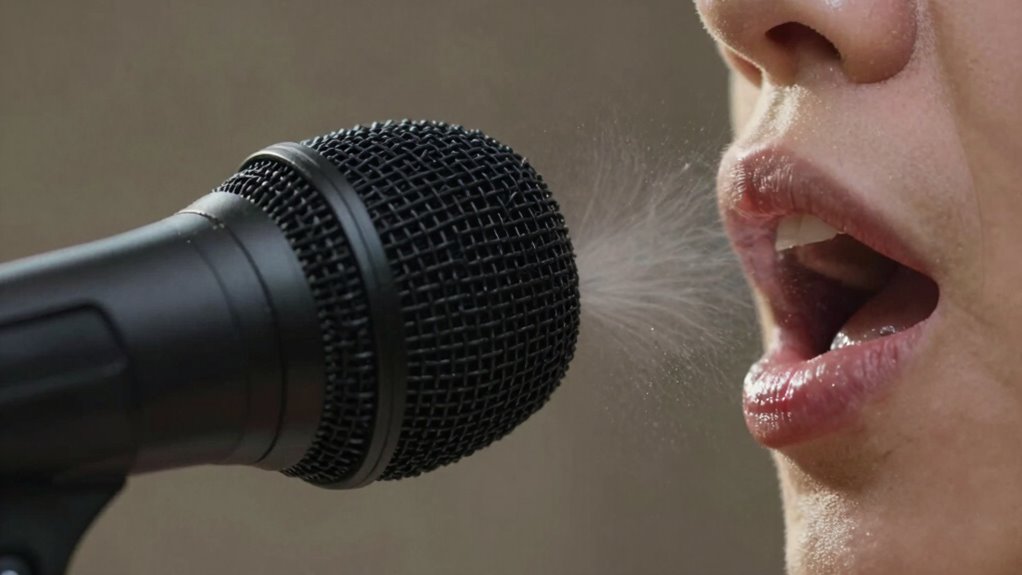

Plosive sounds like “P” and “B” cause loud pops on microphones because they release bursts of air directly into the mic capsule. These sudden air blasts create distortion and can damage your equipment over time. Using a pop filter and proper mic placement helps reduce these explosive sounds, keeping your recordings clean. If you want to understand how to manage plosives better, there’s more to learn about effective techniques and tools.

Get comfort and recovery gear delivered free with Prime
- Fast, free delivery on millions of items
- Prime Video, Amazon Music and more included
- Member-only deals all year
Key Takeaways
- Plosives like “P” produce sudden bursts of air that create loud pops in recordings.
- These bursts can cause distortion and potential damage to microphone components.
- Proper microphone placement and pop filters help reduce explosive air pressure hitting the mic.
- Pop filters diffuse airflow, preventing moisture buildup and protecting microphone diaphragms.
- Managing plosives ensures clearer, more professional audio quality in recordings.
Have you ever wondered how certain sounds in speech produce such a sharp, forceful burst? These sounds, known as plosives, happen when you pronounce letters like “P” or “B,” causing a sudden release of air that can create a loud, unwanted pop in your recordings. If you’re recording vocals or podcasting, you’ve probably noticed how these bursts can distort your sound or even damage your microphone over time. That’s where understanding pop filter benefits and proper microphone placement can make a big difference.
A pop filter is a simple, yet effective tool designed to reduce or eliminate the explosive air blasts caused by plosives. It’s usually made of a fine mesh material stretched across a frame and positioned a few inches in front of your microphone. The benefits are clear: it prevents the high-pressure air from hitting the microphone capsule directly, which means your recordings stay cleaner and more professional. Using a pop filter also extends the life of your microphone because it minimizes the risk of moisture buildup and potential damage from those powerful air blasts. Plus, it helps in maintaining consistent audio levels, so your voice sounds balanced and natural without sudden spikes caused by “P” sounds.
Additionally, microphone placement plays a crucial role in managing plosives effectively, allowing you to achieve clearer recordings without relying solely on equipment.
Popular right now

Roborock F25 GT Set Cordless Wet Dry Vacuum Cleaner and Mop with 2 Brushes

Bose QuietComfort Wireless Noise-Cancelling Over-Ear Headphones, Black

Samsung 85-Inch QN70H Neo QLED 4K Smart TV (2026)
As an affiliate, we earn on qualifying purchases.
Frequently Asked Questions
Can Plosives Damage Microphone Equipment?
Plosives can damage microphone equipment over time if left unaddressed, especially with frequent loud “P” sounds. To prevent this, you should use a pop filter, which greatly enhances its effectiveness by diffusing air bursts. Proper microphone placement also helps, positioning the mic slightly off-axis from your mouth to reduce direct airflow. These measures protect your gear and guarantee clear recordings without risking damage.
Are Some Voices More Prone to Plosives Than Others?
Some voices are more prone to plosives because of their speech patterns and voice projection. If you have a strong, forceful delivery or tend to speak directly into the microphone, you’ll likely experience more plosive issues. To minimize this, adjust your microphone placement, keeping it slightly off-axis, and use a pop filter. These steps help manage airflow and reduce the impact of plosive sounds on your recordings or broadcasts.
How Do Plosives Affect Audio Editing and Post-Production?
Plosives can disrupt your audio, making editing more time-consuming and less clean. You’ll want to maximize pop filter effectiveness to reduce these sounds upfront, but mastering your vocal technique is equally essential. Proper control over your puffs and breath can minimize their impact, saving you from extensive post-production cleanup. When you combine a good pop filter with vocal technique mastery, you’ll produce clearer recordings and streamline your editing process.
Can Plosive Sounds Be Completely Eliminated in Recordings?
You can’t completely eliminate plosive sounds, but you can reduce them considerably. Using a pop filter effectively helps block the bursts of air from “P” sounds before they hit the mic. Proper microphone placement, like positioning the mic slightly off-axis or farther from your mouth, also minimizes plosive impact. Combining these techniques improves your recording quality, making post-production editing easier and more effective.
Do Different Microphone Types Handle Plosives Differently?
Imagine your microphone as a shield and plosives as sudden gusts of wind. Different mic types handle these gusts uniquely; some are more resistant, especially when paired with effective pop filters. Proper microphone placement also plays a vital role—positioning the mic slightly off-axis reduces direct airflow. To minimize plosive explosions, choose a mic with good pop filter compatibility and place it carefully, shielding your recordings from harsh “P” sounds.
Conclusion
Now that you understand why “p” sounds burst like tiny fireworks on your mic, you can take control of your recordings. Think of plosives as mischievous little sparks waiting to surprise you—armed with knowledge, you can tame them with pop filters and proper technique. So, go ahead, speak confidently into your microphone, knowing you hold the magic wand to keep those explosive sounds at bay. Your voice will shine clear and true, free from unwanted fireworks.