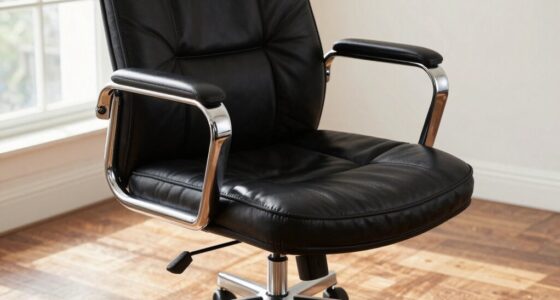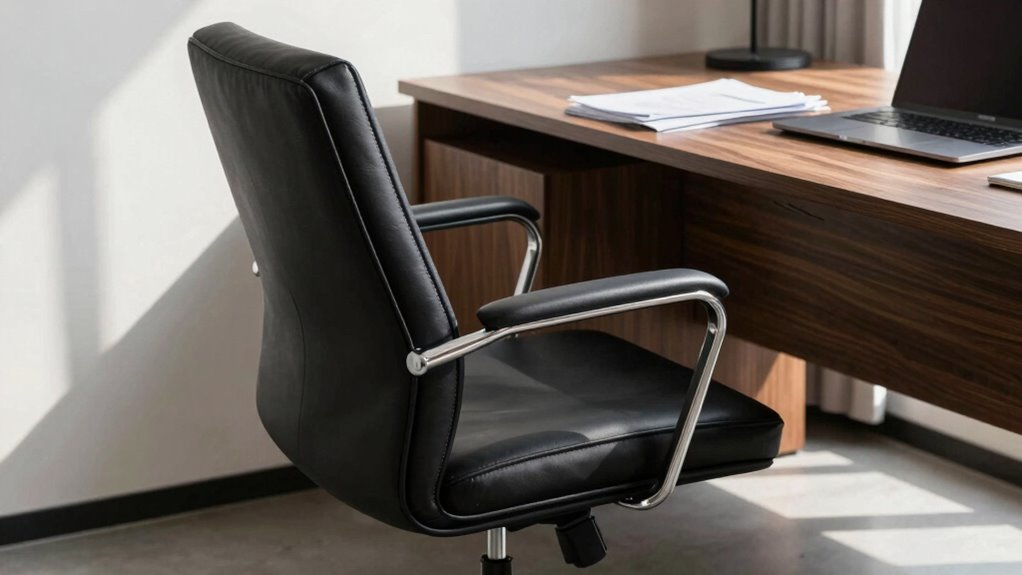

Your chair settings often shift because of worn or cheap mechanisms, incorrect ergonomic adjustments, or environmental changes like desk height and monitor positioning. If your support isn’t properly aligned, it can cause discomfort and constantly need readjustment. Small tweaks and regular checks help maintain your setup longer. By understanding these factors, you can keep your chair comfortable and supportive. Keep exploring to discover more tips on how to make your adjustments last longer.

Get comfort and recovery gear delivered free — and shop member deals
- Fast, free delivery on millions of items
- Access to Prime Big Deal Days deals on October 6–7
- Prime Video, Amazon Music and more included
Key Takeaways
- Worn or low-quality adjustment mechanisms may cause settings to slip or shift over time.
- Incorrect ergonomic setup or environmental factors can lead to frequent readjustments.
- Lack of regular maintenance or fine-tuning allows settings to become unstable.
- Not customizing the chair properly to your body type reduces the stability of adjustments.
- Continuous movement and frequent repositioning can cause settings to lose their hold.
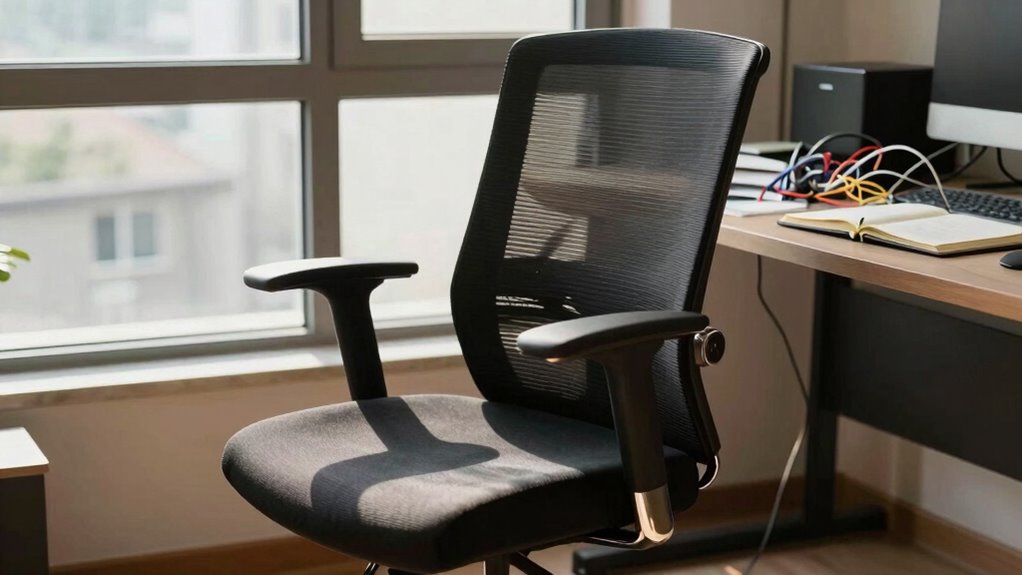
If you’ve ever adjusted your desk chair only to find it feels uncomfortable again shortly afterward, you’re not alone. Many people face the frustration of setting their chair just right, only to have it shift out of position hours later. The reason often comes down to a lack of proper ergonomic adjustments and the challenges of chair customization. Your body changes throughout the day, and so do your tasks, making it difficult to find a single perfect setting that lasts. That’s why your chair’s settings seem to revert or feel uncomfortable, despite your efforts.
One common mistake is neglecting the importance of ergonomic adjustments. Your chair should support your natural posture, which means aligning your hips, back, and neck properly. If you don’t actively fine-tune these features, even a well-designed chair won’t stay comfortable. For example, if your lumbar support isn’t adjusted correctly, your lower back will strain, causing discomfort that encourages you to keep fiddling with the settings. Regularly reassessing these adjustments ensures your chair continues to support your changing needs. Incorporating proper ergonomic principles into your adjustments can help them last longer and be more effective.
Chair customization plays a vital role here. Not all chairs are one-size-fits-all, and many people overlook the importance of tailoring their chair to their body. If your armrests are too high or low, your shoulders will tense up, leading to fatigue. If your seat height isn’t aligned with your desk or your feet aren’t flat on the floor, your posture suffers, and you’ll feel the need to adjust repeatedly. Customizing your chair isn’t a one-and-done task; it’s an ongoing process. Small tweaks like adjusting the tilt tension or changing the seat depth can make a significant difference in comfort and stability. Additionally, understanding ergonomic principles can help you make better adjustments that last longer. Ensuring your workspace setup is ergonomically optimized can further enhance the effectiveness of your adjustments and reduce the frequency of readjustments.
Another issue that causes settings to slide back is the quality of the chair itself. Cheaper models often lack the sturdy mechanisms needed to hold adjustments firmly. If your chair’s adjustment features are flimsy or worn out, you’ll find yourself constantly readjusting. Investing in a high-quality, ergonomically designed chair with durable adjustment features can help your settings stick longer. Remember, the more you understand ergonomic principles and how to customize your chair effectively, the less often you’ll find yourself readjusting.
Finally, don’t forget that your environment impacts your comfort. Factors like your desk height, monitor positioning, and even lighting influence how your chair should be adjusted. When everything aligns well, your ergonomic adjustments stay in place longer because your entire workstation supports good posture. In summary, chair customization isn’t just about the chair itself but how it fits into your overall workspace. When you pay attention to these details and regularly revisit your settings, you’ll notice your chair feels more consistent and supportive, reducing your frustration over constantly readjusting. Proper ergonomic adjustments can significantly improve the longevity of your chair’s settings and your overall comfort.
ergonomic adjustable office chair
As an affiliate, we earn on qualifying purchases.
As an affiliate, we earn on qualifying purchases.
Frequently Asked Questions
Can Environmental Factors Affect My Chair Settings Over Time?
Yes, environmental factors like air quality and temperature can impact your chair settings over time. Poor air quality might cause your body to react differently, leading to changes in posture and chair adjustments. Additionally, fluctuations in temperature can affect the materials of your ergonomic accessories, making them expand or contract. These factors can cause your chair settings to shift, so regularly reviewing and adjusting them helps maintain the best comfort and support.
Are There Specific Chair Models That Retain Settings Better?
Some chair models with ergonomic design and high material durability retain settings better. Look for chairs with robust adjustment mechanisms, like lockable tilt tensions and sturdy height adjusters, crafted from durable materials such as reinforced plastic or metal. Brands prioritizing quality and ergonomic features often design chairs that hold settings longer, reducing the need for constant readjustments. Investing in such models helps guarantee your preferred comfort level stays consistent over time.
How Often Should I Readjust My Chair for Optimal Comfort?
You should readjust your chair at least once a week to maintain ideal comfort. Studies show that even slight posture shifts can impact comfort and health. Incorporate ergonomic accessories like lumbar supports and seat cushions, and stay posture-aware throughout the day. Regular adjustments help prevent strain and keep your setup supportive. By staying proactive, you’ll enjoy better comfort, reduced fatigue, and improved productivity in your workspace.
Do Personal Habits Influence the Stability of Chair Settings?
Yes, your personal habits do influence the stability of your chair settings. If you frequently change positions or have inconsistent daily routines, your ergonomic posture shifts, causing your chair to need readjustment. To keep settings stable, maintain consistent habits and focus on good ergonomic posture. Avoid sudden movements and make small adjustments gradually, so your chair can better adapt to your daily routines and stay comfortable longer.
Is There a Way to Lock or Secure My Preferred Chair Settings?
You can lock your chair settings by exploring the adjustable features and ergonomic accessories. Many modern chairs have locking mechanisms for height, tilt, and armrest positions, so you don’t have to constantly readjust. Add ergonomic accessories like seat wedges or lumbar supports to maintain your preferred setup. Just remember, a stitch in time saves nine—regularly check and tighten settings to keep them secure and comfortable for longer.
high-quality chair with lockable mechanisms
As an affiliate, we earn on qualifying purchases.
As an affiliate, we earn on qualifying purchases.
Conclusion
Think of your desk chair as a loyal but forgetful friend—you set it up just right, but it keeps slipping back into old habits. To keep your comfort steady, regularly check and adjust your settings, and consider investing in a sturdy, well-made chair. Like tuning a musical instrument, small tweaks can make a big difference. With a little effort, you’ll find your perfect seat feeling just right, no matter how often you sit down.
As an affiliate, we earn on qualifying purchases.
As an affiliate, we earn on qualifying purchases.
Fall Picks
fall essentials
As an affiliate, we earn on qualifying purchases.