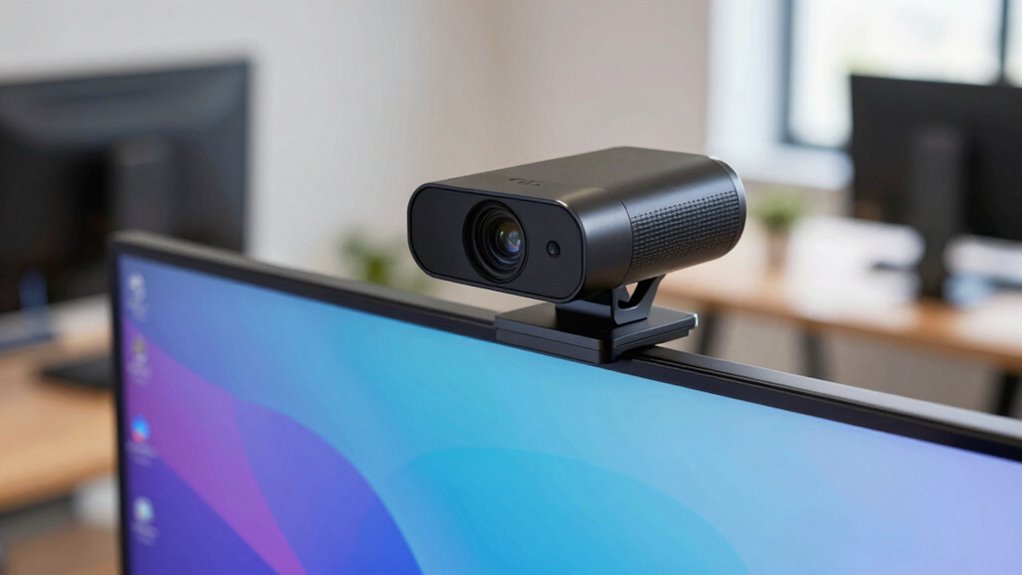

To decide if you need a 4K webcam, consider how important video clarity is for your tasks. If you regularly do professional streaming, content creation, or need detailed visuals, a 4K camera will boost your quality. However, if your videos are mainly casual or involve simple meetings, a good HD webcam might be enough. Think about your hardware capabilities too. Keep going to find out how to make the best choice for your needs.

Get comfort and recovery gear delivered free — and shop member deals
- Fast, free delivery on millions of items
- Access to Prime Big Deal Days deals on October 6–7
- Prime Video, Amazon Music and more included
Key Takeaways
- Assess if your use case benefits from detailed visuals, like content creation or professional streaming.
- Check your hardware capabilities and internet speed to handle 4K streaming smoothly.
- Determine if platforms you use support 4K resolution without excessive compression.
- Consider your budget and whether higher resolution aligns with your long-term goals.
- Evaluate if future technological advancements and compatibility make 4K a worthwhile investment.
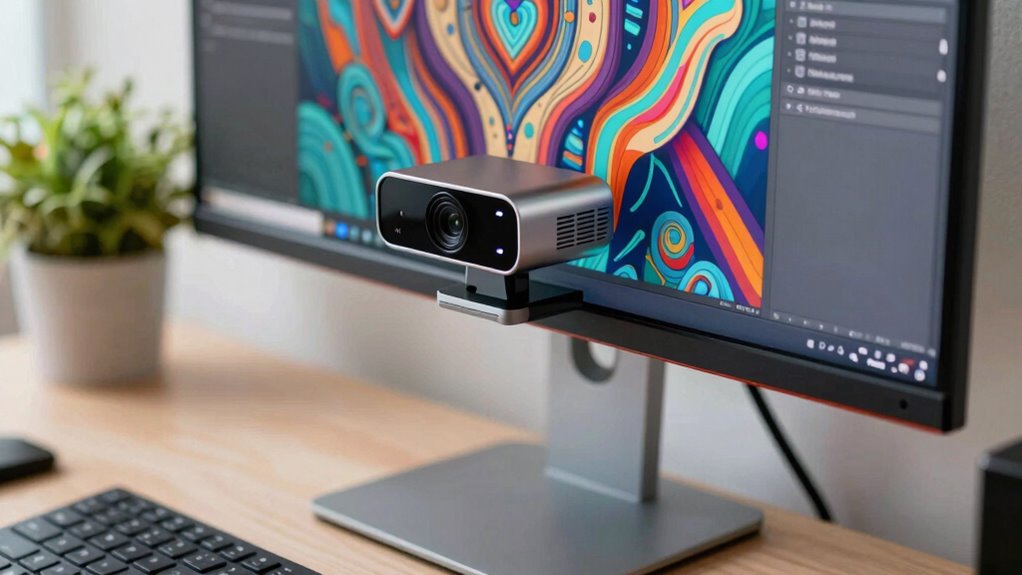
In today’s digital world, knowing whether you need a 4K webcam can substantially improve your video quality. If you frequently participate in professional meetings, content creation, or streaming, investing in a 4K camera might be worth weighing up. But before you make the leap, it’s essential to evaluate your actual needs against your budget considerations. A 4K webcam offers superior resolution, which translates to sharper, more detailed images. However, this enhanced video quality isn’t always necessary for every user. If your primary use involves casual video calls or platforms that compress video heavily, a standard HD webcam might suffice, saving you money without sacrificing too much clarity.
Your decision should hinge on how much detail you require in your videos. For example, if you’re a designer or a content creator who needs to showcase intricate visuals, 4K can make a significant difference. It allows viewers to see fine details, which can elevate your professionalism and engagement. Conversely, if your main goal is simply staying connected with friends and family or participating in basic meetings, the increased resolution may be overkill. In such cases, investing in a high-quality HD or 1080p webcam offers a good balance between video quality and affordability.
Another key factor to keep in mind is your hardware setup. Streaming or recording in 4K demands a robust computer with a powerful processor, ample RAM, and a fast internet connection. If your current setup isn’t equipped to handle the increased data load, the benefits of a 4K webcam may be limited. This means you could end up with high-resolution footage that’s choppy or laggy, defeating the purpose of upgrading. Hence, it’s wise to assess your hardware capabilities and consider whether the added expense aligns with your overall tech environment. Additionally, understanding video compression and how it impacts image quality can help determine whether 4K is genuinely beneficial for your specific use case. Upgrading your hardware may also involve considering future technological advancements to ensure your setup remains relevant. For example, being aware of upcoming industry trends can help you make a more informed decision about long-term investments. Moreover, evaluating how internet bandwidth affects streaming quality can prevent potential frustrations when switching to higher resolutions. It’s also important to consider how software compatibility might influence your ability to utilize 4K features effectively.
Finally, think about your future needs and whether a 4K webcam aligns with your long-term goals. If you plan to expand into professional content creation or streaming, investing in 4K now could save you from upgrading again shortly. On the other hand, if your current usage remains casual, sticking with a high-quality HD webcam can be a smart choice, especially when taking into account budget considerations. Remember, higher resolution isn’t always the answer; it’s about finding the right balance between video quality, your actual needs, and the investment you’re willing to make.
As an affiliate, we earn on qualifying purchases.
Frequently Asked Questions
Can I Upgrade My Current Webcam to 4K Easily?
Yes, you can upgrade your webcam to 4K easily if your current device supports it or if you get a new 4K webcam. Check your computer’s compatibility and make certain your USB port can handle higher data transfer rates for better webcam resolution. Upgrading boosts your video streaming quality, but keep in mind that your internet bandwidth might also need an upgrade to fully enjoy the enhanced clarity.
Does a 4K Webcam Improve Image Quality in Low Light?
A 4K webcam can improve your image quality in low light situations, but it depends on its sensor and lens quality. If it has good low-light performance, you’ll notice brighter, clearer images with better detail. However, some 4K webcams struggle in dim environments, so look for models with enhanced low-light features. Ultimately, a high-quality 4K webcam enhances image clarity and reduces noise, making your video calls sharper and more vibrant.
Are 4K Webcams Compatible With All Video Conferencing Platforms?
Most 4K webcams are compatible with popular video conferencing platforms, but you should check brand compatibility first. Some webcams might face issues due to video compression or driver requirements. Make certain your platform supports high-resolution video and that your system meets the webcam’s specifications. Testing your webcam with your preferred platform beforehand helps avoid connectivity or compatibility problems during important calls.
How Much More Expensive Are 4K Webcams Compared to 1080P?
A 4K webcam is generally about 2 to 3 times more expensive than a 1080p model, depending on features and brand. The resolution comparison shows that 4K webcams offer four times the pixels, resulting in sharper images. If you prioritize premium video quality, the price difference is often justified. However, if your needs are basic, a 1080p webcam may suffice without breaking the bank.
Do 4K Webcams Require More Powerful Computers to Run?
Yes, 4K webcams do require more powerful computers, which might seem ironic since you’re investing in better visuals. Your computer needs extra processing power, especially for camera placement and lighting conditions, to handle those ultra-high resolutions smoothly. Otherwise, poor lighting or bad placement can negate the benefits. So, if your system isn’t up to the task, even the sharpest 4K footage won’t save your video calls.
As an affiliate, we earn on qualifying purchases.
Conclusion
So, now you know the signs that a 4K webcam might be just what you need. But here’s the question—are you ready to upgrade and access your full visual potential? The decision isn’t just about clarity; it’s about stepping into a new level of communication. Will you take the leap and experience the difference firsthand, or stay where you are? The choice is yours—what’s it going to be?
As an affiliate, we earn on qualifying purchases.
best webcam for content creation
As an affiliate, we earn on qualifying purchases.
As an affiliate, we earn on qualifying purchases.
Halloween Picks
halloween
As an affiliate, we earn on qualifying purchases.