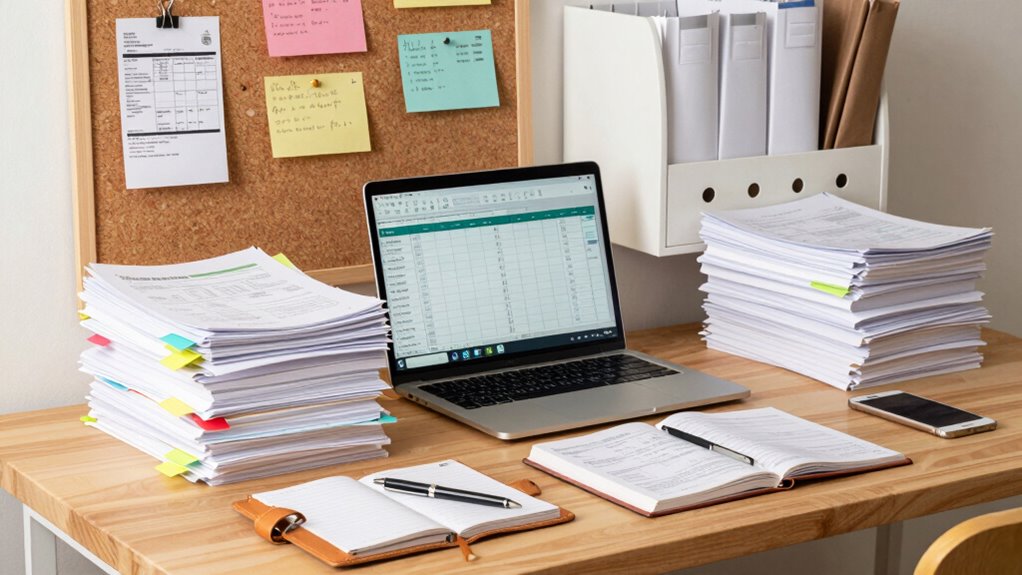

To build an effective desk system for tax season, digitize receipts and documents with scanners or mobile apps, then organize them into clearly labeled digital folders by category. Keep physical papers minimal by immediately scanning or sorting incoming documents using labeled trays. Establish a routine to update, review, and discard unnecessary files regularly, ensuring your system stays tidy and accessible. Continue exploring simple tips to keep your workspace efficient throughout the year.
Key Takeaways
- Digitize all receipts and statements promptly, converting them into searchable PDFs for easy access during tax season.
- Establish a consistent folder structure and naming conventions for quick retrieval of financial documents.
- Use labeled inbox trays to sort incoming papers immediately, deciding whether to scan or file each item.
- Regularly update and review digital files, discarding duplicates or irrelevant documents to prevent clutter buildup.
- Develop a routine maintenance schedule to keep the system organized, reducing stress and saving time during tax deadlines.
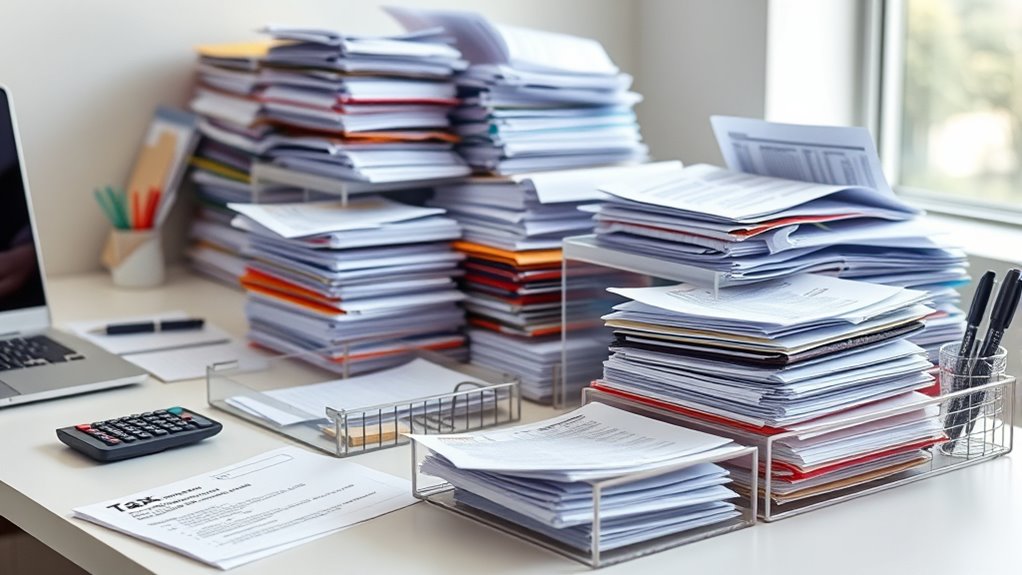
Ever wonder how all those tax documents make their way through the busy season? It’s a whirlwind of receipts, forms, and statements, and staying on top of it all can feel overwhelming. That’s where building a solid desk system comes into play, especially one rooted in digital organization and filing best practices. When you set up an efficient system, you’ll spend less time hunting for papers and more time focusing on what truly matters. The key is to create a streamlined process that keeps everything accessible, categorized, and easy to update.
Start by digitizing your essential documents. Use a scanner or a mobile app to convert paper receipts and statements into clear, searchable PDFs. This way, you’re not only reducing clutter but also creating a digital archive that’s easy to back up and access from any device. Digital organization isn’t just about storage; it’s about implementing a logical structure. Create folders for different income sources, expenses, deductions, and receipts. Use clear, consistent naming conventions so you can locate files at a glance. For example, label files with the date, category, and vendor name. This approach aligns with filing best practices, ensuring your digital files are tidy and easy to find when tax season arrives.
Next, establish a routine for managing your documents. Regularly update your digital folders with new receipts and statements, and discard duplicates or irrelevant papers. This prevents the pileup of unorganized files that can slow you down during crunch time. Incorporate labeling and tagging systems within your digital files—many software options allow you to add tags or keywords, making searches quicker. This method saves you from sifting through endless folders, helping you locate specific documents in seconds. Additionally, choosing a reliable projector technology can enhance your visual management of digital files if you prefer reviewing them on a larger display.
Your physical desk setup should support your digital system. Keep only the necessary paper documents that haven’t been digitized yet, and use labeled inbox trays or folders to segregate incoming papers. When you receive a new document, immediately decide whether to scan or file it physically. Consistently applying these practices keeps your workspace clean and your digital files in order. Remember, the goal isn’t just to organize but to create a system you can maintain throughout the year, easing the stress when tax deadlines loom.
In essence, building a desk system that works hinges on combining digital organization with disciplined filing best practices. When you do this, you’ll find yourself better prepared, less frantic, and more confident in managing your tax paper flow. It’s about creating a seamless process so that even during the busiest days, your documents are under control and ready to support your financial picture.

Brother DS-640 Compact Mobile Document Scanner, (Model: DS640)
FAST SPEEDS – Scans color and black and white documents a blazing speed up to 16ppm (1). Color…
As an affiliate, we earn on qualifying purchases.
As an affiliate, we earn on qualifying purchases.
Frequently Asked Questions
How Often Should I Declutter My Tax Paperwork?
You should declutter your tax paperwork at least once a year, ideally after tax season ends. Regular paper storage organization helps you identify what’s still needed and what can be discarded. Making decluttering a yearly habit guarantees your desk stays tidy, reduces stress, and keeps your paper storage system efficient. Plus, it prevents piles from piling up, making it easier to find important documents when you need them.
What Are the Best Tools for Digital Document Organization?
Imagine your digital files as a library waiting to be explored. The best tools for organization are those that let you implement digital tagging and utilize cloud storage. Apps like Evernote or OneDrive streamline your workflow, allowing quick tagging and easy access from anywhere. These tools help you stay organized, minimize clutter, and guarantee your tax documents are always at your fingertips when you need them most.
How Can I Secure Sensitive Tax Documents Effectively?
You can safeguard sensitive tax documents effectively by using secure storage solutions like encrypted cloud services or password-protected external drives. Implement access control by setting strong, unique passwords and restricting access to only essential personnel. Regularly update your security settings and monitor access logs. This way, you guarantee your documents stay protected from unauthorized access, keeping your tax information safe during busy season and year-round.
What Should I Do if I Lose Important Tax Papers?
When you lose important tax papers, act swiftly. Start by checking your digital backups to see if copies exist online or on cloud storage. Next, follow your emergency plan, which might include contacting the IRS for guidance or requesting duplicate documents from financial institutions. Staying proactive and prepared prevents panic, ensuring you recover or replace lost papers efficiently and keep your tax process on track.
How Do I Handle Paper Flow for Multiple Clients?
To manage paper flow for multiple clients, you should establish a clear filing system for each client and prioritize tasks based on upcoming deadlines. Keep client communication active, updating them on document statuses and deadlines. Use labels or color-coded folders for easy identification. Regularly review your workflow to prevent bottlenecks, and stay organized to guarantee timely completion of each client’s tax documents.

NeatDesk Desktop Document Scanner and Digital Filing System for PC and Mac – Black – with DVO cook'n Organizer software
Brand New in box. The product ships with all relevant accessories
As an affiliate, we earn on qualifying purchases.
As an affiliate, we earn on qualifying purchases.
Conclusion
By setting up an efficient desk system, you’ll breeze through tax season’s paper flow. Did you know that the average person spends over 12 hours searching for misplaced documents during tax time? With a streamlined system, you can cut that time in half, reducing stress and boosting productivity. Stay organized, stay focused, and make tax season a breeze rather than a burden. Your future self will thank you for creating a system that works seamlessly.

KIRIGEN Wood Paper Tray Set of 2, Stackable Inbox Trays for Desk, Brown
WOOD CONSTRUCTION: Built from wood with mortise-and-tenon style joints and metal label holders, this desk organizer adds warm…
As an affiliate, we earn on qualifying purchases.
As an affiliate, we earn on qualifying purchases.

Rocketbook Core Reusable Spiral Notebook, Letter Size 8.5×11, Maroon – Dotted Pages, App-Connected, Erasable, Durable Cover, Ideal for School, Work, and Creative Projects
Create, Digitize, Erase, Re-Create: Capture ideas with the included Pilot Frixion Pen, digitize effortlessly using the Rocketbook app,…
As an affiliate, we earn on qualifying purchases.
As an affiliate, we earn on qualifying purchases.