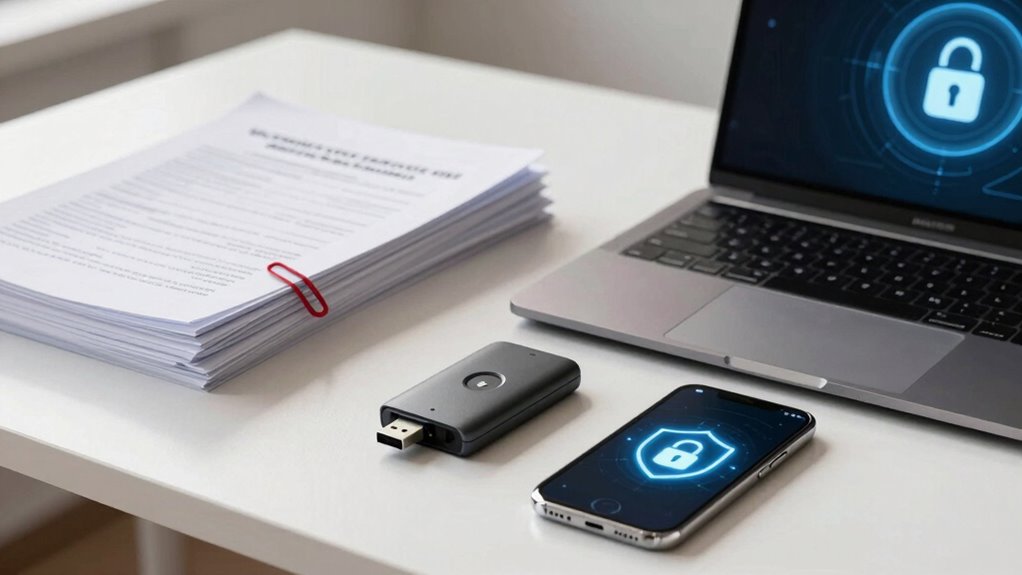

To prevent sending sensitive documents wrongly, use secure file sharing methods that include end-to-end encryption and strict access controls. Always verify recipient details before sharing and avoid using unsecured tools or simple passwords. Regularly review permissions and revoke access when needed. Combining encryption with proper permissions considerably reduces the risk of data breaches. Keep these security practices in mind to protect your files better—discover more ways to improve your file sharing today.
Key Takeaways
- Use end-to-end encryption to protect files during transit and ensure only recipients can decrypt them.
- Implement strict access controls to limit who can view, edit, or share sensitive documents.
- Avoid relying solely on passwords; combine encryption with permissions for stronger security.
- Regularly review and update sharing permissions, revoking access when no longer needed.
- Choose secure file-sharing platforms that prioritize encryption and granular permission management.
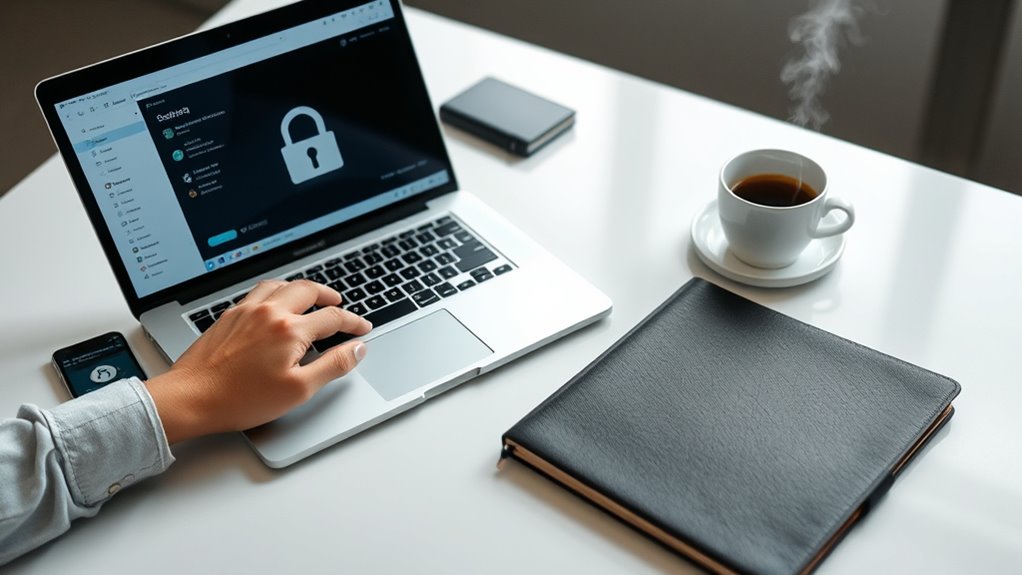
Are you confident that your file sharing methods are secure? If not, you’re leaving yourself vulnerable to data breaches, leaks, and unauthorized access. The first step toward safer file sharing is understanding the importance of robust security measures like end-to-end encryption and access controls. End-to-end encryption ensures that your files are protected from the moment you send them until they reach the intended recipient. With this technology, your data is encrypted on your device and remains encrypted during transit, only decrypting when the recipient opens it. This means even if someone intercepts the data along the way, they won’t be able to read its contents. It’s a critical safeguard in today’s digital landscape, where cyber threats are constantly evolving.
Secure file sharing relies on end-to-end encryption to protect data from sender to recipient.
Alongside encryption, implementing strict access controls is essential to restrict who can view, modify, or share your files. Access controls let you define permissions based on roles or individual users, giving you the ability to set specific limits on file interactions. For example, you might allow some colleagues to view files but not edit them, or restrict sensitive documents to only a few authorized people. Proper access controls prevent accidental or malicious leaks by ensuring only the right eyes see your data. When combined with end-to-end encryption, access controls form a double layer of security that keeps your sensitive information out of the wrong hands. Additionally, understanding the impact of a high contrast ratio can help you appreciate the importance of clear, legible displays in your digital security setup.
It’s tempting to rely on simple password protection or free file-sharing tools, but these options often fall short of securing sensitive information adequately. Passwords can be guessed, shared, or stolen, and many free tools lack proper encryption or access management features. Instead, choose file sharing solutions that prioritize security by design. Look for platforms that use end-to-end encryption and allow you to set detailed access controls easily. These features give you peace of mind, knowing that your data remains private and protected at every stage of the sharing process.
You should also consider regularly reviewing and updating your security settings. As your team grows or your security needs change, so should your access controls. Ensure that only current team members have access, and revoke permissions for those who no longer need it. Make security a continuous practice rather than a one-time setup. By adopting end-to-end encryption and strict access controls as core principles, you profoundly reduce the risk of sensitive documents falling into the wrong hands. Protecting your data doesn’t have to be complicated if you prioritize these fundamental security measures.
end-to-end encrypted file sharing platform
As an affiliate, we earn on qualifying purchases.
As an affiliate, we earn on qualifying purchases.
Frequently Asked Questions
How Do I Choose the Best File Sharing Platform?
To choose the best file sharing platform, look for one that offers end-to-end encryption to protect your data during transfer. Make certain it has strong user access controls, so you can restrict who views or edits your files. Consider platforms with easy-to-use interfaces and reliable customer support. Prioritize those that integrate well with your existing tools, making secure sharing seamless while safeguarding sensitive documents from unauthorized access.
What Are Common Mistakes in Secure File Sharing?
Imagine your sensitive documents slipping through cracks like loose tiles. Common mistakes include neglecting proper encryption protocols and failing to set strict access controls. You might share files via unsecured channels or forget to revoke access after use. These oversights leave your data vulnerable. To protect yourself, always use strong encryption protocols and enforce access controls, ensuring only authorized people can view your files.
How Can I Verify Recipient Identities Securely?
To verify recipient identities securely, use digital signatures for authentication, ensuring the recipient’s identity is verified before sharing sensitive files. Conduct identity verification through multi-factor authentication (MFA) or trusted identity providers, reducing the risk of impersonation. Always confirm details via secure channels, and consider using encrypted communication tools that validate recipient identities automatically. This approach keeps your data safe and confirms you’re sharing with the right person.
Are There Legal Regulations for Sharing Sensitive Documents?
Did you know that over 80% of organizations face legal issues due to mishandling sensitive data? Yes, there are strict privacy compliance and legal obligations when sharing sensitive documents. You must follow regulations like GDPR, HIPAA, or CCPA, depending on your industry and location. Ensuring proper security measures and understanding these rules helps you avoid hefty fines and legal repercussions while protecting your recipients’ privacy.
What Backup Options Exist for Shared Files?
You can use cloud backup options like Dropbox, Google Drive, or OneDrive to securely store shared files. Make sure these backups utilize strong encryption methods, both during transfer and at rest, to protect sensitive data. Regularly update your backup settings and ensure access is limited to authorized users. This way, your shared files stay safe, accessible, and recoverable in case of loss or breach.
Delta Sharing: Secure Cross‑Org Data Sharing Without File Exports
As an affiliate, we earn on qualifying purchases.
As an affiliate, we earn on qualifying purchases.
Conclusion
Now that you understand the basics of secure file sharing, you hold the key to safeguarding sensitive information. Think of yourself as a digital guardian, much like Sherlock Holmes unraveling mysteries—only your mystery is protecting data. By applying these simple practices, you prevent costly mistakes and guarantee your files stay private. Remember, with great power comes great responsibility—so share wisely and keep your digital secrets safe.
encrypted document transfer tool
As an affiliate, we earn on qualifying purchases.
As an affiliate, we earn on qualifying purchases.
![Free Fling File Transfer Software for Windows [PC Download]](https://m.media-amazon.com/images/I/41Vq6ZqHfjL._SL500_.jpg)
Free Fling File Transfer Software for Windows [PC Download]
Intuitive interface of a conventional FTP client
As an affiliate, we earn on qualifying purchases.
As an affiliate, we earn on qualifying purchases.