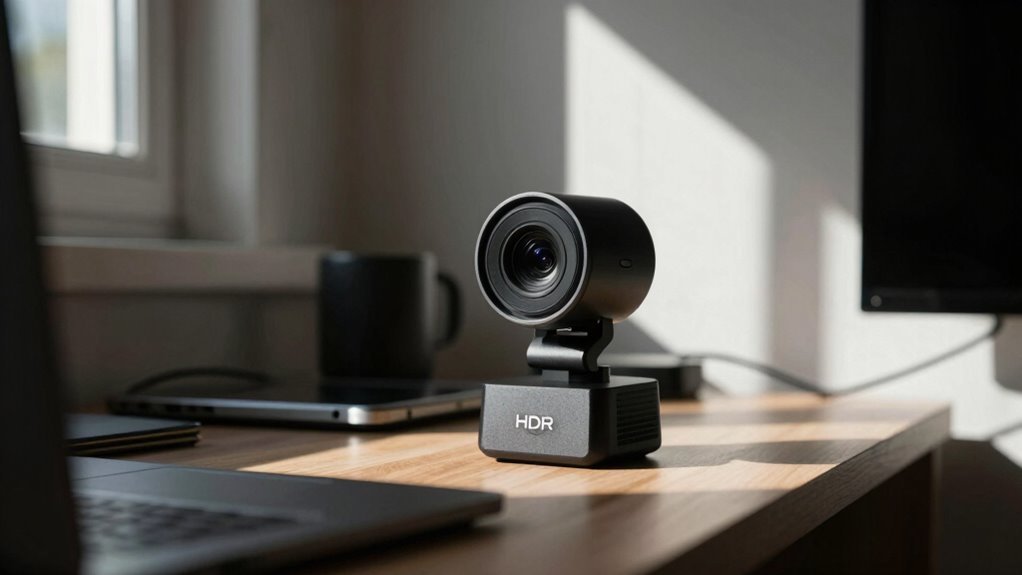

HDR in webcams benefits rooms with uneven lighting, like those with bright windows or multiple light sources. It balances exposure so your face and background stay clear, preventing overexposure or darkness. If your room has complex lighting, HDR makes your video look more natural and sharp. It’s less helpful in evenly lit spaces. Discover more about how HDR can transform your video setup and get the best results.

Get comfort and recovery gear delivered free — and shop member deals
- Fast, free delivery on millions of items
- Access to Prime Big Deal Days deals on October 6–7
- Prime Video, Amazon Music and more included
Key Takeaways
- HDR enhances visibility in rooms with high contrast lighting, such as bright windows or shadows.
- It balances exposure in spaces with uneven light sources, improving overall image clarity.
- Rooms with fluctuating or complex lighting benefit more from HDR’s dynamic adjustments.
- In evenly lit rooms, HDR offers minimal improvement, making it less beneficial.
- HDR compensates for challenging environments like reflective surfaces or mixed lighting setups.
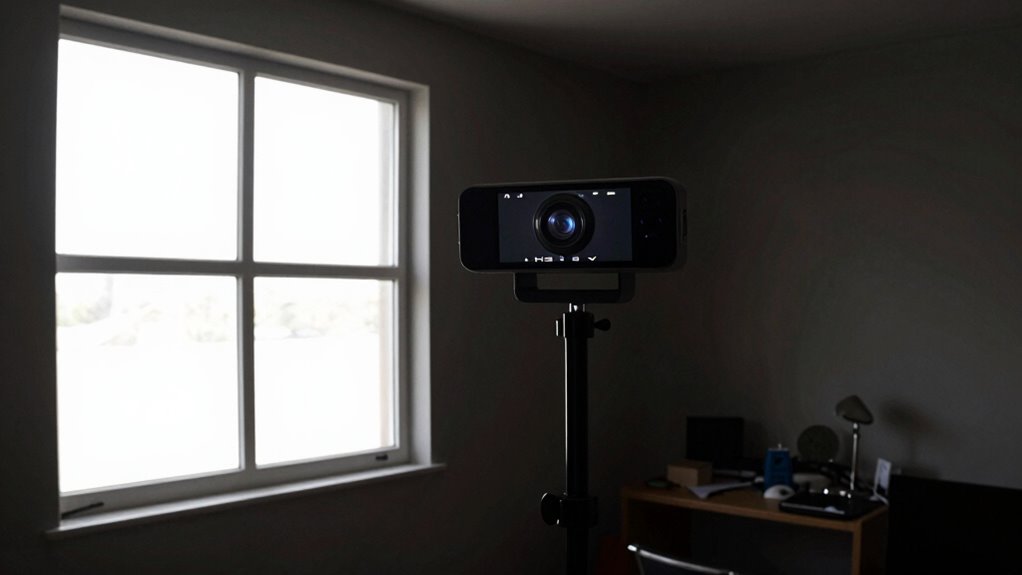
High Dynamic Range (HDR) technology is transforming the way webcams capture images, allowing for better detail in both bright and dark areas of your video feed. This advancement is especially noticeable in rooms with challenging lighting conditions, where standard webcams often struggle to produce clear, balanced images. HDR enhances lighting balance by intelligently managing exposure levels across the entire frame, preventing overexposure in bright areas while preserving details in shadowed zones. When your room has uneven lighting—like a bright window on one side and shadowed corners—HDR helps your webcam adapt dynamically, ensuring that neither part of your scene is lost in darkness or washed out by glare. This means your viewers see you clearly, regardless of tricky lighting setups.
HDR improves webcam clarity by balancing bright and dark areas for clearer, more natural video in challenging lighting.
Color accuracy is another crucial aspect that HDR improves in webcams. In rooms with mixed lighting sources—such as daylight combined with artificial lights—colors can appear distorted or washed out. HDR technology adjusts the color tones in real-time, maintaining true-to-life hues and preventing color shifts that can make your video look unnatural. If your room has colorful decor or you need to present professional content, this feature ensures your appearance remains vibrant and accurate, providing a more authentic viewing experience. The result is a more natural, engaging video that reflects your environment accurately. Additionally, HDR can help compensate for complex lighting environments, making your video look more consistent and professional.
Some rooms benefit more from HDR because of their existing lighting challenges. For instance, spaces with large windows letting in intense sunlight or rooms with multiple light sources often create high contrast scenes that standard webcams can’t handle well. Without HDR, these scenes can lead to washed-out backgrounds or darkened faces, making it hard for viewers to see details. In contrast, rooms with evenly distributed, soft lighting don’t benefit as much because the scene doesn’t have extreme contrast. If your room has high contrast or fluctuating light levels, HDR can make a noticeable difference, delivering a balanced, high-quality image that highlights your features and surroundings more effectively.
However, HDR isn’t a magic fix for every environment. It particularly shines in settings where lighting is inconsistent or problematic. If your room naturally has complex lighting—whether due to windows, multiple bulbs, or reflective surfaces—HDR helps you overcome those challenges. It ensures your video feed maintains a consistent quality by intelligently balancing exposure and color, so you look your best regardless of the lighting quirks. This makes HDR a powerful feature for home offices, streaming setups, or conference rooms with variable lighting conditions, providing a more professional and polished appearance. Additionally, understanding the lighting conditions in your space can help you maximize the benefits of HDR technology, especially in environments with extreme contrast.
As an affiliate, we earn on qualifying purchases.
Frequently Asked Questions
Does HDR Improve Webcam Performance in Low-Light Conditions?
Yes, HDR improves webcam performance in low-light conditions. It enhances color accuracy by balancing bright and dark areas, helping your camera capture clearer images despite limited ambient lighting. When lighting is uneven, HDR adjusts the exposure dynamically, reducing shadows and overexposure. This results in a more natural, detailed image, making your video calls look better and more professional, even in challenging lighting environments.
Can HDR Cause Lag or Delay During Video Calls?
HDR can sometimes cause lag or delay during video calls, especially if your webcam or computer isn’t powerful enough. When you enable HDR, it boosts video quality, but it might also introduce latency issues, making the video feel sluggish. Think of it as adding fuel to a fire—it can enhance your experience, but if your system isn’t up to speed, it can also slow things down, affecting overall performance.
Is HDR Technology Expensive in Webcams?
HDR technology in webcams can be somewhat expensive, mainly due to the cost implications of advanced sensors and processing hardware needed. The feature availability varies across models, with premium webcams more likely to include HDR. While it might increase the initial cost, HDR enhances image quality in challenging lighting, making it worthwhile if you frequently video call in rooms with uneven or poor lighting.
How Does HDR Affect Battery Life in Portable Webcams?
Ever wondered how HDR impacts your portable webcam’s battery life? HDR increases battery consumption because it requires more processing power, which drains the battery faster. However, some webcams feature enhanced power efficiency, balancing image quality with longer usage times. So, if you prioritize extended use, look for models optimized for power efficiency, even with HDR. Would you sacrifice a bit of battery life for better video quality?
Are There Compatibility Issues With HDR Webcams on Certain Devices?
Yes, HDR webcams can face compatibility issues on certain devices. You might encounter problems due to device compatibility or limited software support. Some older computers or operating systems may not recognize HDR features, causing your webcam to default to standard quality. To avoid this, check your device specifications and confirm that your software supports HDR functionality before purchasing or connecting an HDR webcam.
webcam with dynamic exposure adjustment
As an affiliate, we earn on qualifying purchases.
As an affiliate, we earn on qualifying purchases.
Conclusion
In conclusion, HDR in webcams can genuinely transform your video quality, especially in rooms with challenging lighting. Imagine hosting a video call in a room with bright windows and dark corners—HDR balances those extremes, making you clearly visible. For instance, a remote worker found that switching to an HDR webcam improved their meetings, highlighting their face even in uneven lighting. If your space is tricky, HDR might just be the upgrade you need for clearer, more professional video.
high contrast webcam for streaming
As an affiliate, we earn on qualifying purchases.
As an affiliate, we earn on qualifying purchases.
As an affiliate, we earn on qualifying purchases.
Fall Picks
fall essentials
As an affiliate, we earn on qualifying purchases.