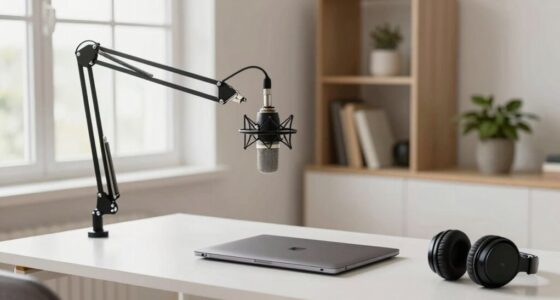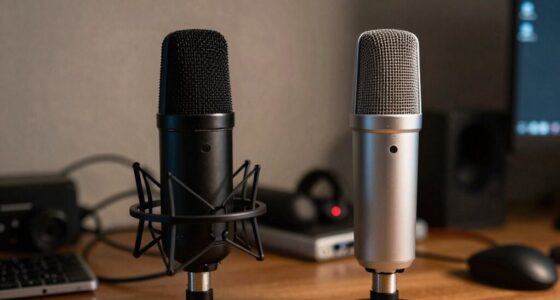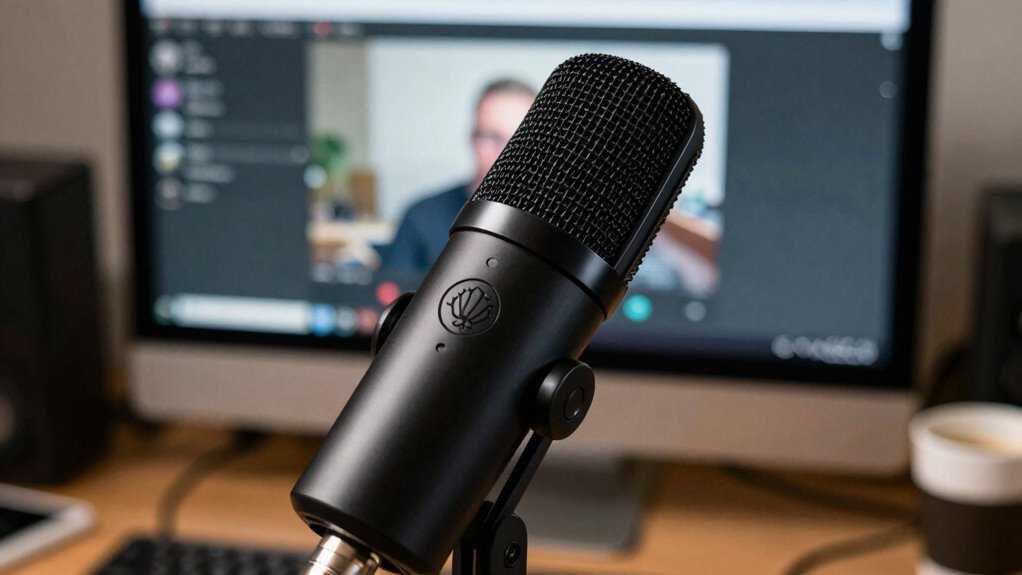

You may sound far away on calls even with a good mic because of improper placement and orientation. Keep the microphone about 1-2 inches from your mouth and avoid pointing it away or to the side. If it’s too far or at an awkward angle, your voice will seem distant, and ambient noise may get in. Correct positioning emphasizes your voice and minimizes background sound. For more tips that can improve your call audio, keep exploring further.
Key Takeaways
- Microphone is positioned too far from your mouth, reducing voice clarity and increasing ambient noise pickup.
- Incorrect mic orientation or angle causes distant or muffled sound during calls.
- Background noise and room acoustics can make your voice sound less prominent, despite a good mic.
- Using a microphone with an unsuitable polar pattern may lead to poor voice capture and distant sound.
- Failing to adjust or test microphone placement can result in suboptimal audio quality on calls.

If you have a high-quality microphone but still sound distant during calls, it can be frustrating. You might wonder why your clear audio isn’t translating into a more natural, close-up sound. One common reason is the way your microphone interacts with background noise and how you position it. Even with a top-tier mic, improper placement can make your voice seem far away. When your microphone isn’t close enough or is positioned incorrectly, it picks up more of the room’s ambient sounds and less of your voice, resulting in a hollow, distant effect.
Proper microphone placement is crucial for clear, close-up sound during calls.
Background noise plays a significant role here. If your microphone is too far from your mouth, it captures more of the surrounding sounds—like keyboard clicks, fans, or street noise—making your voice less prominent. To fix this, you need to guarantee your microphone is close enough to your mouth to prioritize your voice over everything else. Ideally, keep the mic about an inch or two away, pointing directly at your mouth. This placement helps your voice stand out and reduces the impact of background noise.
Microphone placement isn’t just about distance; it’s also about orientation. If you position your mic off to the side or at an awkward angle, your voice can become uneven or distant. For example, if your mic is pointed away from your mouth, it won’t pick up your voice clearly. Conversely, if it’s too close or in the wrong spot, it might cause distortion or plosive sounds. Experiment with angles to find the sweet spot where your voice sounds natural and clear. Proper microphone placement technique can significantly improve your call quality. Additionally, understanding the interaction between microphone and background noise can help you choose the best setup for clear, close-up audio. Keeping in mind the polar pattern of your microphone can also make a noticeable difference in how well it isolates your voice from the environment.

InnoGear Boom Arm Microphone Mic Stand for Blue Yeti HyperX QuadCast SoloCast Snowball Fifine Shure SM7B and Other Mic, Black
Free Position Mic Arm: This professional microphone stand is fully adjustable in all parts with 360° base rotation…
As an affiliate, we earn on qualifying purchases.
As an affiliate, we earn on qualifying purchases.
Frequently Asked Questions
Can Background Noise Affect Call Audio Quality?
Yes, background noise can affect call audio quality. It can cause issues like echo cancellation problems and force audio compression, which reduces clarity. When there’s a lot of noise, your microphone might struggle to pick up your voice clearly, making you sound distant or muffled. To improve quality, use noise-canceling features, choose a quiet environment, and guarantee your device’s audio settings are optimized for clear communication.
Does Microphone Placement Impact Sound Clarity?
Yes, microphone placement greatly impacts sound clarity. Proper microphone positioning guarantees your voice is captured clearly without unwanted background noise or echo. Keep the mic close to your mouth, ideally 6-12 inches away, and avoid off-axis placement. Acoustic treatment, like foam panels, reduces room reflections that can muddle sound. By combining ideal microphone positioning with good acoustic treatment, you’ll achieve clearer, more natural call audio, minimizing the feeling of being far away.
Are Software Settings Responsible for Low Call Volume?
Surprisingly, software settings often cause low call volume more than your mic quality. Software glitches or overly aggressive audio enhancement can mute or lower your volume without you realizing. Double-check your call app’s audio settings, disable any unnecessary enhancements, and make certain no mute or volume reduction options are active. Sometimes, a quick restart or updating your software fixes these issues, making your voice loud and clear without needing a new microphone.
How Does Internet Speed Influence Call Audio?
Your internet speed affects call audio through bandwidth limitations and signal stability. When your connection is slow or unstable, it can’t support high-quality audio streams, causing your voice to sound distant or tinny. Insufficient bandwidth forces audio data to be compressed, reducing clarity. To improve, guarantee a stable, high-speed connection, preferably via wired Ethernet, and close other bandwidth-heavy applications during calls for better audio quality.
Do Different Phone Models Have Varying Microphone Sensitivities?
Yes, different phone models have varying microphone sensitivities influenced by microphone frequency and device compatibility. Some phones pick up higher or lower frequencies better, affecting call clarity. Device compatibility also determines how well the microphone works with your network or apps, impacting sound quality. You might notice that newer models or those designed for better audio performance capture your voice more clearly, reducing the distant sound on calls.

InnoGear Microphone Stand, Tripod Boom Arm Floor Mic Stand Height Adjustable Heavy Duty with Carrying Bag 2 Mic Clips 3/8" to 5/8" Adapter for Singing Podcast for Blue Yeti Shure SM58 SM48 Samson Q2U
Adjustable Height & Solid: The height of the microphone stand with boom arm is adjustable from 28.1 inches…
As an affiliate, we earn on qualifying purchases.
As an affiliate, we earn on qualifying purchases.
Conclusion
If you still sound like you’re shouting from a mountain top despite having a top-tier mic, it’s like your voice is trapped in a cavernous abyss. Don’t let technical glitches drown out your words or make you feel invisible in conversations. Fixing these issues can feel like revealing a secret passage to crystal-clear, intimate communication. So, take charge, troubleshoot thoroughly, and turn that distant echo into a warm, close-up conversation—your voice deserves to be heard loud and true.

JOUNIVO USB Microphone, 360 Degree Adjustable Gooseneck Design, Mute Button & LED Indicator, Noise-Canceling Technology, Plug & Play, Compatible with Windows & MacOS
360 Degree Position Adjustable Gooseneck Design –Plug and play USB microphone Pick up the sound from 360-degree with…
As an affiliate, we earn on qualifying purchases.
As an affiliate, we earn on qualifying purchases.

Aokeo Professional Microphone Pop Filter Mask Shield For Blue Yeti and Any Other Microphone,Mic Dual Layered Wind Pop Screen With Flexible 360° Gooseneck Clip Stabilizing Arm
Double Layered Screen Pop Filters:The first screen blocks air blasts as any pop filter normally would; The gap…
As an affiliate, we earn on qualifying purchases.
As an affiliate, we earn on qualifying purchases.