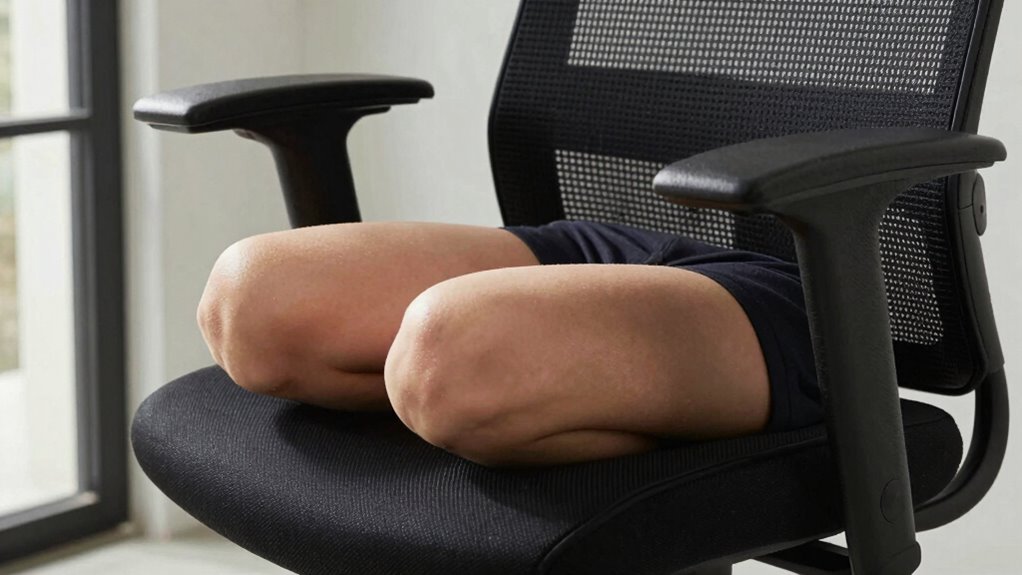

If you’re experiencing knee pain while sitting, your chair setup might be the culprit. Make sure your seat height lets your feet rest flat on the ground with your knees at about a 90-degree angle. Adjust the seat depth so there’s a small gap behind your knees, and support your lower back with lumbar support to promote correct posture. Keep your feet firmly planted and take regular breaks. For more tips on fine-tuning your chair, keep exploring.
Key Takeaways
- Ensure your chair height allows feet to rest flat on the ground with knees at a 90° angle.
- Adjust the seat depth so there’s a small gap behind your knees, avoiding pressure on the thighs.
- Use lumbar support to promote proper spine alignment, reducing uneven knee stress.
- Sit fully back in the chair to support your lower back and maintain neutral hip and knee positions.
- Take regular breaks to stand and stretch, alleviating static pressure and preventing knee discomfort.
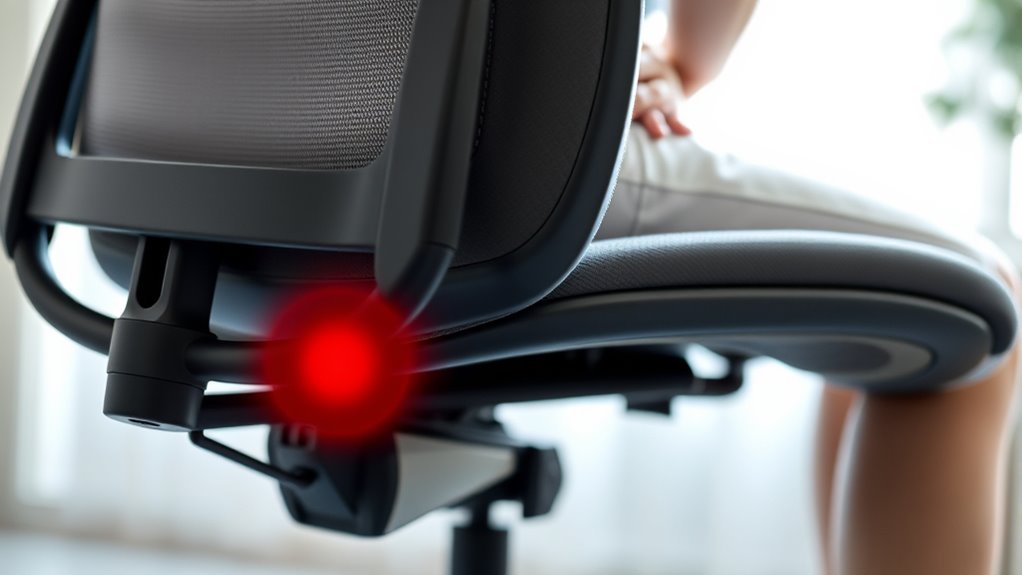
Knee pain while sitting can be uncomfortable and disruptive, making it difficult to focus on daily activities. When your knees ache during extended periods of sitting, it’s often a sign that your chair setup may need some adjustments. One of the first steps you should take is to evaluate your ergonomic adjustments. Proper ergonomic setup isn’t just about comfort; it directly impacts your joint health. Ensuring your chair height allows your feet to rest flat on the ground with your knees bent at roughly a 90-degree angle can considerably reduce strain on your knees. If your chair is too high or too low, it forces your knees into awkward positions, leading to pain and discomfort over time.
Proper chair height at 90 degrees reduces knee strain during prolonged sitting.
Along with adjusting your chair height, focus on posture correction. Poor posture often causes uneven weight distribution, putting unnecessary pressure on your knees. Sit back fully in your chair so your lower back is supported, and avoid slouching or leaning forward. When your spine is properly aligned, your hips and knees naturally fall into better positions, easing tension in your joints. Keep your shoulders relaxed and your elbows close to your body, which helps maintain proper alignment throughout your upper body, reducing the chance of compensatory movements that might affect your knees. Additionally, paying attention to weight distribution can help prevent uneven pressure on your joints.
You should also consider the positioning of your feet. Your feet need to be firmly planted on the ground, not dangling or resting on a footrest that pushes your knees higher than they should be. If your feet can’t comfortably reach the ground, use a footrest to achieve ideal alignment. This small adjustment can make a big difference in alleviating knee pain caused by improper seating posture. Remember, the goal is to distribute your weight evenly and keep your knees in a neutral, relaxed position.
Adjustments shouldn’t stop at seat height and foot placement. Check your seat depth—your back should be supported while leaving a small gap behind your knees. Sitting too close or too far from the edge of your chair can cause unnecessary pressure on your knees and thighs. Use lumbar support if available, as good back support encourages better posture correction, which in turn reduces knee strain. Also, take regular breaks to stand and stretch, giving your knees a chance to rest from static pressure.

Lumbar Support Pillow for Office Chair, Office Home Essentials,Gifts for Mom,Dad, Back Support Pillow for Car, Chair Cushions,Back Pain Relief Improve Posture,Mesh Cover Double Adjustable Straps
- Extended Adjustable Straps: Fits more chairs securely
- Ergonomic Back Support: Relieves back pain and tightness
- Supports Proper Posture: Maintains natural spine curve
As an affiliate, we earn on qualifying purchases.
Frequently Asked Questions
Can Poor Posture Cause Knee Pain When Sitting?
Yes, poor posture can cause knee pain when sitting. When you neglect ergonomic adjustments, your foot positioning may become awkward, leading to increased pressure on your knees. Sitting with your feet improperly supported or misaligned can strain the knee joints over time. To prevent this, make sure your chair supports proper posture, adjust your seat height, and keep your feet flat on the ground, promoting better foot positioning and reducing knee discomfort.
What Types of Chairs Are Best for Knee Health?
They say, “A stitch in time saves nine,” and choosing the right chair is the first step. Opt for ergonomic chairs with adjustable features like seat height and lumbar support to protect your knees. Look for materials like breathable mesh or cushioned fabric that promote comfort. These chairs reduce strain by supporting proper alignment, helping you prevent knee pain and stay comfortable during long sitting periods.
How Long Should I Sit to Avoid Knee Pain?
You should aim to sit for about 20 to 30 minutes at a time to avoid knee pain. During this period, use ergonomic cushions to support your knees and make sure your chair has an adjustable height feature, so your knees stay at a 90-degree angle. Take short breaks every 30 minutes to stretch and move, helping reduce strain and promote better circulation, keeping your knees comfortable and healthy.
Are There Specific Exercises to Prevent Sitting-Related Knee Pain?
Think of your knees as a garden needing regular care. Incorporate stretching routines like hamstring and quadriceps stretches to keep muscles flexible and reduce tension. Pair these with ergonomic adjustments to your chair, such as proper height and lumbar support, to prevent strain. Doing these exercises daily helps prevent sitting-related knee pain, making sure your “garden” stays healthy and vibrant.
When Should I See a Doctor for Knee Pain While Sitting?
You should see a doctor if your knee pain persists despite adjusting your ergonomic cushion or using a knee brace, especially if it worsens or is accompanied by swelling, redness, or limited mobility. If sitting causes ongoing discomfort, don’t ignore it. A healthcare professional can diagnose underlying issues and recommend treatments like physical therapy or other interventions. Trust your body and seek help when pain interferes with your daily activities.

Samsonite Lumbar Support Pillow for Office Chair, Lower Back Support for Car, Back Pillow Desk Chair Cushion with Memory Foam, Improved Posture Backrest
- All-Day Comfort: Memory foam contours to your spine
- Adjustable and Secure: Fits with adjustable straps for stability
- Enhanced Airflow: Ventilated mesh cover promotes cooling
As an affiliate, we earn on qualifying purchases.
Conclusion
Think of your chair as a trusty ship sailing smoothly through calm waters. When your seat and height aren’t set right, it’s like hitting rocky shores, causing pain and discomfort. By adjusting your chair properly, you steer clear of these rough waters, ensuring a comfortable voyage. Don’t let poor settings anchor you in pain—take control and set sail towards a more comfortable, pain-free sitting experience. Your journey to relief starts with a simple adjustment.
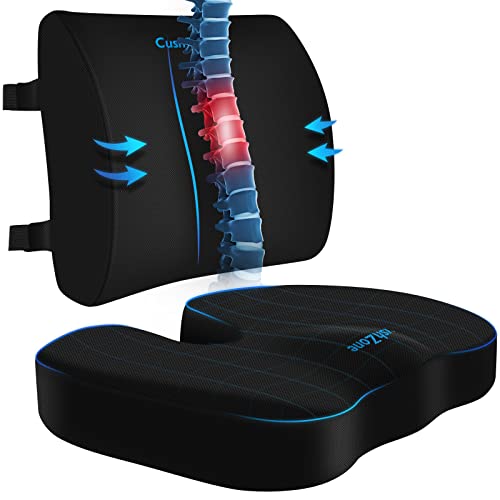
CushZone Seat Cushion and Lumbar Support Pillow for Office Chair, Black
- Ergonomic Dimensions for Comfort: Sized for most users with ergonomic design
- High-Quality Materials: Made of durable fabric with quality zippers
- Non-Slip and Adjustable Fit: Non-slip bottom and adjustable straps for stability
As an affiliate, we earn on qualifying purchases.

Everlasting Comfort The Original Lumbar Support Pillow for Office Chair - Improves Posture, Promotes Back Pain Relief - Superior Back Support for Gaming and Desk Chairs - Lumbar Pillow for Car, Couch
- High-Density Memory Foam: Provides firm, long-lasting support
- Supports Natural Spine Curve: Gently aligns your back for comfort
- Promotes Better Posture: Reduces slouching and fatigue
As an affiliate, we earn on qualifying purchases.